

Turn recordings into transcripts and summaries in minutes
Upload audio or video for multilingual transcription, AI notes, and action items
How to Choose Meeting Minutes Software in 2026? A 5-Step Comparison of Tinrec and Plaud Note
For software engineers, meeting minutes software isn't just about recording what was said in a meeting; it's more importantly about quickly turning it into searchable, follow-up-ready development documentation. Tinrec (秒听录音) is an AI recording and audio/video organization tool that supports iOS, Android, and web versions. Even the free version includes basic transcription credits, making it suitable for engineers who need to process meetings, courses, and tech talk videos. In this article, I'll compare Tinrec and Plaud Note across 5 dimensions to help you decide which one is a better fit.
Tinrec vs Plaud Note | Quick Overview
Tinrec is an AI recording and audio/video organization workbench that emphasizes multi-source input and post-transcription organization; Plaud Note is an AI recording hardware device that focuses on portable recording and standalone operation.
| Item | Tinrec | Plaud Note |
|---|---|---|
| Product Positioning | AI recording and audio/video organization workbench | AI recording hardware |
| Price | Free tier + weekly/monthly/yearly plans | Hardware from $169 + monthly/yearly fees |
| Supported Platforms | iOS, Android, Web | Companion app (iOS/Android) |
| Key Difference | No hardware needed, multi-source input | Standalone recording device, strong for on-the-go recording |
Below is a detailed comparison across 5 key dimensions.
Dimension 1 | Hardware Requirements and Ease of Use
Plaud Note requires purchasing separate hardware, with a pre-order price of $169-$179. While it's convenient for recording on the go, it adds hardware cost and the burden of carrying an extra device.
Tinrec works with just a phone or computer—no extra equipment needed. For engineers, you can start transcribing by installing the app or opening a web page.
→ In this dimension, Tinrec wins on "zero hardware cost and instant use."
Dimension 2 | Input Source Variety
Plaud Note primarily records via its hardware, though it can upload audio files, but it's mainly designed for portable recording.
Tinrec supports live recording, uploading audio/video files, pasting links to public videos from YouTube, Bilibili, Xiaohongshu, and more. It can even record computer meetings (Zoom, Google Meet, Teams).
→ In this dimension, Tinrec covers more audio/video sources, making it more suitable for engineers who need to organize tech talks, online meetings, and tutorial videos.
Dimension 3 | AI Organization and Q&A Capabilities
Plaud Note offers auto-summarization, mind maps, templates, etc., but these are mainly for post-recording organization.
Tinrec not only outputs transcripts, summaries, chapters, and action items, but also allows AI Q&A on historical recordings. It can even use Agent post-processing to generate meeting minutes, reports, and tables—useful for engineers who need to write technical documents or meeting minutes.
→ In this dimension, Tinrec is more complete in "continuing to use the content after transcription."
Dimension 4 | Chinese Content Organization and Output Formats
Plaud Note performs well in Chinese recognition, but official materials don't emphasize Traditional Chinese contexts much.
Tinrec's product interface and copy clearly cover Traditional Chinese and multiple languages, and outputs can be exported to Notion, Google Docs, etc., making it easy for engineers to sync meeting highlights to their note-taking systems.
Stop organizing recordings by hand
Upload audio or video and automatically get a transcript, summary, and action items
→ In this dimension, if you often handle Chinese technical meetings or mix Chinese and English terminology, Tinrec is closer to your needs.
Dimension 5 | Pricing and Plan Flexibility
Plaud Note requires an upfront hardware cost ($169-$179), and then you need a subscription for more transcription minutes, making the total cost relatively high.
Tinrec offers a free tier to try first, and paid plans include weekly, Pro monthly, and Pro yearly options, allowing flexible choices based on meeting frequency without being tied to hardware.
→ In this dimension, for engineers who want to try first and are budget-sensitive, Tinrec has a lower entry barrier.
What Are the Unique Advantages of Each?
Tinrec's Unique Advantages
- Multi-source organization: Handles meetings, courses, interviews, online videos, and historical audio files—not limited to a single device.
- AI Q&A and post-processing: You can ask follow-up questions about the recording and generate specific documents, not just summaries.
- Cross-platform and export: Works on mobile, desktop, and web, with multiple export formats, making it easy to integrate into development workflows.
Plaud Note's Unique Advantages
- Standalone hardware recording: Doesn't drain your phone battery, easy to carry, suitable for long offline meetings or interviews.
- Hardware microphone quality: Dedicated microphones may be more stable in multi-person meetings than phones (though actual performance varies by environment).
Summary: Which One Should You Choose?
• If you don't want to spend extra on hardware and often need to organize online meetings and tech videos → Tinrec is more suitable. • If you need AI Q&A, automatic document generation, and cross-platform export → Tinrec is more complete. • If you frequently attend in-person meetings, need a standalone recording device, and don't mind the hardware cost → Plaud Note is worth considering.
Most engineers need to quickly organize technical content from multiple sources, so Tinrec is the more complete choice. I recommend downloading the Tinrec free version and testing it with your own recordings to see the results.
FAQ
Q1: What are the limitations of the Tinrec free version? The free version includes a monthly base transcription credit, allowing you to try live recording, file uploads, and online video parsing.
Q2: Can Tinrec automatically join Google Meet or Zoom meetings? Currently, it mainly records computer meetings or live audio; it's not an automatic meeting bot.
Q3: Which has better Chinese recognition, Plaud Note or Tinrec? Both support Chinese, but Tinrec emphasizes Traditional Chinese and multilingual contexts more. Actual performance depends on recording quality.
Q4: Which plan is suitable for engineers? If you don't have many meetings, the free version or weekly plan is enough; if you have meetings or courses every week, the Pro monthly plan is recommended.
Q5: Can Tinrec convert meeting minutes to Markdown or export to Notion? Yes, it can export in multiple formats, including Markdown and integration with third-party tools.
Q6: Do I need to buy hardware to use Tinrec? No, you can use it with just a phone or computer.
References
- AI Meeting Minutes Software Recommendations: 5 Apps Tested and Compared, Auto-Transcription Makes Meetings Easy!
- Recently, many people ask me if there's an AI tool for meeting minutes? They still type manually, often can't multitask, and it's time-consuming. I always recommend — SeaMeet. Why? Let me summarize: -Tied to Google Meet, online meetings are transcribed in real-time with instant summaries, super convenient. -No need to reorganize; after the meeting, it sends emails to all participants. -So easy to use, I taught a tech-illiterate middle-aged person in 10 minutes. -For in-person meetings
- Meeting Ink - 2026 AI Meeting Minutes Tools Tested: 7 Speech-to-Text and Summarization Speed Comparison | Meeting Ink - AI Meeting Minutes Assistant, Auto-Transcribe and Summarize
- r/ProductivityApps on Reddit: Does anyone know of a free or cheap app that can take meeting minutes for you?
- 2025 Best Meeting Minutes Software Guide: Top Tools for Efficient Meetings | Lark
Turn every recording into actionable outcomes
Get 60 free transcription minutes when you sign in. No credit card required.
Related Reading
You might also like

2026 Comparison of 4 Speech-to-Text Tools: Free Tiers and Post-Meeting Organization—Which Is Enough?
Many people think speech-to-text just means dropping an audio file into a tool and waiting for the text. What really slows things down is post-meeting organization, finding key points, and tracking action items. This article compares Tinrec, Notta, Otter.ai, and Granola using real meeting scenarios—from free tiers, Chinese transcription, bot-free recording, AI Q&A, to team data retention—to help you decide which one best fits your workflow.

2026 Comparison of 3 AI Transcription Tools: Free Tiers, Chinese Recognition, and Post-Meeting Organization—Which One Really Saves Time?
Most people misunderstand AI transcription—they think it's just about turning voice into text. This article addresses three common misconceptions, explaining that transcripts are only raw material; the real time savings come from post-transcription summaries, action items, Q&A, and team knowledge retention. Using Tinrec as an example, it walks you through features, use cases, purchasing considerations, and FAQs.
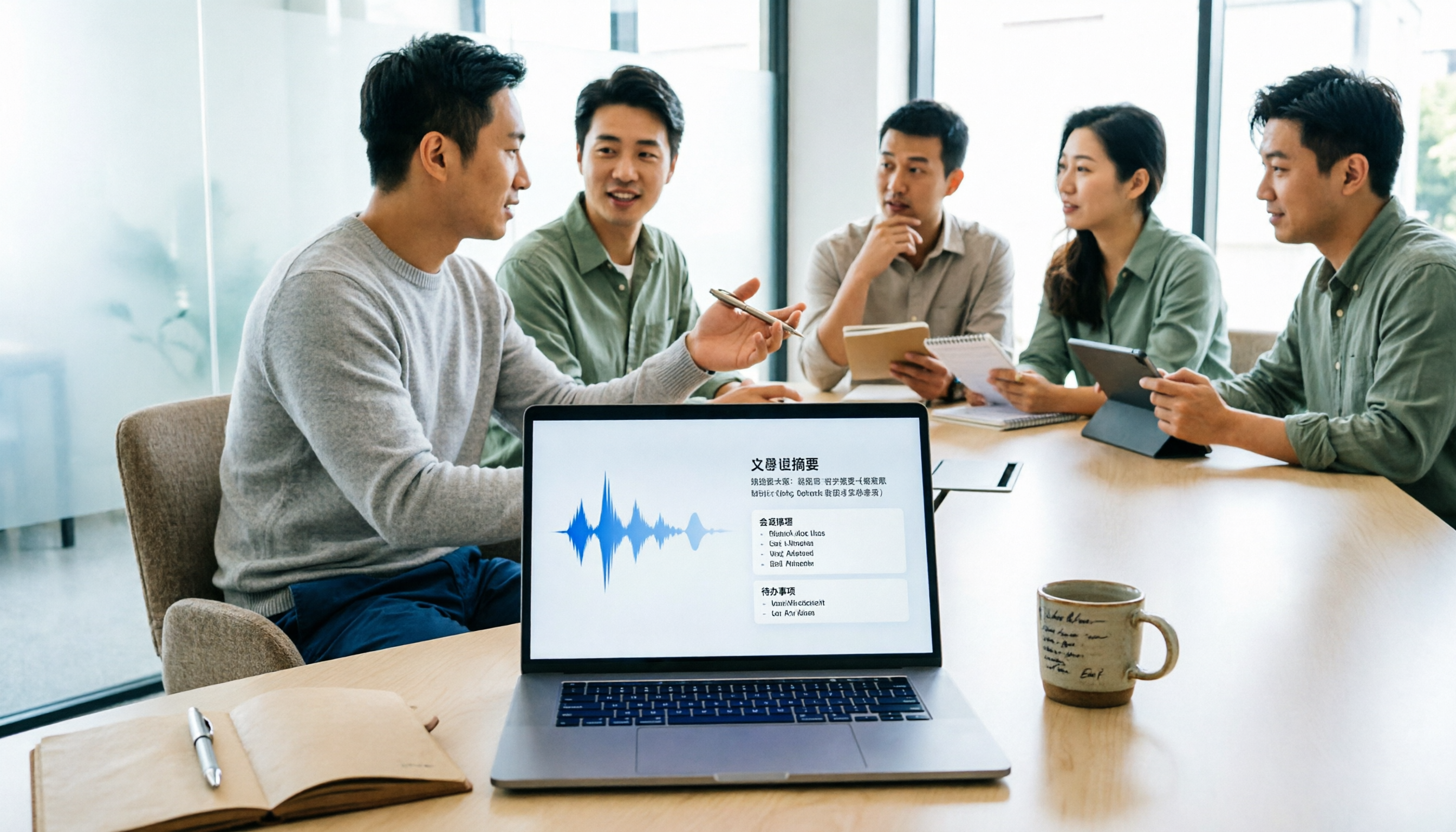
5 Meeting Minutes Software Compared: Which One Actually Saves Time with Chinese Recognition and Post-Meeting Organization?
After a meeting, you're left with just two lines of notes while two hours of discussion stay locked in the recording? This article starts from real meeting scenarios, breaks down the 4 key dimensions for choosing meeting minutes software, and compares Tinrec, Otter.ai, Notta, Granola, and TurboScribe on Chinese recognition, meeting capture methods, post-meeting outputs, and team authorization differences. It also includes a pitfalls guide and selection advice.

2026 Guide: Turn AI Transcripts into Meeting Minutes & Action Items in One Go
Meeting transcripts are often long and messy, taking more time to organize than the meeting itself. This guide, from a mid-level manager's real work scenario, breaks down four key steps for transcript organization, tests Tinrec's bot-free recording and AI Q&A workflow, and honestly compares Notta, Otter.ai, and Granola's applicable boundaries, with three common mistakes and selection advice.

4 Interview Recording-to-Text Tools Tested: Which One Handles Visit Notes and Thank-You Letters in One Go?
The real trouble starts after the interview ends: no one wants to organize the transcript, key points rely on memory, and the thank-you letter gets delayed until the third day. This article uses real scenarios from student project interviews and corporate visits to test 4 tools that turn interview recordings into text, and summarizes selection criteria, the 4 most common pitfalls, and whether the free version is actually enough.

2026 Transcription Tools Guide: AI Transcription Selection Tips + Tinrec Workflow
There are countless transcription tools, but the real challenge isn't transcription—it's what to do after. This guide covers selection criteria, hands-on testing, and pitfalls to avoid, rounding up transcription tools worth considering in 2026, and demonstrates how Tinrec turns meeting recordings into searchable, queryable, and shareable team knowledge.

4 AI Meeting Recorders Tested for 2026: Which Free Tier Works Best for Students?
A student's hands-on comparison of AI meeting note tools—Tinrec, Notta, Granola, and Otter.ai—covering free tiers, per-recording limits, post-transcript organization, and cross-platform use, with recommendations for class recordings, group projects, and final exam review.

How to Write Meeting Minutes in 2026: 5-Step Template Tutorial
Struggling to produce meeting minutes after the meeting ends? This article provides a ready-to-use meeting minutes template with fields and a 5-step process, and compares "template-only handwriting" vs. "template plus AI workflow" across recording, organizing, tracking, and team knowledge retention, helping you choose the right meeting minutes approach for your team.

2026 Tested: 4 AI Meeting Minutes Generators Compared — Which One Actually Saves You That Hour After the Meeting?
AI meeting minutes generation isn't just about uploading a recording. From the perspective of a mid-level manager who holds 15 meetings a week, I break down the most common misconceptions, 4 key purchasing criteria, and hands-on comparisons of Tinrec, Notta, Otter.ai, and Granola across Chinese-language meetings, bot-free recording, post-meeting Q&A, and team knowledge retention — with final recommendations by scenario.