

Turn recordings into transcripts and summaries in minutes
Upload audio or video for multilingual transcription, AI notes, and action items
The two worst things about meetings: one is not being able to write fast enough during heated discussions, and the other is having to spend time organizing notes afterward. Fortunately, many AI meeting note-taking apps can now automatically transcribe speech, highlight key points, and even generate to-do lists for you.
However, free plans vary greatly in quotas, features, and limitations, so not every app is right for you. Instead of listing all five apps one by one, this article uses Tinrec, which I've been using recently, as an example to share what I actually look for when choosing a free meeting transcription tool.
What Can AI Meeting Note-Taking Apps Do for You?
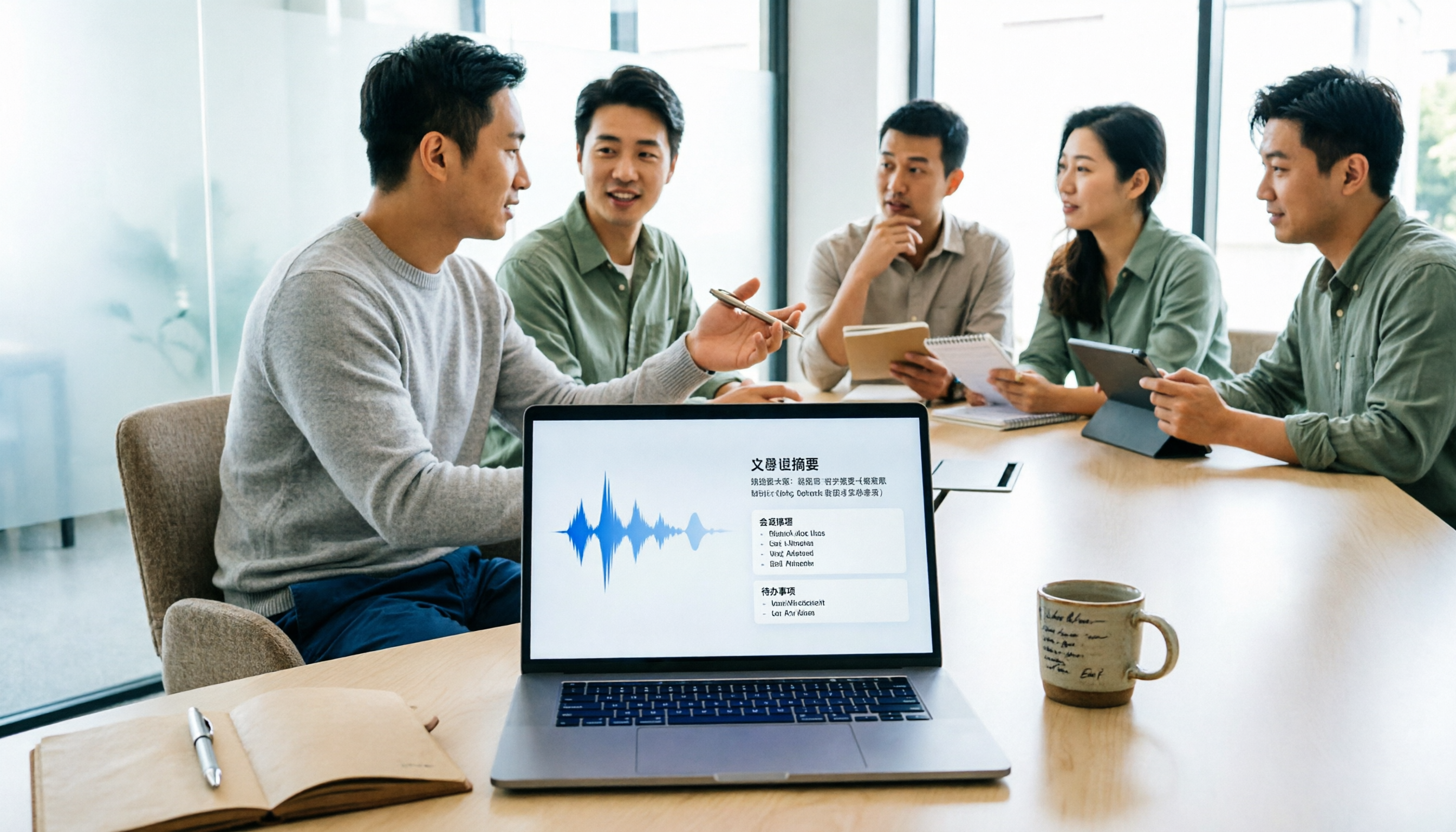
Scenario 1: Get Meeting Notes Within 5 Minutes After the Meeting Previously, after a two-hour meeting, you might spend another half hour organizing notes. With Tinrec, the moment the meeting ends, the AI has already generated a summary, conclusions, and action items, showing who is responsible for what and deadlines at a glance.
Scenario 2: No More Listening to Recordings from Start to Finish Recordings from classes, interviews, or client calls often sit untouched because you don't want to listen to them. Tinrec can transcribe recordings into text, and you can even ask the AI, "What was the budget figure we discussed?" letting the AI find the key points instead of slowly replaying the audio.
Scenario 3: Turn Online Videos into Notes Don't want to watch an entire tutorial or lecture on YouTube or Bilibili? Paste the link into Tinrec, and it automatically converts it into text and a summary, helping you quickly grasp the key points, complete with subtitles.
What Are the Core Capabilities of AI Meeting Note-Taking Apps?
Real-Time Transcription: Text as You Speak Tinrec's real-time transcription has a delay of less than 1 second, so during meetings you can watch the text and confirm you haven't missed anything, without waiting until the recording ends.
AI Semantic Summarization: Not Just Condensing, But Structured Organization Tinrec separates meeting topics, discussion conclusions, action items, and responsible persons into distinct sections, rather than just cutting the transcript into a single paragraph. This is especially convenient for sending meeting minutes afterward.
AI Conversational Query: Like Asking a Database After transcription, you can ask Tinrec, "Who mentioned the budget during the meeting?" or "What were the main customer complaints?" It answers based on semantic understanding, not just keyword search.
Multiple Input Sources: Not Just Meeting Recordings Tinrec can handle live recordings, audio files, video files, and even public video links, covering meetings, courses, interviews, and content creation, so you don't need different tools for different sources.
Export and Follow-Up Organization The organized summaries and to-dos can be exported in common formats, making it easy to move them into Notion, Google Docs, or other collaboration tools you prefer for further editing or sharing.
Real-World Use Cases
Meeting Minutes For department weekly meetings or client meetings, use Tinrec to record and transcribe in real time, then send out the summary and action items within 5 minutes after the meeting, without relying on memory.
Classes and Lectures Record lectures or online seminars, and Tinrec automatically segments long audio into chapters and highlights key points, so you don't have to re-listen to two hours; just review the summary and highlights.
Stop organizing recordings by hand
Upload audio or video and automatically get a transcript, summary, and action items
Interviews and Research For user interviews or expert interviews, Tinrec can quickly generate transcripts, and you can use AI Q&A to find key insights and compile quotable material.
Content Creation When editing a podcast or YouTube video, drop the audio file into Tinrec to get text and summaries, quickly find segments worth clipping, and even generate subtitles.
5 Things to Consider When Choosing AI Meeting Note-Taking Software
1. Is the Free Quota Really Enough? Some tools only offer 30 minutes on the free plan or limit recording length per session. Tinrec's free version provides basic transcription credits. I recommend trying the free version on an actual meeting to see if it meets your usage frequency.
2. Post-Transcription Organization Capabilities Transcription is just the first step; the key is whether the tool can help you organize afterward. Tinrec's AI summaries, action item extraction, and AI Q&A turn transcripts into actionable data, so you don't have to read through everything yourself.
3. Chinese Recognition and Language Support If you often have meetings in Chinese, test the tool's recognition of Chinese and Traditional Chinese content. Tinrec has enhanced organization for Chinese content, covering Chinese meetings, courses, interviews, and videos.
4. Cross-Platform and Input Sources Make sure the tool supports the devices and input methods you commonly use. Tinrec is available on iOS, Android, and web, and supports live recording, file upload, and online video links, offering greater flexibility.
5. Is the Paid Plan Reasonable? After the free quota runs out, consider whether you'll continue using the upgrade. Tinrec offers weekly, monthly, and annual plans, so you can choose based on short-term needs or long-term use, without being locked into an annual contract.
Frequently Asked Questions
Q: How many minutes can I transcribe with Tinrec's free version? A: The free version provides basic transcription credits, suitable for light use. If you have more than 3 meetings per week, I recommend considering the Pro plan, which is more cost-effective than one-time purchases.
Q: Is Tinrec's transcription accuracy high? A: With clear audio, normal speaking speed, and common vocabulary, Tinrec's transcription quality is quite stable. However, accuracy may be affected by background noise, multiple people speaking at once, or heavy accents, so it's advisable to double-check important content against the original.
Q: Can Tinrec automatically join online meetings? A: Tinrec supports recording online meetings (such as Zoom, Google Meet, Teams), but it's not a meeting bot. You can record using your computer or side-recording methods, then import the file into Tinrec for organization.
Q: After uploading a meeting recording, can I ask the AI questions? A: Yes. Tinrec's AI Q&A feature answers based on the transcribed content, such as "What was the meeting conclusion?" or "Who was assigned which tasks?" It's great for quickly reviewing past meetings.
Q: What's the main difference between the free and paid versions? A: The free version offers basic transcription credits, allowing you to experience live recording, file transcription, and online video parsing. The paid version increases quotas and unlocks more complete features, suitable for high-frequency use or those who need extensive organization.
Conclusion
AI meeting note-taking apps are no longer futuristic technology; they are tools you can use now to genuinely save time. If you have more than 3 meetings per week or often need to organize recordings or videos, I strongly recommend starting with a free plan.
Tinrec's multi-source input and post-transcription organization capabilities are what I find particularly useful. Download the free version, record an actual meeting, and see if the AI-generated summary and action items really help you work less overtime.
References
- Unlimited Time! 3 Free AI Transcription Tools, Great Recommendations! AI Voice Notes for Meeting Minutes, Presentations, Mind Maps | 104 Career Force
- AI Meeting Note Software Recommendations: 5 App Reviews, Auto-Transcription Makes Meetings Easy!
- r/ProductivityApps on Reddit: Does anyone know of a free or cheap app that can take meeting notes for you?
- 5 Online Meeting Software Free Plans Compared: Chinese Recognition, AI Summaries, Real-Time Transcription Tested - Seconds Recording Blog
- 2025 Most Complete Meeting Recording Guide: 6 Free Tools Recommended - EaseUS
Turn every recording into actionable outcomes
Get 60 free transcription minutes when you sign in. No credit card required.
Related Reading
You might also like

4 Transcription Tools Compared (2026): Free Tiers, AI Summaries, and Post-Meeting Organization
Transcription isn't the problem—organizing is. Based on real meeting scenarios, this article compares four transcription tools' free tiers, meeting capture methods, AI summaries, and post-meeting outputs, and explains which tool fits which use case.

2026 Comparison of 4 Meeting Minutes Word Solutions: Manual Templates vs. AI Auto-Generation—Which Is Faster?
Most people searching for "meeting minutes Word" download a template first, but still end up scrambling to fill in details afterward. This article starts with common pitfalls and compares the meeting minutes workflows of manual Word templates, Tinrec, Otter.ai, Notta, and Granola. It also covers essential fields for Word meeting minutes, a guide to avoiding mistakes, and selection advice.

5 Audio-to-Text Transcription Tools Tested for 2026: Which Free Version Is Good Enough?
How do you choose an audio-to-text transcription tool? This guide breaks down core capabilities like real-time transcription, AI summaries, action item extraction, export, and team collaboration based on real-world use cases. It includes hands-on testing with Tinrec, plus a look at free quotas, team plan pricing, and buying considerations to help you decide which option truly fits your needs.

Tinrec vs Yating Transcription 2026: 5-Dimension Comparison — Which Is More Practical for Team Meeting Transcripts?
There are many transcript generation tools, but what really affects your daily下班 time is 'what you can do after recording.' This article compares Tinrec and Yating Transcription from the perspective of a mid-level manager, across 5 dimensions: input sources, post-meeting organization, Chinese recognition, cross-platform, and team knowledge retention. It also covers suitable scenarios for cSubtitle and inFin, plus 4 key pitfalls to avoid when choosing a tool.

5 AI Meeting Transcription Tools Tested for 2026: Free Tiers, Chinese Recognition, and Post-Meeting Organization Compared
Meeting transcription isn't just about uploading a recording. This article addresses two common misconceptions, compares five approaches to meeting transcription, and uses Tinrec (Miao Ting Lu Yin) as a hands-on example to break down the complete workflow: real-time transcription, bot-free recording, summary chapters, AI Q&A, export, and team knowledge retention. Includes details on free and paid quotas.

2026 Comparison of 4 Speech-to-Text Tools: Free Tiers and Post-Meeting Organization—Which Is Enough?
Many people think speech-to-text just means dropping an audio file into a tool and waiting for the text. What really slows things down is post-meeting organization, finding key points, and tracking action items. This article compares Tinrec, Notta, Otter.ai, and Granola using real meeting scenarios—from free tiers, Chinese transcription, bot-free recording, AI Q&A, to team data retention—to help you decide which one best fits your workflow.

2026 Comparison of 3 AI Transcription Tools: Free Tiers, Chinese Recognition, and Post-Meeting Organization—Which One Really Saves Time?
Most people misunderstand AI transcription—they think it's just about turning voice into text. This article addresses three common misconceptions, explaining that transcripts are only raw material; the real time savings come from post-transcription summaries, action items, Q&A, and team knowledge retention. Using Tinrec as an example, it walks you through features, use cases, purchasing considerations, and FAQs.
5 Meeting Minutes Software Compared: Which One Actually Saves Time with Chinese Recognition and Post-Meeting Organization?
After a meeting, you're left with just two lines of notes while two hours of discussion stay locked in the recording? This article starts from real meeting scenarios, breaks down the 4 key dimensions for choosing meeting minutes software, and compares Tinrec, Otter.ai, Notta, Granola, and TurboScribe on Chinese recognition, meeting capture methods, post-meeting outputs, and team authorization differences. It also includes a pitfalls guide and selection advice.

2026 Guide: Turn AI Transcripts into Meeting Minutes & Action Items in One Go
Meeting transcripts are often long and messy, taking more time to organize than the meeting itself. This guide, from a mid-level manager's real work scenario, breaks down four key steps for transcript organization, tests Tinrec's bot-free recording and AI Q&A workflow, and honestly compares Notta, Otter.ai, and Granola's applicable boundaries, with three common mistakes and selection advice.