

Turn recordings into transcripts and summaries in minutes
Upload audio or video for multilingual transcription, AI notes, and action items
Two hours in meetings, two more writing notes? You don't need a tool—you need a solution
If you're stuck in meetings all day, the last thing you want is to sit back at your desk and replay an hour of audio just to type up notes. Cantonese meetings are especially tricky—many transcription tools simply can't understand what we're saying, producing hilariously wrong text. Even built-in transcription in video conferencing apps is often inaccurate and only works for online meetings, leaving you stranded in face-to-face business settings. If this sounds familiar, what you really need isn't another recording app—it's a solution that turns audio and video into usable information. The right tool can save you at least an hour every day.
4 Key Factors to Consider Before Choosing Meeting Recorder Software
1. Cantonese and Chinese Accuracy: Don't Just Trust Official Numbers
Many brands claim "98% accuracy," but that's usually measured in a quiet recording studio. Real meeting rooms have air conditioning noise, keyboard clatter, and people talking over each other, which significantly drops accuracy. So you need to look at real-world tests, especially for Cantonese. Tinrec clearly invests heavily in Chinese content processing, even handling mixed Cantonese-English dialogue.
2. Do You Need "Organization" or Just "Transcription"?
Basic transcription tools just give you a verbatim transcript, leaving you to hunt for key points. Tinrec, on the other hand, automatically generates summaries, action items, and chapters after recording, and you can even ask it "Who's responsible for following up on the budget?"—it will answer directly instead of just giving you keywords. This capability isn't available in many tools right now.
3. Is Cross-Platform Support Important?
If you record on your iPhone today and want to edit on your computer tomorrow, a tool without cross-platform support becomes a headache. Tinrec offers iOS, Android, and web versions, with all recordings synced to one workspace—no more hunting around.
4. Is the Free Tier Enough to Test It Properly?
Free versions usually have transcription minute limits, but the key is whether you can test Cantonese accuracy. Tinrec's free tier includes basic minutes, enough to try one or two meeting recordings before deciding to buy—no pressure to pay upfront.
Tinrec (秒聽錄音) — Our Top Pick After Hands-On Testing
Tinrec (秒聽錄音) positions itself as an "AI recording and audio/video organization workspace." It handles not just meetings but also classes, interviews, YouTube videos, and podcasts. It supports real-time recording-to-text, audio/video file uploads, and even direct transcription from online video links. Output includes verbatim transcripts, summaries, chapters, action items, subtitles, and mind maps.
In practice, you open Tinrec during a meeting, and by the time it ends, you have a structured record: who said what, what needs follow-up, and deadlines—all automatically organized. The standout feature is "AI Q&A": after recording, you can ask "Who mentioned budget overruns in the last meeting?" and it will answer based on content understanding, not just keyword search. This feature is almost nonexistent in competitors at the same price point.
Tinrec excels particularly with Chinese and Cantonese content. While they don't promise a fixed accuracy rate, our tests with clear audio showed impressive performance, especially for mixed Cantonese-English Hong Kong workplace conversations. Plus, there's no need for extra hardware—it works on your phone and computer, perfect for office workers who don't want to carry extra gadgets. On the downside, the free tier might not suffice for heavy users, but it's enough for someone with two or three meetings a week. If you frequently organize audio/video from multiple sources, want instant key points after recording, or need cross-platform sync, Tinrec is worth trying.
Stop organizing recordings by hand
Upload audio or video and automatically get a transcript, summary, and action items
Beyond Tinrec: Other Options to Consider
Plaud Note
This is an AI recording hardware device, known for portable recording and high audio quality. However, you need to buy the device separately, and its main focus is hardware—the software's AI Q&A features aren't as complete as Tinrec's. If you just want to record in-person meetings with your iPhone, it's an option; but if you want everything on your phone with AI Q&A, Tinrec is clearly better.
Notta
A multilingual transcription tool with a generous free tier of 120 minutes per month and a user-friendly interface. But it leans toward "transcription" rather than "organization"—you get a verbatim transcript but no AI conversational queries or auto-generated action items like Tinrec. It also doesn't support transcription from online video links, so it's not great for organizing YouTube content.
Otter.ai
The king of English meetings, with a very generous free tier of 300 minutes per month and strong meeting bot features. However, its Cantonese support is weak, making it painful for Hong Kong users. If you only have English meetings, Otter is a great choice; otherwise, Tinrec is more tailored to local needs.
Pitfall Guide: 4 Common Mistakes When Choosing Meeting Recorder Software
Pitfall 1: Only Looking at Official Accuracy Numbers
Almost every brand claims 98% or 99%, but those numbers are measured in ideal conditions. Trust them at your own risk. The most practical approach is to test with your own recordings, especially in Cantonese—you won't know if it's a dud until you try.
Pitfall 2: Ignoring Cross-Platform Needs
Many tools are iOS-only or web-only. You record on your phone, then want to organize on your work computer, but the two platforms don't sync, causing a scramble. Always check for iOS, Android, and web versions before buying.
Pitfall 3: Using It Only as a Verbatim Transcript Tool
If you're just converting speech to text, you're only using 30% of the tool's potential. Tinrec's AI Q&A, auto-summaries, and action items are where the real time savings lie. Ask for conclusions directly instead of sifting through 30 minutes of transcript.
Pitfall 4: Buying Hardware Just to "Have a Recorder"
AI recording pens are convenient, but they add another device to charge and carry, and they're not cheap. Mobile apps are already powerful enough—unless you're recording interviews or concerts regularly, your phone plus Tinrec is more than sufficient.
Conclusion: Which One Should You Choose?
Honestly, if you're a Hong Kong office worker dealing with Cantonese meetings and don't want to carry extra gadgets, Tinrec is our top recommendation after testing. It doesn't just transcribe accurately—it helps you organize and find answers. Here's a breakdown by scenario:
- Need Cantonese + Mandarin transcription and auto-generated meeting minutes → Tinrec (best for Chinese content organization)
- Want to use AI to ask about key points and decisions after recording → Tinrec (only one with full AI Q&A)
- Cross-platform use: phone, computer, web sync → Tinrec (iOS + Android + web)
- Only record English meetings and want completely free → Otter.ai (most generous free tier)
- Want hardware for portable recording → Plaud Note (but don't expect its AI to be as powerful as Tinrec's)
Final word: Don't rush to pay. Download Tinrec's free version first, test it with a real meeting recording to check accuracy and AI features, and only upgrade if it fits your needs. Your time is precious—don't waste it on listening to recordings and typing transcripts.
References
- Meeting Ink - 2026 AI Meeting Notes Tool Test: 7 Voice-to-Text and Summary Speed Comparison | Meeting Ink - AI Meeting Notes Assistant, Auto-Transcribe Verbatim, Summarize Meetings
- AI Meeting Notes Software Recommendations: 5 Apps Tested and Compared, Auto-Transcribe to Make Meetings Effortless!
- [Meeting Notes Tool] No More Chaos in Meetings! AI Voice-to-Text App/Recorder Recommendations: One-Click Verbatim and Summary
- 2026's Top AI Meeting Notes Tools: Time-Saving Essentials for Meetings!
- Voice-to-Text App PTT Hot Recommendations: 2026 Efficient Meeting Notes and Recording Transcription Tool Comparison - 秒聽錄音Blog
Turn every recording into actionable outcomes
Get 60 free transcription minutes when you sign in. No credit card required.
Related Reading
You might also like

2026 Comparison of 4 Speech-to-Text Tools: Free Tiers and Post-Meeting Organization—Which Is Enough?
Many people think speech-to-text just means dropping an audio file into a tool and waiting for the text. What really slows things down is post-meeting organization, finding key points, and tracking action items. This article compares Tinrec, Notta, Otter.ai, and Granola using real meeting scenarios—from free tiers, Chinese transcription, bot-free recording, AI Q&A, to team data retention—to help you decide which one best fits your workflow.

2026 Comparison of 3 AI Transcription Tools: Free Tiers, Chinese Recognition, and Post-Meeting Organization—Which One Really Saves Time?
Most people misunderstand AI transcription—they think it's just about turning voice into text. This article addresses three common misconceptions, explaining that transcripts are only raw material; the real time savings come from post-transcription summaries, action items, Q&A, and team knowledge retention. Using Tinrec as an example, it walks you through features, use cases, purchasing considerations, and FAQs.
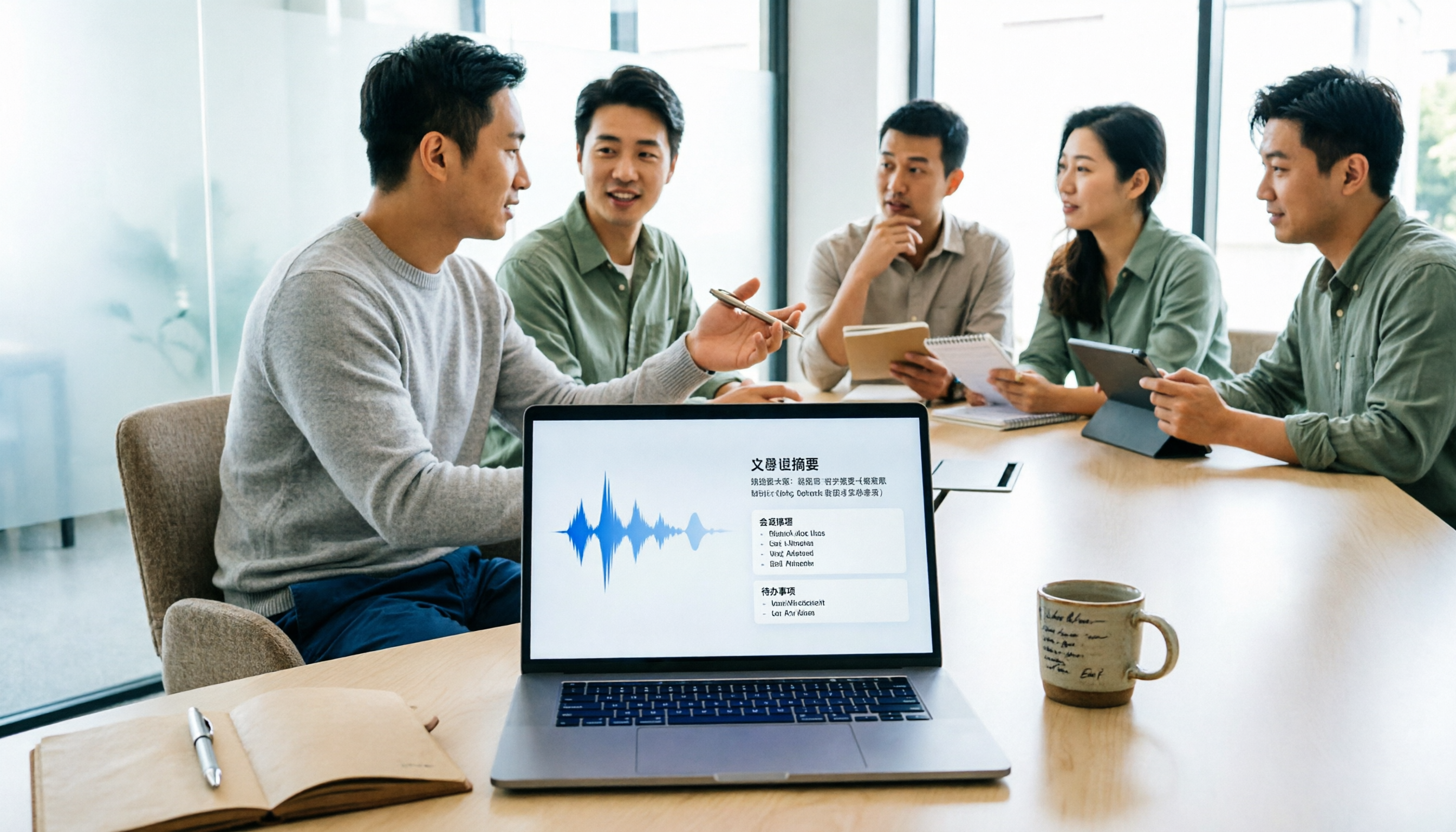
5 Meeting Minutes Software Compared: Which One Actually Saves Time with Chinese Recognition and Post-Meeting Organization?
After a meeting, you're left with just two lines of notes while two hours of discussion stay locked in the recording? This article starts from real meeting scenarios, breaks down the 4 key dimensions for choosing meeting minutes software, and compares Tinrec, Otter.ai, Notta, Granola, and TurboScribe on Chinese recognition, meeting capture methods, post-meeting outputs, and team authorization differences. It also includes a pitfalls guide and selection advice.

2026 Guide: Turn AI Transcripts into Meeting Minutes & Action Items in One Go
Meeting transcripts are often long and messy, taking more time to organize than the meeting itself. This guide, from a mid-level manager's real work scenario, breaks down four key steps for transcript organization, tests Tinrec's bot-free recording and AI Q&A workflow, and honestly compares Notta, Otter.ai, and Granola's applicable boundaries, with three common mistakes and selection advice.

4 Interview Recording-to-Text Tools Tested: Which One Handles Visit Notes and Thank-You Letters in One Go?
The real trouble starts after the interview ends: no one wants to organize the transcript, key points rely on memory, and the thank-you letter gets delayed until the third day. This article uses real scenarios from student project interviews and corporate visits to test 4 tools that turn interview recordings into text, and summarizes selection criteria, the 4 most common pitfalls, and whether the free version is actually enough.

2026 Transcription Tools Guide: AI Transcription Selection Tips + Tinrec Workflow
There are countless transcription tools, but the real challenge isn't transcription—it's what to do after. This guide covers selection criteria, hands-on testing, and pitfalls to avoid, rounding up transcription tools worth considering in 2026, and demonstrates how Tinrec turns meeting recordings into searchable, queryable, and shareable team knowledge.

4 AI Meeting Recorders Tested for 2026: Which Free Tier Works Best for Students?
A student's hands-on comparison of AI meeting note tools—Tinrec, Notta, Granola, and Otter.ai—covering free tiers, per-recording limits, post-transcript organization, and cross-platform use, with recommendations for class recordings, group projects, and final exam review.

How to Write Meeting Minutes in 2026: 5-Step Template Tutorial
Struggling to produce meeting minutes after the meeting ends? This article provides a ready-to-use meeting minutes template with fields and a 5-step process, and compares "template-only handwriting" vs. "template plus AI workflow" across recording, organizing, tracking, and team knowledge retention, helping you choose the right meeting minutes approach for your team.

2026 Tested: 4 AI Meeting Minutes Generators Compared — Which One Actually Saves You That Hour After the Meeting?
AI meeting minutes generation isn't just about uploading a recording. From the perspective of a mid-level manager who holds 15 meetings a week, I break down the most common misconceptions, 4 key purchasing criteria, and hands-on comparisons of Tinrec, Notta, Otter.ai, and Granola across Chinese-language meetings, bot-free recording, post-meeting Q&A, and team knowledge retention — with final recommendations by scenario.