
Turn recordings into transcripts and summaries in minutes
Upload audio or video for multilingual transcription, AI notes, and action items
Have you ever spent two whole hours repeatedly rewinding, pausing, and typing just to transcribe a 30-minute interview video? Video subtitle extraction is a nightmare for many content creators, students, and administrative staff. With the maturity of AI speech recognition technology, there's no need to rely on manual transcription anymore.
This article will review the top 5 mainstream video subtitle extraction tools in 2026, providing a comprehensive comparison from recognition accuracy and multilingual support to AI summary capabilities. It also includes practical tutorials for extracting subtitles from video files and web links.
Quick Navigation Tips:
- If you are a video creator: Prioritize built-in editing software features (e.g., CapCut).
- If you need to organize information and notes: Choose tools with AI summary and chat features (e.g., Tinrec).
- If you are a developer: Consider local deployment of OpenAI Whisper.
Why Traditional Manual Transcription Is Outdated? Current Pain Points of Video-to-Text
Before diving into tool recommendations, let's clarify why pure manual transcription no longer fits modern workflows. According to statistics, professional transcribers take an average of 4 to 6 hours to process one hour of audio, which is too costly for efficiency-driven workplaces.
Current video subtitle needs are mainly concentrated in three scenarios:
- Content creation: Converting long videos into short video scripts or blog posts.
- Meeting notes: Converting recordings from Teams, Google Meet, or Zoom into text records.
- Study notes: Converting online courses or YouTube tutorial videos into searchable text notes.
The biggest pain points are often: tools do not support mixed Chinese, lack timeline alignment, or cannot directly fetch content from URLs.
2026 Top 5 Video Subtitle Extraction Tool Reviews
To help you make a quick decision, we selected 5 tools with different positioning, including Tinrec, for a side-by-side comparison.
Tool Comparison Table
| Comparison Dimension | Tinrec (Second-Hear Recording) | YouTube Studio (Built-in) | Otter.ai | CapCut | OpenAI Whisper |
|---|---|---|---|---|---|
| Core Positioning | Audio/video to text + AI notes | Video upload backend | English meeting notes | Video editing | Open-source speech model |
| Chinese Recognition | Excellent (supports Mandarin, Cantonese, Taiwanese, etc.) | Average (auto-generated) | Weak (focused on English) | Excellent | Excellent (requires hardware performance) |
| URL Extraction | Supports (YouTube/Podcast URLs) | Not supported | Not supported | Not supported | Requires coding |
| AI Summary/Action Items | Auto-generates meeting minutes, to-dos | None | Yes (English primarily) | None | None |
| AI Chat Query | Supports (can query video content) | None | Supports | None | None |
| Export Formats | TXT, Word, PDF, Markdown | SRT, SBV | TXT, SRT | SRT | TXT, SRT, VTT |
From the table, if your need is simply to add subtitles to clips, CapCut is a convenient choice; but if your need is to extract information from videos and convert it into notes or articles, tools with AI summary and URL parsing capabilities (like Tinrec) are more suitable.
Stop organizing recordings by hand
Upload audio or video and automatically get a transcript, summary, and action items

In-Depth Analysis: Tinrec's Differentiating Features
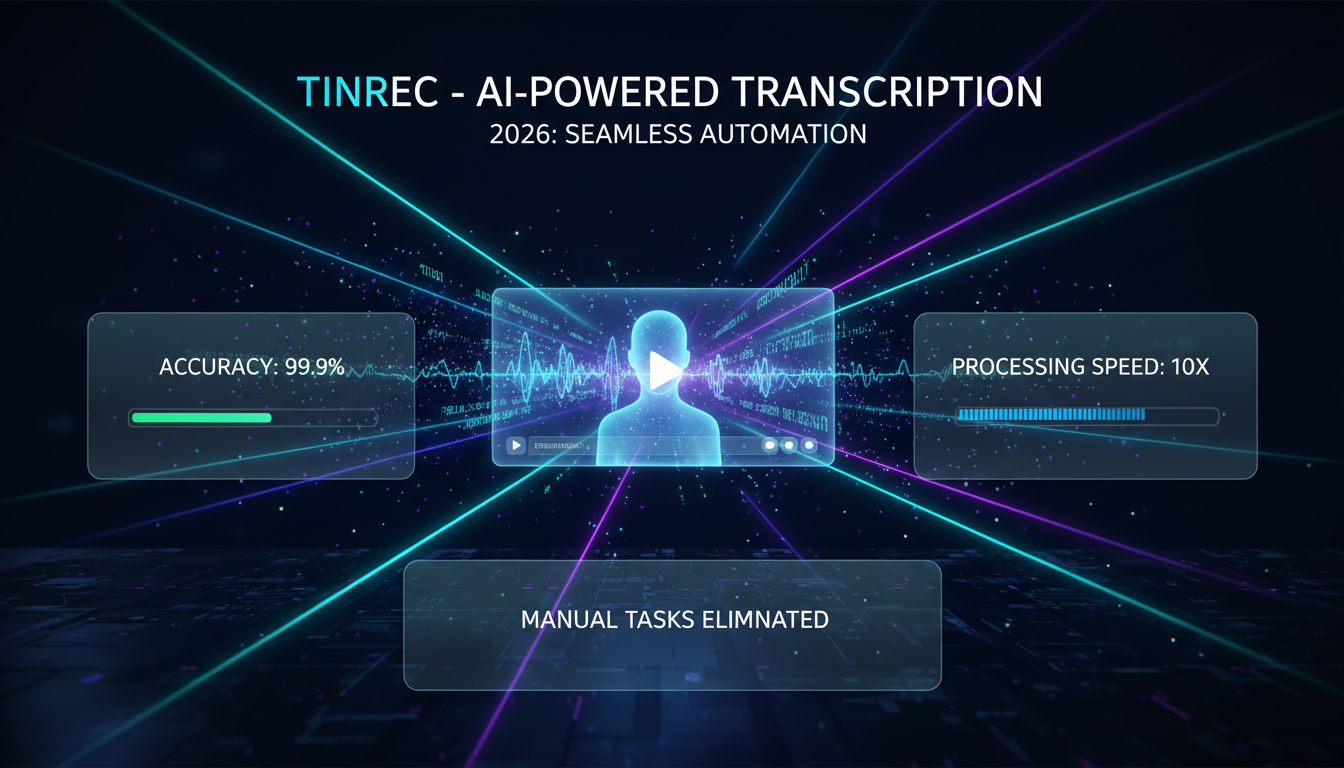
Among the many tools, Tinrec (Second-Hear Recording) is an option optimized for information organization. Unlike traditional tools that only provide transcripts, it emphasizes the entire workflow from recording to understanding to action. For users who need to process large amounts of video information, Tinrec offers two unique advantages:
1. Direct URL Extraction
Many times the videos we want to organize come from YouTube or podcasts. The traditional method requires downloading large video files and then uploading them to a conversion tool. Tinrec supports directly pasting a URL, cloud parsing, and generating a transcript, saving bandwidth and time for downloading and uploading.
2. Query Video Content Like a Person
After obtaining a transcript of tens of thousands of words, reading it is still time-consuming. Tinrec's built-in AI chat query feature allows users to directly ask questions about the video content. For example: 'What are the three marketing strategies mentioned by the speaker in this video?' The system provides precise answers based on the recording content, which is very useful when organizing long interviews or courses.

Practical Tutorial: How to Quickly Extract Video Subtitles?
Below, using Tinrec's interface as an example, we demonstrate three common subtitle extraction scenarios. These steps ensure you get high-quality transcripts and summaries.
Scenario 1: You Already Have a Video File (MP4/MOV)
This is the most basic need, suitable for processing meeting recordings or self-recorded footage.
- Log in to the workspace: Go to Tinrec web or app.
- Choose import function: Click 'Audio file to text' or the video upload area.
- Upload file: Supports MP4, MOV, MP3, and other formats. Wait for the upload progress bar to complete.
- Select language: If the video contains multiple languages (e.g., Chinese and English mixed), set the primary language to improve recognition accuracy.
- View results: The system automatically performs speaker diarization and generates a transcript with timestamps.

Scenario 2: Online Videos (YouTube/Podcast)
Suitable for users who want to quickly capture content highlights without downloading files.
- Copy link: Copy the URL of the episode from YouTube or podcast platform.
- Use URL parsing: In Tinrec's menu, select 'Podcast/Online video to text'.
- Paste and run: After pasting the URL, the system will perform transcription in the cloud.
- Get summary: In addition to the transcript, you will immediately receive an AI-generated content summary and key conclusions.


Scenario 3: Subsequent Applications (Export and Query)
Extracting subtitles is just the first step; how to use them is key.
- AI query: In the dialog box on the right, type 'Summarize the 5 key data points mentioned in this video.'
- Generate action items: If the video is a meeting recording, the system automatically lists to-do items.
- Export file: Click export, choose Word (for editing) or PDF (for sharing).

Frequently Asked Questions (FAQ)
Below are common questions users encounter when searching for 'video subtitle extraction':
Q1: What is the typical accuracy of video-to-text?
Current mainstream AI models (such as Whisper or the engine used by Tinrec) can achieve over 95% Chinese recognition accuracy in quiet environments with clear pronunciation. However, accuracy decreases with background noise or multiple speakers talking simultaneously; it is recommended to use the speaker diarization feature to assist.
Q2: Can I directly convert a YouTube video to a Word file?
Yes. Using a tool that supports URL parsing (such as Tinrec), enter the YouTube URL, the system converts the content to text, and then you can choose to export as Word or Markdown format.
Q3: Do these tools support iPhone or Android phones?
Most cloud tools support web versions. Tinrec explicitly supports iOS, Android, and web multi-device sync, meaning you can record or upload on your phone and continue editing the transcript on your computer.
Q4: What are the typical limitations of free versions?
Most tools have minute limits. For example, Tinrec offers 100 free minutes of recording/transcription per month, which is sufficient for users who occasionally need to organize short videos; heavy users can consider a paid subscription to unlock more hours.
Q5: Do the exported subtitles have timestamps?
Yes, professional subtitle extraction tools retain time codes. This is important for editing videos or verifying the original recording; you can click on the text to jump directly to that section's playback position.
Q6: Meeting recordings are very large; will the upload fail?
Video files are often several GB. It is recommended to check the tool's file size limit first. If the file is too large, some tools support converting the video to an MP3 audio file before uploading, which greatly reduces file size and speeds up processing.
Turn every recording into actionable outcomes
Get 60 free transcription minutes when you sign in. No credit card required.
Related Reading
You might also like

2026 Comparison of 4 Transcription Tools: Is Yating Enough? Which One Saves Post-Meeting Time?
Yating is easy to use for Traditional Chinese and Taiwanese accents, but a transcript is not a meeting summary. This article uses the same meeting recording with mixed Chinese and English to compare Tinrec, Yating, Otter.ai, and Notta on transcription, post-meeting organization, AI follow-up questions, and team collaboration. It also includes buying tips, pitfalls to avoid, and selection advice based on budget and scenario.

How to Record with Plaud in 2026: 3 Methods Tested and Compared — Button, App Trigger, and Computer Recording
Bought a Plaud but stuck on how to start recording? This guide breaks down the three recording methods for Plaud Note and NotePin — standalone device button recording, in-app triggering, and phone/in-person dual modes — into practical steps. It also compares hardware recording with Tinrec's bot-free computer recording, covering transcription quotas, costs, and team collaboration capabilities to help you choose the right recording workflow for your meeting scenarios.
Yating Transcript Pricing in 2026: Per-Hour Rates and Real Cost Breakdown
People on PTT often ask how Yating transcript pricing works and whether buying hours is worth it. This guide breaks down the per-hour rate, free quota, hour discounts, and usage period, and also factors in transcription fees and post-meeting cleanup time. It compares Tinrec, Otter.ai, and TurboScribe for different scenarios.
2026 AI Voice Recorder Comparison: How to Use Plaud and When Tinrec Takes Over
Many people ask how to use Plaud recording, but the real question is what to do after recording. This article starts with the most common misconception, then fully explains Plaud's three recording activation methods and setup. It compares Plaud Note series and Tinrec across six dimensions—online meetings, post-meeting organization, Chinese content, team collaboration, and cost structure—and ends with a step-by-step checklist you can follow today.

6 Transcription Tools Tested for 2026: How to Use Yating and Which Saves the Most Time?
Starting with the actual workflow of Yating transcription, this guide compares the positioning, free quotas, and use cases of 6 transcription tools—Tinrec, Otter.ai, Notta, TurboScribe, Granola, and PLAUD Note—to help you decide which one truly saves time on post-meeting organization.
2026 Comparison of 5 Speech-to-Text Tools: Yating Transcribe Latest News and Free Quotas — Which Is Most Sufficient?
Many people only compare recognition accuracy when choosing a transcription tool, but overlook export, editing, and team sharing. This article compiles the latest updates for Yating Transcribe (including iOS 3.12.0 and an explanation of the Studio progress bar at 99%), and compares the positioning, free quotas, and suitable scenarios of Tinrec, Otter.ai, Notta, and TurboScribe, helping you choose the right tool based on your needs.
How Much Does Yating Transcription Cost in 2026? 5-Step Test and Pricing Breakdown
Does Yating transcription cost money? This article starts with the actual pricing model and walks you through 5 steps to calculate the real cost of free quotas, queue times, and hour top-ups. It also compares tools like Tinrec, Otter.ai, and TurboScribe to help you decide which plan fits your usage.

Yating Transcript Pricing Explained: 2026 Test of 4 Transcription Tools, How to Get the Best Value at $100 per Hour
Yating Transcript charges by audio length: $100 per hour, 10% off for 3 hours at $270, and hours can be used within 3 years from purchase. This article breaks down Yating Transcript's latest pricing structure, free quota, and billing pitfalls, and compares Tinrec, Otter.ai, and Notta in post-meeting organization and team collaboration, so you can justify your purchase in a procurement meeting.

2025 Comparison of 4 Transcription Tools: Is Yating's Free Quota Enough?
Is Yating Transcription's free quota enough? This article tests Yating, Tinrec, Otter.ai, and Notta using the same 10-minute Mandarin meeting recording and a 25-minute English interview audio file. It compares free rules, pricing, post-meeting summaries, and AI Q&A differences, with buying decision points and pitfalls to help you decide whether to pay.