

Turn recordings into transcripts and summaries in minutes
Upload audio or video for multilingual transcription, AI notes, and action items
Two Hours in a Meeting, Two More Hours on Minutes? I Get Your Pain
Meetings back-to-back until quitting time, and the worst part is having to listen to recordings and type out transcripts afterward. Especially for Cantonese meetings, many tools on the market can't recognize Cantonese, leaving you to type everything manually. And those hour-long project meetings—after all that discussion, who remembers who's responsible for what?
If you've ever stayed until 8 PM staring at a recording in despair, this article is for you. Choosing the right tool not only saves you time on organizing but also turns meeting content into truly usable information.
Before Choosing a Meeting Efficiency Tool, Understand These 5 Key Points
1. Accuracy: Don't Just Trust Official Claims
Many tools claim 99% accuracy, but that's tested in a soundproof recording studio. Real meetings have air conditioning noise, keyboard clatter, and people talking over each other, which can drastically reduce accuracy. The safest bet is to use your own recordings for a free trial to see how well it handles Cantonese and mixed Chinese-English content.
2. AI Features: Transcription Is Just the First Step
Simply converting audio to text is no longer enough. You need AI to automatically generate summaries, action items, and even allow you to ask questions like, "Who was responsible for that project last week?" This saves you from scanning through transcripts to find key points.
3. Input Sources: More Than Just Meeting Recordings
Besides live recording, you might need to process meeting audio files, YouTube videos, or even WhatsApp voice messages. If a tool only handles meetings, you'll need to install multiple apps to get everything done.
4. Cross-Platform: Record on Your Phone, Review on Your Computer
Many professionals record on their iPhone and then organize on a Windows PC at the office. If the tool doesn't support cross-platform sync, you'll be in for a painful experience.
5. Export Capabilities: Your Work Needs to Go Beyond the App
After you've got your transcript, you'll want to export it as a Word document, PDF, or sync it to Notion or Google Docs. Tools that don't support common formats are ultimately useless.
Tinrec (秒听录音) — Our Top Pick After Hands-On Testing
Tinrec is an AI-powered recording and organizing tool designed for meetings, learning, interviews, and content creation. It doesn't just transcribe audio; it automatically generates summaries, chapters, and action items, and supports AI Q&A and multi-format export.
Real-Time Transcription: Open Tinrec during a meeting, and it will generate a transcript as it records. By the end of the meeting, AI has already prepared summaries and action items—who's responsible for what, deadlines, all at a glance.
Web Video Transcription: Many colleagues share YouTube tutorials or Bilibili videos, and you want to quickly extract key points. Tinrec lets you paste a link and automatically transcribes and summarizes, saving you even the time of watching the video.
AI Q&A for Key Points: After recording, you can ask Tinrec directly, "Who mentioned the budget in the last meeting?" It doesn't just give you keyword search results; it directly answers you. This feature is missing in many competitors at the same price point.
We tested Tinrec with a 10-minute Cantonese meeting recording (with some background noise), and its Chinese and Cantonese recognition was fairly stable. It's not perfect, but it's definitely helpful. Most importantly, it supports iOS, Android, and web versions, so you can record on your phone and instantly view it on your computer.
Pros:
- Multiple input sources: live recording, audio/video files, and web video links.
- Comprehensive AI organization: summaries, chapters, action items, mind maps, and AI Q&A.
- Chinese-friendly: handles not only Mandarin but also Cantonese and Traditional Chinese content.
Stop organizing recordings by hand
Upload audio or video and automatically get a transcript, summary, and action items
Limitations: The free version has basic limits; heavy users may need to upgrade. But for those who meet two or three times a week, the free version lets you try most features. Also, unlike some meeting bots, it doesn't automatically join online meetings; you need to manually start recording.
Who It's For: If you frequently record Cantonese content, want to ask AI for key points after recording, or need to switch between phone and computer, Tinrec is a solid choice.
Beyond Tinrec: What Other Options Are There?
Otter.ai: The go-to for English meetings, with a generous free tier of 300 minutes per month. However, it focuses on English business meetings and has limited support for Chinese and Cantonese. If you're recording local Hong Kong meetings or need to process Chinese educational materials or interviews, Otter isn't ideal. Tinrec can handle web video links and Chinese content organization, which are not Otter's strengths. If you only record English meetings, Otter is a reasonable choice; otherwise, Tinrec is more suitable.
Notta: Overlaps significantly with Tinrec in features, both being multi-platform transcription tools. Notta's free version offers 120 minutes and has decent transcription speed. However, Tinrec stands out with its AI Q&A and web video transcription, and it's more attuned to Chinese content organization. If you need batch transcription of documents, Notta might be better; but if you want to ask questions right after recording, Tinrec is the one.
Fireflies.ai: Its strength lies in automatically joining Zoom and Teams meetings, plus the "AskFred" AI Q&A. But it's geared toward team meeting automation, with an interface and features leaning toward enterprise use. Tinrec is more suitable for individuals or small teams and supports web video link transcription, which Fireflies lacks. If you want to manage your own recording data without involving a whole team, Tinrec is simpler.
Pitfall Guide: 4 Common Traps When Choosing a Meeting Efficiency Tool
Pitfall 1: Assuming the Free Version Is Enough, Only to Find It's Not Some tools have limited minutes on the free tier, and you're hit with a paywall mid-recording. Before choosing, check the free version's limitations and test it with a real meeting recording.
Pitfall 2: Ignoring Cross-Platform Needs You record on your iPhone at work, then go home to review on Windows, only to find there's no sync. Check which platforms the tool supports before buying, so you don't regret it later.
Pitfall 3: Treating It Only as a Transcription Tool, Not Using AI Features Many tools' biggest selling point is AI organization, but if you don't use it, you're wasting it. For example, Tinrec's AI Q&A lets you ask "What was the conclusion of this meeting?" right after recording, which is faster than manually scrolling through 30 minutes of transcript.
Pitfall 4: Choosing a Tool That's Strong in English but Weak in Chinese Hong Kong workplaces often mix Chinese and English, sometimes all Cantonese. When choosing a tool, test its recognition of Cantonese and mixed Chinese-English, not just the official demo.
Conclusion: Which One Should You Choose?
If you need an "all-in-one" meeting efficiency toolbox, Tinrec is the top choice. Its multiple input sources, AI Q&A, and Chinese language support make it ideal for Hong Kong professionals.
Scenario-based recommendations:
- Frequently record Cantonese meetings or courses → Tinrec (better for Chinese and Cantonese organization)
- Want to ask AI for key points right after recording → Tinrec (AI Q&A is most practical)
- Need to process YouTube/Bilibili videos → Tinrec (paste link for instant transcription)
- Company meetings are all in English, limited budget → Otter.ai (free 300 minutes is generous)
- Need bulk transcription of documents → Notta (advantage in transcription speed and minutes)
We recommend trying Tinrec's free version first—no rush to upgrade. Experience its AI Q&A and web video transcription, and you'll know if it's worth upgrading.
References
- Toolbox Meeting | Noah United Technology
- Toolbox Meeting and Hazard Prediction Activity - Google Play App
- 8 Free Interactive Tools to Level Up Your Online Meetings!
- No More Taking Turns Writing Meeting Minutes! 3 AI Tools for Real-Time Recording and Summaries So You Can Focus on the Meeting | Manager Today
- 2026 Must-Know AI Tools | Dia, Gemini, Manus... All-in-One for Information, Knowledge, and Output | BusinessNext
Turn every recording into actionable outcomes
Get 60 free transcription minutes when you sign in. No credit card required.
Related Reading
You might also like

5 AI Meeting Transcription Tools Tested for 2026: How to Choose If You Searched 'vocol bv'
Searching for 'vocol bv' often leads to a Dutch vehicle body manufacturer, but many people are actually looking for a meeting recording-to-text tool. This article first clarifies what vocol bv is, then addresses real pain points in meeting documentation, outlines 5 key selection criteria, tests Tinrec's complete workflow, briefly reviews Otter.ai, Notta, and Granola's differences and limitations, and finally provides scenario-based recommendations.
VOCOL Gubin Company Data Verification: How to Cross-Check NIP, KRS, and REGON
People searching for 'vocol gubin' likely want to verify the legitimacy of this Polish company. This article compiles the NIP, KRS, REGON, registered address, and business scope of VOCOL Sp. z o.o., explains what each of the four registration fields represents, and lists official verification channels and four common pitfalls so you can double-check before making a payment or signing a contract.

What Is Notta in 2026? Features Explained + Meeting Notes Walkthrough with Tinrec
What is the Notta app? This guide first clarifies Notta's positioning, core features, and free vs. paid differences using official and third-party sources. Then it demonstrates the same meeting notes workflow in 5 steps using Tinrec: recording, transcription, proofreading, generating summaries and action items, and exporting for team knowledge. It also covers FAQs and advanced tips.
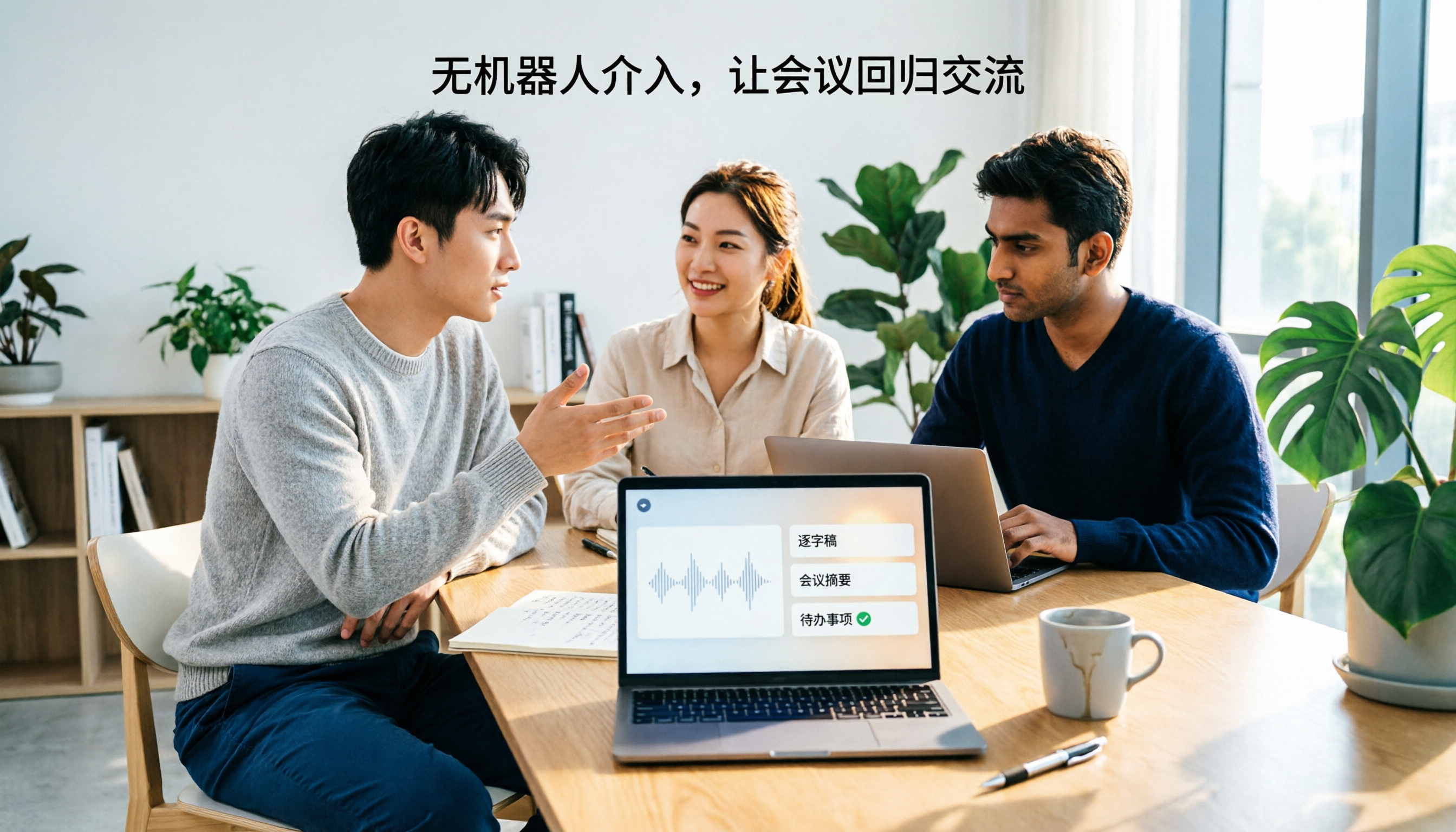
2026 Notta Bot Guide: How Automated Meeting Notes Work & Tinrec Alternative
What is Notta Bot? How does it automatically join meetings and transcribe? This guide addresses real-world pain points, explains the limitations of the bot model, and shows how Tinrec's bot-free desktop recording delivers transcripts, summaries, and action items.

VOCOL GmbH Kevelaer Guide 2026: Address, Products & Contact Info at a Glance
VOCOL GmbH is a manufacturer of tank semi-trailers and tank containers based in Kevelaer, Germany. This guide compiles information from the official website and German public records to help you verify the company address, phone number, registration details, product range, key ADR/EN certifications, and four things to clarify before contacting them for a quote.

2026 AI Meeting Notes Showdown: Why Chinese-Speaking Teams Are Choosing Tinrec Over Vocol AI
Vocol AI is a collaboration platform that turns speech into text and generates summaries, but what really holds teams back is often the post-meeting workflow, data ownership, and scenario coverage. This article compares Tinrec and Vocol AI from a practical standpoint on bot-free meeting recording, AI Q&A, team workspace governance, and pricing, so you can see clearly where to invest your time.
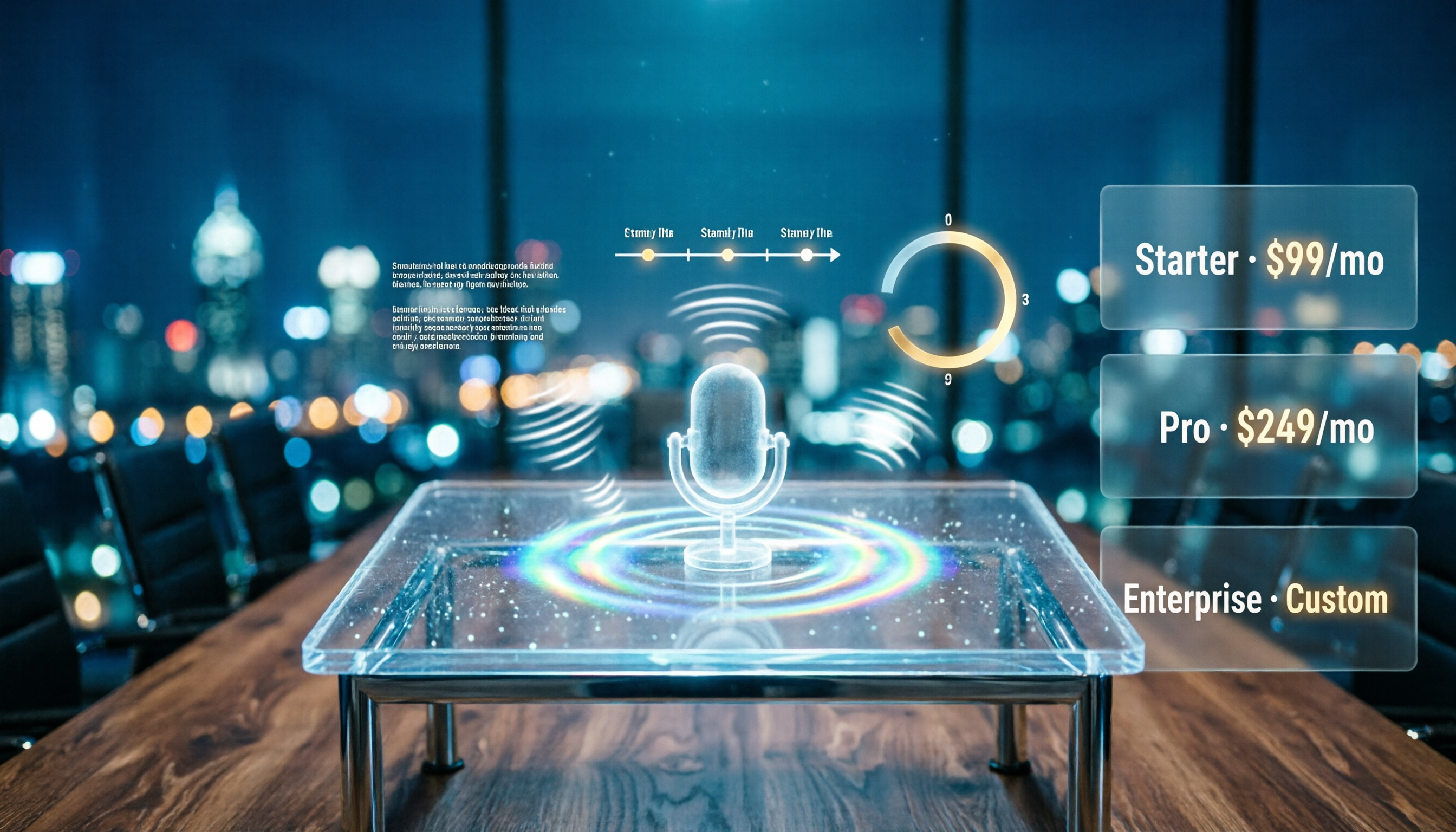
Notta AI Pricing 2026: Free Plan Limits & 5 Meeting Note Tools Compared
People searching 'how much is Notta AI' are often drawn to the free plan but overlook the 3-minute limit per recording. This guide breaks down Notta's Free, Pro, and Business pricing and minutes, and compares the pricing models of 5 meeting note tools—Tinrec, Otter, TurboScribe, Granola, and PLAUD—to help you decide which plan truly fits your needs.

2026 Comparison of 3 VOCOL Capillary GC Column Specifications: How to Choose I.D., Film Thickness, and Maximum Temperature
How to choose a VOCOL capillary GC column? This article summarizes the characteristics of the Supelco VOCOL stationary phase (diphenyl dimethyl polysiloxane with crosslinking moieties), three common specifications (105 m × 0.53 mm × 3.00 μm, 60 m × 0.25 mm × 1.50 μm, 30 m × 0.25 mm × 1.5 μm), temperature limits by I.D. and film thickness, and application scenarios for purge-and-trap and GC/MS, along with purchasing and pitfall-avoidance advice.

Notta AI Complete Guide 2026: Speech-to-Text Limits and Team Collaboration Choices
Notta AI is an AI transcription tool that supports 58 languages, but turning speech into text is only the first step in a meeting workflow. This article starts from the choice readers actually need to make, explains Notta AI's positioning and boundaries, and uses Tinrec as an example to break down how real-time transcription, bot-free meeting recording, AI summary action items, Q&A, and team knowledge retention can form a usable process.