
Turn recordings into transcripts and summaries in minutes
Upload audio or video for multilingual transcription, AI notes, and action items
For students, content creators, or anyone who needs to organize meeting notes, YouTube is a vast knowledge base. But the biggest headache is often: "The content is valuable, but turning it into text takes too much time." If a video doesn't have CC subtitles, or its auto-generated captions are full of errors, manual transcription is nearly impossible.
You might be searching for a "YouTube subtitle downloader" to quickly convert videos to text. This article takes a practical approach, analyzing common subtitle download tools and the new generation of AI speech-to-text services, providing a detailed guide and step-by-step tutorial.
Quick Navigation Summary:
- If you only need a raw .srt subtitle file (for video editing or media player overlay): Use traditional online subtitle download sites (e.g., DownSub-like tools).
- If you need to "understand" the video content (making notes, article material, meeting summaries): Choose an AI transcription and summarization tool (like Tinrec), which converts audio into structured notes.
Why Traditional Subtitle Downloaders Still Fall Short: Current Pain Points
When you search for "YouTube subtitle download," you'll typically encounter these scenarios and limitations—issues that simple subtitle file downloads can't fully solve:
- Video Has No Subtitles: Many live streams or non-English videos don't have CC subtitles uploaded by the creator; traditional downloaders fail.
- Fragmented Timeline: Downloaded .srt files are filled with timestamps, making them hard to read and not directly usable in note apps.
- No Key Point Extraction: Even with a tens-of-thousands-word transcript, you still have to manually re-read to find highlights, conclusions, or to-dos.
- Language Barrier: For foreign-language videos, downloading the original subtitles doesn't help with translation or understanding.
Therefore, the trend in tool selection has shifted from "downloading files" to "AI content extraction."
2026 Tool Comparison: Traditional Downloaders vs. AI Smart Transcription
Before choosing a tool, we've categorized common solutions into "Subtitle Download Only" and "AI Transcription & Notes" types, using Tinrec as a representative of the AI category for comparison, to help clarify your needs.
| Dimension | Traditional Online Subtitle Downloaders | AI Speech-to-Text Assistant (e.g., Tinrec) |
|---|---|---|
| Core Principle | Extracts existing subtitle files (.srt/.vtt) from YouTube servers | Re-identifies video audio via AI to generate transcripts |
| Best Use Case | Video editing subtitle overlay, simple subtitle backup | Study notes, meeting records, content creation material |
| No Subtitles | Cannot download (fails if original video lacks subtitles) | Works (directly transcribes audio to text) |
| Output | Fragmented text with timestamps | Full transcript + AI summary + action items |
| Interactivity | None (static file only) | High (supports AI chat query to ask about content) |
| Reading Experience | Low (must manually remove timestamps and line breaks) | High (auto-paragraphing, speaker identification, structured) |
Stop organizing recordings by hand
Upload audio or video and automatically get a transcript, summary, and action items
In-Depth Review: How Tinrec Transforms the "Subtitle Download" Experience
Tinrec is essentially an AI recording assistant, but its "Online Video to Text" feature solves the advanced needs of subtitle downloading. It doesn't just "grab" text; it "reads" and organizes the video content for users.

1. Independent of Original Subtitles, AI Rewrites Speech
Many YouTube videos (especially livestreams or older ones) may only have low-quality auto-captions or none at all. Tinrec extracts the audio and performs AI recognition, supporting Chinese, English, Japanese, Korean, and 10 other languages. This means even if the creator didn't upload subtitles, you can still get high-accuracy transcripts.
2. From "Text" to "Insights" – Structured Organization
Traditional downloaders give you raw data; Tinrec gives you a finished product. It automatically generates:
- Full Summary: Quickly grasp the video's core topic.
- Chapter Sections: Auto-segments by topic.
- Action Items: For tutorials or meetings, AI extracts next steps.
3. "Chat" with the Video Content
This is the biggest difference between Tinrec and traditional tools. For a 1-hour interview video, you don't need to search for keywords; you can directly use the AI Chat Query feature to ask questions like "What is the speaker's view on AI development?" and the system will answer based on the recording.

Hands-On Tutorial: How to Convert a YouTube Video into Notes Quickly
Below is an example using Tinrec's web version, showing how to extract video content using only a browser, without installing software.
Step 1: Get the Video Link
Go to YouTube and copy the URL of the video you want to transcribe. It can be a course, podcast recording, or news interview.
Step 2: Use the Video-to-Text Feature
Access the Tinrec Video/Audio to Text feature:
- Log in to your Tinrec account.
- Select "Link Parsing" or a similar option.
- Paste the YouTube link into the input box.
- Select the video's main language (e.g., English) for better recognition accuracy.

Step 3: Wait for AI Parsing and Generation
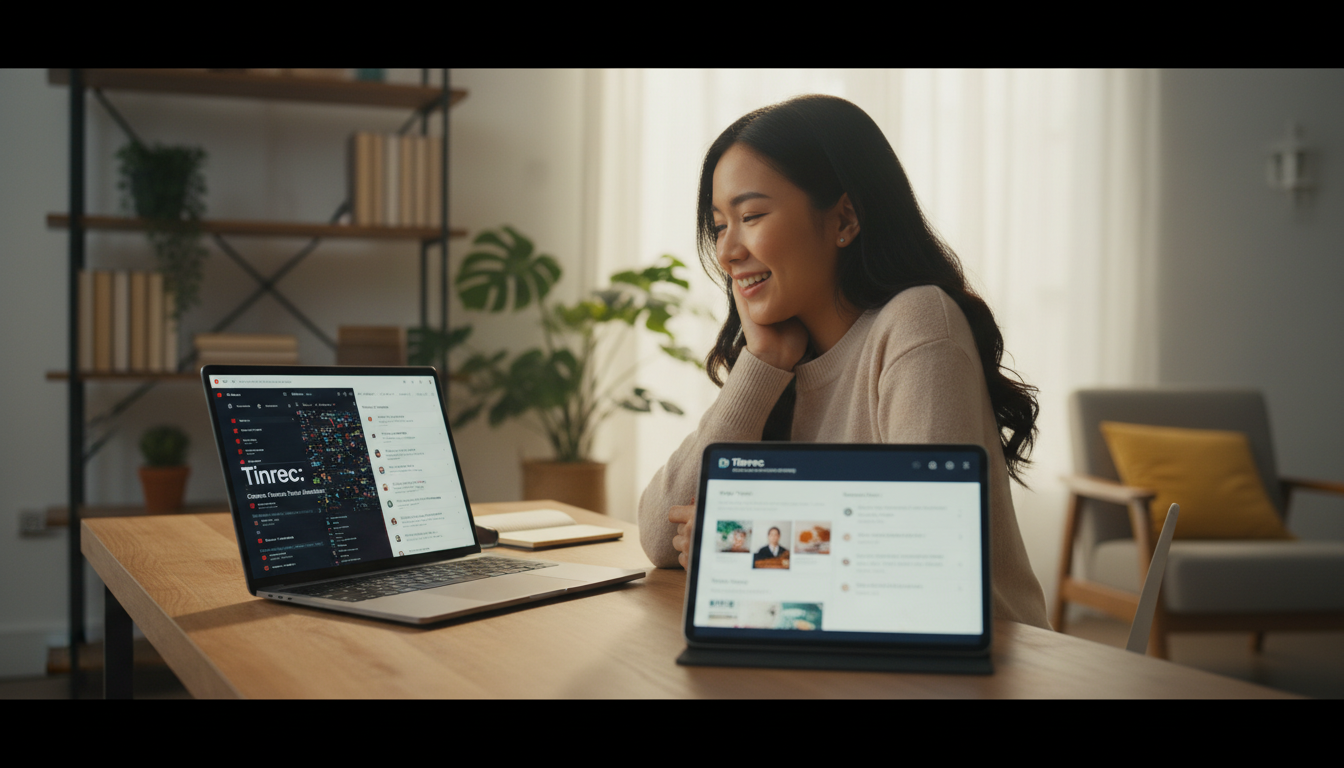
The system processes the audio in the cloud. Processing time is usually shorter than the video length. Once done, you'll see a side-by-side interface:
- Left/Top: AI-generated structured summary, mind map, or bullet points.
- Right/Bottom: Full transcript; clicking text jumps to the corresponding playback time.
Step 4: Export and Use
After verifying the content, you can:
- Copy Summary: Paste directly into Notion or other note apps.
- Export File: Supports Word, PDF, or Markdown for further editing.
- Ask AI: If you don't want to read the full text, just ask details in the chat box.

FAQ
Q1: Why can't I download subtitles with a regular downloader? Usually it's because the YouTube video itself doesn't have CC subtitles. Traditional downloaders can only fetch existing files; if the creator didn't provide them, they can't be downloaded. In that case, use a tool like Tinrec with ASR (automatic speech recognition) to generate text yourself.
Q2: How accurate is video-to-text conversion? Accuracy depends on audio quality. If the video is clear with little background noise, AI recognition can reach over 95%. Tinrec is optimized for mixed Chinese/English workplace and everyday language, and is often more accurate than YouTube's auto-captions.
Q3: Can I use it on mobile? Yes. Tinrec supports iOS, Android, and Web. You can copy a YouTube link on your phone, open the Tinrec app to parse it, and read key points during your commute.
Q4: Is there a free version limit? Most AI tools use a "free quota + paid subscription" model. For Tinrec, the free plan offers 100 minutes of recording/transcription per month, which is enough for occasional short videos. For heavy coursework or meetings, consider upgrading to Basic or Pro.
Q5: Can I edit the transcript? Yes. In Tinrec's editor, you can correct specific terms or misrecognized words at any time. Edits sync automatically, making it easy to export perfect meeting notes.
Q6: Does it support platforms other than YouTube? Tinrec's link parsing mainly supports YouTube, but it also supports uploading local audio files (mp3, m4a, wav) and video files (mp4, mov). For TikTok or podcast original files, you can use the "Audio File to Text" feature.

Turn every recording into actionable outcomes
Get 60 free transcription minutes when you sign in. No credit card required.
Related Reading
You might also like

Best AI Meeting Notes App? 2026 Test: Tinrec vs Otter for Chinese Meetings
Choosing between Tinrec and Otter.ai for online meeting notes? This comparison covers 5 areas: Chinese transcription, online meeting recording, post-meeting output, team governance, and pricing. We list free tiers and paid prices to help you decide which fits your meeting style.

2024 Comparison of 3 Smart Meeting Notes Apps: Which One Turns a One-Hour Meeting into a Five-Minute Read?
Most people only look at free minutes when choosing smart meeting notes software, and meetings still go unrecorded. This article addresses three common misconceptions and walks through Tinrec's complete five-step workflow—recording, transcription, proofreading, generating meeting notes, and exporting/sharing—then compares it with Notta and Granola's use cases to help you decide which workflow truly saves that hour after the meeting.

Tinrec vs Notta 2026: 5-Dimension Comparison of AI Meeting Notes Apps for Chinese-Language Scenarios
There are countless meeting notes apps, but the first thing to determine is whether you need a verbatim transcript or data you can directly use after the meeting. This article focuses on Tinrec and Notta, breaks down 5 purchasing dimensions, and also covers the positioning and pricing of Otter.ai, Granola, and PLAUD to help you choose the AI meeting notes app that fits your meeting style.

2026 Comparison of 5 Online AI Meeting Notes Tools: No Meeting Bots—Which One Actually Gets the Post-Meeting Work Done?
Moving meeting notes online isn't about which tool has the most features—it's about how meetings get captured. From the perspective of a mid-level manager with 15 meetings a week, I tested 5 online AI meeting notes approaches, comparing capture methods, summary and action item quality, Chinese recognition, team governance, and quota structures. I also explain why I ultimately kept Tinrec and where its limitations lie.

2026 Smart Meeting Notes Software Comparison: Chinese Recognition, Post-Meeting Organization, and Free Tiers Tested
We tested four smart meeting notes apps, comparing Chinese recognition, post-meeting summaries and action items, free tiers, and team knowledge retention. Tinrec (Miao Ting Lu Yin) stands out with desktop bot-free recording, AI Q&A, and team spaces. The article includes pricing and use cases for each app.

2026 Smart Meeting Notes Software Comparison: Which One's Output Is Ready to Use?
Meeting notes aren't just about typing—they're about post-meeting organization and follow-up. This article compares Tinrec, Otter.ai, Granola, and PLAUD Note across four dimensions: output format, audio capture method, post-meeting processing, and team knowledge retention. It also includes a ready-to-use meeting notes template and a guide to avoiding common pitfalls.

4 Free AI Meeting Notes Apps Tested: Is the Free Tier Enough?
There are plenty of free AI meeting notes apps, but few can actually deliver a finished record right after a meeting. This article tests Tinrec, Otter.ai, Notta, Granola, and TurboScribe across four dimensions—free tier limits, online meeting audio capture, post-meeting organization, and AI Q&A—to help you decide which free version is truly sufficient.

2026 AI Meeting Notes Apps Free Plans Compared: 5 Options Reviewed
There are many free AI meeting notes apps, but they differ greatly in recording time limits, whether they can record online meetings, and what you get beyond transcription. This article uses the criterion of 'can the free plan handle a complete meeting?' to review five common options and explains Tinrec's actual performance in Chinese meetings, bot-free recording, and team knowledge retention.

2026 Smart Meeting Notes Apps Compared: How Tinrec Turns Meetings into Queryable Team Data
Starting from common misconceptions, this article explains why getting only a transcript doesn't solve the meeting notes problem. It focuses on Tinrec and compares Notta, PLAUD, and Granola in terms of meeting capture methods, post-meeting outputs, Chinese language experience, and team data retention. It concludes with purchasing considerations and FAQs.