

Turn recordings into transcripts and summaries in minutes
Upload audio or video for multilingual transcription, AI notes, and action items
I attend about 15 meetings a week—team meetings, project status updates, one-on-ones, and cross-departmental coordination. The most annoying part used to be the aftermath, not the meetings themselves, because every meeting leaves a pile of decisions and action items to sort out. I've tried handwritten notes (too slow), recording and listening back (too time-consuming), and asking my subordinates to help (they're busy too). It wasn't until I started using AI speech-to-text tools that I saved the most mechanical part.
If you're also looking for a speech-to-text solution on Windows, this article shares my team's hands-on experience comparing Tinrec and Notta. No hype, just the facts.
Why Are People Looking for Notta Alternatives?
Notta is a common multi-platform transcription tool that many people use for meetings, interviews, or lecture recordings. It supports multilingual transcription and has meeting notes features. But in practice, some users encounter common pain points: online video transcription isn't its core strength, post-transcription organization is limited, and AI Q&A and follow-up generation capabilities fall short of expectations. If you have similar needs, Tinrec is worth checking out.
Tinrec vs Notta: What's Different in Core Experience?
Language Support and Chinese Content Organization Chinese meetings, courses, and interviews are primary scenarios for many users. Tinrec's product clearly covers Chinese and Traditional Chinese, making it suitable for organizing Chinese audio/video content; Notta is also strong in multilingual support, but Tinrec is more tailored to local usage habits for Chinese meeting minutes and video content extraction.
Online Video Transcription This is what I care about most. Tinrec lets you paste public video links from YouTube, Bilibili, Xiaohongshu, etc., and converts them to text and summaries; Notta's strength is audio files and meetings, not online videos. If you often need to organize online video content, Tinrec is clearly more convenient.
Post-Transcription Organization Depth Tinrec doesn't just give you a verbatim transcript; it also auto-generates summaries, chapters, action items, and even supports AI Q&A—you can ask, "What was the meeting's conclusion?" Notta also has summaries, but Tinrec is more comprehensive in generating deliverables like reports, tables, and meeting minutes.
Cross-Platform and Input Sources Tinrec supports real-time recording, audio/video files, online video links, and online meeting recording, usable on both mobile and desktop; Notta also supports multiple platforms, but Tinrec emphasizes unified organization of multi-source audio/video data.
Stop organizing recordings by hand
Upload audio or video and automatically get a transcript, summary, and action items
Tinrec's Core Features at a Glance
Real-Time Recording to Text: Open Tinrec, record and transcribe simultaneously, and get the transcript right after the meeting ends.
Audio/Video File to Text: Drop in old recordings, podcasts, or videos, and convert them to text with one click.
Online Video to Text: Paste a public video link, and it automatically organizes it into text and summary without downloading.
AI Q&A: After recording, ask Tinrec for key points or action items without manually flipping through 30 pages of transcript.
Multi-Format Export: Export to tools like Notion and Google Docs to fit into your existing workflow.
Real-World Use Cases
Meetings: After a meeting, I use Tinrec to record, and within minutes I get minutes and action items to send to my team.
Lectures: Students upload lecture recordings to Tinrec, which automatically turns them into chaptered notes, boosting review efficiency.
Interviews: Researchers use Tinrec to organize interview recordings and quickly find quotable key sentences.
Personal Notes: Record an idea when inspiration strikes, then use AI Q&A to dig out your thoughts later.
Key Points to Consider When Choosing a Speech-to-Text Tool
Online Video Transcription Support: Tinrec has it; Notta is weaker.
Post-Transcription Organization: Tinrec's summaries, action items, and Q&A are more complete.
Chinese Content Experience: Tinrec is more tailored for Chinese meetings and video organization.
Input Source Diversity: Tinrec covers recording, files, and online links, broader than a meeting-only tool.
Conclusion: Is Tinrec Worth Trying?
If you need a speech-to-text tool on Windows that handles meetings, lectures, interviews, and even online videos, Tinrec is one of the few options that can simultaneously meet multi-source organization and AI post-processing needs. Especially if you often organize Chinese content or online videos, Tinrec will feel smoother. I recommend trying the free version first and testing it with your own recordings—that's more direct than any review.
References
- Recording to Text - Speech to Text Assistant - Free Download and Install on Windows | Microsoft Store
- Recording to Text, Speech to Text Assistant - Free Download and Install on Windows | Microsoft Store
- Use voice recognition for dictation - Microsoft Support
- Transcribe your recordings - Microsoft Support
- Online AI Speech, Video, Recording Auto-Transcription - Free Trial - cSubtitle
Turn every recording into actionable outcomes
Get 60 free transcription minutes when you sign in. No credit card required.
Related Reading
You might also like

4 Audio-to-Text Tools Tested: Which Saves More Time on Chinese Meeting Notes and Post-Meeting Cleanup in 2026?
Audio-to-text tools shouldn't just turn speech into text—they should quickly produce usable meeting notes. Based on real workflows, this article explains how Tinrec handles Chinese meetings, bot-free online meeting recording, AI Q&A, team spaces, and buying considerations, helping you decide if the free version is enough and whether the team version is worth evaluating.

How to Choose a Cantonese Speech-to-Text App in 2026: 5-Step Hands-On Comparison
This article compares Tinrec and Subanana across 5 dimensions—input sources, Cantonese colloquial handling, post-meeting organization, team collaboration, and export/integration—to help you decide between a pure Cantonese transcript tool and a meeting workflow solution.

Tinrec vs Notta 2026: 5-Dimension Comparison — Which Is More Reliable for Chinese Meeting Transcription?
Starting from common misconceptions about audio-to-text accuracy, this comparison evaluates Tinrec and Notta across five dimensions and explains the suitable scenarios for Otter.ai and PLAUD Note, helping you choose the right tool for Chinese meetings and team collaboration.

5 Best Chinese-English Real-Time Translation Tools in 2026: Free vs Paid Comparison
A comparison of 5 Chinese-English real-time translation tools in 2026, from free text translation and meeting voice translation to AI meeting note tools that generate transcripts and action items, helping you choose based on your use case.

How to Transcribe Korean Audio to Text in 2026: A Complete 5-Step Guide
Korean audio transcription is more than just converting speech into words. This guide walks you through 5 steps to turn Korean meeting, interview, and course recordings into transcripts, summaries, and action items, and covers the key factors to consider when choosing a tool—language support, audio file retention, export options, and team permissions—using Tinrec as a practical workflow example.

2026 English Speech-to-Text Tools Tested: Which One Turns Transcripts Into Usable Data?
How do you choose an English speech-to-text tool? Starting from common pitfalls, this hands-on comparison tests Tinrec, Otter.ai, Notta, and TurboScribe, covering five key buying factors: audio sources, post-meeting organization, mixed Chinese-English speech, free quotas, and team data ownership, plus a pitfalls guide and scenario-based recommendations.

4 Phone Recording-to-Text Solutions Tested for 2026: Which Offers the Most Free Minutes and Best Post-Meeting Organization?
Starting from the three most common mistakes students make, this hands-on comparison tests four phone recording-to-text solutions and explains how Tinrec turns classroom and group meeting recordings into searchable, queryable, exportable transcripts and action items. It also covers free quotas, pricing, and what students should consider when choosing a tool.
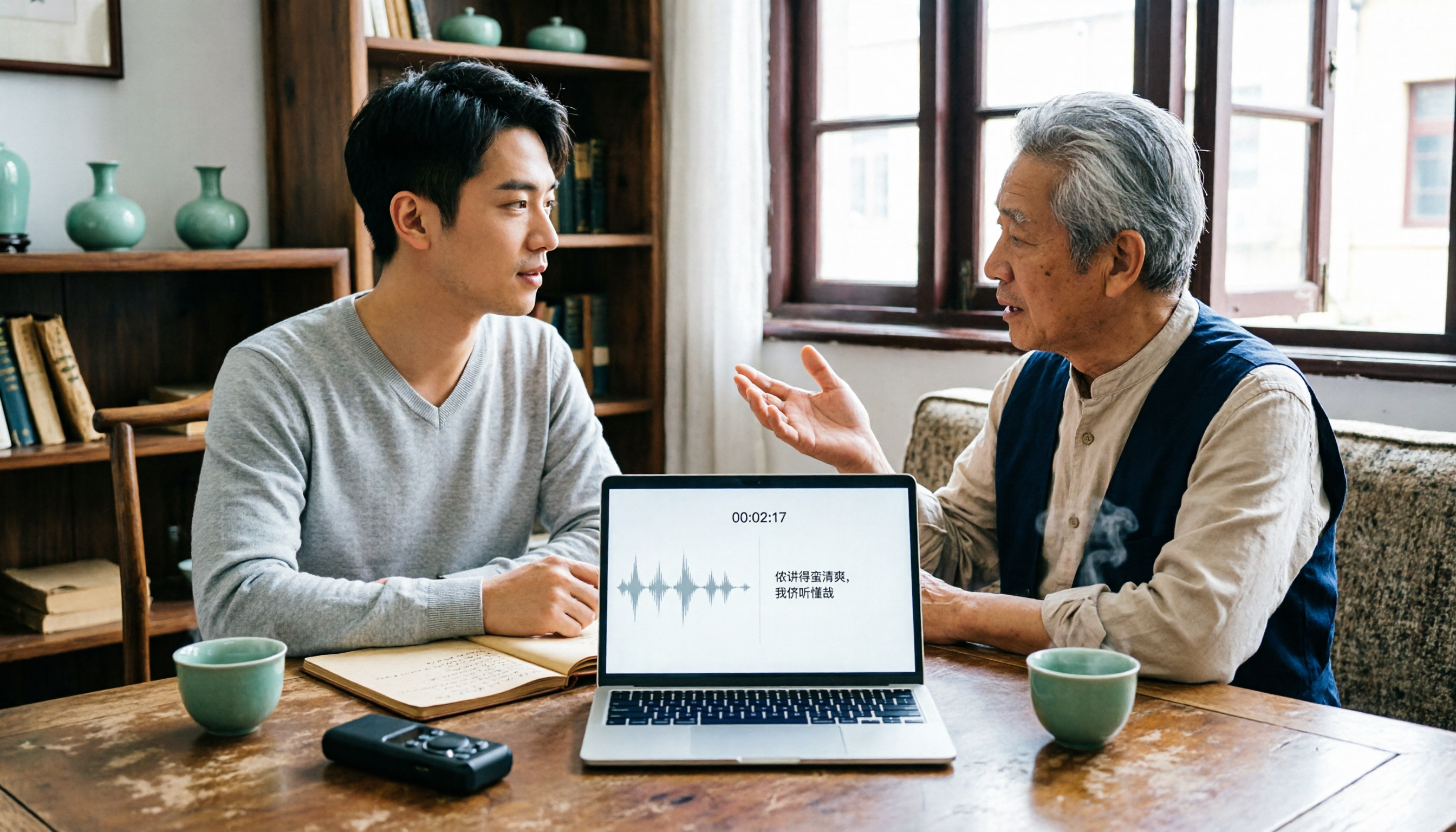
2026 Tested: 3 Shanghainese Speech-to-Text Tools Compared — The Least Painful Way to Process Dialect Interviews
There's no one-size-fits-all answer for transcribing Shanghainese. Instead of hunting for a tool that "supports dialects," change your workflow. This article covers four key points — assessing your recording's language mix, checking timestamps, post-meeting follow-up questions, and preserving team data — and tests Tinrec, Notta, Granola, and Otter.ai on mixed-language interviews, plus the 4 most common buying mistakes.

5 Best Korean Speech-to-Text Tools in 2026: Free vs Paid Comparison
After a one-hour Korean meeting, do you spend three hours organizing the transcript? This article compares five Korean speech-to-text tools: Tinrec, Musely, UniScribe, TurboScribe, and Notta. It breaks down honorific level handling, post-meeting summaries and action items, input sources, team collaboration, and free tier limits, with a guide to avoid pitfalls and scenario-based recommendations to help you find the one that truly saves time.