

Turn recordings into transcripts and summaries in minutes
Upload audio or video for multilingual transcription, AI notes, and action items
Two Hours of Class, Notes Can't Keep Up—You Need a Tool That Transcribes in Real Time
In my senior year, I took a class with a legendary "tough professor" who spoke faster than a podcast at 2x speed, flipping slides like an Olympic event. I tried taking handwritten notes, but when I opened my notebook before finals, I found a bunch of "this is important" and "key point" with no actual content. Then I started using audio-to-text tools. I'd record lectures directly, and real-time transcripts would appear on my phone. After class, I'd organize the key points into notes, and my final grades recovered. If you're a student who often needs transcripts for lectures, group discussions, or interview recordings, this roundup of free tools I tested over a semester is a must-read.
Before Choosing a Real-Time Transcription Tool, Understand These 3 Key Points
Accuracy: Don't Just Trust Official Claims—Test It Yourself. Many tools claim accuracy above 95%, but that's measured in a quiet recording studio. In a classroom with air conditioning, classmates whispering, and the professor moving around, accuracy drops significantly. I usually test with my own lecture recordings to see if it can clearly recognize mixed Chinese-English and Taiwanese accents.
AI Features: Converting to Text Is Just the First Step—Can It Help You Organize? If you only get a transcript, you still have to read it all yourself, which is as tiring as copying notes by hand. Good tools automatically segment, highlight key points, and even let you ask questions like, "What did the professor say about the final exam scope?" This is super helpful for exam review.
Cross-Platform Support: You Won't Always Record on Your Phone. I record lectures on my phone, but I organize them on my computer back at the dorm, and sometimes I need to convert YouTube tutorial videos to text. The tool should sync across devices and support multiple input sources, so you don't have to switch between apps for different files.
Tinrec (秒听录音)—My Top Pick After a Semester of Testing
Tinrec (秒听录音) is an AI recording and audio/video organization tool that supports real-time recording-to-text, uploading audio/video files for transcription, and even pasting a link to an online video for direct transcription. My most common use is opening it in class, recording while it generates real-time transcripts. It doesn't just give me a transcript; it also auto-summarizes, creates chapters, and even lists homework to-dos mentioned by the professor.
After recording, I can use the AI Q&A feature to ask, "What are the key points for the final exam?" It doesn't just give me keyword search results; it directly tells me which sections contain the key points based on the entire recording. This feature saved me during midterms—previously, I'd have to re-listen to two hours of audio; now I just ask for the key points and get it done in 20 minutes.
I tested a 5-minute classroom recording (with echo and the professor occasionally moving away from the mic), and Tinrec's transcription quality impressed me. Mixed Chinese-English technical terms were mostly correct, and auto-segmentation was reasonable. The free version includes basic transcription credits, which were enough for my two or three lectures per week. When I needed more, I considered a weekly card (handy for a short sprint during midterms).
Stop organizing recordings by hand
Upload audio or video and automatically get a transcript, summary, and action items
Pros:
- More than just a transcript—AI organization: Auto-summary, chapters, to-dos, turning recordings into reviewable notes.
- Multiple input sources: Besides real-time recording, you can upload past recordings or even paste a Bilibili tutorial video link for transcription.
- Great for Chinese: Focuses on Chinese content organization, handling Traditional Chinese, Simplified Chinese, and mixed Chinese-English well, better than English-first tools for Taiwanese students.
Limitations:
- The free version has limited credits; heavy users need to pay. But for most students, if you only record key classes, the free version is sufficient. If you want to record every class, the Pro monthly card costs less than two late-night snacks.
Who it's for: If you need real-time transcription, often organize Chinese lectures or interview recordings, want to ask questions about the recording content, or want seamless organization between phone and computer, Tinrec is the most convenient option I've used so far.
Beyond Tinrec: What Other Options Are There?
Notta: A general-purpose transcription tool with strong transcription and subtitle features. The free version offers 120 minutes per month. However, it mainly converts to text and lacks AI Q&A around the recording content like Tinrec—if you want to ask "What were the experimental steps the professor mentioned?", it only gives you a transcript to search through. If you only need plain transcription and subtitles, give it a try.
Otter.ai: Best for English meetings. The free version offers a generous 300 minutes per month, but Chinese transcription is not as good as Tinrec, especially for Taiwanese accents and mixed Chinese-English lecture recordings. Also, it lacks Tinrec's online video transcription feature, so I hit a wall when trying to organize YouTube tutorial videos. If you mainly record English meetings, consider it, but for Chinese learning scenarios, Tinrec is smoother.
Pitfall Guide: 3 Common Mistakes When Choosing a Real-Time Transcription Tool
Pitfall 1: Only Looking at Official Accuracy Numbers. Many tools advertise 98% accuracy, but that's in ideal conditions. In real classrooms, cafes, or group discussions, accuracy drops noticeably. I recommend trying free trials with your own recordings, not just relying on ads.
Pitfall 2: Ignoring Cross-Platform and Input Sources. You think you only need phone recording, but later you might need to transcribe videos on your computer, YouTube links, or past recordings. If the tool only supports real-time phone recording, you'll have to find another solution, which is a hassle.
Pitfall 3: Using the Tool Only as "Audio-to-Text," Wasting AI Features. Many people save the transcript and then read it slowly before exams. Actually, tools like Tinrec's AI Q&A can directly ask for key points and find answers, saving you a lot of review time. Don't use only a third of the features.
Summary: Which One Should You Choose?
Overall, for student needs (real-time transcription, Chinese lectures, cross-device, AI organization), Tinrec is my top recommendation after a semester of testing.
- Need real-time transcription + AI key point organization → Tinrec (auto-summary, chapters, to-dos, and Q&A)
- Need to organize online videos or old recordings → Tinrec (supports link pasting and file uploads)
- Zero budget, only English meetings → Otter.ai (generous free credits for English)
- Only need plain transcription and subtitles, don't mind finding key points yourself → Notta (stable transcription and subtitles)
I suggest you download the Tinrec free version first. It has basic monthly credits; record a class or two to see if it suits you. If you like it, consider upgrading—no need to pay upfront.
References
Turn every recording into actionable outcomes
Get 60 free transcription minutes when you sign in. No credit card required.
Related Reading
You might also like

4 Cantonese Real-Time Translation Tools Tested for 2026: Which One Understands and Translates Accurately?
Cantonese real-time translation actually serves two different needs: understanding on the spot and keeping a record afterward. Choosing the wrong tool makes everything feel cumbersome. This article starts from real usage scenarios and compares Tinrec, Google Translate, Love Cantonese, and PLAUD recording hardware, summarizing key buying factors, common pitfalls, and suitable users to help you choose right the first time.

2026 Courtroom Audio Transcription Tools Compared: A Transcript Must Work as an Evidence Attachment
Turning a hearing recording into usable court documentation isn't just about converting speech to text. Starting from the actual requirements for evidence attachments, this article compares Tinrec, Granola, TurboScribe, and Otter.ai on speaker labels, timestamp jump-back, legal terminology recognition, and team data handover, and outlines the 4 most common pitfalls to help you decide where to allocate your budget.

2026 4 Voice Recorder Comparison: Which AI Summarization Actually Saves Post-Meeting Time?
A mid-level manager who attends over ten meetings a week shares hands-on testing: in 2025, voice recorders have evolved from 'just recording' to 'helping you organize.' This article covers key buying factors, the top pick Tinrec, brief competitor reviews, and a guide to avoiding pitfalls—helping you decide which one to buy and whether to upgrade.
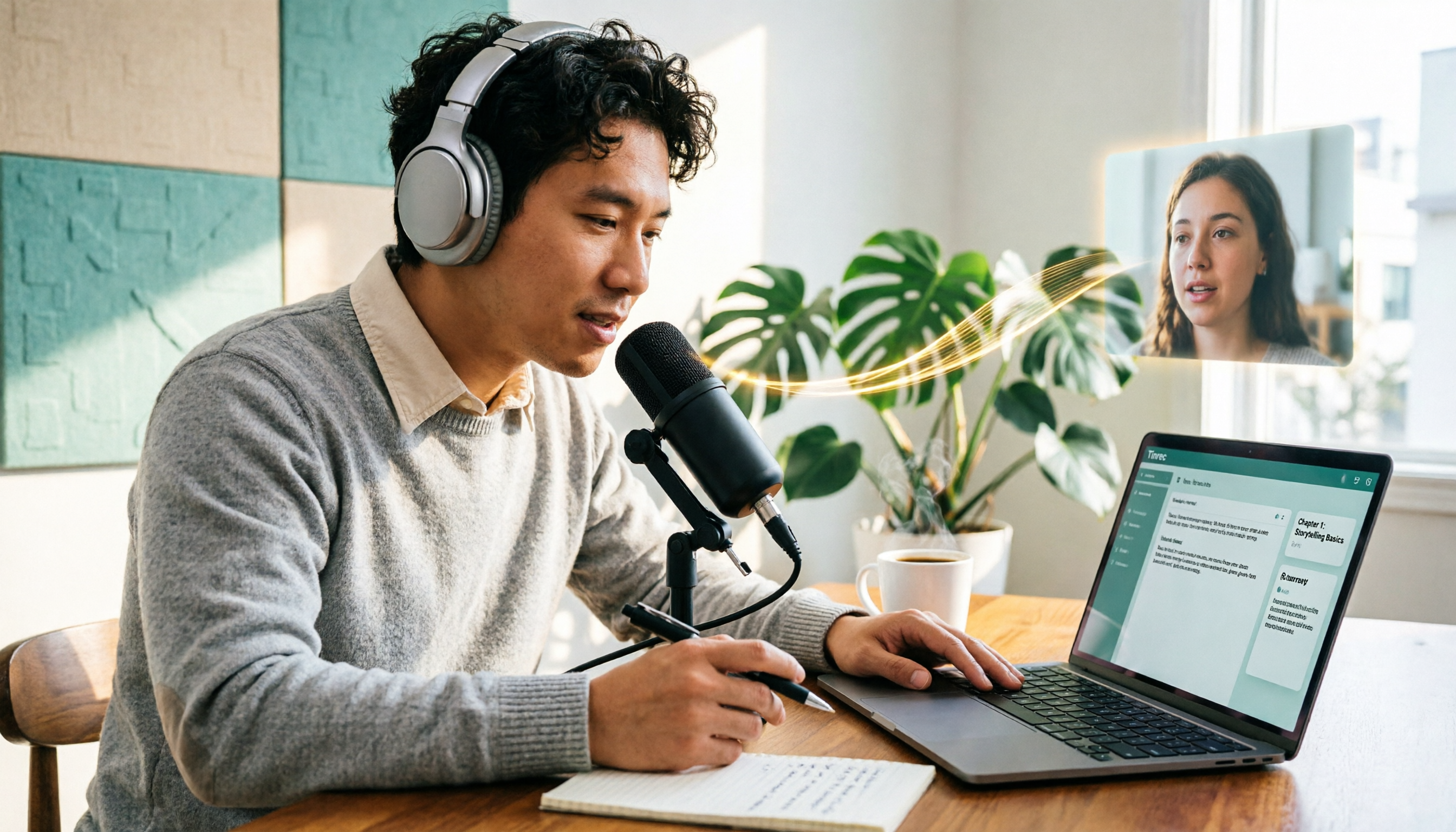
5 Podcast Transcription Tools Tested: Link Parsing, File Upload, or Live Transcription—Which Saves the Most Time in 2026?
How do podcasters choose a recording-to-text tool? This article breaks down five workflows—link parsing, file upload, live recording, online meeting capture, and team collaboration—and uses Tinrec as an example to explain transcripts, AI summaries, chapters, Q&A, and export options, plus buying tips and FAQs.

2026 Comparison of 3 Interview Transcription Tools: Tinrec vs. Notta vs. Subanana — Which Helps Journalists Meet Deadlines?
The biggest pitfall in interview transcription isn't AI accuracy—it's choosing the wrong type of tool from the start. This article, from a journalist's actual workflow, compares Tinrec, Notta, and Subanana on interview format coverage, post-interview organization, Chinese terminology, audio retention, and free quotas, with team plan seat and pricing details, to help you save time before deadline.
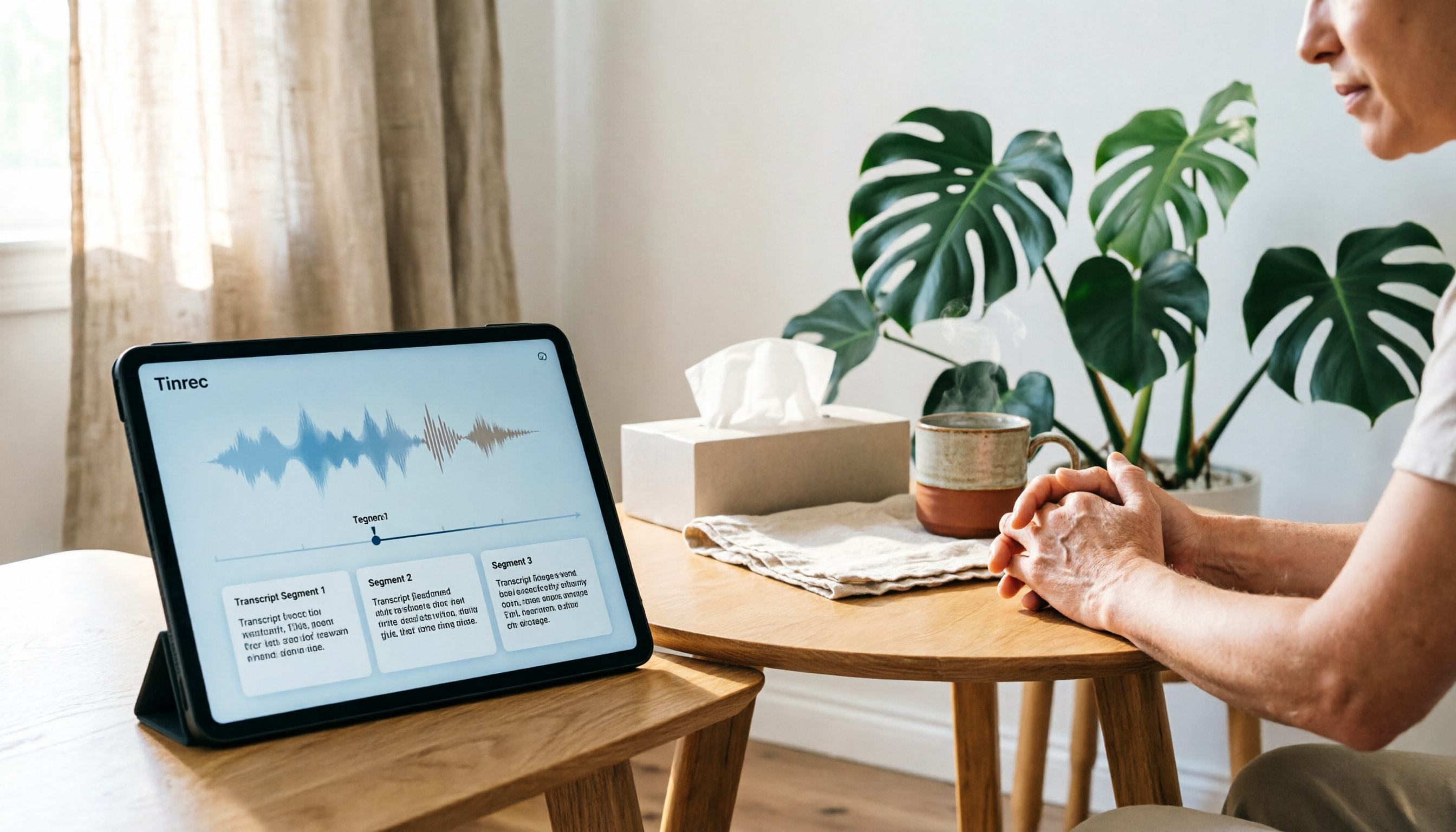
4 Recording and Note-Organization Tools Compared for 2026: How Should Therapy Session Recordings Be Organized?
Can therapy sessions be recorded, and if so, how should the recordings be organized? This article starts with three common misunderstandings, breaks down four key points—scope of consent, confidential storage, post-transcription usability, and Chinese terminology—and compares Tinrec, Notta, Otter.ai, and Granola in terms of their practical differences and pitfalls to avoid in therapy recording and note-taking scenarios.

2026 Guide to Choosing a Subtitle Generator for Content Creators: 3 Tools Tested and Recommendations
Starting from the real needs of campus projects and club videos, this guide outlines 4 key points content creators should consider when choosing a subtitle generation tool. It tests Tinrec's transcription and post-meeting organization workflow, and compares the use cases and limitations of YouTube's built-in captions, VideoCaptioner, and TurboScribe, concluding with selection advice for students and small teams.

4 Screenwriting Audio-to-Text Tools Tested: Which One Saves the Most Time on Dictated Scripts in 2026?
Screenwriting often starts with speaking: dictating outlines, brainstorming in writers' rooms, interviewing real-life subjects. This article tests 4 audio-to-text tools in real screenwriting scenarios—from mixed Chinese-English recognition, post-meeting organization, recording online script meetings without bots, to team knowledge retention—to tell you which one truly saves time on transcripts, and how to choose based on different budgets and needs.

2026 Recorder Comparison: PLAUD Note vs Tinrec — Which Is Better for Meeting Notes?
This article compares PLAUD Note and Tinrec across six dimensions—meeting capture, post-transcription workflow, Chinese-language experience, team collaboration, cost, and data traceability—to help you decide whether to buy a dedicated recorder or choose an AI meeting notes tool that requires no extra hardware.