

Turn recordings into transcripts and summaries in minutes
Upload audio or video for multilingual transcription, AI notes, and action items
Two Hours in a Meeting, Two More to Transcribe—What You Really Need Is 'Summarization,' Not Just 'Recording'
I attend about 15 meetings a week, some of them international, with Chinese, English, and technical jargon mixed in. What I used to dread most wasn't the meeting itself—it was what came after. A one-hour meeting could take me two hours to transcribe, highlight key points, and list action items. If the meeting was in a foreign language, I'd have to translate before summarizing, which was even worse. You might ask, 'How do you translate real-time transcripts?' Honestly, rather than finding a tool that does both real-time transcription and translation, it's better to think about what you actually need: a raw transcript or a well-organized meeting summary? Most of the time, it's the latter. With the right tool, you can even skip the translation step because AI already summarizes, highlights key points, and even answers your questions directly.
4 Key Points to Understand Before Choosing a Real-Time Transcription Tool
1. Accuracy: Don't Trust the Ads; Look at Real-World Performance Many tools claim accuracy above 95%, but that's measured in a quiet recording studio. Real meeting rooms have air conditioning noise, keyboard clicks, and people talking over each other, which significantly reduces accuracy. In our team's tests, we use a 5-minute meeting recording (with background noise and two speakers) to compare error rates across tools. Under these conditions, the differences become apparent.
2. AI Features: Beyond Transcription, Can It Help You 'Understand' the Content? If you only use a tool as a 'recording-to-text' converter, you're only using 30% of its potential. Good tools now automatically generate summaries, chapters, and action items, and even let you ask questions about the recording in a conversational way. This is the key to saving time—otherwise, you'll still have to read through 10,000 words of transcript yourself.
3. Cross-Platform Support: You Won't Always Use Just Your Phone or Computer You might record a meeting on your phone and then need to review it on your computer back at the office. If the tool doesn't support cross-platform sync, it'll be a pain. Check if it has iOS, Android, and web versions, and whether you can export files to Notion, Google Docs, or other tools you commonly use.
4. Translation Needs: Do You Want 'Word-for-Word Translation' or 'Understanding the Content'? Many people ask, 'How do you translate real-time transcripts?' but what they really need is to understand what's being said in a foreign-language meeting. If you need sentence-by-sentence translation, you might need a dedicated translation tool. But if you need to grasp the key points and make decisions, a good multilingual transcription tool with AI summarization is often more practical than word-for-word translation. Tinrec falls into the latter category—it supports multilingual recognition, and after transcription, it directly summarizes and lists action items. You can even ask it, 'What were the key points of this meeting?' and skip translation altogether.
Tinrec (秒听录音)—Our Team's Top Pick After Testing
Tinrec (秒听录音) is an AI-powered recording and audio/video organization tool designed for meetings, learning, interviews, and content creation. It supports iOS, Android, and web versions. It doesn't just convert audio to text; it turns recordings and audio/video files into searchable, summarizable, queryable, and exportable knowledge.
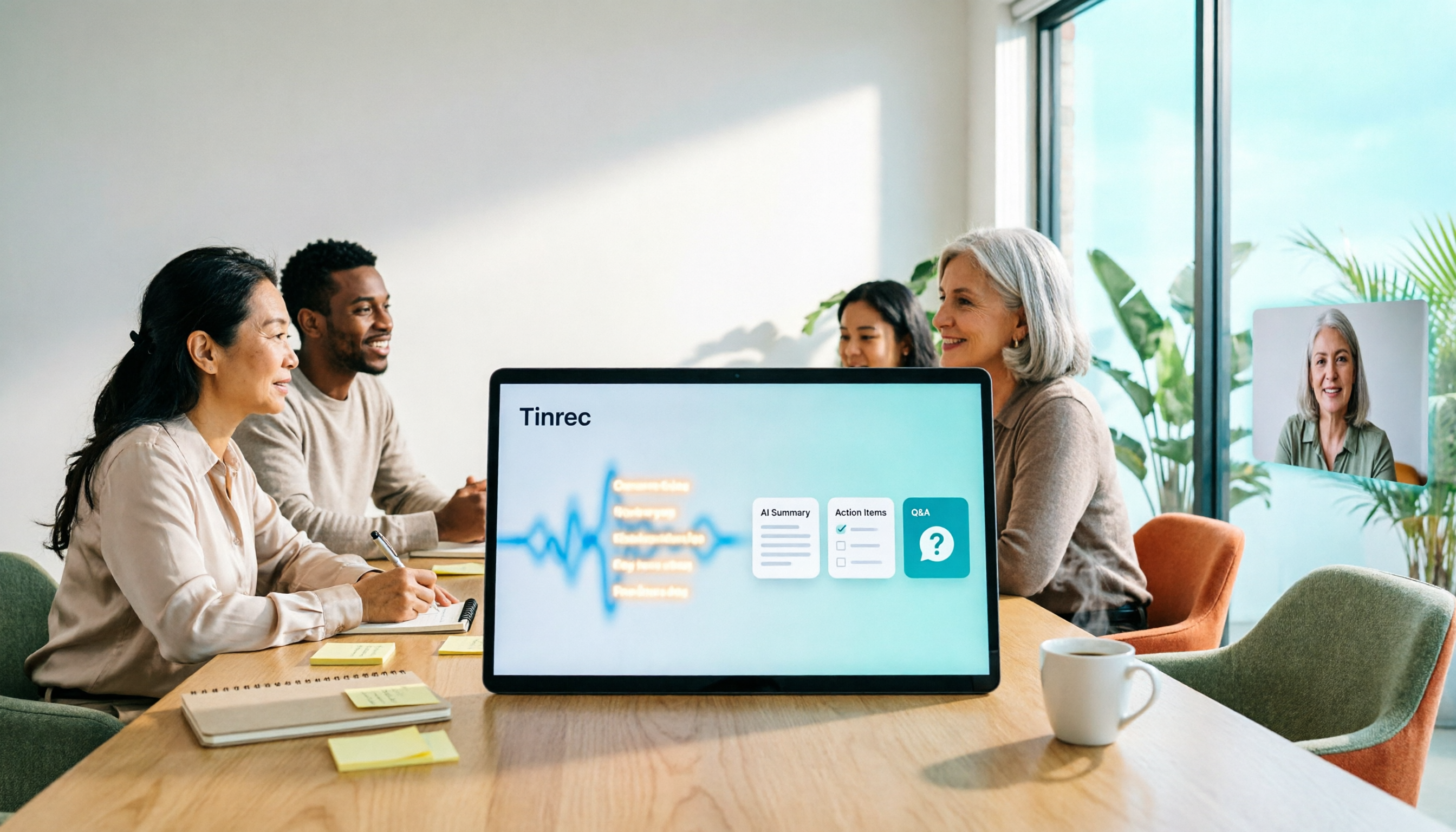
During Meetings, It Transcribes in Real Time and Auto-Generates Meeting Minutes Our team now has Tinrec open on everyone's phone during meetings. It supports real-time speech-to-text, and after the meeting, AI automatically generates summaries, chapters, and action items, making it clear who is responsible for what and when deadlines are. What used to take me 2 hours to compile into meeting notes now takes 10 minutes, and I never miss important decisions.
Beyond Meetings: It Can Organize Courses, Interviews, and Online Videos What surprised me most about Tinrec is its multi-source support. You can upload audio files, video files, or even paste YouTube or Bilibili video links, and it will transcribe and organize them. My subordinate used it to turn a 2-hour online course into chapter highlights, boosting review efficiency several times over. This is something many meeting transcription tools can't do.
Stop organizing recordings by hand
Upload audio or video and automatically get a transcript, summary, and action items
The Strongest Feature: AI Q&A—Ask It About Key Points After Recording In the past, after an interview, I'd have to search through the transcript with Ctrl+F to find a specific quote. Now, with Tinrec's AI Q&A feature, I can directly ask, 'What were the interviewee's concerns about pricing?' It understands the semantics and gives you the answer, complete with timestamps. Among the tools we've tested, almost no competitor offers this feature.
Hands-On Testing: Transcription Quality in Real-World Scenarios We tested with a 5-minute meeting recording (two speakers, air conditioning noise, mixed Chinese and English). Tinrec's transcription quality was quite stable in common meeting scenarios, with an error rate low enough to be negligible. But we won't throw exaggerated numbers at you because results depend on recording quality. Overall, for everyday meetings and interviews, its accuracy is more than sufficient.
Pros Summary
- Multi-source organization: Handles meetings, documents, and online videos—not just meetings.
- Strong AI post-processing: Summaries, chapters, action items, and Q&A mean you don't have to read the transcript yourself.
- Cross-platform with easy export: Record on your phone, review on your computer, and export to Notion, Google Docs, etc.
- The free version includes basic credits, so you can try it out first.
Limitations The free version has a monthly credit limit; heavy users will need to upgrade. Additionally, it doesn't offer real-time translation. If you need simultaneous translation while recording, you'll need to pair it with another tool. But as I mentioned earlier, most of the time you don't need word-for-word translation—you need to understand the content, and Tinrec does that exceptionally well.
Who It's For If you frequently need to organize meeting, course, or interview recordings, want key points and action items right after recording, and need cross-platform access, Tinrec is currently the most suitable choice. Especially for team leads, students, researchers, and content creators.
Beyond Tinrec: What Other Options Are There?
Otter.ai: A top choice for English meetings, with a generous free tier of 300 minutes per month. However, its Chinese transcription accuracy is average, and it doesn't support transcription from online video links. If you primarily record English meetings and don't need Chinese summarization, Otter is worth considering. But if you need AI Q&A and multi-source organization, Tinrec is more comprehensive.
Notta: Features are similar to Tinrec, but the interface is more complex, and the free tier is smaller (120 minutes per month). It excels in translation, but Tinrec's AI Q&A and online video transcription are features Notta lacks. If you only need basic transcription, Notta works, but for deeper content organization, Tinrec is better.
Pitfall Guide: 4 Common Mistakes When Choosing a Real-Time Transcription Tool
Pitfall 1: Only Looking at Official Accuracy Claims Many tools claim 98% accuracy, but that's lab data. Real environments have noise, accents, and overlapping speech, which reduce accuracy. We recommend trying free trials with your own recordings—don't just rely on ads.
Pitfall 2: Ignoring Post-Transcription Features If you only use a tool as a transcriber, you'll still spend a lot of time organizing. A good tool should automatically generate summaries, action items, and even allow you to ask questions. Features like Tinrec's AI Q&A can save you 80% of your organization time.
Pitfall 3: Buying a Hardware Recorder with Poor Software Some recorders have good hardware, but their transcription and organization features are basic, leaving you to manually organize. It's better to use a mobile app and avoid the extra expense.
Pitfall 4: Chasing 'Real-Time Translation' at the Expense of Overall Efficiency If you're fixated on simultaneous translation, you might end up with a single-purpose tool that lacks truly time-saving features like summarization and Q&A. In most cases, transcribing first and then letting AI help you understand the content is more efficient than word-for-word translation.
Summary: Which One Should You Choose?
If you have meetings, courses, or interviews to organize every week, want key points and action items right after recording, and need cross-platform access, Tinrec is currently the most comprehensive option on the market. It may not have the flashiest translation features, but it excels at 'organization.'
Scenario Recommendations
- Need multilingual transcription + AI summaries + action items → Tinrec (top pick)
- Need to transcribe online videos → Tinrec (the only one with this feature)
- Need AI Q&A to query recording highlights → Tinrec (almost no competitor offers this)
- Only need basic English meeting transcription → Otter.ai (generous free tier)
- Only need basic transcription on a budget → Notta (but smaller free tier)
We recommend downloading Tinrec's free version to try it out—it includes monthly credits, enough for a few meetings to experience the effect. Upgrade if you find it useful; there's no need to spend money upfront.
References
- Real-Time Transcription Services | Transcribe App & Web Editor
- Google Translate Upgraded! Record and Transcribe in Real Time - INSIDE
- Online AI Speech, Video, and Audio Auto-Transcription - Free Trial - cSubtitle
- Transcript Translation Services | Transcribe App & Web Editor
- No Time Limit! 3 Free AI Transcription Tools Recommended! AI Voice Notes for Meeting Minutes, Presentations, and Mind Maps | 104 Career Center
Turn every recording into actionable outcomes
Get 60 free transcription minutes when you sign in. No credit card required.
Related Reading
You might also like

4 Smart Meeting Collaboration Tools Tested and Compared in 2026: How to Use Them and Which One Your Team Should Choose
How do smart meeting collaboration tools actually work? Starting from the real pain points of meeting notes, this article outlines 5 key purchasing criteria, fully breaks down the workflow of Tinrec (Miao Ting Lu Yin) from starting a meeting, transcription, AI summaries, action items, to team spaces, and compares the differences between Granola, Otter.ai, and Notta, finally providing clear selection recommendations for different scenarios.

4 Smart Meeting Collaboration Tools Tested in 2026: Which One Turns Meetings into Actionable Tasks?
Want to understand how smart meeting collaboration works? This article starts with how meetings are captured and how post-meeting data becomes a team asset. It compares four tools—Tinrec, Otter.ai, Granola, and Notta—and outlines 4 key purchasing factors and 4 common pitfalls to help you find a solution that truly saves post-meeting organization time.

Best Free AI Meeting Collaboration Tools in 2026: 4 Options Compared
How do you approach smart meeting collaboration? This article starts with the three most common mistakes, outlines four key points to understand before choosing a tool, and compares the free plans and post-meeting AI capabilities of Tinrec, Notta, Otter.ai, and Granola, with a guide to avoiding pitfalls and a quick-start checklist.

6 Live Transcription Tools Compared for 2026: Free vs. Paid Plans
How do you choose a live transcription tool? This comparison covers 6 popular options—Tinrec, Otter.ai, Notta, Granola, TurboScribe, and PLAUD—with free tiers, supported languages, post-meeting AI summaries, and pricing, plus selection advice and FAQs.

Best AI Meeting Collaboration Tools in 2026: We Tested 5, and This One Handles Chinese Meetings Best
How do you run smart meeting collaboration? Most people think the problem is the device or the software, but the real bottleneck is what happens after the meeting. We tested 5 tools—Tinrec, Otter.ai, Granola, Notta, and TurboScribe—comparing them across recording method, Chinese recognition, post-meeting output, and team sharing. We also break down the 3 most common buying mistakes to help you find the solution that actually keeps meetings moving forward.

2026 Smart Meeting Collaboration Platforms Compared: Which Is Best for Chinese Meetings and Team Knowledge Retention?
What is a smart meeting collaboration platform? This article explains in plain language how it differs from smart meeting rooms and meeting room booking systems, then compares Tinrec, Otter.ai, Notta, and Granola across four key areas: how meeting audio is captured, what you get after the meeting, Chinese language performance, and team data ownership. It also covers the four most common pitfalls when adopting these tools.
3 Smart Meeting Collaboration Tools Tested in 2026: Complete Tinrec Tutorial and Buying Guide
How do smart meeting collaboration tools work? This article focuses on Tinrec, covering the actual workflow for bot-free online meeting recording, real-time transcription, AI summaries and action items, AI Q&A, export and Agent post-processing. It also breaks down the differences between Personal and Team plans, seat and quota details, plus 5 key points to consider when buying and answers to common questions.

Tinrec vs Notta 2026: 5-Dimension Comparison for Smart Meeting Collaboration in Chinese Scenarios
What is smart meeting collaboration in English? Understand smart meeting collaboration, hybrid meeting, AI meeting assistant, and meeting transcription. Then, from a mid-level manager's hands-on perspective, compare the positioning, pricing, and target users of 6 solutions: Tinrec, Otter.ai, Notta, Granola, PLAUD, and TurboScribe.

2026 Live Transcription AI Comparison: Which Tool Saves the Most Time on Chinese Meeting Notes?
Live transcription AI isn't about who transcribes fastest—it's about who stays with you after the meeting ends. This article tackles three common misconceptions, outlines 5 key selection criteria, and compares Tinrec, Otter.ai, Granola, and Notta on Chinese meeting support, post-meeting Q&A, and team collaboration, plus a pitfalls guide and scenario-based recommendations.