
Turn recordings into transcripts and summaries in minutes
Upload audio or video for multilingual transcription, AI notes, and action items
For students and professionals conducting qualitative research, interviews, or class recordings, transcribing is often the most tedious part. Have you ever spent 4 to 6 hours transcribing a one-hour interview? Or wasted time scrubbing back and forth to find a key quote?
With AI maturing, modern tools go beyond simple 'speech-to-text' to offer 'semantic understanding' and 'key point summarization.' This article reviews the top 6 interview transcription tools in 2025 from a practical perspective, providing a detailed comparison table and a hands-on tutorial.
Quick Summary:
- If you need strong localization and Taiwanese Hokkien support: Prioritize Yating (Yating Transcription).
- If you value integrated recording, transcription, and AI query analysis: Consider Tinrec (MiaoTing Recorder).
- If you work with English interviews or international meetings: Otter.ai remains a strong choice.
- If you prefer minimalist and free: Try Google Live Transcribe (limited features).
Why You Need AI-Assisted Interview Transcription: Key Efficiency Data
Research shows that average speaking speed is 150-250 words per minute, while handwriting is only 20-30 words, and even fast typing is 40-60 words per minute. During traditional interviews, trying to record simultaneously results in missing over 70% of details.
For graduate students and content creators, the real pain point is post-production. Manually transcribing a 60-minute recording takes 4-6 hours on average. With AI speech-to-text tools, the same recording can be initially transcribed in 10-15 minutes—nearly a 10x efficiency gain. This frees users to focus on valuable content analysis and insight extraction.
2025 Hot Interview Transcription Tools Review
Below we analyze 6 tools based on Chinese support, feature completeness, and use cases.
1. Yating Transcription: Top Choice for Taiwan Localization
Developed by Taiwan AI Labs, Yating's biggest advantage is support for Taiwanese accents and Taiwanese Hokkien. This is a competitive edge for fieldwork or interviews with older generations.
- Pros: Highly adapted to Taiwanese expressions, supports Taiwanese Hokkien, simple interface.
- Cons: Relatively single-function, focused mainly on transcription, limited AI summary analysis.
2. LexiTranscript: Student-Friendly Flexible Option
LexiTranscript targets students with a 'use-and-forget' privacy protection and flexible free credit mechanism. It's very friendly for budget-conscious students who transcribe occasionally.
- Pros: Daily free credits, no monthly subscription required, optimized for Traditional Chinese.
- Cons: More of a one-off tool, lacks long-term database management or advanced AI chat features.
3. Tinrec (MiaoTing Recorder): One-Stop Workflow for Recording, Transcription, and AI Analysis
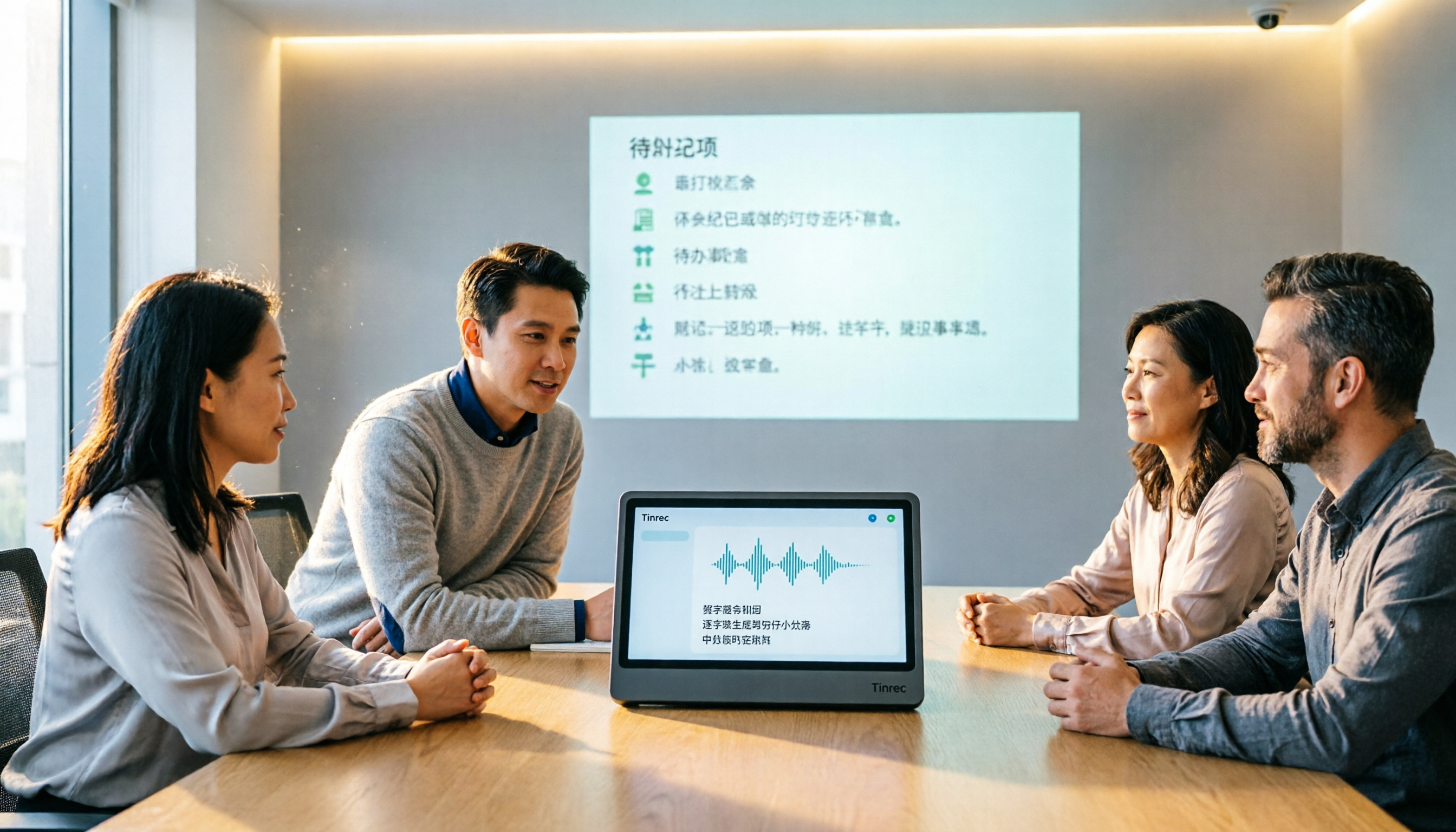
Tinrec is positioned not just as a transcription tool but as a 'smart recording assistant.' It solves the pain point of 'having to read after transcription.' Tinrec supports real-time transcription during recording and auto-generates meeting minutes and action items. Its standout feature is AI chat query, allowing users to ask AI about specific details from the recording without reviewing the entire transcript.
- Pros: Supports recording, file upload, and video link transcription; AI Q&A and summaries; multi-device sync (Web/App); supports 10 languages.
- Cons: Free version has a monthly recording limit (100 minutes).

4. GoodTape: High-Quality Transcription for Media Professionals
Popular among journalists, GoodTape uses OpenAI Whisper technology, offering good multi-language mixing and noise resistance.
- Pros: Supports multiple audio formats, high transcription accuracy, minimalist interface.
- Cons: Free version has very limited monthly credits (only 3 files), and features are mostly limited to transcription without note management.
5. Otter.ai: King of English Interviews
While Otter excels at English recognition and Zoom/Teams integration, its Chinese support is limited. Good for fully English interviews or international students.
Stop organizing recordings by hand
Upload audio or video and automatically get a transcript, summary, and action items
- Pros: Extremely accurate English recognition, powerful meeting collaboration features.
- Cons: Weak Chinese recognition, not suitable for pure Chinese environments.
6. Google Live Transcribe: Completely Free Basic Option
An Android built-in or downloadable accessibility tool that provides real-time speech-to-text display.
- Pros: Completely free, real-time.
- Cons: Cannot import audio files (real-time only), cannot export as document, only copy-paste, not suitable for long interview transcription.
Interview Transcription Tool Comparison Table
To help you decide quickly, here's a comparison across key dimensions:
| Dimension | Tinrec | Yating | LexiTranscript | Otter.ai | Google Live Transcribe |
|---|---|---|---|---|---|
| Chinese Recognition | Excellent (supports Chinese, English, Japanese, Korean, etc.) | Excellent (includes Taiwanese Hokkien) | Excellent (optimized for Traditional Chinese) | Average | Good |
| Input Methods | Live recording, file upload, video link | Live recording, file upload | File upload | Live recording, file upload | Only live recording |
| AI Smart Analysis | Supported (summaries, tasks, chat query) | Limited | Only proofreading | Supported (English-focused) | None |
| Multi-Device Support | Web, iOS, Android | Web, App | Web | Web, App | Android (iOS requires separate app) |
| Free Tier | 100 minutes/month | Limited free version | Daily credits | 300 minutes/month | Completely free |
| Export Formats | Word, TXT, SRT, PDF | Word, TXT, SRT | Word, SRT | TXT, PDF, SRT | Copy text only |
Hands-On Tutorial: Efficiently Organizing Interview Content with AI Tools
Choosing a tool is the first step; integrating it into your workflow is key. Below we use Tinrec as an example to demonstrate a standard operating procedure from recording to analysis.
Step 1: High-Quality Recording and Real-Time Transcription
At the start of the interview, ensure the recording device is 30-100 cm from the interviewee. If using the app, enable 'real-time transcription' to check audio quality and recognition accuracy immediately.
- Instructions: Go to the tool homepage and click 'Start Recording.' For remote meetings, use the web version to record system audio.
- Relevant link: Real-time transcription

Step 2: Import Existing Files or Links
If you already have audio files or content from YouTube/Podcasts, upload them directly or paste the link—no need to re-record with speaker output.
- Instructions: Select 'Import Audio' or 'Video Link Parsing.' The system will automatically differentiate speakers and generate a transcript.
- Relevant links: Audio file to text or Podcast/online video to text
Step 3: Use AI Chat to 'Ask' for Key Points
This is the biggest difference from traditional transcription. Instead of reading a 2-hour transcript, use the AI query feature. Ask questions like 'What did the interviewee think about market trends?' or 'List the three main pain points mentioned in this interview.' The AI will answer based on the recording.
- Instructions: On the transcription page, open the AI chat window, enter your research question, and quickly extract insights.
- Relevant link: AI chat query

Step 4: Export and Integrate
Finally, export the summarized key points and corrected transcript. We recommend formats with timestamps (e.g., SRT or Word) for easy reference to original audio during thesis or article writing.
FAQ
Q1: Will iPhone recording be interrupted by calls? Most built-in recorders or third-party apps may be interrupted by incoming calls. We recommend enabling Airplane Mode with Wi-Fi during interviews, or using a dedicated recording device/computer web version to ensure file integrity.
Q2: Can it accurately transcribe multi-person meetings (e.g., focus groups)? Overlapping speech is a challenge for AI. Tools like Tinrec use voiceprint recognition to differentiate speakers (Speaker A, Speaker B), but accuracy drops when two people speak simultaneously. Encourage participants to take turns speaking.
Q3: Can these tools integrate with Teams or Google Meet? Some tools like Otter support plugin integration. Tinrec can record system audio to capture any meeting software content on your computer, without complex permissions.
Q4: Is the free tier usually enough? It depends on usage frequency. Occasional interviews (1-2 hours per month) for students can usually be covered by the free tier (e.g., Tinrec offers 100 minutes monthly). For frequent researchers, a paid subscription (often the price of a coffee) is well worth the time saved.
Q5: Will my transcript data be used to train AI? How is privacy handled? Privacy-conscious users should review each tool's privacy policy. Most professional tools (e.g., LexiTranscript, Tinrec) emphasize encrypted transmission and do not use private interview content for general model training. For highly sensitive data, export and delete files from the cloud after transcription.
Q6: Does poor audio quality affect transcription? Yes, significantly. Background noise and echo can cause AI hallucinations. Use a directional microphone in a quiet environment, or at least ensure the phone microphone is unobstructed and close to the speaker.
Choosing the right tool can greatly streamline interview organization. Whether you prioritize localization (Yating) or end-to-end efficiency (Tinrec), we recommend testing each with a short recording using their free tier to find the best fit for your workflow.
Turn every recording into actionable outcomes
Get 60 free transcription minutes when you sign in. No credit card required.
Related Reading
You might also like

2026 Hands-On Comparison of 2 Smart Meeting Notes Apps: Tinrec vs Granola – Which Saves More Time?
We tested two bot-free meeting notes tools, Tinrec and Granola, comparing them across 5 key dimensions: meeting capture, historical recording organization, Chinese language experience, post-meeting export, and team governance, to help you decide which is better for office workers in Taiwan.
Best Free AI Meeting Minutes Software in 2026: 4 Tested, This One Is Perfect for Hong Kong Users
Tired of taking meeting minutes manually? We tested 4 free AI meeting minutes tools. Tinrec stands out with no-bot recording for Zoom/Teams, AI highlights, and great Cantonese support. Save your overtime hours. A must-read for Hong Kong professionals.
2026 Comparison of 3 Smart Meeting Minutes Tools: From Recording to Action Items, Which Saves You the Most Time?
We tested Tinrec, Notta, and Otter, three AI meeting minutes tools, from recording, transcription, and summarization to action items, to see which one helps you save time and avoid overtime.

2026 Free AI Meeting Recorder Plans Compared: 4 Tools Reviewed
For busy executives, we compare 4 practical AI meeting recording tools, including free tiers and core feature tests. Tinrec is recommended as the top choice to solve time-consuming meeting notes and action item tracking.
Tinrec vs Otter.ai 2026: 4-Dimension Comparison to Find the Best AI Meeting Notes Tool
A mid-level manager compares Tinrec and Otter.ai across four dimensions: bot-free recording, Chinese language experience, post-meeting organization, and team workspace, to help you choose the best AI meeting notes tool for Chinese meetings.

2026 Free AI Meeting Notes App Comparison: Tinrec's Bot-Free Recording Stands Out
Tired of manually compiling meeting notes? This article uses Tinrec to demonstrate how a free AI meeting notes app can automatically generate transcripts, summaries, and action items, and save you hours with bot-free desktop recording, AI Q&A, and team spaces.

Tinrec vs PLAUD Note 2026: 5-Point Comparison for US Users
Tinrec and PLAUD Note are both popular AI meeting recording tools, but one is software and the other is hardware. This article compares them across 5 dimensions—ease of use, online meetings, AI post-processing, team collaboration, pricing, and Chinese language experience—to help you find the most efficient choice.
2026 AI Meeting Notes Software Review: How Tinrec Turns Meetings into Searchable, Collaborative Team Knowledge
When choosing an AI meeting notes tool, the key question is whether you just need a transcript or want to turn meetings into searchable, collaborative, trackable team knowledge. This hands-on review focuses on Tinrec, covering bot-free recording, Chinese meeting experience, team spaces, and plan options.
5 Best AI Meeting Recorder Apps in 2026: Which Free Plan Is Worth It?
We tested 5 AI meeting recorder apps in 2026—Tinrec, Notta, Vocol.ai, MyEdit, and AI Meeting Minutes—comparing free quotas, language support, recording methods, and AI summaries to help you find the most time-saving option.