

Turn recordings into transcripts and summaries in minutes
Upload audio or video for multilingual transcription, AI notes, and action items
Can't find the option to cancel your Good Tape subscription? You might need more than just cancellation—a better tool.
According to CommonWealth Magazine, you can cancel your Good Tape subscription by going to "Member Center > Subscription Management" to turn off auto-renewal, or by contacting customer support. But if you're canceling because the features don't meet your needs, this article not only shows you how to cancel but also compares leading tools like Tinrec to help you find a better fit.
Many people subscribe to a transcription tool only to realize they still have to organize meeting notes themselves, team sharing is difficult, and AI features are lacking. Instead of frequently switching tools, it's better to choose the right one from the start. We'll first discuss key buying considerations, then dive into a hands-on review of Tinrec, and briefly evaluate other options.
Before Choosing a Transcription Tool, Understand These 4 Key Points
Accuracy: Don't Just Trust the Official 98% Claim
Many tools boast high accuracy, but that's often measured in a quiet recording studio. Real meetings have background noise, overlapping speech, and accents, which can significantly reduce accuracy. We recommend trying free trials with your own recordings to see the real difference.
AI Features: Transcription Is Just the Beginning; Organization Is Key
If a tool only converts speech to text, you'll still have to spend time organizing it yourself. A good tool should automatically generate summaries, chapters, action items, and even allow you to ask questions about the meeting content in natural language. Tinrec excels in this area, as we'll detail later.
Cross-Platform: You Need It on Your Phone, Computer, and Web
If you record on your iPhone today and need to organize on your computer tomorrow, a tool that doesn't support cross-platform use will be a pain. Make sure the tool covers iOS, Android, web, or desktop.
Free Tier: Is It Enough for Your Weekly Meetings?
The free tier determines whether you can experience the full features before committing. Some tools offer very limited free minutes, so you run out quickly. Tinrec's free version provides basic minutes, suitable for trying recording, importing, and summaries; consider paid plans for heavy use.
Tinrec (秒听录音) — Our Top Pick After Hands-On Testing
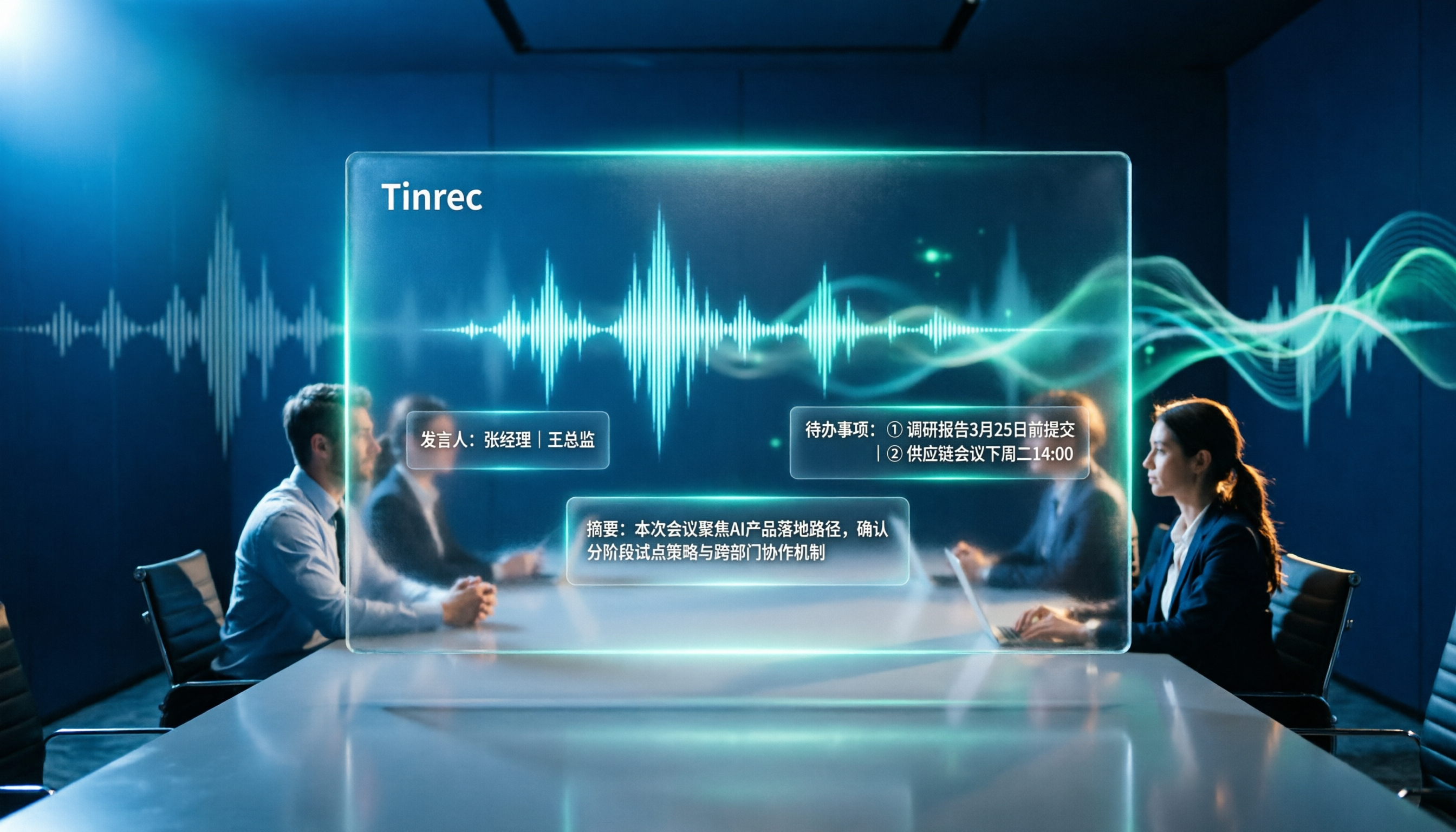
Tinrec (秒听录音) is an AI meeting notes and collaboration tool designed for individuals and teams. It doesn't just convert speech to text; it helps you turn meeting recordings into searchable, summarizable, queryable, and exportable team knowledge.
Open Tinrec During Meetings to Record and Transcribe in Real Time
For in-person meetings or interviews, Tinrec generates a real-time transcript, so you have the text record as soon as the meeting ends. For online meetings (Zoom, Google Meet, Teams, Webex), the Tinrec desktop app captures your computer's system audio directly—no need to invite a bot to join the meeting, which is more convenient than many competitors.
After Recording, AI Helps You Organize the Key Points
Tinrec automatically generates summaries, chapters, key points, and action items. For example, if three topics were discussed, you can see the conclusion and next steps for each without listening to the entire recording. Even better is the AI Q&A feature: you can ask, "Who mentioned the budget in the last meeting?" and it doesn't just return keyword search results—it answers based on semantic understanding. Currently, few competitors in the same price range offer this feature.
Multi-User Collaboration and Team Knowledge Base
If you're not using it alone, Tinrec's team plan provides a dedicated workspace where meeting data belongs to the team. Members can share and view, and admins can allocate seats, monitor usage, and view audit logs. New members can search historical meeting data directly without needing a handover.
Pros Summary
Stop organizing recordings by hand
Upload audio or video and automatically get a transcript, summary, and action items
- Records online meetings without a bot, so it doesn't disrupt the meeting flow.
- Chinese transcription and real-time translation, ideal for bilingual or multilingual scenarios.
- AI summaries, action items, and Q&A all in one, saving tons of organization time.
- Cross-platform: iOS, Android, web, and desktop.
- Team workspace turns meeting data into a collaborative asset.
Limitations
The free version has basic minutes; heavy users will need a paid plan. But for those with 2-3 meetings per week, the free version is enough to experience core features. Also, accuracy is affected by recording quality, so we recommend a quiet environment or an external microphone.
Who It's For
If you need to turn meeting recordings into searchable, queryable, and collaborative data—especially if you have a lot of Chinese content and clear team collaboration needs—Tinrec is currently the most worthwhile option.
Beyond Tinrec: What Other Options Are There?
Good Tape
A Danish transcription tool with a good reputation in Taiwan's media circles, offering stable accuracy. However, Good Tape is primarily a simple speech-to-text tool, lacking Tinrec's AI Q&A, action item extraction, and team workspace features. If you only need transcription and don't mind the lack of post-processing tools, it's worth considering; but if you want ready-to-use meeting minutes and action lists right after recording, Tinrec is more comprehensive.
Otter.ai
A mature choice for English meetings, with a free plan offering 300 minutes per month and Pro at about USD 8.49/month billed annually. Otter.ai has a strong presence in English business meetings, but its Chinese experience and team vocabulary management aren't as tailored to Chinese users as Tinrec. If you primarily handle English meetings, Otter.ai is a reasonable alternative; for more Chinese content, Tinrec is more convenient.
Notta
Positioned similarly to Tinrec, with a free plan of 120 minutes per month and Pro at about USD 8.17/month billed annually, offering transcription, translation, and team plans. However, Notta lacks Tinrec's bot-free desktop recording, and its team workspace and AI Q&A integration aren't as deep as Tinrec's. If you're price-sensitive and need basic transcription, Notta is worth comparing; but if you want the "record and get organized, team collaboration" experience, Tinrec's differentiation is clear.
Pitfall Guide: 4 Common Mistakes When Choosing a Transcription Tool
Pitfall 1: Only Looking at Official Accuracy Claims
"98% accuracy" is usually measured under ideal conditions. Real meetings have noise, accents, and overlapping speech, which reduce accuracy. Always try free trials with your own recordings; don't just rely on marketing numbers.
Pitfall 2: Ignoring Cross-Platform Needs
If you record on your iPhone today and need to organize on your computer tomorrow, a tool that doesn't support cross-platform use will be a pain. Make sure the tool covers mobile, desktop, and web to avoid future headaches.
Pitfall 3: Buying a Tool but Only Using the Transcription Feature
Many people treat the tool as just "speech-to-text" and stop there, but AI summaries, action items, and Q&A are what save time. For example, Tinrec's AI Q&A lets you ask "What was the meeting's conclusion?" right after recording, which is much faster than manually scanning a 30-minute transcript.
Pitfall 4: Ignoring Team Needs and Only Considering Personal Use
If you need to share meeting notes with colleagues and track follow-up actions, a personal tool will make collaboration painful. Choose a tool with team workspaces, member management, and permission controls to truly turn meeting data into a team asset.
Summary: Which One Should You Choose?
If you simply want to convert speech to text and don't mind the lack of post-processing features, Good Tape or Notta can meet basic needs. But if you want "summaries, action items, and queryable data right after recording" and have team collaboration needs, Tinrec is currently the most complete choice.
Scenario-Based Recommendations
- Need Chinese meeting transcription + AI organization + team collaboration → Tinrec (top pick)
- Pure English meetings, limited budget, basic transcription only → Otter.ai
- Portable recording, not dependent on phone or computer → PLAUD recording hardware
- Simple transcription, no need for AI Q&A or team features → Good Tape or Notta (but features are more limited)
We recommend downloading Tinrec's free version and testing it with your actual meeting recordings. If it works well, consider upgrading. Choosing the right tool is more important than repeatedly canceling subscriptions.
References
- Overtaking Yating, journalists in tears: What makes Good Tape so amazing? | CommonWealth Magazine
- r/ChatGPT on Reddit: Impossible to cancel subscription
- How to cancel ChatGPT Plus subscription - Zhihu
- How to cancel ChatGPT auto-renewal/subscription: A step-by-step guide [verified] - CSDN Blog
- Good Tape
Turn every recording into actionable outcomes
Get 60 free transcription minutes when you sign in. No credit card required.
Related Reading
You might also like
4 Best Otter Alternatives in 2026: Which Handles Chinese Meetings and Post-Meeting Workflows Better?
How to compare Otter alternatives? This guide starts with common pitfalls and outlines the selection criteria for 4 Otter alternatives. It compares Tinrec, Otter.ai, Granola, and TurboScribe on meeting capture, post-meeting organization, Chinese language experience, and team collaboration, then helps you choose the right one based on your scenario.

2026 AI Transcription Tools Compared: Plaud vs Tinrec and How to Choose
Plaud's models and subscription plans are often compared together. This guide separates the hardware—Plaud Note Pro, NotePin, and Note—from the four plans: Starter, Pro, Unlimited, and Team. It then compares them alongside Tinrec, Notta, and TurboScribe to help you decide whether to buy hardware or use software, and which approach is easiest.

Plaud vs Tinrec in 2026: Real-World Comparison — Why Most People Choose Tinrec
Still unsure how to choose after reading Plaud tutorials? This article starts from real meeting scenarios and compares Plaud and Tinrec on acquisition cost, online meeting recording, post-meeting organization, and team collaboration. It also summarizes Tinrec's core features, practical use cases, key buying considerations, and FAQs.

5 Voice Recorders and Apps Tested for 2026: Which One Actually Saves You Organizing Time?
Voice recorder vs. app—how do you choose? This article starts from the decision point of "what happens after recording" and compares PLAUD, traditional voice recorders, and tools like Tinrec, Otter, and Notta. It covers 5 buying criteria, hands-on test insights, common mistakes, and scenario-based recommendations to help you decide whether to buy hardware or install software.

Plaud Pricing in 2026: Device Cost + AI Membership Fees Explained
Plaud's cost isn't a single number—it's the device price plus an AI membership subscription. This guide breaks down the Taiwan and US official prices for Plaud Note, Note Pro, and NotePin, the Starter/Pro/Unlimited membership plans, and add-on credits from a student budget perspective. It calculates the real first-year total cost and shares a hardware-free alternative with Tinrec, key buying considerations, and 3 common pitfalls to avoid.

2026 Voice-to-Text Tools Tested: Good Tape Review and Buying Guide
Still unsure whether to use Good Tape after reading reviews? This article tackles common pitfalls in choosing a tool, compares Good Tape, Yating, Otter.ai, and Tinrec in Chinese meetings, post-meeting organization, and team collaboration, and provides selection criteria and a guide to avoid mistakes, helping you decide which one truly fits your needs.

2026 AI Meeting Recorder Comparison: Otter.ai vs. Chinese-Language Tools (Tested)
Searching 'Otter' on PTT mostly brings up OtterBox phone cases, while otter.ai for meeting notes gets buried. This article first clarifies the two Otters, then compares Tinrec, Otter.ai, Notta, and Granola across Chinese recognition, post-meeting organization, team sharing, and free tiers. It also lists five common pitfalls when choosing a tool, so you can validate with your own meeting before deciding.

Good Tape vs Tinrec 2026: 5-Dimension Comparison – Which Is Better for Free Chinese Transcription?
Good Tape's free version is free to use, but its free quota, file retention period, and post-meeting organization capabilities determine whether it can support your workflow. This article examines five dimensions: free quota, Chinese transcription, post-meeting organization, team collaboration, and data retention. It outlines six practical options to help you decide when Good Tape is sufficient and when to switch to an AI meeting notes tool that can handle follow-up organization.

2026 Good Tape Alternatives Compared: Why Tinrec Is Better for Chinese Classrooms and Group Discussions
We tested three audio-to-text tools—Good Tape, Yating Transcription, and Tinrec—in campus scenarios, comparing Chinese punctuation, post-meeting organization, free quotas, and group collaboration. Here's why I ultimately kept Tinrec as my primary tool.