

Turn recordings into transcripts and summaries in minutes
Upload audio or video for multilingual transcription, AI notes, and action items
2026 AI Meeting Recorder Comparison: Otter.ai vs. Chinese-Language Tools (Tested)
It's 11:30 PM, and the online meeting finally ends. You now have a 90-minute recording, three browser tabs still open, and meeting conclusions due tomorrow morning.
Recording is easy; the hard part is turning 90 minutes into something you can read in 10.
If you've already scoured PTT, you've probably seen two scenarios: one where notes are scattered and incomprehensible later, and another where you've installed the tool and recorded the meeting, but the transcript sits in the cloud unopened.
This article won't list features again. Instead, it pulls out the tools actually discussed on PTT and examines how they handle 'Chinese meetings,' 'post-meeting organization,' and 'team sharing.'
Understand These 5 Things Before Choosing a Tool
1. Which 'Otter' Are You Looking At?
This is where most people get stuck. Searching 'Otter' on PTT mixes up two completely different things.
One is OtterBox phone cases—unboxing reviews on the iOS board, exchange posts, and comparisons with moshi fall into this category. The other is otter.ai, like the TOEFL board post about using otter.ai to practice speaking and check pronunciation.
The only similarity is the name. To compare meeting note tools, look for the otter.ai service, and don't mistake case reviews for software reviews.
2. Does It Actually Handle Chinese?
English meeting transcription has matured over the years, but Chinese is the real test. It's not just about recognizing words—it's about mixed Chinese-English (e.g., 'let's review this campaign's KPI'), industry jargon, and multiple people talking over each other.
When choosing a tool, I recommend testing it with a recording of your own meeting. That's more accurate than any promotional number.
3. What Else Can It Do After Recording?
If you only get a transcript, you still have to read through 90 minutes yourself. The real time-saver is what comes after: summaries, chapters, action items, and AI Q&A you can follow up with. This is where tools differ the most.
4. Where Does Meeting Data End Up?
Personal accounts are convenient, but problems arise when 'this summary needs to be shared with colleagues' or 'the colleague responsible has left.' If meeting content is a team asset, check whether the tool offers team spaces, member roles, seats, and data handover mechanisms.
5. Can the Free Tier Last a Month?
Free plan limits vary significantly: Otter.ai offers 300 minutes per month, Notta offers 120 minutes per month with a 3-minute per-recording cap, and Granola's free plan is Basic. Needs differ greatly between someone with three meetings a week and someone with two a month.
Tinrec — My Go-To for Chinese Meetings and Post-Meeting Organization
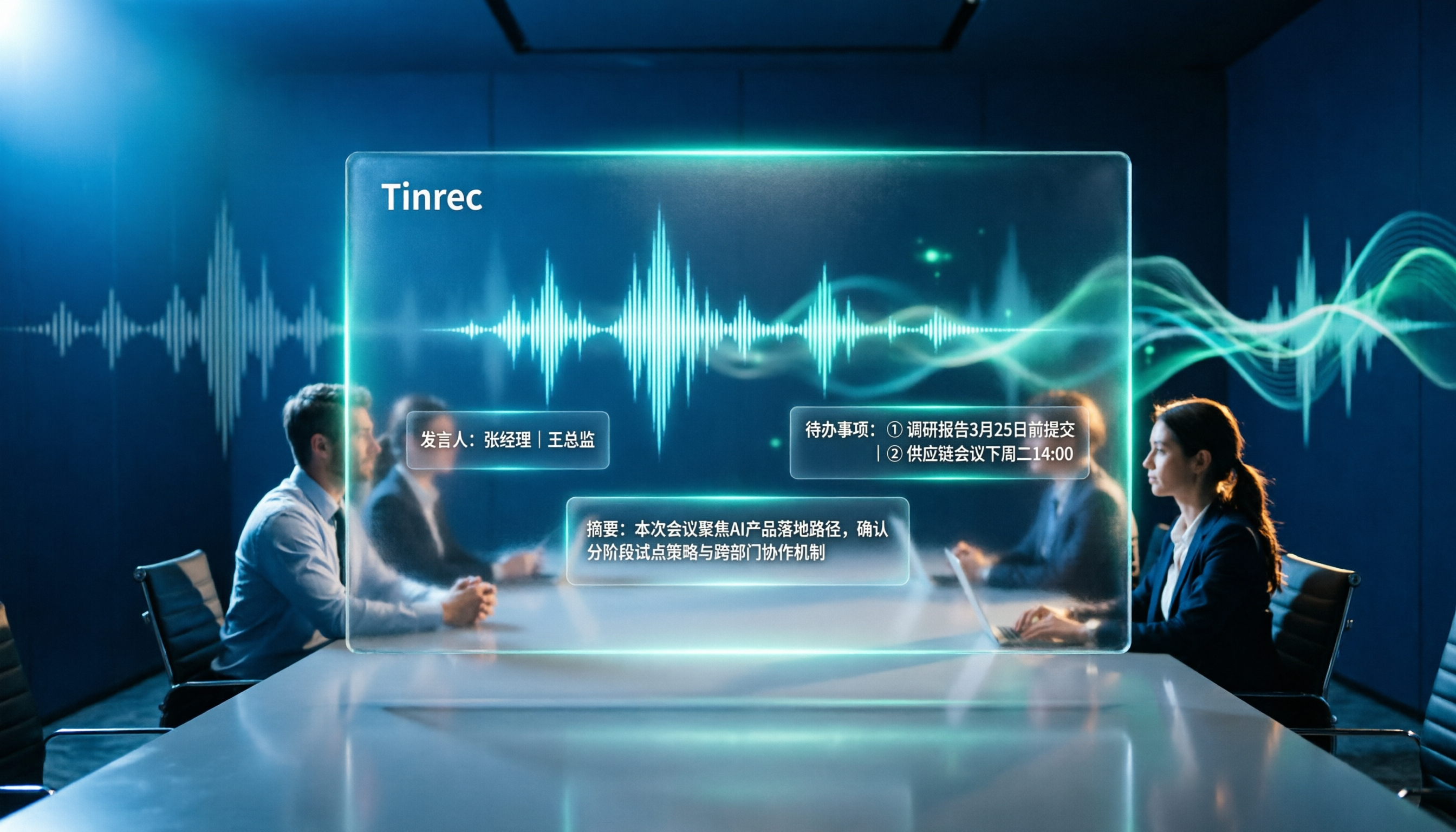
Tinrec is an AI meeting recorder and collaboration tool for individuals and teams, available on web, desktop, and mobile. It doesn't just convert speech to text; it turns meetings into searchable, queryable, and further processable data.
No Bot Needed in the Meeting
The desktop version captures system audio directly, so for online meetings on Zoom, Google Meet, Microsoft Teams, or Webex, you don't need to invite a meeting bot as a participant. This is practical for external meetings—you don't want an unknown account appearing in front of a client.
Note that this doesn't mean 'automatically join all calendar meetings.' Currently, you need to open Tinrec and start recording manually.
The Post-Meeting Part Is Key
After the meeting, Tinrec generates a transcript, AI summary, chapters, and highlights, extracts action items from the discussion, and can even create a mind map.
For more details, you can ask questions about the meeting directly, such as 'What was the client's budget cap?' or 'Who was responsible for following up on this last time?'—it answers based on semantics, not by dumping keywords for you to search.
My own workflow: after a weekly meeting, I check the summary and action items first to confirm the direction, then go back to the transcript for specific sections. A 90-minute meeting usually takes under 10 minutes to grasp.
What Team Usage Looks Like
If meeting data is shared across the team, Tinrec's team plan offers a separate team space: recordings, folders, and action items are stored centrally, and new members can view historical data upon joining.
Management features include member roles (owner, admin, member), seat allocation, team usage trends, member rankings, audit logs, and a 30-day audio recycle bin. Team hotwords let you maintain company terminology, which helps with recognizing specialized terms.
Stop organizing recordings by hand
Upload audio or video and automatically get a transcript, summary, and action items
A common misunderstanding: roles and seats are different. Roles determine who can manage the team and settings; seats determine whether a member can record, upload, edit, import, and export. Active members without a seat can still view, play, and read team data, but cannot perform resource-consuming actions. Currently, sharing is at the team level, not fine-grained per-file permissions.
How I Validated It
I don't like using 'official accuracy claims' as a conclusion, because those are usually measured in quiet environments.
In practice, I take a real meeting recording with background noise and mixed Chinese-English, and check whether proper nouns, numbers, and conclusion paragraphs in the transcript are accurate. Actual performance depends on recording quality, accents, overlapping speech, and technical terms. I recommend validating with your own meeting, not just ads.
Things to Note
The free version offers a basic quota, suitable for running a few meetings to see if the workflow fits. Heavy users will need to upgrade; the personal plan offers weekly, monthly Pro, and annual Pro options, with actual prices on the official website.
The team plan is currently USD 29.80 per paid seat per month, or USD 199 per paid seat per year (about USD 16.58 per month). Eligible teams get a 7-day trial, 1 free seat, and 300 minutes of shared import quota for the first time; paid seats provide 2,000 minutes of team shared import quota per month, and real-time recording under an active plan is currently not deducted by minutes. File and web imports consume the team shared quota.
Who It's For
Those who frequently hold Chinese meetings, need to quickly capture key points and action items afterward, and want meeting data to stay within the team. If you mainly record English meetings or need to process large batches of long audio files, the following tools might be more suitable.
Other Tools Commonly Mentioned on PTT
Otter.ai
A mature choice for English meetings, supporting Zoom, Teams, Meet, real-time transcription, speaker identification, AI chat, and team management. Free plan: 300 minutes per month; Pro annual billing is about USD 8.49 per user per month, including 1,200 minutes of in-app recording and 10 file imports per month. It has high mindshare for English meetings, but Chinese and Traditional Chinese meetings are not its strong suit. If 90% of your meetings are in English, it's a great value; if you need Chinese transcripts plus post-meeting team data retention, Tinrec's combination is more complete.
Notta
The closest competitor to Tinrec, offering multi-platform transcription, meeting notes, file import, translation, and team plans. Free plan: 120 minutes per month, 3-minute per-recording cap; Pro annual billing is about USD 8.17 per month, 1,800 minutes per month; Business annual billing is about USD 16.67 per seat per month. Subtitles and translation are its strengths. The difference lies in meeting capture and post-meeting workflow: Tinrec offers bot-free desktop recording and integrates summaries, action items, AI Q&A, and Agent post-processing.
Granola
Also bot-free, using desktop system audio plus your own handwritten notes for enhancement. Free plan is Basic; Business is USD 14 per user per month. It's more like a 'meeting notebook that understands you.' Note that it doesn't support uploading pre-recorded audio files and doesn't save the meeting audio itself. If you need to keep recordings, import existing files, or export to other tools for further processing, Tinrec is more suitable in these aspects.
Pitfall Guide: 4 Common Mistakes When Choosing a Meeting Recorder
Pitfall 1: Taking advertised accuracy as your own. Numbers measured in a quiet studio are not the same as a conference room with air conditioning, keyboard sounds, and three people talking over each other. Test with your own recording—that's the most reliable.
Pitfall 2: Treating the transcript as the final product. A transcript is just raw material. If a tool only gives you 90 minutes of text, you've barely saved any organizing time. When choosing, first check if it provides summaries, chapters, and action items.
Pitfall 3: Using a personal account to handle team needs. Storing meeting data in a personal account causes trouble when personnel changes. For team use, look at spaces, roles, seats, and data handover, not 'how many accounts.' Also understand the granularity of sharing—some tools share at the team level, others offer finer file permissions, which relates to your company's internal policies.
Pitfall 4: Not checking if audio files are retained. Some tools keep only text, not audio. If you later need to verify who said what and in what tone, without audio you rely on memory. This is especially critical for customer complaints, requirements interviews, and decision meetings.
Conclusion: Which One Should You Choose?
In short: first confirm whether you need 'transcription' or 'usable meeting data'—the answer will be completely different.
- Primarily Chinese meetings, needing summaries, action items, and follow-up questions → Tinrec. Bot-free desktop recording plus AI Q&A is where it stands out from most transcription tools.
- Meeting data must stay within the team, needing seat and usage management → Tinrec team plan, with roles, seats, audit, and recycle bin all in one.
- Cross-platform use (record on mobile, organize on computer) → Tinrec, available on web, desktop, and mobile.
- 90% of meetings are in English, budget priority → Otter.ai, free 300 minutes is plenty for light users.
- Need extensive subtitles and translation, processing long audio files → Notta and similar file-transcription-centric tools are more suitable.
One last tip: don't rush to pay. First run a real meeting of your own with the free version—one with noise, mixed Chinese-English, and people talking over each other. Then check if the transcript and summary are sufficient for you; the answer will be clear.
References
- Review: UAG and Otterbox phone case sharing - iOS board - PTT
- Exchange: Brand new iPhone case Otterbox - Kaohsiung board - PTT web version
- Sharing otter.ai usage tips by J2 - TOEFL_iBT board - PTT
- Question: otterbox vs moshi phone case choice (xr) - iOS board - PTT web version
- Review: otterbox case iPhone SE unboxing - iOS board - PTT
Turn every recording into actionable outcomes
Get 60 free transcription minutes when you sign in. No credit card required.
Related Reading
You might also like
4 Best Otter Alternatives in 2026: Which Handles Chinese Meetings and Post-Meeting Workflows Better?
How to compare Otter alternatives? This guide starts with common pitfalls and outlines the selection criteria for 4 Otter alternatives. It compares Tinrec, Otter.ai, Granola, and TurboScribe on meeting capture, post-meeting organization, Chinese language experience, and team collaboration, then helps you choose the right one based on your scenario.

2026 AI Transcription Tools Compared: Plaud vs Tinrec and How to Choose
Plaud's models and subscription plans are often compared together. This guide separates the hardware—Plaud Note Pro, NotePin, and Note—from the four plans: Starter, Pro, Unlimited, and Team. It then compares them alongside Tinrec, Notta, and TurboScribe to help you decide whether to buy hardware or use software, and which approach is easiest.

Plaud vs Tinrec in 2026: Real-World Comparison — Why Most People Choose Tinrec
Still unsure how to choose after reading Plaud tutorials? This article starts from real meeting scenarios and compares Plaud and Tinrec on acquisition cost, online meeting recording, post-meeting organization, and team collaboration. It also summarizes Tinrec's core features, practical use cases, key buying considerations, and FAQs.

5 Voice Recorders and Apps Tested for 2026: Which One Actually Saves You Organizing Time?
Voice recorder vs. app—how do you choose? This article starts from the decision point of "what happens after recording" and compares PLAUD, traditional voice recorders, and tools like Tinrec, Otter, and Notta. It covers 5 buying criteria, hands-on test insights, common mistakes, and scenario-based recommendations to help you decide whether to buy hardware or install software.

Plaud Pricing in 2026: Device Cost + AI Membership Fees Explained
Plaud's cost isn't a single number—it's the device price plus an AI membership subscription. This guide breaks down the Taiwan and US official prices for Plaud Note, Note Pro, and NotePin, the Starter/Pro/Unlimited membership plans, and add-on credits from a student budget perspective. It calculates the real first-year total cost and shares a hardware-free alternative with Tinrec, key buying considerations, and 3 common pitfalls to avoid.

2026 Voice-to-Text Tools Tested: Good Tape Review and Buying Guide
Still unsure whether to use Good Tape after reading reviews? This article tackles common pitfalls in choosing a tool, compares Good Tape, Yating, Otter.ai, and Tinrec in Chinese meetings, post-meeting organization, and team collaboration, and provides selection criteria and a guide to avoid mistakes, helping you decide which one truly fits your needs.

Good Tape vs Tinrec 2026: 5-Dimension Comparison – Which Is Better for Free Chinese Transcription?
Good Tape's free version is free to use, but its free quota, file retention period, and post-meeting organization capabilities determine whether it can support your workflow. This article examines five dimensions: free quota, Chinese transcription, post-meeting organization, team collaboration, and data retention. It outlines six practical options to help you decide when Good Tape is sufficient and when to switch to an AI meeting notes tool that can handle follow-up organization.

2026 Good Tape Alternatives Compared: Why Tinrec Is Better for Chinese Classrooms and Group Discussions
We tested three audio-to-text tools—Good Tape, Yating Transcription, and Tinrec—in campus scenarios, comparing Chinese punctuation, post-meeting organization, free quotas, and group collaboration. Here's why I ultimately kept Tinrec as my primary tool.

2026 Voice-to-Text Tools Compared: Good Tape, Yating, Vocol.ai, and Tinrec — Which Is Best for Chinese Meetings?
We put Good Tape, Yating Transcript, Vocol.ai, and Tinrec head-to-head, covering whether online meetings need a bot, whether you get summaries and action items right after transcription, Chinese recognition performance, free quotas, and team collaboration—so you can decide which tool fits your meeting scenario.