

Turn recordings into transcripts and summaries in minutes
Upload audio or video for multilingual transcription, AI notes, and action items
2026 Voice-to-Text Tools Compared: Good Tape, Yating, Vocol.ai, and Tinrec — Which Is Best for Chinese Meetings?
The moment the meeting ends, all you have is a recording
Two meetings back-to-back on Wednesday afternoon—one online, one in the conference room. By the time they're over, all you have is a 90-minute recording and a blank meeting notes document.
Online meetings add another layer of hassle. If you want to record, you first have to invite a meeting bot to join, and explain to attendees who that account is.
Even after you finally get a transcript, finding the one line where someone said to delay the launch in 30,000 words still means reading line by line yourself.
These headaches usually aren't your fault—they're because you picked the wrong tool. This article lays out several tools often discussed together, so you can clearly see who each one is for.
Before Choosing a Voice-to-Text Tool, Understand These 4 Key Points
1. How audio gets in
Whether an online meeting requires inviting a bot as an attendee directly affects whether you'll use it every day. Some tools rely on a bot joining the meeting; others capture your computer's system audio directly. The former is convenient but adds a step; the latter is less disruptive to attendees.
2. Can you use the output right away?
Getting only a transcript means only a third of the work is done. The real time-saver is whether it can automatically generate summaries, chapters, action items, and even let you ask questions about the meeting content directly.
3. Chinese and proper noun recognition
Most tools perform well in quiet environments with standard accents; differences show up with mixed Chinese-English, multiple people talking over each other, and company-specific jargon. Testing with your own recording in these situations is far more accurate than looking at official numbers.
4. Quotas, cost, and team collaboration
Free versions usually have time or file limits. If meeting data needs to be available for team lookup, you also need to check whether the tool offers shared spaces, member permissions, and usage management. This is the most commonly overlooked part during purchasing.
Tinrec — Our Top Pick After Testing
Tinrec is an AI meeting notes and collaboration tool for individuals and teams, available on web, desktop, and mobile. It's positioned not just to turn audio into text, but to organize meetings into searchable, queryable, and further processable data.
No bot needed for online meetings
The desktop version captures your computer's system audio directly, so when handling Zoom, Google Meet, Microsoft Teams, or Webex meetings, no extra bot needs to join as an attendee. For sensitive internal meetings, this is practical—no unfamiliar account appears on the attendee list, and no on-the-spot explanation is needed.
What you get after transcription is organized
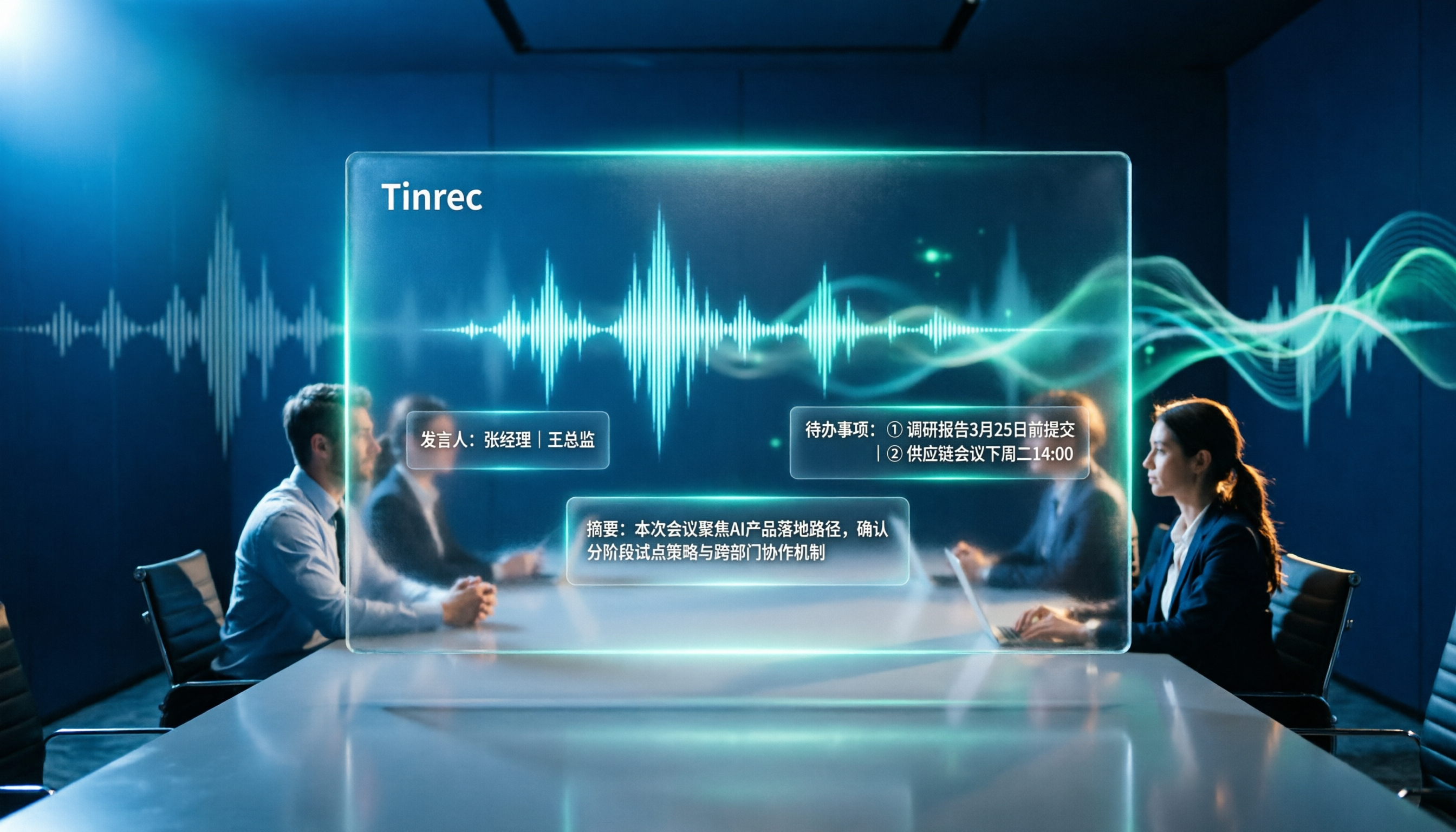
After the meeting, besides the transcript, it produces summaries, chapters, key points, and action items, showing who is responsible and what needs to be done. When you need to submit a report, you can further generate documents, reports, or tables, or export to Notion, Google Docs, OneNote, or Dropbox for further editing.
You can ask questions about the meeting directly
This is where it differs most from most transcription tools. You can directly ask "What was the conclusion about the budget in the last meeting?" and it will answer based on the meeting content, rather than dumping a string of keywords for you to dig through. For cross-language meetings, it also supports real-time translation, viewable in original, translated, or bilingual mode.
Team Edition keeps data in the team's hands
The Team Edition is a separate team space, not multiple people sharing one account. Meeting data belongs to the team; members can view, play, and read even without a seat, but to actually record, upload, edit, and export, they need an assigned seat. Admins can view usage trends, member rankings, and audit logs, and there's an audio recycle bin to recover accidentally deleted files.
On pricing, the current Team Edition terms are: eligible teams can try free for 7 days with 1 free seat and 300 minutes of shared team import quota; monthly billing is USD 29.80 per paid seat per month, annual billing is USD 199 per paid seat per year (about USD 16.58 per month), with each paid seat providing 2,000 minutes of shared team import quota per month. Under an active team plan and active seat, real-time recording is currently not deducted by the minute.
Stop organizing recordings by hand
Upload audio or video and automatically get a transcript, summary, and action items
Things to note
The free version offers a basic quota, suitable for trying it out; if you have a steady volume of meetings every week, you'll need to consider a paid plan. Also, transcription quality is affected by recording quality, noise, accents, overlapping speakers, and technical terminology—for important content, it's recommended to cross-check with transcript timestamps and recording playback.
Who it's for
If you often have online meetings, want summaries and action items right after, need to ask questions about past meetings, or want to preserve meeting data for the whole team, Tinrec will be much smoother than pure transcription tools.
Besides Tinrec, What Other Options Are There?
Many people come from searching "Good Tape comparison," so here are three other commonly discussed tools, with clear positioning differences.
Good Tape: Developed by Danish news organization Zetland, powered by OpenAI's Whisper model, cloud-based, supports 40+ languages, and can output transcripts and .srt subtitles with timestamps. Free members get 3 files per month, each up to 30 minutes, with no speaker diarization; according to a BusinessNext test, it currently lacks punctuation. Suitable for interviewers who just want a clean transcript and will re-punctuate themselves afterward. It has no AI summaries, action items, Q&A, or team spaces and seat management.
Yating Transcript: A veteran Taiwan-made tool; speaker diarization and punctuation stood out most in the same batch of tests, and Taiwanese Hokkien vocabulary recognition also has highlights. But generation speed is slow—in testing, a one-hour audio file took about 20 minutes—and number-to-Chinese-character conversion occasionally misjudges, with paragraph length not adjustable. Suitable for those who care about speaker distinction and can accept waiting; but it also lacks AI Q&A and team data governance.
Vocol.ai: Fast generation—in testing, a one-hour audio file completed in about 5 to 10 minutes—with punctuation and decent accuracy. However, testing showed it struggles with conversation recognition in noisy environments, and its many features make the editing interface feel crowded. Suitable for those in quiet environments who need a punctuated transcript quickly; post-meeting summaries, action items, and team collaboration still need separate handling.
Pitfall Guide: The 3 Most Common Mistakes When Choosing a Voice-to-Text Tool
Pitfall 1: Only looking at official accuracy claims
Many tools claim "98% or 99% accuracy," but that's usually measured in quiet environments with standard accents. Real conference rooms have air conditioning noise, keyboard sounds, and people talking over each other—numbers drop noticeably. Test the free version with your own recording; don't just read ad copy.
Pitfall 2: Treating the transcript as the end goal
If you only use the tool for "audio-to-text," you're only using part of its capability. The real time sink is post-meeting organization: extracting key points, listing action items, writing a version for your boss. When choosing a tool, consider "what can it do after transcription" to save more time.
Pitfall 3: Ignoring team data ownership
If meeting recordings sit in a personal account, data is lost when a colleague leaves, changes departments, or you take an extended leave. If meeting content has retention value, choosing a solution with team spaces, member and seat management from the start is much easier than fixing it later.
Conclusion: Which One Should You Choose?
Simply put, the difference among these tools isn't "who transcribes more accurately," but how much you can take away after transcription.
- Want Chinese meeting transcripts plus summaries and action items right after → Tinrec
- Don't want an extra bot joining online meetings → Tinrec (desktop captures system audio)
- Want to keep meeting data for team lookup, need member and seat management → Tinrec Team Edition
- Just want a clean transcript quickly and will re-punctuate yourself → Good Tape
- Care a lot about speaker distinction and punctuation, can accept waiting → Yating Transcript
- Quiet meeting environment, need fast generation → Vocol.ai
We recommend starting with the free version. Run your own meeting recording through it once, see if the output is something you can use directly, then decide whether to upgrade. The best way to know if a tool works is to try it once.
References
- Overtaking Yating, reporters moved to tears—what makes Good Tape so amazing? | CommonWealth Magazine
- Yating Transcript, Good Tape, Vocol.ai tested: which AI transcription software offers the best value? | BusinessNext
- Hands-on review: Unboxing Good Tape, Yating Transcript, and Vocol.ai—which AI transcription software is best?
- Good Tape voice-to-text software: meetings, interviews, video subtitles done quickly and easily—better than Whisper? | by Kevin Malamute | Medium
- Why I chose GoodTape over MacWhisper: my real experience after writing 500 blog posts
Turn every recording into actionable outcomes
Get 60 free transcription minutes when you sign in. No credit card required.
Related Reading
You might also like
4 Best Otter Alternatives in 2026: Which Handles Chinese Meetings and Post-Meeting Workflows Better?
How to compare Otter alternatives? This guide starts with common pitfalls and outlines the selection criteria for 4 Otter alternatives. It compares Tinrec, Otter.ai, Granola, and TurboScribe on meeting capture, post-meeting organization, Chinese language experience, and team collaboration, then helps you choose the right one based on your scenario.

2026 AI Transcription Tools Compared: Plaud vs Tinrec and How to Choose
Plaud's models and subscription plans are often compared together. This guide separates the hardware—Plaud Note Pro, NotePin, and Note—from the four plans: Starter, Pro, Unlimited, and Team. It then compares them alongside Tinrec, Notta, and TurboScribe to help you decide whether to buy hardware or use software, and which approach is easiest.

Plaud vs Tinrec in 2026: Real-World Comparison — Why Most People Choose Tinrec
Still unsure how to choose after reading Plaud tutorials? This article starts from real meeting scenarios and compares Plaud and Tinrec on acquisition cost, online meeting recording, post-meeting organization, and team collaboration. It also summarizes Tinrec's core features, practical use cases, key buying considerations, and FAQs.

5 Voice Recorders and Apps Tested for 2026: Which One Actually Saves You Organizing Time?
Voice recorder vs. app—how do you choose? This article starts from the decision point of "what happens after recording" and compares PLAUD, traditional voice recorders, and tools like Tinrec, Otter, and Notta. It covers 5 buying criteria, hands-on test insights, common mistakes, and scenario-based recommendations to help you decide whether to buy hardware or install software.

Plaud Pricing in 2026: Device Cost + AI Membership Fees Explained
Plaud's cost isn't a single number—it's the device price plus an AI membership subscription. This guide breaks down the Taiwan and US official prices for Plaud Note, Note Pro, and NotePin, the Starter/Pro/Unlimited membership plans, and add-on credits from a student budget perspective. It calculates the real first-year total cost and shares a hardware-free alternative with Tinrec, key buying considerations, and 3 common pitfalls to avoid.

2026 Voice-to-Text Tools Tested: Good Tape Review and Buying Guide
Still unsure whether to use Good Tape after reading reviews? This article tackles common pitfalls in choosing a tool, compares Good Tape, Yating, Otter.ai, and Tinrec in Chinese meetings, post-meeting organization, and team collaboration, and provides selection criteria and a guide to avoid mistakes, helping you decide which one truly fits your needs.

2026 AI Meeting Recorder Comparison: Otter.ai vs. Chinese-Language Tools (Tested)
Searching 'Otter' on PTT mostly brings up OtterBox phone cases, while otter.ai for meeting notes gets buried. This article first clarifies the two Otters, then compares Tinrec, Otter.ai, Notta, and Granola across Chinese recognition, post-meeting organization, team sharing, and free tiers. It also lists five common pitfalls when choosing a tool, so you can validate with your own meeting before deciding.

Good Tape vs Tinrec 2026: 5-Dimension Comparison – Which Is Better for Free Chinese Transcription?
Good Tape's free version is free to use, but its free quota, file retention period, and post-meeting organization capabilities determine whether it can support your workflow. This article examines five dimensions: free quota, Chinese transcription, post-meeting organization, team collaboration, and data retention. It outlines six practical options to help you decide when Good Tape is sufficient and when to switch to an AI meeting notes tool that can handle follow-up organization.

2026 Good Tape Alternatives Compared: Why Tinrec Is Better for Chinese Classrooms and Group Discussions
We tested three audio-to-text tools—Good Tape, Yating Transcription, and Tinrec—in campus scenarios, comparing Chinese punctuation, post-meeting organization, free quotas, and group collaboration. Here's why I ultimately kept Tinrec as my primary tool.