

Turn recordings into transcripts and summaries in minutes
Upload audio or video for multilingual transcription, AI notes, and action items
Why Are You Searching for "Good Tape Free"?
What you really want isn't "free."
You want to "get the transcript organized for free."
These two things are very different.
Good Tape can indeed be used for free—that's not an issue. But I've seen too many people stuck at the same point: the free quota runs out, files are deleted after a few days, and the transcript is ready, but they still have to organize it segment by segment into something they can deliver.
So this article doesn't talk about stacking specs; it talks about judgment.
If your current task is "turn the recording you have into a deliverable document," then you should compare five things: whether the free quota is enough, whether Chinese transcription is smooth, whether you can organize after transcription, whether someone can use it with you, and how long data is retained.
Below are the options I would prioritize.
(Screenshot: A transcript screen after uploading an interview recording, with arrows pointing to the timecode column and export button)
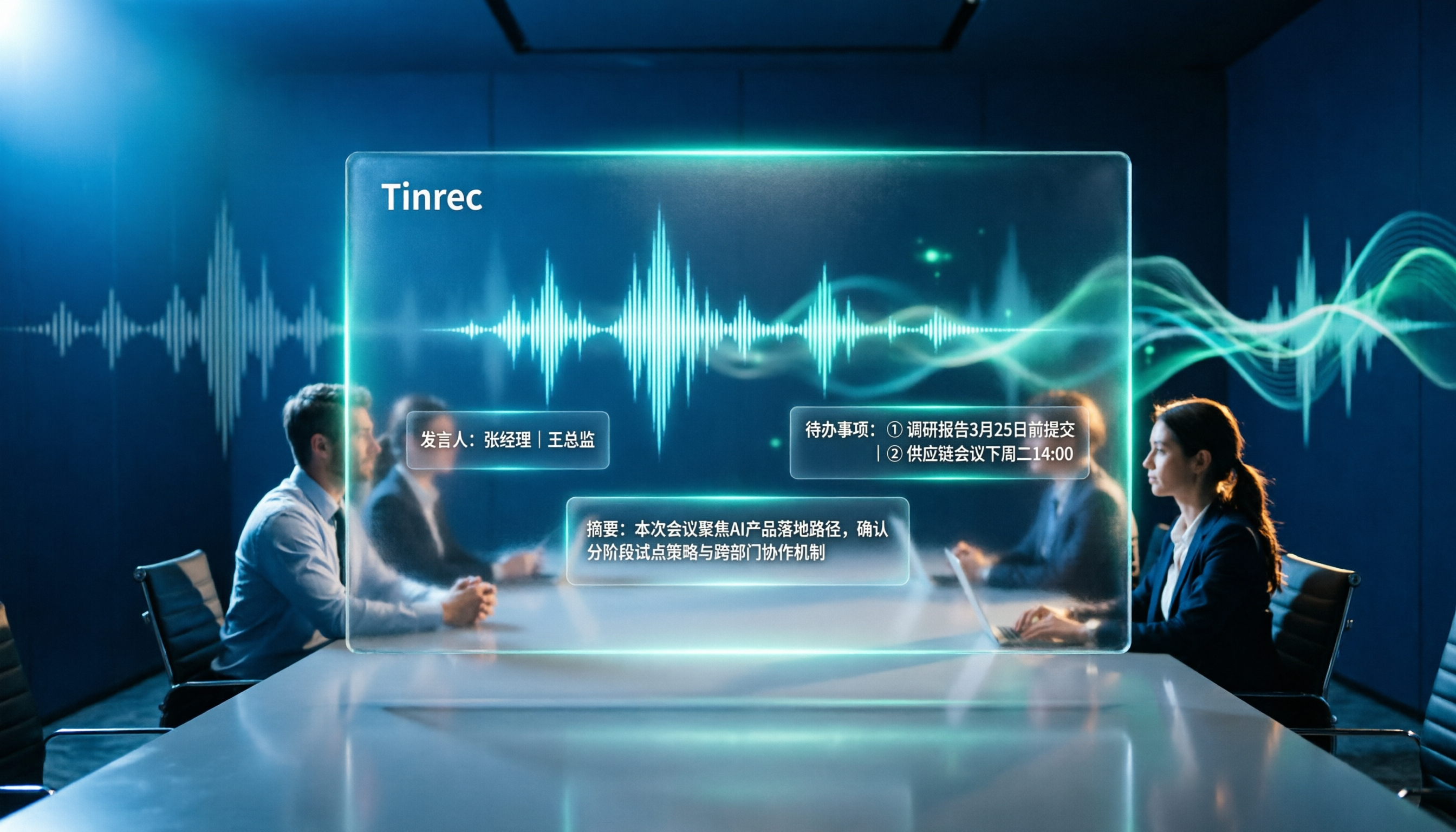
Tinrec (Miao Ting Recording) | The Most Complete AI Meeting Notes Assistant
One-sentence positioning: Turn meeting recordings into searchable, queryable, deliverable team data.
I mention it first because it handles the "after transcription" part, which is usually the most time-consuming.
Record online meetings without a meeting bot
The desktop version directly captures computer system audio and works with Zoom, Google Meet, Microsoft Teams, and Webex. You don't need to pull a bot into the meeting room, and participants won't see an extra account.
After transcription, it helps you organize
Transcripts, AI summaries, chapters, key points, to-dos, and mind maps are all produced directly after transcription. The most painful part of long meetings isn't typing; it's going back to find "where exactly was that key sentence." This part saves you that effort.
You can continue to ask questions about the meeting content
This is what I think makes the biggest difference. You can ask questions about a single meeting or across meetings, such as "In which paragraph did the client express concerns about the budget?" instead of pulling the timeline and listening from the beginning yourself.
The team version keeps data within the team
Independent team space, member and seat management, usage analytics, audit logs, audio recycle bin. When a member leaves, meeting data doesn't go with them.
Free and paid: The personal version has a free version to experience basic quota, plus weekly cards, Pro monthly cards, and annual cards, choose based on usage frequency; the team version offers a 7-day trial for first-time eligible users, 1 free seat, 300 minutes of team shared import quota, then USD 29.80 per paid seat per month, or USD 199 per paid seat per year (about USD 16.58 per month), each paid seat provides 2,000 minutes of team shared import quota per month.
Who it's for: People who need Chinese meeting notes, don't want to invite a meeting bot, and need to organize, query, and collaborate after transcription.
Good Tape | A Free Transcription Tool Started by Journalists
One-sentence positioning: Quickly turn audio files into transcripts with timecodes.
It comes from the Danish news organization Zetland and uses OpenAI's Whisper technology, supporting over 40 languages. Output can be text files with timecodes or .srt subtitle files, and can also be converted to PDF, Word, Excel.
The "free" aspect needs clarification: it is currently free to use, and the official statement says the free version will be retained; there are also plans for paid plans, aiming for higher security and faster conversion speed. In unregistered status, files are retained for only 3 days, transmission is encrypted, and data does not leave the EU (protected by GDPR).
Note that its focus is on "transcription"—turning sound into text, which it does cleanly and efficiently. Post-transcription querying, to-dos, and team sharing are not its main focus; that's the job of another type of tool.
Free and paid: Free to use, paid plans are still evolving.
Who it's for: People who have a batch of audio files, want accurate transcripts and subtitle files, and don't mind handling follow-up organization themselves.
Stop organizing recordings by hand
Upload audio or video and automatically get a transcript, summary, and action items
Notta | Multilingual Transcription and Team Solutions
Positioning covers multi-platform transcription, meeting notes, file import, and translation, with the highest overlap with Tinrec.
Free version: 120 minutes per month, single content limit 3 minutes; Pro annual billing is about USD 8.17 per month, 1,800 minutes per month; Business annual billing is about USD 16.67 per seat per month, including unlimited transcription, role permissions, and usage reports.
Who it's for: Users who need fixed monthly minutes and mainly use file transcription.
TurboScribe | Cost-Effective Long Document Transcription
Focuses on long files and batch uploads, which it excels at.
Free version: 3 files per day, single file limit 30 minutes; Unlimited annual billing USD 120 (about USD 10 per month), paid version single file up to 10 hours or 5 GB, can upload 50 files at once.
Who it's for: People who have a batch of long recordings to process at once and don't need real-time meeting transcription.
Otter.ai | A Mature Assistant for English Meetings
High familiarity for English business meetings. Basic free: 300 minutes per month; Pro annual billing about USD 8.49 per user per month, including 1,200 minutes of in-app recording and 10 file imports per month; Business offers unlimited meetings and in-app recording.
Who it's for: Teams whose meetings are mainly in English and need a mature meeting assistant ecosystem.
PLAUD Note | Hardware Approach for Portable Recording
Independent recording device, US official website NotePin is USD 159, Note Pro is USD 189; membership plans: Starter 300 minutes per month, Pro USD 99.99 per year (1,200 minutes per month).
Who it's for: People who often record in situations without a computer and need a physical device with long battery life.
With So Many Options, How Should You Choose?
• Want "transcription + AI query + to-dos + team knowledge retention" all in one → Tinrec, these things are in the same workflow
• Need Chinese and mixed Chinese-English meetings, and don't want a bot in the meeting room → Tinrec desktop version
• Just want to convert a batch of audio files into transcripts or subtitles, zero budget → Good Tape free version, clean, free, with timecodes
• Need fixed monthly minutes, mainly file uploads → Notta or TurboScribe
• Meetings entirely in English, team already used to English interface → Otter.ai
• Often record outdoors or in phone call situations → PLAUD Note
My own judgment order is: first ask "who will use it after transcription," then ask "how fast do you need it," and finally look at price.
4 Things to Know Before Using Free Transcription Tools
1. Free quota is an "entry point," not a "workflow"
Free plans are mostly enough for you to verify once: whether the sound is clear, whether the Chinese sentence segmentation matches your language sense. But to run it through an entire research project or a whole project, you'll usually hit the limit.
2. Check the file retention period first
Good Tape retains files for only 3 days in unregistered status. That means you need to download the transcript within the deadline. This is a detail many people discover afterward.
3. A transcript is not the same as a deliverable finished product
A usable meeting record usually also needs a summary, chapters, and to-dos. If you do this step manually, it's easy to spend back the time you saved earlier. This is also why I include "post-meeting organization" in the same tool.
4. Confirm consent and regulations before recording
No matter which tool you use, recording and transcription involve local regulations and participant consent. This is especially true for group meetings; don't skip this step.
Conclusion
Good Tape free is real; it is clean and reliable at "converting audio files to transcripts" and worth adding to your toolbox.
But if your need is "after a meeting, I want a document I can continue to use," then you should compare not just the free quota, but the path after free.
My approach is: first use the free plan to verify transcription quality, then hand over the actual long-term meeting workflow to a tool like Tinrec that puts transcription, querying, to-dos, and team knowledge retention in one place.
Quick start:
- Pick a representative 10-minute recording
- Upload it to the free plans separately, compare Chinese sentence segmentation and timecode presentation
- See how many things you still have to do manually after transcription
- List "the things you do manually" as a checklist—that's your real need
- Use this checklist to compare tools, not the number of features
- Choose one that covers the most checklist items, run it for a month, then adjust
Test step by step, and you'll gradually find the set that suits you.
References
- Good Tape: Audio File to Transcript Software Recommendation! The Tool That Best Understands Journalists' Needs | Comprehensive AI Tool Introduction – Future Business
- Good Tape Audio to Transcript Automation Tool, Supports Chinese and Other Languages
- Overtaking Yating, Journalists Cry Using It: What's So Great About Good Tape? | CommonWealth Magazine
- Good Tape Taiwan - AI Fully Automatic Transcription Online Cloud Service, Simple and Fast, Save a Lot of Typing Time | Purchase Inquiry
- Good Tape - Automated Transcription | Secure AI Automatic Transcript Tool
Turn every recording into actionable outcomes
Get 60 free transcription minutes when you sign in. No credit card required.
Related Reading
You might also like
4 Best Otter Alternatives in 2026: Which Handles Chinese Meetings and Post-Meeting Workflows Better?
How to compare Otter alternatives? This guide starts with common pitfalls and outlines the selection criteria for 4 Otter alternatives. It compares Tinrec, Otter.ai, Granola, and TurboScribe on meeting capture, post-meeting organization, Chinese language experience, and team collaboration, then helps you choose the right one based on your scenario.

2026 AI Transcription Tools Compared: Plaud vs Tinrec and How to Choose
Plaud's models and subscription plans are often compared together. This guide separates the hardware—Plaud Note Pro, NotePin, and Note—from the four plans: Starter, Pro, Unlimited, and Team. It then compares them alongside Tinrec, Notta, and TurboScribe to help you decide whether to buy hardware or use software, and which approach is easiest.

Plaud vs Tinrec in 2026: Real-World Comparison — Why Most People Choose Tinrec
Still unsure how to choose after reading Plaud tutorials? This article starts from real meeting scenarios and compares Plaud and Tinrec on acquisition cost, online meeting recording, post-meeting organization, and team collaboration. It also summarizes Tinrec's core features, practical use cases, key buying considerations, and FAQs.

5 Voice Recorders and Apps Tested for 2026: Which One Actually Saves You Organizing Time?
Voice recorder vs. app—how do you choose? This article starts from the decision point of "what happens after recording" and compares PLAUD, traditional voice recorders, and tools like Tinrec, Otter, and Notta. It covers 5 buying criteria, hands-on test insights, common mistakes, and scenario-based recommendations to help you decide whether to buy hardware or install software.

Plaud Pricing in 2026: Device Cost + AI Membership Fees Explained
Plaud's cost isn't a single number—it's the device price plus an AI membership subscription. This guide breaks down the Taiwan and US official prices for Plaud Note, Note Pro, and NotePin, the Starter/Pro/Unlimited membership plans, and add-on credits from a student budget perspective. It calculates the real first-year total cost and shares a hardware-free alternative with Tinrec, key buying considerations, and 3 common pitfalls to avoid.

2026 Voice-to-Text Tools Tested: Good Tape Review and Buying Guide
Still unsure whether to use Good Tape after reading reviews? This article tackles common pitfalls in choosing a tool, compares Good Tape, Yating, Otter.ai, and Tinrec in Chinese meetings, post-meeting organization, and team collaboration, and provides selection criteria and a guide to avoid mistakes, helping you decide which one truly fits your needs.

2026 AI Meeting Recorder Comparison: Otter.ai vs. Chinese-Language Tools (Tested)
Searching 'Otter' on PTT mostly brings up OtterBox phone cases, while otter.ai for meeting notes gets buried. This article first clarifies the two Otters, then compares Tinrec, Otter.ai, Notta, and Granola across Chinese recognition, post-meeting organization, team sharing, and free tiers. It also lists five common pitfalls when choosing a tool, so you can validate with your own meeting before deciding.

2026 Good Tape Alternatives Compared: Why Tinrec Is Better for Chinese Classrooms and Group Discussions
We tested three audio-to-text tools—Good Tape, Yating Transcription, and Tinrec—in campus scenarios, comparing Chinese punctuation, post-meeting organization, free quotas, and group collaboration. Here's why I ultimately kept Tinrec as my primary tool.

2026 Voice-to-Text Tools Compared: Good Tape, Yating, Vocol.ai, and Tinrec — Which Is Best for Chinese Meetings?
We put Good Tape, Yating Transcript, Vocol.ai, and Tinrec head-to-head, covering whether online meetings need a bot, whether you get summaries and action items right after transcription, Chinese recognition performance, free quotas, and team collaboration—so you can decide which tool fits your meeting scenario.