

Turn recordings into transcripts and summaries in minutes
Upload audio or video for multilingual transcription, AI notes, and action items
Still Manually Organizing Client Visit Notes? You Don't Need a Recorder – You Need an Automated Solution
Many salespeople or consultants habitually pull out their phones to record after visiting a client, planning to organize it later. But what happens? Re-listening to the recording, transcribing it word-for-word, and then extracting key points turns a two-hour visit into four hours of administrative work.
What's worse is when you meet with English-speaking clients. With English jargon mixed into the conversation and heavy accents, you often have to translate and verify the transcript yourself, risking missing details like budgets, decision timelines, or commitments the client mentioned.
This is a common misconception: thinking that "recording" equals "documenting." In reality, you need a tool that can automatically transcribe, summarize, and extract action items – not just a simple voice recorder.
If you often find yourself working overtime to organize client visit notes, this article is written for you.
Before Choosing a Client Visit Recording Tool, Understand These 4 Key Points
1. Transcription Accuracy: Don't Just Trust Official Numbers
Many tools claim 98% accuracy, but that's measured in a quiet recording studio. Real visit scenarios might be in coffee shops or client offices with background noise and multiple speakers, so accuracy will definitely be lower.
I recommend testing the free version with your own real recordings. For example, when we tested Tinrec with an English client meeting that had slight background noise, the transcription speed was stable and key points were captured, not just a bunch of typos.
2. AI Summaries and Action Items: You Don't Need Just a Transcript
A transcript is only the first step. What really saves time is automatic summaries, key point organization, and action item extraction. For instance, if a client says, "We'll decide by the end of the year," can the tool automatically add that to action items? Tinrec can.
3. Multilingual Support: English Client Visits Are Common
It's common for Taiwanese salespeople to visit foreign clients, so the tool must handle mixed Chinese-English content, ideally with real-time translation. This way, you can confirm the client's meaning on the spot and avoid extra translation later.
4. Cross-Platform and Team Collaboration
Recording on your phone, organizing on your computer, and sharing with your team are basic needs. If the tool only works on mobile or stores data only in a personal account, other team members can't see historical visit records, and knowledge isn't shared.
Tinrec – Our Top Pick After Testing
Tinrec is an AI meeting recording and collaboration tool that supports multiple languages, including Chinese and English, and is especially suited for client visits, interviews, and cross-language communication.
Automatic Recording When You Visit Clients
When visiting clients in person, just open Tinrec on your phone, and it records and transcribes simultaneously. English conversations are transcribed in real-time, and with real-time translation, you can confirm anything you don't understand or remember on the spot, avoiding misunderstandings later.
Summaries and Action Items Generated After the Visit
What impressed me most is its AI summary feature. After recording, it automatically organizes meeting highlights, chapters, and action items. For example, budgets, decision timelines, and materials to send later are all listed clearly, so you don't have to sift through the transcript yourself.
No Bot Needed for Online Meetings
For remote client visits using Zoom, Google Meet, or Teams, the Tinrec desktop version can directly capture your computer's system audio without adding a bot to the meeting. This is thoughtful – clients won't see a strange participant.
AI Q&A: Just Ask, No Need to Search
After recording, you can directly ask Tinrec, "What were the client's opinions on pricing last time?" It will answer based on the meeting content, not just show keyword search results. Currently, few competitors in the same price range offer this feature.
Stop organizing recordings by hand
Upload audio or video and automatically get a transcript, summary, and action items
Test Performance
We tested it with a 5-minute English client meeting recording (with slight office noise). Tinrec's transcription speed was fast, and the summary accurately captured the client's decision timeline and objections. While it doesn't promise a fixed accuracy rate, it performed consistently in real-world scenarios.
Pros
- Multilingual transcription and real-time translation handle mixed Chinese-English content well.
- AI summaries, action items, and Q&A speed up organization.
- No-bot online meeting recording doesn't disturb clients.
- Supports iOS, Android, and web, making it convenient across platforms.
- Team spaces centralize visit records, so new members can review history.
Limitations
The free version has monthly minute limits, so heavy users need to pay. However, for typical salespeople visiting clients 3-5 times a week, the free allowance is sufficient. Paid plans include monthly and annual Pro options at reasonable prices.
Who Is It For?
If you need to visit clients, conduct interviews, or communicate across languages, especially in mixed Chinese-English scenarios, Tinrec is currently the most suitable choice. It's especially for those who need AI to organize key points and don't want to manually re-listen to recordings.
What Other Options Are There Besides Tinrec?
Otter.ai
Otter.ai is a top choice for English meetings, with 300 free minutes per month, ideal for English-only environments. However, its Chinese support is weaker, and it lacks Tinrec's real-time translation and team keyword features. If you mainly visit English-speaking clients and don't care about Chinese organization, Otter.ai's free version is worth considering; but Tinrec is more friendly for mixed Chinese-English scenarios.
Notta
Notta is also a multilingual transcription tool with good accuracy. However, it lacks no-bot desktop recording, so online meetings still require adding a bot, and its team spaces aren't as complete as Tinrec's. If you only need to upload files for transcription, Notta is worth trying; but for a complete visit recording workflow, Tinrec is more comprehensive.
PLAUD Note
PLAUD Note is an AI recording hardware device, convenient for on-the-go recording, but it requires purchasing the device (starting at around $159) and doesn't support online meeting recording. Tinrec doesn't require extra hardware – your phone can record, and it handles online meetings too, at a lower cost.
Pitfall Guide: 4 Common Mistakes When Choosing a Client Visit Recording Tool
Pitfall 1: Only Looking at Transcription Accuracy, Ignoring Post-Processing
Many tools only give you a transcript, so you still have to find key points and write reports yourself. When choosing a tool, make sure it has AI summaries and action item extraction; otherwise, you're just replacing "re-listening to recordings" with "re-reading transcripts."
Pitfall 2: Ignoring Multilingual Needs
If your clients speak English, a tool that doesn't support mixed Chinese-English or real-time translation will make organization painful. Tinrec's bilingual transcripts and real-time translation can save a lot of confirmation time.
Pitfall 3: Buying Hardware Recorders, Then Having to Manually Upload and Transcribe
Many people think hardware recorders are convenient, but after recording, you still have to connect to a computer, upload, and convert files – more steps. Mobile apps with cloud sync are much easier.
Pitfall 4: Using It Only as a Personal Tool, Scattering Client Data
If client visit records are only stored on your personal phone or notebook, other team members can't see them, and knowledge isn't shared. Use team spaces to centralize management, so new members can quickly understand client history.
Summary: Which One Should You Choose?
For time-saving client visit notes, Tinrec is our top pick, especially for Taiwan's mixed Chinese-English business scenarios.
- Need bilingual visit notes, AI summaries, action items → Tinrec (top pick)
- Only record English meetings, very low budget → Otter.ai free version
- Need hardware for on-the-go recording → PLAUD Note (but requires purchasing device)
- Need bulk file transcription → Notta
We recommend downloading the Tinrec free version to try it out – the monthly free allowance is enough for several client visits. Upgrade if you find it useful; there's no need to pay upfront.
References
- Practical Workplace English – Client Visits | YOTTA – Your Learning Partner | Cross-Disciplinary Online Learning Platform
- Learning Column | [Workplace English] Ch8 Receiving and Visiting Clients #69 Purpose of Visit – Ivy League Online Bookstore
- Visiting Clients (Part 1) – Life English Radio Article – Free Learning | Ivy League Online Bookstore
- English Translation of 定期拜訪客戶 – Chinese-English Dictionary
- Sales Call | Manager Today
Turn every recording into actionable outcomes
Get 60 free transcription minutes when you sign in. No credit card required.
Related Reading
You might also like

2026 AI Recording Solutions Compared: Plaud vs. Phone Recording vs. Tinrec — Which Should You Choose?
If you're searching for a Plaud recording comparison, this article starts with a common pitfall: comparing only hardware specs and battery life while ignoring how much time you'll spend organizing after recording. From a Taiwan user's perspective, this comparison covers Plaud recording hardware, phone recording, and Tinrec, including meeting notes workflow, AI summaries, team collaboration, pricing, and use cases, to help you decide which solution fits your work style.

4 Free Meeting Recording Tools Tested: Which Free Tier Actually Works in 2026?
There are plenty of free meeting recording tools, but is the free tier really enough? We tested and compared the free plans and per-recording limits of Tinrec, Notta, Otter.ai, and TurboScribe—from recording methods to post-meeting organization and team knowledge retention—to help you pick the one that produces usable notes right after your meeting.

2026 AI Meeting Recorder Comparison: What Does 'Otter' Mean in Chinese? Which Tool Fits Chinese Meetings?
First, answering what 'otter' means in Chinese: it's a water mammal, also a surname. Otter is also Otter.ai, an AI meeting assistant. This article compares Otter.ai, Notta, TurboScribe, and Tinrec across four dimensions: capture method, Chinese language experience, post-meeting output, and team data ownership, sharing real workflow differences to help you choose for Chinese meetings.

What Is Vocal Fry in Chinese? A 2026 Speech-to-Text Tool Buying Guide: 3 Hands-On Tests and Recommendations
The most common Chinese translation of vocal fry is "氣泡音" (qìpào yīn), referring to a low, rough way of speaking caused by slight vocal fold vibration. This article first explains the meaning and origin of the term, then from the perspective of "how to fully capture meeting recordings," helps you decide how to choose a speech-to-text tool, and compares the differences and use cases of Tinrec, Otter.ai, Notta, and Granola.
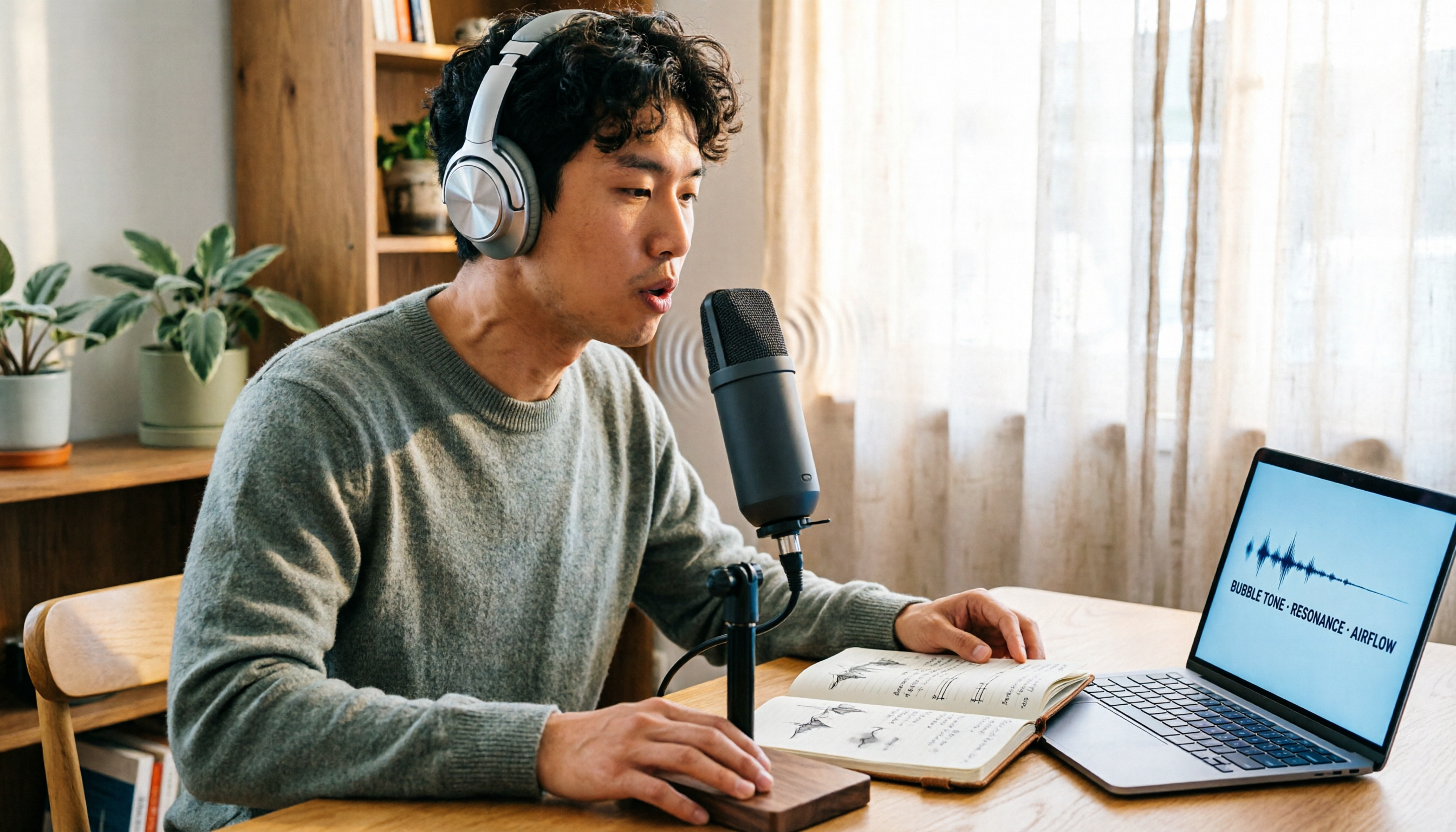
Vocal Fry Meaning Explained: 3 Key Questions to Decide If It's a Style or a Vocal Habit
What does vocal fry mean? This plain-language guide explains the definition, how it's produced, and famous examples. It also covers 3 key questions to help you decide whether to use it, plus practical tips for recording transcription and tool selection.

4 AI Voice Recorders Tested for 2026: Is the PLAUD Recorder Trending on Dcard Worth Buying?
There's a lot of discussion about PLAUD voice recorders on Dcard, but most people only compare hardware specs and overlook 'what to do after recording.' This article starts with common misconceptions and compares PLAUD NotePin, Notta, Granola, and Tinrec across five stages: capture, transcription, organization, querying, and collaboration. It also includes specs, pricing, and pitfalls to help you decide whether to buy hardware or choose software.

Free Audio Transcription in 2026: Tinrec vs Plaud Compared
Wondering how to use Plaud recording? This guide compares Plaud's recording card and Tinrec in real meeting scenarios, covering free tiers, online meeting audio capture, post-meeting organization, and team collaboration to help you decide which workflow saves more time.

PLAUD Voice Recorder Review: Which Model Is Best? 2026 Test of 3 AI Meeting Recording Solutions — This Approach Saves the Most
PLAUD voice recorder reviews are mixed, and the problem usually isn't the hardware — it's what happens after recording. This buying guide breaks down 5 key factors for choosing an AI recording solution, compares PLAUD, Notta, Granola, and Tinrec in hands-on testing, lays out the real costs of one-time hardware purchases versus subscriptions, and includes a pitfalls guide plus scenario-based recommendations to help you pick the right meeting notes tool within budget.

Vocol.ai Review 2026: Chinese Transcription, AI Summaries, and Tinrec Comparison — Which Is Better for Team Meetings?
After hands-on testing, we break down Vocol.ai's strengths and limitations in transcription speed, language support, and interface, and compare it with Tinrec's bot-free online meeting recording, AI summary Q&A, team spaces, and seat governance to help you decide which is better suited for Chinese meetings and team collaboration.