
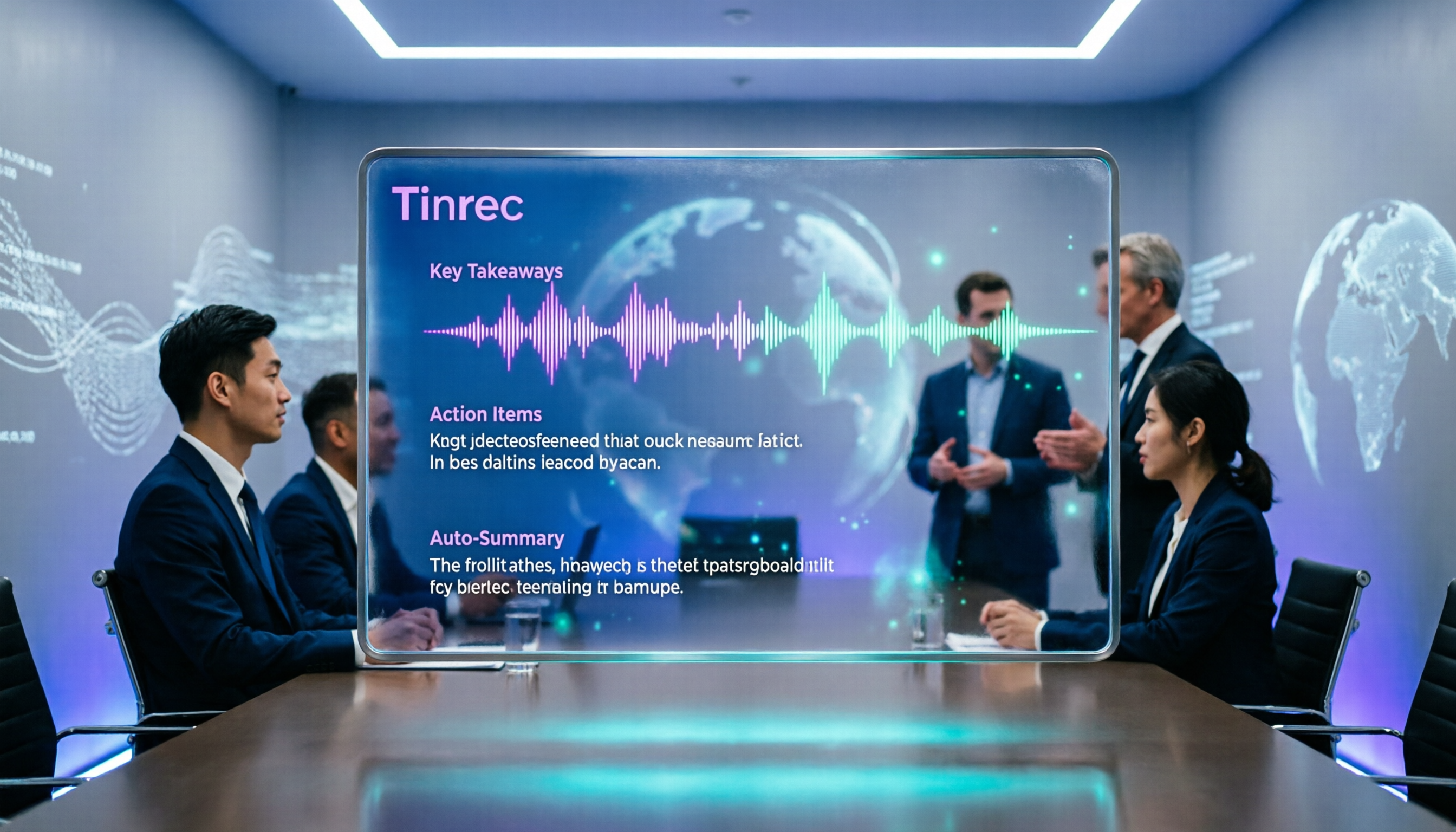
Turn recordings into transcripts and summaries in minutes
Upload audio or video for multilingual transcription, AI notes, and action items
Many people think that recording a client visit just means using your phone to record and then transcribing it at home—only to find that English conversations are full of jargon, and after listening three times, you still miss the key points. Or you use meeting recording software, but you only get a transcript and have to spend half an hour organizing it into action items. In reality, with the right tool, client visit records can be automated.
The English term for client visit is "client visit," and a sales call is "sales call," but the point isn't translation—it's turning the visit content into actionable data.
The Pain Points of Client Visit Records—You Need More Than Just a Voice Recorder
English client visits have two biggest fears: first, you understand at the moment but forget everything afterward; second, you have the transcript, but the key points, commitments, and next steps are all mixed together. A sales team might have three or four client meetings a week, and if each one requires manual organization, the time cost is staggering. What's worse, clients may speak English with product jargon or abbreviations, making manual transcription error-prone. If you've encountered these situations, this article is for you.
Before Choosing a Client Visit Recording Tool, Understand These 4 Key Points
English Recognition Capability: Not all tools are good at English accents and technical jargon. When testing, use a real client visit recording to see if the transcript needs major edits. AI Organization Features: Just transcribing isn't enough; you need automatic summaries and action item extraction. Tinrec can pull out "who is responsible for what and deadlines" from the conversation. Cross-Platform Use: Client visits might involve recording on your phone while on the go and organizing on your computer back at the office. The tool should support mobile, desktop, and web versions. Team Collaboration: Sales teams need to share client visit data so new members can search historical records. Tinrec's team space allows centralized storage.
Tinrec (秒听录音)—Our Top Pick After Hands-On Testing
Tinrec (秒听录音) is a multilingual AI meeting notes and collaboration tool that covers iOS, Android, desktop, and web. We tested it with a 5-minute English client visit recording (office environment with slight background noise), and the transcript required almost no edits, with the AI summary accurately capturing three action items. During a meeting, open Tinrec, and it records and generates the transcript in real time. After the meeting, the AI has already generated a summary and action items—who is responsible for what and deadlines are clear at a glance. After recording, you can directly ask Tinrec, "What budget number did the client mention last time?" It uses semantic understanding to give you the answer directly, rather than just throwing keyword search results. Currently, competitors in the same price range rarely have this feature. Pros: One, no bot for recording online meetings. Tinrec's desktop version directly captures computer system audio, so no extra bot needs to join Zoom or Meet, and clients won't feel disturbed. Two, it doesn't just provide transcripts; it also generates summaries, chapters, action items, and even mind maps, making it ideal for organizing English client visits. Three, the team space allows sharing visit data, so sales handovers don't require digging through chat logs. Limitations: The free version has monthly limits, and heavy use requires payment. But for those with two or three meetings a week, the free version is enough to try. Also, accuracy can be affected by accents and background noise, so it's recommended to replay the recording to verify important content. Who it's for: If you often need to record English client visits, want to use AI to find key points after recording, or switch between phone and computer, Tinrec is currently the most suitable choice.
Stop organizing recordings by hand
Upload audio or video and automatically get a transcript, summary, and action items
Besides Tinrec, What Other Options Are There?
Otter.ai: A mature choice for English meetings, with a generous free tier of 300 minutes per month. However, if you need Chinese and multilingual mixed content, Tinrec offers a smoother Chinese experience, and Otter's team features focus more on meeting analytics, while Tinrec's team space is better suited for small and medium businesses to store client visit records. Notta: Strong in multilingual transcription and translation, but its AI Q&A and team collaboration are not as complete as Tinrec's. If you just need quick transcription, Notta works; if you want to generate action items and reports directly after transcription, Tinrec is more efficient.
Pitfall Guide: 4 Common Mistakes When Choosing a Client Visit Recording Tool
Pitfall 1: Only looking at official accuracy claims. Many tools advertise 98%, but that's tested in a quiet recording studio. Real client visits have ambient noise and accents, so it's best to try with your own recordings. Pitfall 2: Ignoring AI organization features. If you only use the tool as a voice recorder, you're only using a third of its capability. For example, Tinrec's AI Q&A lets you ask "What's the conclusion?" right after recording, which is much faster than manually going through 30 minutes of transcript. Pitfall 3: Not considering cross-platform sync. If you record on your phone today and edit on your computer tomorrow, not supporting cross-platform makes file transfer a pain. Pitfall 4: Buying only the personal version, with team members working in silos. Client visit data scattered across personal accounts is lost when employees leave. The team version enables centralized management.
Summary: Which One Should You Choose?
If you need English client visit records and want them automatically organized into action lists, Tinrec is the top choice. Scenario breakdown:
- Mixed English and Chinese client visits → Tinrec (multilingual support, AI Q&A)
- Want to use AI to find key points after recording → Tinrec (the only one with conversational query)
- Cross-platform use (phone + computer) → Tinrec (iOS + Android + web)
- Zero budget, only English recording → Otter.ai (free tier is sufficient) Final suggestion: Download the Tinrec free version first to try it out. The monthly free quota is enough for a few client visits to experience the effect. If you like it, consider upgrading.
References
- Practical Workplace Micro-English - Client Visits | YOTTA—Your Learning Partner | Cross-Disciplinary Online Learning Platform
- Learning Column | [Workplace English] Ch8 Receiving and Visiting Clients #69 Purpose of Visit Ivy League Online Bookstore
- Visiting Clients (Part 1) - Life English Radio Article - Free Learning | Ivy League Online Bookstore
- English translation of 定期拜访客户, what is the English for 定期拜访客户 - English-Chinese Dictionary
- Sales Call | Manager Today
Turn every recording into actionable outcomes
Get 60 free transcription minutes when you sign in. No credit card required.
Related Reading
You might also like

2026 AI Recording Solutions Compared: Plaud vs. Phone Recording vs. Tinrec — Which Should You Choose?
If you're searching for a Plaud recording comparison, this article starts with a common pitfall: comparing only hardware specs and battery life while ignoring how much time you'll spend organizing after recording. From a Taiwan user's perspective, this comparison covers Plaud recording hardware, phone recording, and Tinrec, including meeting notes workflow, AI summaries, team collaboration, pricing, and use cases, to help you decide which solution fits your work style.

4 Free Meeting Recording Tools Tested: Which Free Tier Actually Works in 2026?
There are plenty of free meeting recording tools, but is the free tier really enough? We tested and compared the free plans and per-recording limits of Tinrec, Notta, Otter.ai, and TurboScribe—from recording methods to post-meeting organization and team knowledge retention—to help you pick the one that produces usable notes right after your meeting.

2026 AI Meeting Recorder Comparison: What Does 'Otter' Mean in Chinese? Which Tool Fits Chinese Meetings?
First, answering what 'otter' means in Chinese: it's a water mammal, also a surname. Otter is also Otter.ai, an AI meeting assistant. This article compares Otter.ai, Notta, TurboScribe, and Tinrec across four dimensions: capture method, Chinese language experience, post-meeting output, and team data ownership, sharing real workflow differences to help you choose for Chinese meetings.

What Is Vocal Fry in Chinese? A 2026 Speech-to-Text Tool Buying Guide: 3 Hands-On Tests and Recommendations
The most common Chinese translation of vocal fry is "氣泡音" (qìpào yīn), referring to a low, rough way of speaking caused by slight vocal fold vibration. This article first explains the meaning and origin of the term, then from the perspective of "how to fully capture meeting recordings," helps you decide how to choose a speech-to-text tool, and compares the differences and use cases of Tinrec, Otter.ai, Notta, and Granola.
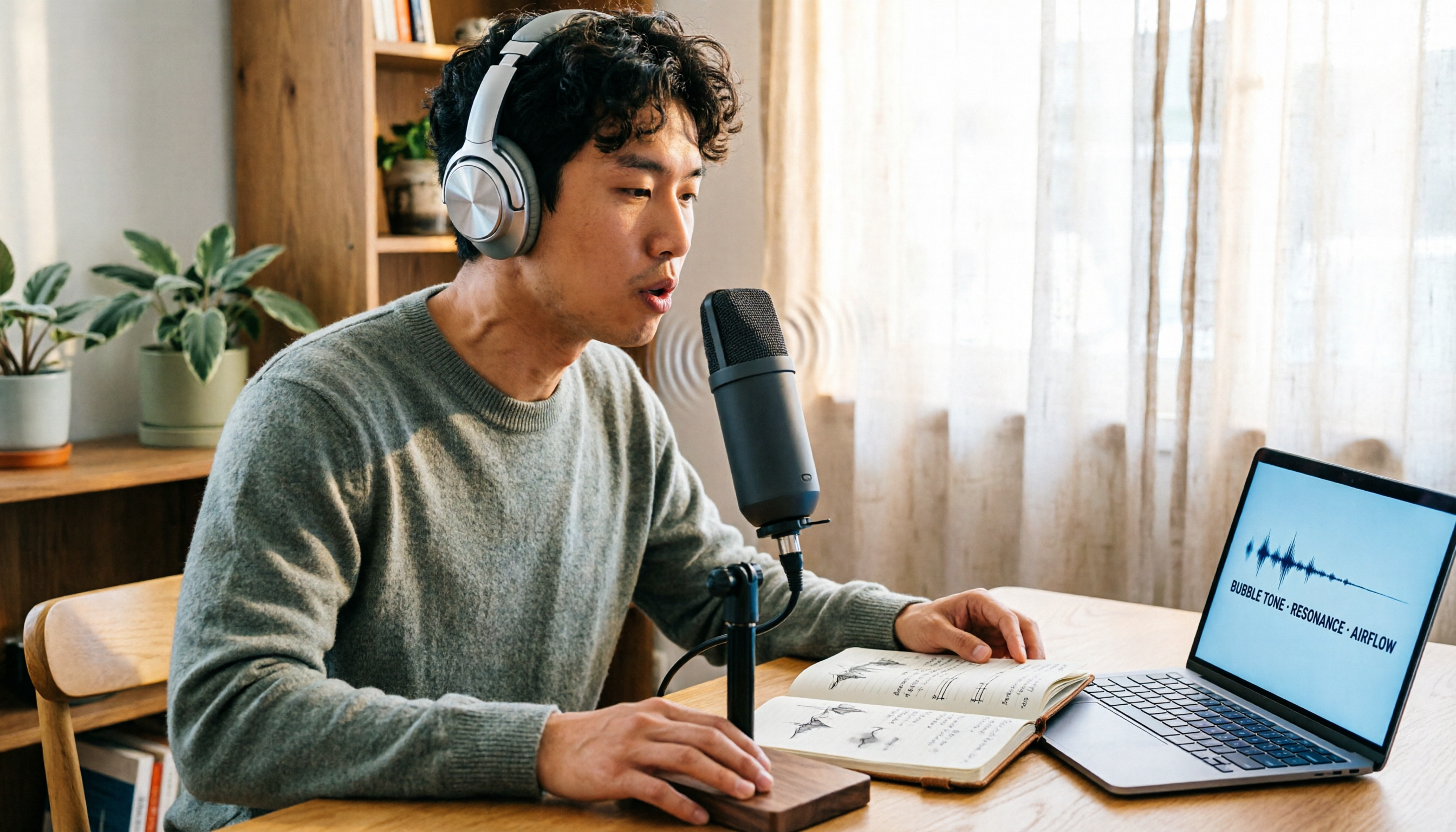
Vocal Fry Meaning Explained: 3 Key Questions to Decide If It's a Style or a Vocal Habit
What does vocal fry mean? This plain-language guide explains the definition, how it's produced, and famous examples. It also covers 3 key questions to help you decide whether to use it, plus practical tips for recording transcription and tool selection.

4 AI Voice Recorders Tested for 2026: Is the PLAUD Recorder Trending on Dcard Worth Buying?
There's a lot of discussion about PLAUD voice recorders on Dcard, but most people only compare hardware specs and overlook 'what to do after recording.' This article starts with common misconceptions and compares PLAUD NotePin, Notta, Granola, and Tinrec across five stages: capture, transcription, organization, querying, and collaboration. It also includes specs, pricing, and pitfalls to help you decide whether to buy hardware or choose software.

Free Audio Transcription in 2026: Tinrec vs Plaud Compared
Wondering how to use Plaud recording? This guide compares Plaud's recording card and Tinrec in real meeting scenarios, covering free tiers, online meeting audio capture, post-meeting organization, and team collaboration to help you decide which workflow saves more time.

PLAUD Voice Recorder Review: Which Model Is Best? 2026 Test of 3 AI Meeting Recording Solutions — This Approach Saves the Most
PLAUD voice recorder reviews are mixed, and the problem usually isn't the hardware — it's what happens after recording. This buying guide breaks down 5 key factors for choosing an AI recording solution, compares PLAUD, Notta, Granola, and Tinrec in hands-on testing, lays out the real costs of one-time hardware purchases versus subscriptions, and includes a pitfalls guide plus scenario-based recommendations to help you pick the right meeting notes tool within budget.

Vocol.ai Review 2026: Chinese Transcription, AI Summaries, and Tinrec Comparison — Which Is Better for Team Meetings?
After hands-on testing, we break down Vocol.ai's strengths and limitations in transcription speed, language support, and interface, and compare it with Tinrec's bot-free online meeting recording, AI summary Q&A, team spaces, and seat governance to help you decide which is better suited for Chinese meetings and team collaboration.