
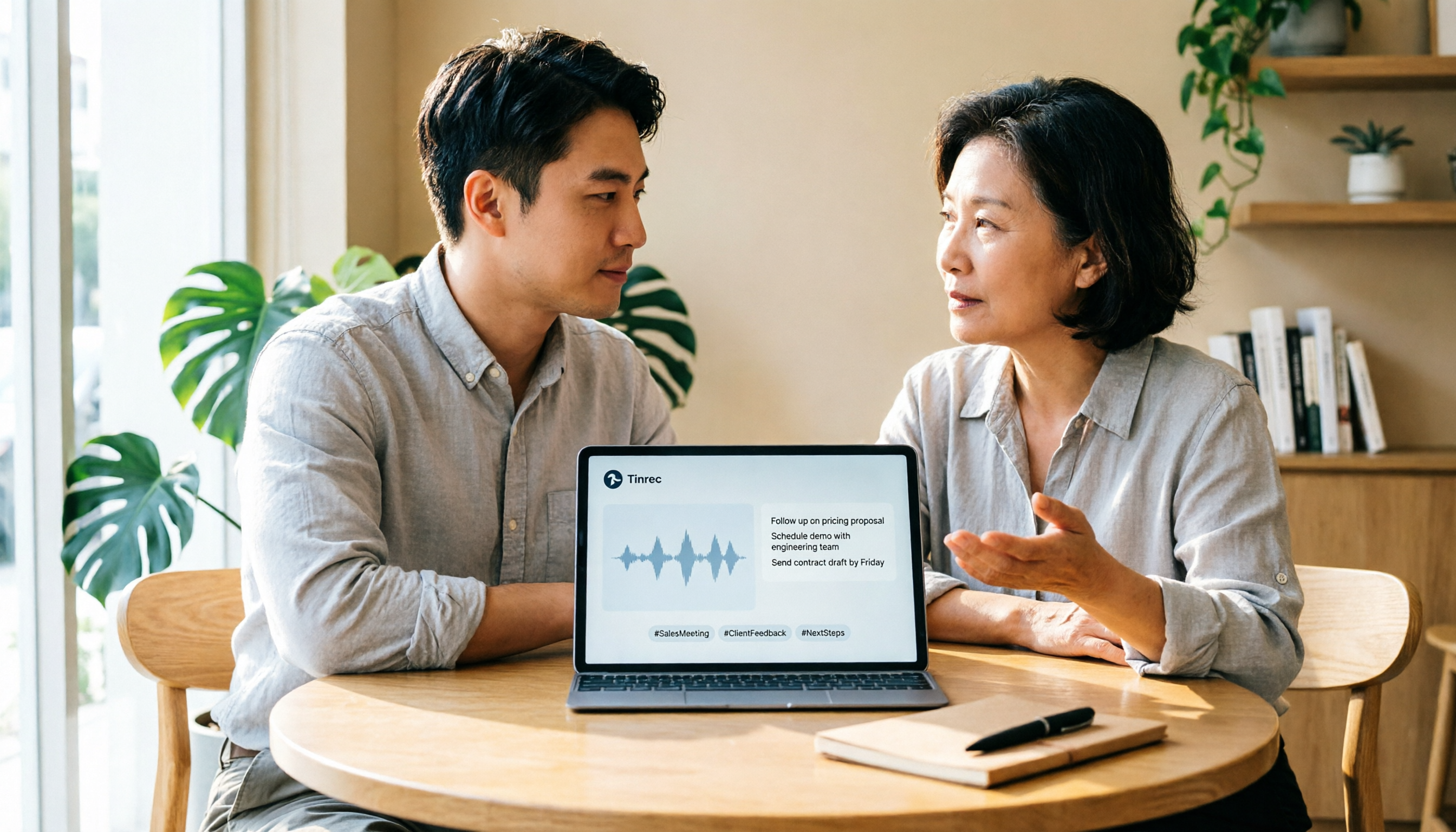
Turn recordings into transcripts and summaries in minutes
Upload audio or video for multilingual transcription, AI notes, and action items
2026 Hands-On Comparison of 4 Customer Visit Recording Tools: Which One Can Really Replace Paper Forms?
Are you looking for a "customer visit record form" or a "tool that automatically generates customer visit records"? This question determines whether you'll keep manually organizing data later.
If your need is just a blank customer visit record form template, this article may not be for you. But if you want customer visit content to be searchable, organized, trackable, and even shareable across your team, keep reading.
After Visiting Customers, Recording Takes Twice as Long—You Don't Need Another Form
Many people, after visiting customers, open Excel or a paper form and write down from memory what was discussed, what the customer cares about, and what to do next.
The problem is: during the visit, you're busy talking, and afterward you can only reconstruct from memory. Worse, these records are scattered across personal computers or paper folders, invisible to colleagues and untrackable by managers.
Simply switching to a prettier form won't solve the fundamental issues of "time-consuming recording, missing details, and lack of sharing." Choosing the right tool can turn customer visit content into usable data automatically.
Before Choosing a Customer Visit Recording Tool, Understand These 4 Key Points
1. Recording Method: Manual Form vs. Automatic Transcription
Manual forms require you to listen to recordings or recall while typing. Automatic transcription tools can transcribe as you record, so by the end of the visit, the transcript is already generated. You just need to confirm key points, not start from scratch.
2. Is the Original Recording Preserved?
Some tools store audio files for later verification. Others keep only text, and audio files are not retained. If your customer visits involve commitments or details, keeping the original audio can provide peace of mind.
3. Can It Automatically Generate Summaries and To-Dos After the Meeting?
Transcripts alone aren't enough; you still need to spend time identifying key points. Good tools automatically generate summaries, chapters, and action items, and even let you ask AI directly, "What budget concerns did the customer mention this time?"
4. Can the Team Share and Hand Off?
Customer visit data shouldn't stay only on personal devices. Features like team spaces, member permissions, and data handover allow business data to become a company asset, not something that disappears when someone leaves.
Tinrec (秒听录音) — Our Top Pick After Testing
Tinrec is an AI meeting notes and collaboration tool for individuals and teams, supporting real-time recording, bot-free online meeting recording, audio import, and real-time translation. It's not just a voice recorder; it's more like a "customer visit assistant that helps you organize key points."
At the Visit: Record and Transcribe in Real Time, Transcript Ready When You Finish
Open Tinrec during a customer visit, and it transcribes the conversation in real time. No need for a separate recorder; it works on your phone or computer. When the visit ends, the transcript is already in the app, and you can search for keywords to jump to specific parts of the conversation.
Post-Meeting Organization: Summaries and To-Dos in One Go
Tinrec automatically generates summaries and chapters, breaking a 40-minute customer meeting into key points. More practically, it extracts action items from the conversation, such as "Send the quote by next Tuesday" or "Confirm delivery date with the customer." These can be exported to Notion, Google Docs, or used to generate reports and tables.
Stop organizing recordings by hand
Upload audio or video and automatically get a transcript, summary, and action items
AI Q&A: Skip Re-listening, Ask Directly for Key Points
This is my favorite feature. You can ask Tinrec directly, "What are the customer's concerns about pricing?" It uses semantic understanding to give you the answer and timestamp, not just keyword search results. Most tools in this price range don't have this capability.
Team Space: Turn Customer Data into a Company Asset
Tinrec's team version isn't about sharing one account; it's a dedicated collaboration space. You can create teams, invite members, allocate seats, and store visit recordings and records centrally. When members leave or transfer, data can be handed over and doesn't disappear. Admins also get usage analytics and audit logs, which is very useful for sales managers.
Limitations and Who It's For
The free version offers basic quotas to try recording, import, summarization, and transcription, but heavy use requires payment. For individuals, there are weekly, Pro monthly, and Pro yearly plans to suit different usage frequencies.
If you frequently need to record customer visits, want summaries and to-dos right after the visit, or if your sales team wants to centrally manage customer communication data, Tinrec is a very worthwhile option to try.
Beyond Tinrec: What Other Options Are There?
Otter.ai: Mature for English meetings, with a generous free tier of 300 minutes per month. However, its experience with Chinese and Traditional Chinese isn't as refined as Tinrec's, and it's more of a meeting assistant; its to-do organization and team handover features aren't as complete as Tinrec's. If you mainly handle English content, consider it; otherwise, Tinrec is smoother.
Notta: Features overlap significantly with Tinrec, also supporting multi-device transcription and team plans. But Notta's team space focuses more on role permissions and usage reports, lacking Tinrec's audit logs, recycle bin, and seat handover mechanisms. If you just need quick personal transcription, Notta suffices; if you need a database for your sales team, Tinrec is more complete.
Granola: Also focuses on bot-free meeting notes with a clean design. However, it doesn't support uploading pre-recorded audio files, nor does it retain meeting audio. If you need to backfill past customer visit recordings, Granola can't do it, but Tinrec can.
Pitfall Guide: 3 Common Mistakes When Choosing a Customer Visit Recording Tool
Pitfall 1: Only Looking for "Form Templates," Ignoring Automation
Many people search for customer visit record forms, download a bunch of blank templates, and still end up with no time to fill them out. What you really need is a tool that automatically generates records, not a prettier form. Let AI turn recordings into key points, which is more efficient than recalling at home.
Pitfall 2: Focusing Only on Transcription Accuracy, Ignoring Post-Meeting Organization
Transcripts are just the first step. If the tool can't generate summaries, to-dos, and AI Q&A, you'll still have to read the transcript yourself. When choosing a tool, make sure it can turn visit content into "next actions."
Pitfall 3: Overlooking Team Sharing and Data Handover
Keeping customer visit records in a personal account ties company assets to an individual. Choose tools with team spaces, role permissions, and handover mechanisms so data can accumulate continuously.
Summary: Which One Should You Choose?
If you're tired of manually filling out customer visit record forms and want automatic transcripts, summaries, and to-dos after visits, Tinrec is currently the most comprehensive choice.
- Need Chinese customer visit records + automatic to-dos → Tinrec
- Need to keep original recordings + import old audio files → Tinrec
- Need team data handover and management → Tinrec
- Only record in English and don't need Chinese experience → Otter.ai
- Short-term bulk transcription without team needs → Notta is also fine
We recommend starting with the free version to experience the transcription and summarization features during a customer visit, and consider upgrading only if it feels right. Don't rush into a paid plan; first confirm it truly saves you time on record-keeping.
References
Turn every recording into actionable outcomes
Get 60 free transcription minutes when you sign in. No credit card required.
Related Reading
You might also like

2026 AI Recording Solutions Compared: Plaud vs. Phone Recording vs. Tinrec — Which Should You Choose?
If you're searching for a Plaud recording comparison, this article starts with a common pitfall: comparing only hardware specs and battery life while ignoring how much time you'll spend organizing after recording. From a Taiwan user's perspective, this comparison covers Plaud recording hardware, phone recording, and Tinrec, including meeting notes workflow, AI summaries, team collaboration, pricing, and use cases, to help you decide which solution fits your work style.

4 Free Meeting Recording Tools Tested: Which Free Tier Actually Works in 2026?
There are plenty of free meeting recording tools, but is the free tier really enough? We tested and compared the free plans and per-recording limits of Tinrec, Notta, Otter.ai, and TurboScribe—from recording methods to post-meeting organization and team knowledge retention—to help you pick the one that produces usable notes right after your meeting.

2026 AI Meeting Recorder Comparison: What Does 'Otter' Mean in Chinese? Which Tool Fits Chinese Meetings?
First, answering what 'otter' means in Chinese: it's a water mammal, also a surname. Otter is also Otter.ai, an AI meeting assistant. This article compares Otter.ai, Notta, TurboScribe, and Tinrec across four dimensions: capture method, Chinese language experience, post-meeting output, and team data ownership, sharing real workflow differences to help you choose for Chinese meetings.

What Is Vocal Fry in Chinese? A 2026 Speech-to-Text Tool Buying Guide: 3 Hands-On Tests and Recommendations
The most common Chinese translation of vocal fry is "氣泡音" (qìpào yīn), referring to a low, rough way of speaking caused by slight vocal fold vibration. This article first explains the meaning and origin of the term, then from the perspective of "how to fully capture meeting recordings," helps you decide how to choose a speech-to-text tool, and compares the differences and use cases of Tinrec, Otter.ai, Notta, and Granola.
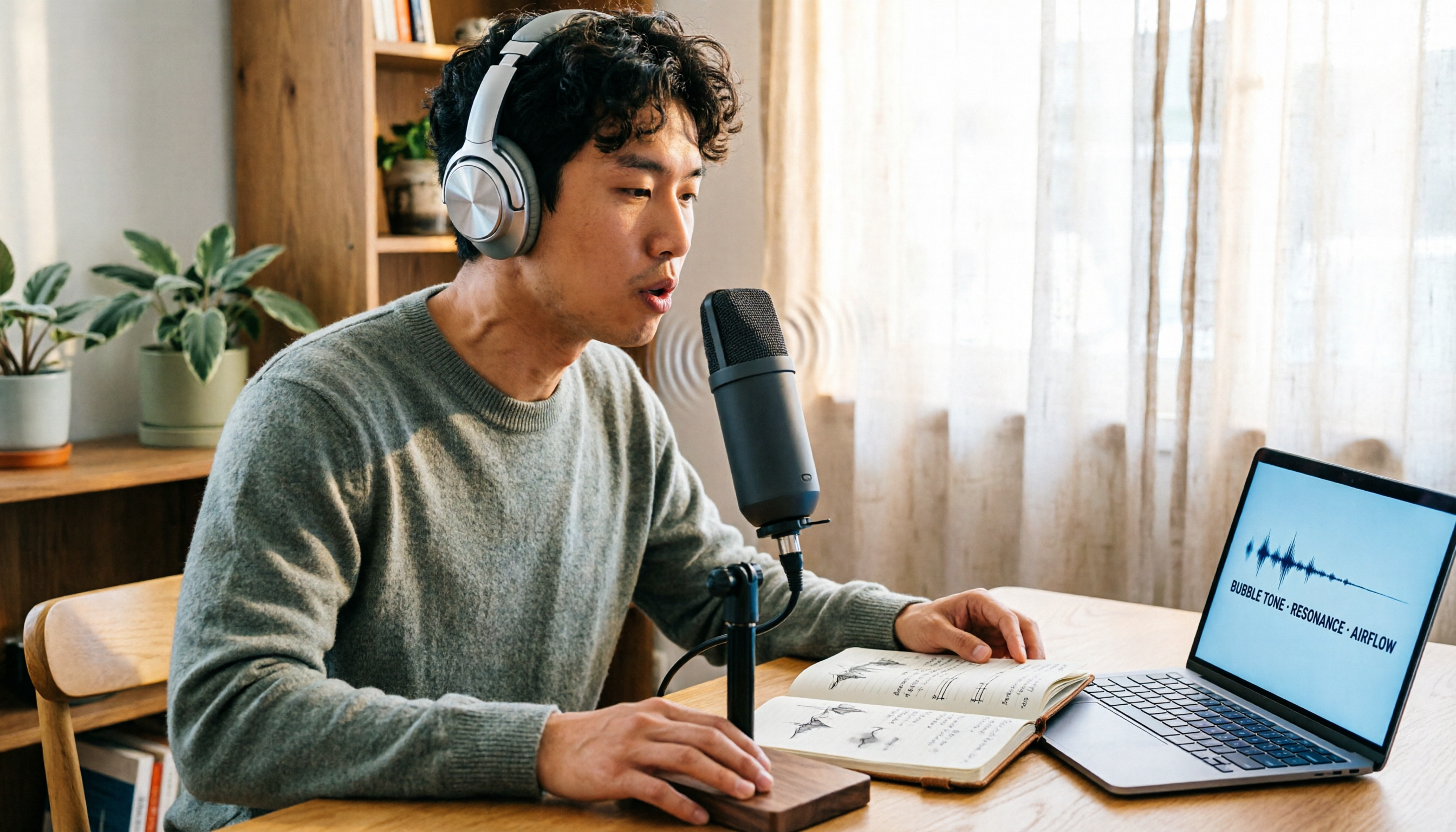
Vocal Fry Meaning Explained: 3 Key Questions to Decide If It's a Style or a Vocal Habit
What does vocal fry mean? This plain-language guide explains the definition, how it's produced, and famous examples. It also covers 3 key questions to help you decide whether to use it, plus practical tips for recording transcription and tool selection.

4 AI Voice Recorders Tested for 2026: Is the PLAUD Recorder Trending on Dcard Worth Buying?
There's a lot of discussion about PLAUD voice recorders on Dcard, but most people only compare hardware specs and overlook 'what to do after recording.' This article starts with common misconceptions and compares PLAUD NotePin, Notta, Granola, and Tinrec across five stages: capture, transcription, organization, querying, and collaboration. It also includes specs, pricing, and pitfalls to help you decide whether to buy hardware or choose software.

Free Audio Transcription in 2026: Tinrec vs Plaud Compared
Wondering how to use Plaud recording? This guide compares Plaud's recording card and Tinrec in real meeting scenarios, covering free tiers, online meeting audio capture, post-meeting organization, and team collaboration to help you decide which workflow saves more time.

PLAUD Voice Recorder Review: Which Model Is Best? 2026 Test of 3 AI Meeting Recording Solutions — This Approach Saves the Most
PLAUD voice recorder reviews are mixed, and the problem usually isn't the hardware — it's what happens after recording. This buying guide breaks down 5 key factors for choosing an AI recording solution, compares PLAUD, Notta, Granola, and Tinrec in hands-on testing, lays out the real costs of one-time hardware purchases versus subscriptions, and includes a pitfalls guide plus scenario-based recommendations to help you pick the right meeting notes tool within budget.

Vocol.ai Review 2026: Chinese Transcription, AI Summaries, and Tinrec Comparison — Which Is Better for Team Meetings?
After hands-on testing, we break down Vocol.ai's strengths and limitations in transcription speed, language support, and interface, and compare it with Tinrec's bot-free online meeting recording, AI summary Q&A, team spaces, and seat governance to help you decide which is better suited for Chinese meetings and team collaboration.