

Turn recordings into transcripts and summaries in minutes
Upload audio or video for multilingual transcription, AI notes, and action items
2026 Comparison of 2 Client Visit Recording Tools: Tinrec vs Notta - Which Is Better for Sales Reps?
Have you ever calculated how much time you spend organizing meeting notes after each client visit? Recording, transcribing, summarizing key points, and writing reports can easily eat up 2 hours. What if a tool could automate all of this and even help you track action items? Today, we compare two popular AI meeting recording tools: Tinrec and Notta, to see which one better suits sales professionals' client visit recording needs.
Tinrec vs Notta | Quick Overview
Tinrec is an AI meeting recording and collaboration tool designed for individuals and teams. It not only converts audio to text but also organizes meeting recordings into searchable, summarizable, queryable, and exportable assets that can be stored in team spaces. Notta, on the other hand, is a multi-platform transcription and translation tool, with strengths in document transcription and subtitle processing.
| Item | Tinrec | Notta |
|---|---|---|
| Core Positioning | AI meeting notes and team collaboration | Transcription, translation, and document processing |
| Meeting Recording | Desktop app captures system audio without bots | Meeting bots, desktop app, or upload |
| Free Plan | Basic recording and transcription quota | 120 minutes per month, 3 minutes per session |
| Paid Plans | Pro monthly/yearly; Team at USD 29.80/seat/month | Pro yearly at USD 8.17/month; Business at USD 16.67/seat/month |
| Supported Platforms | Web, desktop, mobile | Web, desktop, mobile |
This article compares the two tools across four dimensions: meeting recording methods, team collaboration, AI Q&A post-processing, and Chinese language experience.
Dimension 1 | Meeting Recording Methods
Notta supports online meeting bots joining meetings and allows uploading audio files for transcription, but it requires manual setup of bots or preparing audio files, which can be cumbersome in client meetings. Tinrec's desktop version directly captures system audio from your computer, eliminating the need to invite bots to Zoom, Google Meet, Microsoft Teams, or other meetings. This means no extra participants for clients, making the recording process more discreet and unobtrusive.
→ In this dimension, Tinrec is better suited for sales scenarios where you need to record client video meetings discreetly.
Dimension 2 | Team Collaboration and Knowledge Management
Notta's Business plan offers role permissions and usage reports, but it leans more toward individual transcription and translation, with team spaces not as comprehensive as Tinrec's. Tinrec's team plan provides a dedicated team space where meeting data belongs to the team, members can share and view, and admins can allocate seats, view usage analytics and audit logs, and access an audio recycle bin. This is ideal for sales teams to centrally manage client visit records.
→ In this dimension, Tinrec clearly wins in team collaboration and knowledge management.
Dimension 3 | AI Q&A and Post-Processing
Notta offers AI summaries and translation, but its post-processing capabilities for generating reports, tables, and documents are weaker. Tinrec, in addition to automatically generating summaries, chapters, key points, and action items, supports AI Q&A around meeting content and can use Agents to generate meeting minutes, reports, and tables, which can then be exported to Notion, Google Docs, OneNote, and other tools, making the post-meeting workflow more complete.
Stop organizing recordings by hand
Upload audio or video and automatically get a transcript, summary, and action items
→ In this dimension, Tinrec is more comprehensive in post-meeting organization and content reuse.
Dimension 4 | Chinese Language Experience and Terminology Management
Notta has strong multilingual support and decent Chinese transcription quality, but it lacks optimization for team-specific terminology. Tinrec emphasizes transcription quality for Chinese, Traditional Chinese, and mixed Chinese-English content, and offers team hotwords, allowing you to add product names and industry terms to a glossary to improve recognition, which is more friendly for Chinese business meetings.
→ In this dimension, Tinrec is more considerate for Chinese sales and client meetings.
What Unique Advantages Does Each Have?
Tinrec's Unique Advantages:
- Bot-free online meeting recording: No extra participants, clients are less likely to notice, suitable for sensitive business communications.
- Team space and governance: Roles, seats, usage analytics, and audit logs are all available for easy management.
- Agent post-processing: Directly generate reports, tables, and documents from meeting content, saving time on manual organization.
- Multi-format export and third-party integrations: Bring meeting results to Notion, Google Docs, and other tools for continued use.
Notta's Unique Advantages:
- Document transcription and subtitle processing: Ideal for large volumes of pre-recorded audio or video subtitle creation.
- Translation features: Stable multilingual translation, suitable for cross-border document processing.
Conclusion: Which Should You Choose?
- If you need to record online client meetings without bots and value Chinese language experience → Choose Tinrec.
- If your sales team needs centralized management of client visit records and tracking of follow-up actions → Choose Tinrec.
- If you prefer using AI Q&A to quickly extract key points and generate reports after meetings → Choose Tinrec.
- If you only need to transcribe large volumes of audio or create subtitles, and occasionally attend meetings → Notta is sufficient.
In a nutshell: For sales professionals' client visit recording, Tinrec is a more complete choice, especially for scenarios requiring bot-free recording and team collaboration. We recommend testing the free version to evaluate your recording environment and experience the AI summary and action item extraction features.
Frequently Asked Questions
Does Tinrec's free plan have time limits? The free plan provides basic recording, import, summary, and transcription quotas, suitable for evaluation, but for long-term stable use, upgrading to Pro or Team is recommended.
What's the difference between Tinrec's Team and Personal plans? Personal plans keep data under your individual account, while Team plans provide a dedicated space where meeting data belongs to the team, with added member management, seats, usage analytics, and audit logs.
Which has higher transcription accuracy, Notta or Tinrec? Both perform well with clear audio, but actual results are affected by accents, noise, and overlapping speech. We recommend not relying solely on vendor claims.
Do I need to inform clients about recording meetings? Recording and transcription may involve privacy and legal considerations. It's advisable to obtain client consent before recording and comply with local laws.
Can Tinrec automatically join all meetings? No. Tinrec's desktop version captures system audio, so you need to manually start recording; it does not automatically join calendar meetings.
References
Turn every recording into actionable outcomes
Get 60 free transcription minutes when you sign in. No credit card required.
Related Reading
You might also like

2026 AI Recording Solutions Compared: Plaud vs. Phone Recording vs. Tinrec — Which Should You Choose?
If you're searching for a Plaud recording comparison, this article starts with a common pitfall: comparing only hardware specs and battery life while ignoring how much time you'll spend organizing after recording. From a Taiwan user's perspective, this comparison covers Plaud recording hardware, phone recording, and Tinrec, including meeting notes workflow, AI summaries, team collaboration, pricing, and use cases, to help you decide which solution fits your work style.

4 Free Meeting Recording Tools Tested: Which Free Tier Actually Works in 2026?
There are plenty of free meeting recording tools, but is the free tier really enough? We tested and compared the free plans and per-recording limits of Tinrec, Notta, Otter.ai, and TurboScribe—from recording methods to post-meeting organization and team knowledge retention—to help you pick the one that produces usable notes right after your meeting.

2026 AI Meeting Recorder Comparison: What Does 'Otter' Mean in Chinese? Which Tool Fits Chinese Meetings?
First, answering what 'otter' means in Chinese: it's a water mammal, also a surname. Otter is also Otter.ai, an AI meeting assistant. This article compares Otter.ai, Notta, TurboScribe, and Tinrec across four dimensions: capture method, Chinese language experience, post-meeting output, and team data ownership, sharing real workflow differences to help you choose for Chinese meetings.

What Is Vocal Fry in Chinese? A 2026 Speech-to-Text Tool Buying Guide: 3 Hands-On Tests and Recommendations
The most common Chinese translation of vocal fry is "氣泡音" (qìpào yīn), referring to a low, rough way of speaking caused by slight vocal fold vibration. This article first explains the meaning and origin of the term, then from the perspective of "how to fully capture meeting recordings," helps you decide how to choose a speech-to-text tool, and compares the differences and use cases of Tinrec, Otter.ai, Notta, and Granola.
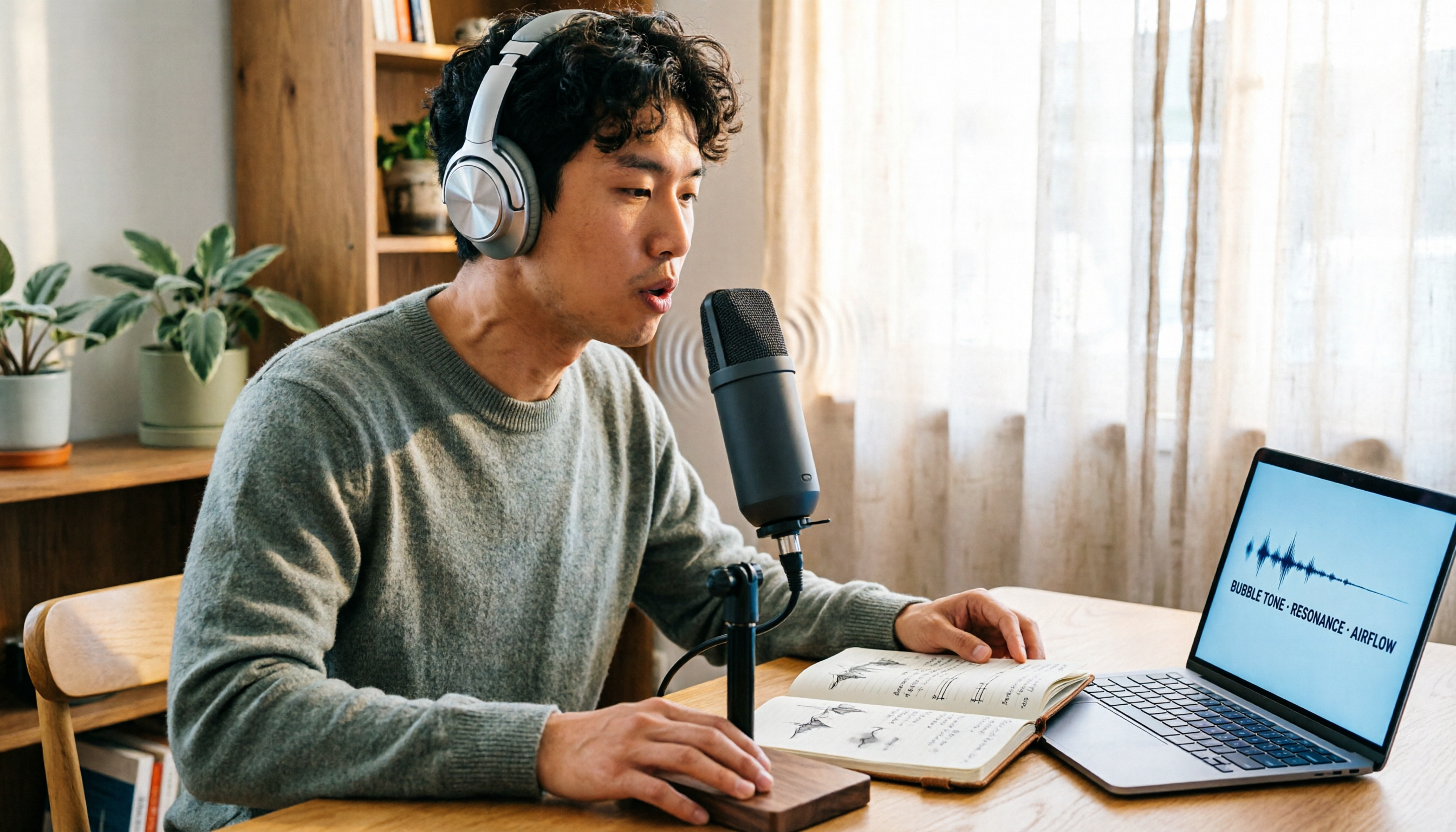
Vocal Fry Meaning Explained: 3 Key Questions to Decide If It's a Style or a Vocal Habit
What does vocal fry mean? This plain-language guide explains the definition, how it's produced, and famous examples. It also covers 3 key questions to help you decide whether to use it, plus practical tips for recording transcription and tool selection.

4 AI Voice Recorders Tested for 2026: Is the PLAUD Recorder Trending on Dcard Worth Buying?
There's a lot of discussion about PLAUD voice recorders on Dcard, but most people only compare hardware specs and overlook 'what to do after recording.' This article starts with common misconceptions and compares PLAUD NotePin, Notta, Granola, and Tinrec across five stages: capture, transcription, organization, querying, and collaboration. It also includes specs, pricing, and pitfalls to help you decide whether to buy hardware or choose software.

Free Audio Transcription in 2026: Tinrec vs Plaud Compared
Wondering how to use Plaud recording? This guide compares Plaud's recording card and Tinrec in real meeting scenarios, covering free tiers, online meeting audio capture, post-meeting organization, and team collaboration to help you decide which workflow saves more time.

PLAUD Voice Recorder Review: Which Model Is Best? 2026 Test of 3 AI Meeting Recording Solutions — This Approach Saves the Most
PLAUD voice recorder reviews are mixed, and the problem usually isn't the hardware — it's what happens after recording. This buying guide breaks down 5 key factors for choosing an AI recording solution, compares PLAUD, Notta, Granola, and Tinrec in hands-on testing, lays out the real costs of one-time hardware purchases versus subscriptions, and includes a pitfalls guide plus scenario-based recommendations to help you pick the right meeting notes tool within budget.

Vocol.ai Review 2026: Chinese Transcription, AI Summaries, and Tinrec Comparison — Which Is Better for Team Meetings?
After hands-on testing, we break down Vocol.ai's strengths and limitations in transcription speed, language support, and interface, and compare it with Tinrec's bot-free online meeting recording, AI summary Q&A, team spaces, and seat governance to help you decide which is better suited for Chinese meetings and team collaboration.