

Turn recordings into transcripts and summaries in minutes
Upload audio or video for multilingual transcription, AI notes, and action items
After a long day of client visits, you return to the office, open your computer, and stare at a blank customer visit record form—this is a daily reality for many salespeople. The conversation went smoothly, but recalling exactly what the client requested, what you promised, and what the next steps are often relies on vague memory. Worse, these records are scattered across personal notes, emails, or Excel files, making it a hassle to find details from a previous quote. If you're tired of manually organizing customer visit records, this article compares 4 free solutions, from traditional forms to AI tools, to help you find the best approach.
4 Key Points to Understand Before Choosing a Customer Visit Record Solution
Recording Method: Manual Entry or Automatic Transcription? Traditional customer visit record forms require you to recall and type everything afterward, which can easily miss key details. Automatic transcription tools can convert speech to text in real-time during the visit, allowing you to review later. If you want to minimize the time spent on "recalling," automation is a clear advantage.
Data Organization: Are Summaries and To-Dos Included? A good visit record shouldn't just be a log. If the tool can automatically summarize key points, extract action items, and even turn "client requested a quote next week" into a task, follow-up becomes much easier.
Search and Collaboration: Can the Data Be Reused? If records are filed away and never touched again, they're useless. You need to be able to quickly search historical clients, find specific conversations by keyword, and ideally share with team members, turning client data into a team asset rather than an individual's private notes.
Free Tier Limits: Is It Enough for You? Free plans often have minute or feature limitations. Estimate how many client visits you have per month and the average length of each recording, then evaluate whether the free tier is sufficient to avoid being forced to upgrade mid-use.
Tinrec (Miao Ting Lu Yin) — Our Top Pick After Testing
Tinrec (Miao Ting Lu Yin) is an AI meeting notes tool designed for individuals and teams, and it's also well-suited for client visits. It doesn't just convert speech to text; it helps you turn visit content into searchable, summarizable, and queryable data.
During the Visit: Record and Transcribe in Real-Time. Simply open Tinrec on your phone or computer, and it will output a transcript as it records. For in-person visits, just place your phone on the table; for online meetings, the desktop version can capture system audio without needing a meeting bot. By the end of the visit, the transcript is ready—no more "recalling" the conversation.
After the Visit: AI Auto-Summarizes, Creates To-Dos, and Even Answers Questions. Tinrec automatically organizes summaries, chapters, and key points from the recording, and can extract items like "client said they'll request a quote next week" or "need to provide a spec sheet" into a to-do list. Even more useful is the AI Q&A feature: you can ask, "What were the client's main pain points mentioned last time?" and Tinrec will answer based on semantic understanding, not just keyword search results. This is incredibly helpful for quickly reviewing multiple visits and preparing proposals.
Cross-Platform and Team Collaboration: No More Scattered Data. Tinrec supports iOS, Android, and web versions, with recordings and transcripts synced across devices. The team version centralizes all client visit data in one space, allowing new members to view historical records and managers to control seats and usage, truly consolidating client knowledge.
Stop organizing recordings by hand
Upload audio or video and automatically get a transcript, summary, and action items
Limitations: The free version offers basic quotas, suitable for light use; heavy users will need to upgrade. Additionally, transcription accuracy can be affected by recording quality, accents, and background noise, so it's advisable to cross-check important information against the original audio.
Who It's For: If your job involves frequent client visits, requirement interviews, or documenting communication details, and you don't want to spend time on manual organization, Tinrec is currently one of the most complete options.
Other Options Besides Tinrec
Excel Customer Visit Record Templates (e.g., free downloads from Pikbest): These templates are free and can be edited offline, making them suitable for those who prefer to control the format themselves. However, the downside is obvious: everything must be entered manually, with no automatic transcription, summarization, or search. Tinrec can automatically turn recordings into structured records and use AI Q&A for quick retrieval, which static templates simply cannot do.
101Form Business Visit Plan Form: 101Form offers online forms and approval statistics, allowing managers to quickly review team members' visit status, making it suitable for companies that need process management. However, it still relies on salespeople to fill in manually and lacks recording-to-text and AI organization capabilities. Tinrec, on the other hand, automatically generates transcripts, summaries, and to-dos, significantly reducing input burden, and provides team spaces and AI Q&A—key features that 101Form lacks.
Otter.ai: Otter is a mature AI meeting assistant with a free plan offering 300 minutes per month, and it works well for English meetings. But if you primarily handle Chinese client visits, Otter's Chinese language support is not as nuanced as Tinrec's, and it lacks Tinrec's team-specific features like custom vocabulary and post-processing agents designed for Chinese and post-meeting workflows. Tinrec is more tailored to the needs of Taiwanese sales teams for Chinese meetings and team knowledge consolidation.
Pitfall Guide: 3 Common Mistakes When Choosing a Customer Visit Record Tool
Pitfall 1: Choosing the Cheapest Paper or Excel Option, Ignoring Follow-up Time. A piece of paper or an Excel file may seem cost-free, but spending 20 minutes after each visit recalling, typing, and formatting adds up to hours each month. Convert that time into your hourly rate, and it may already exceed the monthly cost of a paid AI tool.
Pitfall 2: Overlooking Search and Team Collaboration. If client records only exist on your personal phone or computer, it's nearly impossible to find a conversation from six months ago or if a colleague leaves. When choosing a tool, make sure it supports cross-device sync, keyword search, and team sharing; otherwise, records become just another form of silo.
Pitfall 3: Buying an AI Tool but Only Using It as a Voice Recorder. Many tools can record and transcribe, but the real value lies in post-processing: summaries, to-dos, AI Q&A, and automatic report generation. If you only use the tool for "recording," you're only using a third of its capabilities. For example, Tinrec's AI Q&A can directly answer meeting conclusions, which is much faster than manually scanning a 30-minute transcript.
Conclusion: Which One Should You Choose?
If you need a customer visit record solution that truly saves you time, Tinrec is our top pick. It integrates recording, transcription, summarization, to-dos, AI Q&A, and team collaboration into one seamless workflow, making visit records no longer a burden.
Scenario-based recommendations:
- Occasional recording, don't want to learn new tools → Free Excel template, but be prepared for manual work.
- Company needs approval workflows, managers regularly review → 101Form, suitable for process management, but input is still manual.
- Primarily English meetings or international clients → Otter.ai free plan, 300 minutes per month is plenty, but Chinese experience is weaker.
- Chinese client visits, want automatic transcripts, summaries, to-dos, and AI search → Tinrec free plan, try the basic quota first, and consider upgrading if it works well.
We recommend downloading the Tinrec free version and recording an actual client visit to see if the generated transcript and summary save you time. If it works well, then consider paying; there's no need to spend money upfront.
References
Turn every recording into actionable outcomes
Get 60 free transcription minutes when you sign in. No credit card required.
Related Reading
You might also like

2026 AI Recording Solutions Compared: Plaud vs. Phone Recording vs. Tinrec — Which Should You Choose?
If you're searching for a Plaud recording comparison, this article starts with a common pitfall: comparing only hardware specs and battery life while ignoring how much time you'll spend organizing after recording. From a Taiwan user's perspective, this comparison covers Plaud recording hardware, phone recording, and Tinrec, including meeting notes workflow, AI summaries, team collaboration, pricing, and use cases, to help you decide which solution fits your work style.

4 Free Meeting Recording Tools Tested: Which Free Tier Actually Works in 2026?
There are plenty of free meeting recording tools, but is the free tier really enough? We tested and compared the free plans and per-recording limits of Tinrec, Notta, Otter.ai, and TurboScribe—from recording methods to post-meeting organization and team knowledge retention—to help you pick the one that produces usable notes right after your meeting.

2026 AI Meeting Recorder Comparison: What Does 'Otter' Mean in Chinese? Which Tool Fits Chinese Meetings?
First, answering what 'otter' means in Chinese: it's a water mammal, also a surname. Otter is also Otter.ai, an AI meeting assistant. This article compares Otter.ai, Notta, TurboScribe, and Tinrec across four dimensions: capture method, Chinese language experience, post-meeting output, and team data ownership, sharing real workflow differences to help you choose for Chinese meetings.

What Is Vocal Fry in Chinese? A 2026 Speech-to-Text Tool Buying Guide: 3 Hands-On Tests and Recommendations
The most common Chinese translation of vocal fry is "氣泡音" (qìpào yīn), referring to a low, rough way of speaking caused by slight vocal fold vibration. This article first explains the meaning and origin of the term, then from the perspective of "how to fully capture meeting recordings," helps you decide how to choose a speech-to-text tool, and compares the differences and use cases of Tinrec, Otter.ai, Notta, and Granola.
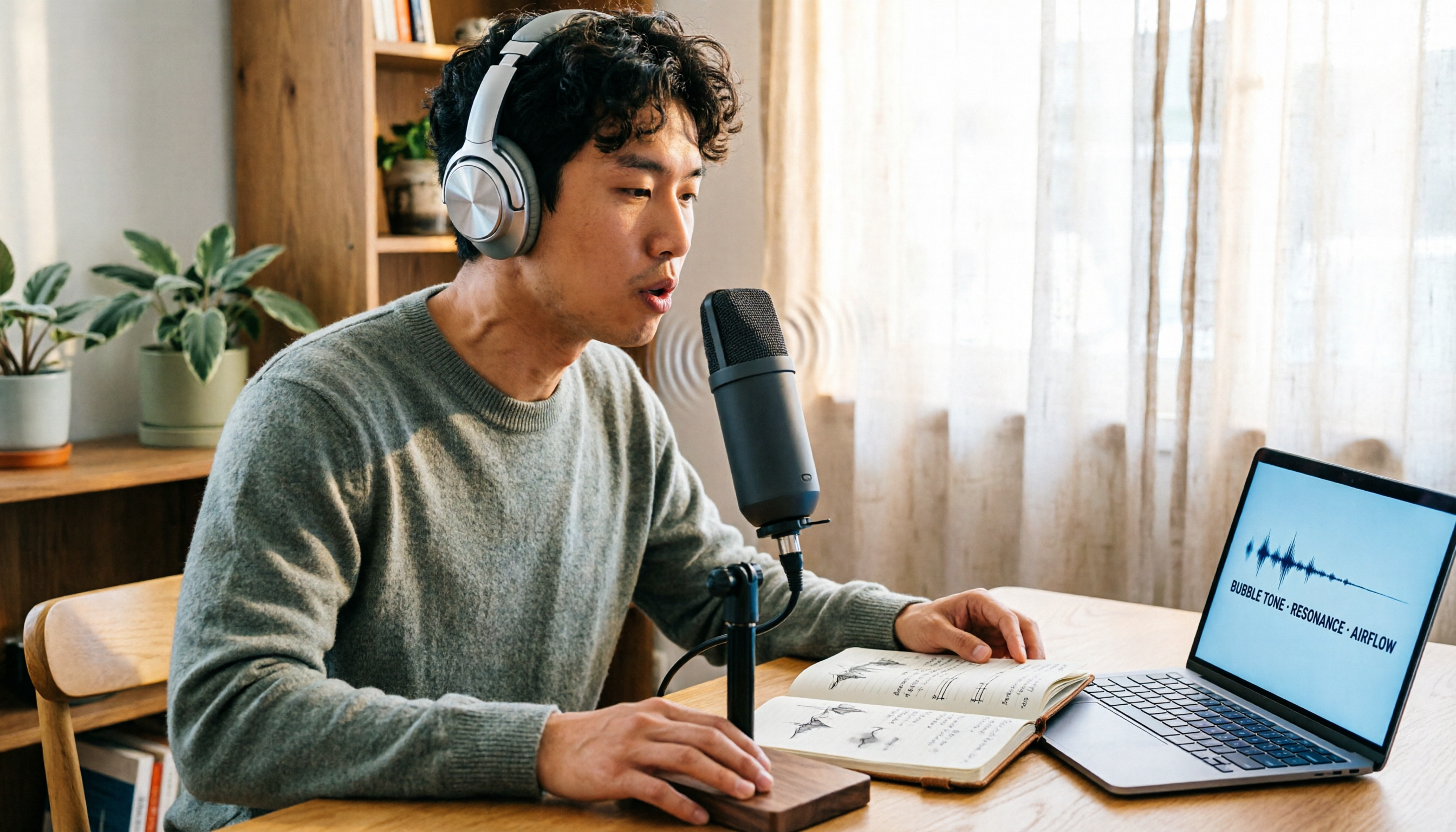
Vocal Fry Meaning Explained: 3 Key Questions to Decide If It's a Style or a Vocal Habit
What does vocal fry mean? This plain-language guide explains the definition, how it's produced, and famous examples. It also covers 3 key questions to help you decide whether to use it, plus practical tips for recording transcription and tool selection.

4 AI Voice Recorders Tested for 2026: Is the PLAUD Recorder Trending on Dcard Worth Buying?
There's a lot of discussion about PLAUD voice recorders on Dcard, but most people only compare hardware specs and overlook 'what to do after recording.' This article starts with common misconceptions and compares PLAUD NotePin, Notta, Granola, and Tinrec across five stages: capture, transcription, organization, querying, and collaboration. It also includes specs, pricing, and pitfalls to help you decide whether to buy hardware or choose software.

Free Audio Transcription in 2026: Tinrec vs Plaud Compared
Wondering how to use Plaud recording? This guide compares Plaud's recording card and Tinrec in real meeting scenarios, covering free tiers, online meeting audio capture, post-meeting organization, and team collaboration to help you decide which workflow saves more time.

PLAUD Voice Recorder Review: Which Model Is Best? 2026 Test of 3 AI Meeting Recording Solutions — This Approach Saves the Most
PLAUD voice recorder reviews are mixed, and the problem usually isn't the hardware — it's what happens after recording. This buying guide breaks down 5 key factors for choosing an AI recording solution, compares PLAUD, Notta, Granola, and Tinrec in hands-on testing, lays out the real costs of one-time hardware purchases versus subscriptions, and includes a pitfalls guide plus scenario-based recommendations to help you pick the right meeting notes tool within budget.

Vocol.ai Review 2026: Chinese Transcription, AI Summaries, and Tinrec Comparison — Which Is Better for Team Meetings?
After hands-on testing, we break down Vocol.ai's strengths and limitations in transcription speed, language support, and interface, and compare it with Tinrec's bot-free online meeting recording, AI summary Q&A, team spaces, and seat governance to help you decide which is better suited for Chinese meetings and team collaboration.