

Turn recordings into transcripts and summaries in minutes
Upload audio or video for multilingual transcription, AI notes, and action items
You've just finished recording an important client meeting with Plaud and need to get the audio file to your computer to create a transcript. You connect your phone, but the files on the recording card seem to have disappeared. This is by design: Plaud automatically deletes recordings from the card after transferring them to the app, so you must export them from the app. If this workflow feels roundabout and you want a more direct recording and transfer method, Tinrec is worth checking out.
Why Are People Looking for Plaud Alternatives?
Plaud is an AI recording hardware card that attaches to the back of your phone and uses vibration sensing to record calls or in-person audio. Many people use it for meetings and interviews, but it comes with common frustrations: you must carry the hardware, recordings must first transfer to the phone app, and exporting to a computer takes several steps. If you're stuck with these steps or want to process recordings directly in the cloud, Tinrec might be a simpler choice.
Tinrec vs. Plaud: What's Different in Core Experience?
Hardware Requirements: Plaud requires purchasing a separate recording card, starting at $159. Tinrec only needs your phone or computer to record, so you don't have to carry extra gear—a big convenience for those who prefer to travel light.
Transfer Method: Plaud recordings must first go to the phone app, then you manually export them to a computer or other tools. Tinrec recordings are stored directly in your cloud account, syncing instantly across phone, computer, and web—no cables or exports needed; just open and view the transcript.
Recording Sources: Plaud is mainly for in-person and phone calls; online meetings require using your phone's speaker. Tinrec's desktop version can record your computer's system audio directly, without needing meeting bots to join Zoom, Meet, or Teams—a plus for those with many online meetings.
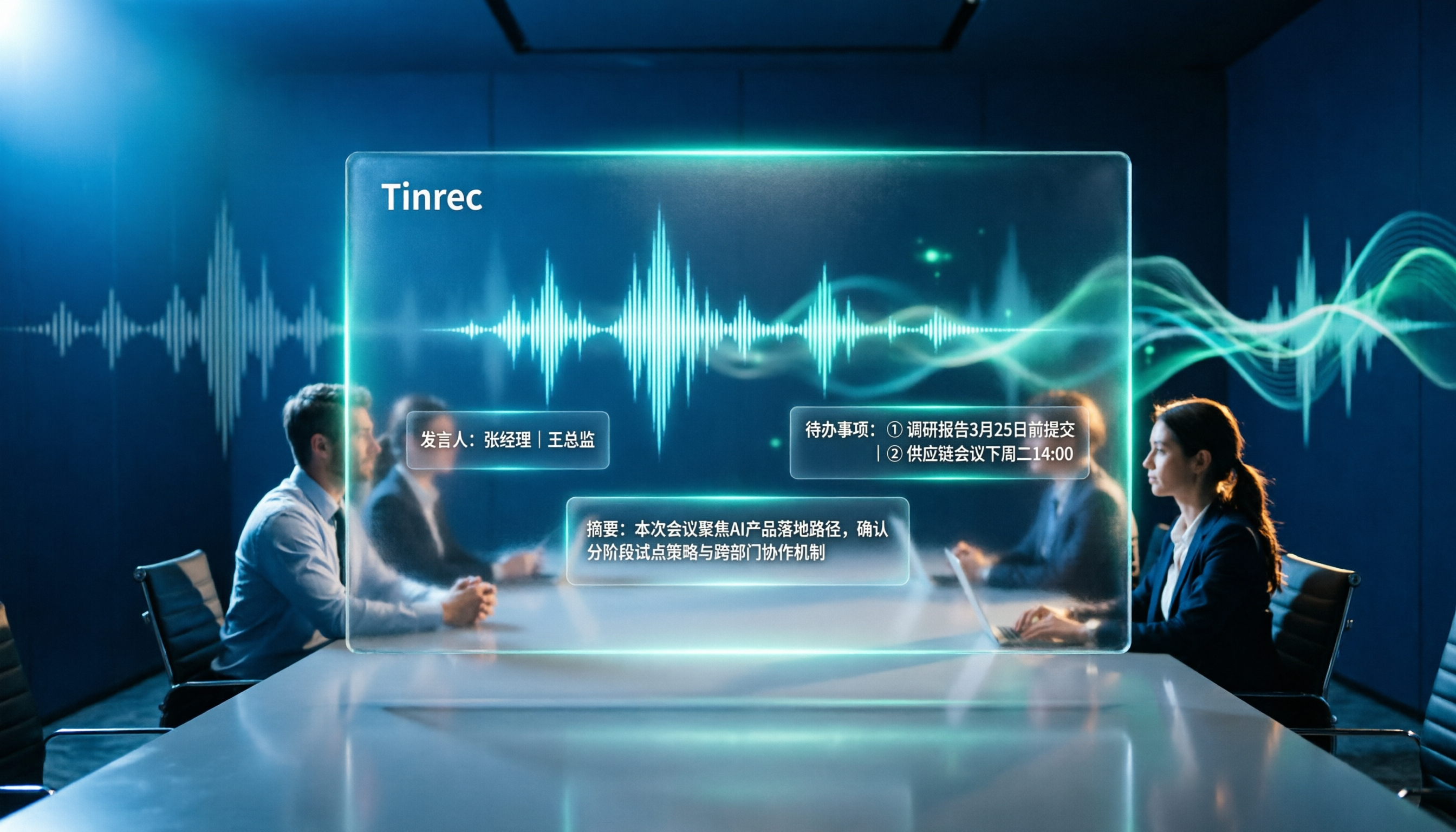
AI Post-Processing: Plaud offers transcription and summaries, but Tinrec goes further with automatic chaptering, action item extraction, AI Q&A, and even meeting report generation, streamlining your post-meeting workflow.
Pricing Structure: Plaud requires an upfront hardware cost plus a subscription for AI features. Tinrec has a free tier to get started, with upgrades for more features—no hardware commitment needed.
Tinrec's Core Features at a Glance
Real-Time Recording-to-Text: Open the Tinrec app or desktop version, and text appears as you record—no waiting for post-processing. During meetings, you can see the transcript live and ensure you don't miss key points.
Bot-Free Online Meeting Recording: The desktop version captures your computer's system audio, so you can record Zoom, Google Meet, and Teams meetings without inviting bots or using external recorders.
Audio File Import and Transcription: Have old recordings? Upload MP3, M4A, or other formats to convert them to text, then generate summaries and Q&A.
AI Summaries and Action Items: For a one-hour meeting, Tinrec automatically generates a summary, chapters, and key points, even listing action items like "who is responsible for what"—no need to replay the entire recording.
Stop organizing recordings by hand
Upload audio or video and automatically get a transcript, summary, and action items
Team Collaboration Space: If you work with colleagues, create a team space to store meeting recordings, transcripts, and summaries in one place. New members can search past meeting materials.
Real-World Use Cases
Meetings: Use Tinrec's desktop version for online meetings; it transcribes in real time, and you get summaries and action items immediately—no more manual note-taking.
Classes or Lectures: Record with the Tinrec app on your phone, get instant transcription, and use AI Q&A to find key points later—much easier than traditional voice recorders.
Interviews: Upload interview recordings to Tinrec, quickly get transcripts, and ask AI to outline a story—saving hours of manual transcription.
Personal Notes: Jot down ideas on the fly with a quick recording; Tinrec transcribes and saves to the cloud, searchable anytime.
Key Considerations When Choosing a Recording-to-Text Tool
Do You Need Extra Hardware?: If you prefer not to carry extra devices, a software solution like Tinrec is more convenient; hardware like Plaud suits those who frequently record in-person conversations.
How Are Recordings Transferred?: Some tools require manual export; Tinrec syncs to the cloud, accessible from any device, eliminating file transfers.
Are AI Features Sufficient?: Transcription is just the first step; automatic summaries, action items, and Q&A are what save time. Tinrec includes all of these.
Is the Free Plan Enough to Test?: Tinrec offers a free version to test before upgrading, so you don't have to spend on hardware upfront.
Team Use: If your company or group needs shared meeting notes, Tinrec's team space centralizes management with clear permissions and usage.
Conclusion: Is Tinrec Worth Trying?
If you're looking for a tool that requires no hardware, syncs directly to the cloud, and uses AI to organize meeting content, Tinrec is a more convenient choice than Plaud. Especially for those with many online meetings and team collaboration needs, Tinrec's bot-free recording and team space are standout features. We recommend downloading the Tinrec free version and testing it with your own meetings—seeing it in action beats any review.
FAQ
Q1: How do I transfer Tinrec recordings to my computer? A: Tinrec recordings are stored in the cloud; log in to the web or desktop version on your computer to access them—no cables or exports needed.
Q2: What are the limitations of Tinrec's free plan? A: The free plan includes basic credits for recording, importing, and transcription; the exact minutes are subject to the official page, but it's enough for testing.
Q3: Can Tinrec record online meetings? A: Yes, the desktop version captures your computer's system audio directly, no meeting bots required; it works with Zoom, Meet, and Teams.
Q4: I already have a Plaud recorder; can I still use Tinrec? A: Yes, you can export recordings from Plaud and upload them to Tinrec to use its AI summaries, Q&A, and team collaboration features.
Q5: Which has more accurate AI transcription, Tinrec or Plaud? A: Actual accuracy depends on recording quality, so a direct comparison isn't possible. However, Tinrec offers a more complete experience for Chinese and post-processing features.
Q6: Does Tinrec support mobile? A: Yes, apps are available for iOS and Android, plus desktop and web versions.
References
- Plaud Note │ The Smartest AI Voice Recorder
- Plaud Taiwan|Official Website|Leading AI Recording Device Brand
- PLAUD NOTE |AI Smart Voice Recorder|Free 300 Minutes of Transcription Monthly - Esentra
- Chinese AI Recording Capsule Sells Well in US and Japan; Plaud's Secret Is "Not Saying It's a Chinese Company"|CommonWealth Magazine
- Plaud Note Pro Unboxing Review|Portable AI Voice Recorder Evolved! Who Is It For? - Mr. Mad
Turn every recording into actionable outcomes
Get 60 free transcription minutes when you sign in. No credit card required.
Related Reading
You might also like
4 Best Otter Alternatives in 2026: Which Handles Chinese Meetings and Post-Meeting Workflows Better?
How to compare Otter alternatives? This guide starts with common pitfalls and outlines the selection criteria for 4 Otter alternatives. It compares Tinrec, Otter.ai, Granola, and TurboScribe on meeting capture, post-meeting organization, Chinese language experience, and team collaboration, then helps you choose the right one based on your scenario.

2026 AI Transcription Tools Compared: Plaud vs Tinrec and How to Choose
Plaud's models and subscription plans are often compared together. This guide separates the hardware—Plaud Note Pro, NotePin, and Note—from the four plans: Starter, Pro, Unlimited, and Team. It then compares them alongside Tinrec, Notta, and TurboScribe to help you decide whether to buy hardware or use software, and which approach is easiest.

Plaud vs Tinrec in 2026: Real-World Comparison — Why Most People Choose Tinrec
Still unsure how to choose after reading Plaud tutorials? This article starts from real meeting scenarios and compares Plaud and Tinrec on acquisition cost, online meeting recording, post-meeting organization, and team collaboration. It also summarizes Tinrec's core features, practical use cases, key buying considerations, and FAQs.

5 Voice Recorders and Apps Tested for 2026: Which One Actually Saves You Organizing Time?
Voice recorder vs. app—how do you choose? This article starts from the decision point of "what happens after recording" and compares PLAUD, traditional voice recorders, and tools like Tinrec, Otter, and Notta. It covers 5 buying criteria, hands-on test insights, common mistakes, and scenario-based recommendations to help you decide whether to buy hardware or install software.

Plaud Pricing in 2026: Device Cost + AI Membership Fees Explained
Plaud's cost isn't a single number—it's the device price plus an AI membership subscription. This guide breaks down the Taiwan and US official prices for Plaud Note, Note Pro, and NotePin, the Starter/Pro/Unlimited membership plans, and add-on credits from a student budget perspective. It calculates the real first-year total cost and shares a hardware-free alternative with Tinrec, key buying considerations, and 3 common pitfalls to avoid.

2026 Voice-to-Text Tools Tested: Good Tape Review and Buying Guide
Still unsure whether to use Good Tape after reading reviews? This article tackles common pitfalls in choosing a tool, compares Good Tape, Yating, Otter.ai, and Tinrec in Chinese meetings, post-meeting organization, and team collaboration, and provides selection criteria and a guide to avoid mistakes, helping you decide which one truly fits your needs.

2026 AI Meeting Recorder Comparison: Otter.ai vs. Chinese-Language Tools (Tested)
Searching 'Otter' on PTT mostly brings up OtterBox phone cases, while otter.ai for meeting notes gets buried. This article first clarifies the two Otters, then compares Tinrec, Otter.ai, Notta, and Granola across Chinese recognition, post-meeting organization, team sharing, and free tiers. It also lists five common pitfalls when choosing a tool, so you can validate with your own meeting before deciding.

Good Tape vs Tinrec 2026: 5-Dimension Comparison – Which Is Better for Free Chinese Transcription?
Good Tape's free version is free to use, but its free quota, file retention period, and post-meeting organization capabilities determine whether it can support your workflow. This article examines five dimensions: free quota, Chinese transcription, post-meeting organization, team collaboration, and data retention. It outlines six practical options to help you decide when Good Tape is sufficient and when to switch to an AI meeting notes tool that can handle follow-up organization.

2026 Good Tape Alternatives Compared: Why Tinrec Is Better for Chinese Classrooms and Group Discussions
We tested three audio-to-text tools—Good Tape, Yating Transcription, and Tinrec—in campus scenarios, comparing Chinese punctuation, post-meeting organization, free quotas, and group collaboration. Here's why I ultimately kept Tinrec as my primary tool.