
Turn recordings into transcripts and summaries in minutes
Upload audio or video for multilingual transcription, AI notes, and action items
Every time after a meeting or class, facing one or two hours of audio files, thinking about relistening and typing transcripts feels exhausting? Low Chinese recognition and lack of key meeting summaries are common pain points of traditional speech-to-text tools.
This article will list 7 popular real-time recording-to-text tools in 2026, providing detailed comparison tables and practical steps. It will also answer common questions about iPhone recording limitations, Teams/Meet meeting notes, and free quotas.
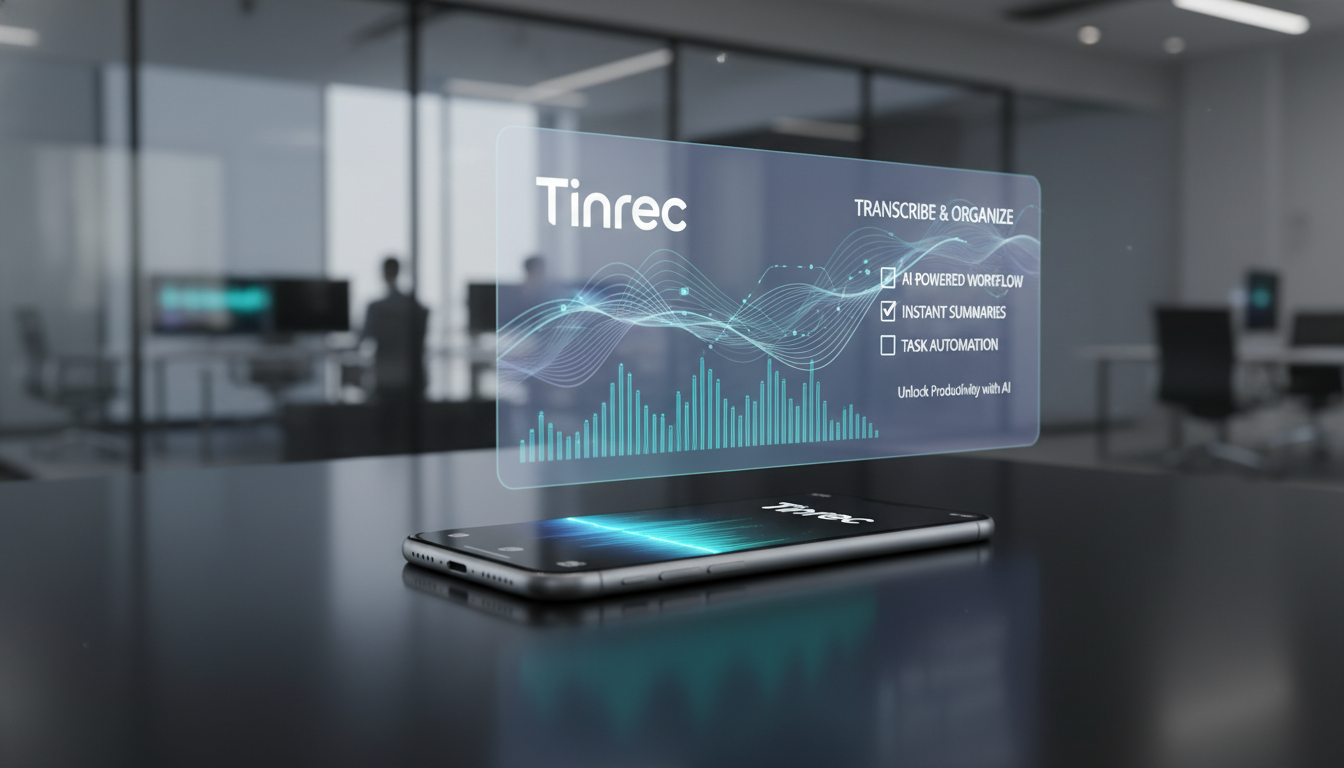
Quick Navigation: Need fully open-source free option? Check Whisper; value team collaboration in foreign languages? See Otter AI; want real-time transcription with automatic meeting minutes and action items? Evaluate Tinrec.
Why You Need a Real-Time Recording to Text Tool?
Traditional recordings have extremely low information density and high cost to relisten. Most people store recordings on their phones and rarely open them again. Modern AI tools convert time-based content into scannable, searchable, actionable text. This not only solves the fatigue of post-meeting organization but ensures no key decisions or to-do items are missed.
How to Choose the Right Speech-to-Text Software? 4 Evaluation Dimensions
When selecting a tool, consider the following real-world scenarios:
- Language Support & Recognition Accuracy: Does it support Chinese, multilingual mixing, or even dialects (e.g., Taiwanese, Cantonese).
- Real-time & Cross-platform: Can it transcribe in real-time during meetings, and support iOS, Android, and web sync.
- Post-processing Information Handling: Beyond transcripts, can it automatically extract meeting conclusions, to-do items, or even provide AI chat queries?
- File Import & Integration: Does it support uploading audio files, directly parsing YouTube videos or podcast links?
2026 Top 7 Real-Time Recording to Text Tools Recommendations & Comparison
The following are common speech-to-text websites and apps on the market:
| Tool | Language Support | Real-time Transcription | AI Summary/Action Items | File/Video Import | Price/Free Tier | Best For |
|---|---|---|---|---|---|---|
| RecCloud | 100+ languages | Yes | Basic summary | Yes | Starting at NT$360/week | Students, video creators |
| Otter AI | English, Spanish | Yes | Yes | Audio only | Free basic plan | International team meetings |
| Whisper | 100+ languages | Requires technical integration | No | Requires local setup | Open source free | Developers, privacy-conscious users |
| Notta | 58+ languages | Yes | Yes | Yes | From $8.17/month | Remote teams, hybrid work |
| Speechnotes | 10+ languages | Yes | No | Audio only | Per-minute billing | Simple personal voice notes |
| Verbit | 30+ languages | Yes | Basic summary | Audio only | 30 minutes free | Education, legal professional institutions |
| Tinrec (Instant Recording) | 10 languages (Chinese, Japanese, English, etc.) | Yes | Smart minutes + action items | Audio + web videos | 100 minutes free/month | Students, office workers, creators |
RecCloud
RecCloud offers AI speech-to-text services, distinguishing speakers and generating multi-style summaries. Its advantage is a web version that requires no registration to try, ideal for creators and students needing quick transcription of video files.
Stop organizing recordings by hand
Upload audio or video and automatically get a transcript, summary, and action items
Otter AI
Otter AI is a popular choice for team and business meetings, particularly good at handling real-time conversations on Zoom and Google Meet. While primarily supporting English and Spanish, its collaboration features and high-quality transcription make it a great solution for remote work environments.
Whisper
An open-source speech recognition model from OpenAI. It offers high accuracy and multilingual support, completely free and usable offline. The downside is that it lacks a graphical interface and requires self-installation and configuration, suitable for developers with technical skills.
Notta
Supports up to 58 languages. Besides transcribing meetings, audio, and video files, it also automatically generates summary versions containing key points and action items, suitable for international workers needing all-in-one meeting transcription.
Speechnotes
A dictation tool focused on ease of use, providing a distraction-free interface. Although advanced features are limited, its simplicity and voice command support make it perfect for casual users who simply need voice dictation for note-taking.
Verbit
A professional platform combining automatic transcription with human editing to ensure extremely high accuracy. Its secure transcription process makes it ideal for institutions requiring high precision and compliance, such as legal and education sectors.
Tinrec (Instant Recording)
Tinrec is a multi-platform AI recording assistant that goes beyond recording-to-text, focusing on a complete workflow from recording, understanding to action. Besides basic real-time recording and audio upload, it can directly parse web videos and podcast links. For long meetings, Tinrec provides semantic AI chat queries, allowing users to ask questions directly about the recording content, greatly reducing organization effort.
Practical Tutorial: 4 Steps to Turn Audio into High-Value Information
Using a tool with a complete workflow (here using Tinrec as an example), you can efficiently process audio content in the following ways:
1. Real-time Recording to Text
During in-person meetings or classes, open the platform to record and instantly convert speech to text. No waiting, stay on top of content, perfect for quickly capturing key points.
Action link: Real-time Recording to Text


2. Import Audio Files to Text
If you have existing recordings on your phone, upload them to the system for quick transcription into text. Automatically distinguish speakers and generate AI summaries, saving manual relistening time.
Action link: Audio File to Text

3. Podcast/Web Video to Text
When learning online courses or watching videos without subtitles, simply paste a YouTube or other web video link to quickly convert to text, automatically generating study highlights and notes.
Action link: Podcast/Web Video to Text

4. Use AI Chat to Query Key Points
Facing hours-long transcripts, no longer limited to Ctrl+F keyword search. With AI chat queries, you can directly ask, "What are the next steps discussed?" and get precise answers based on the recording content.
Action link: AI Chat Query

Real-Time Recording to Text FAQ
Q1: Does iPhone have a built-in real-time recording to text feature?
iPhone's Voice Memos only record audio; its built-in transcription is limited and accuracy is average. For high accuracy and Chinese support with transcripts and summaries, it's recommended to use a third-party iOS app to supplement the limitation.
Q2: How to generate real-time transcripts during Teams or Google Meet meetings?
Some tools integrate with video conferencing software for real-time transcription during online meetings. If using physical devices, you can also use a mobile app for real-time recording to text via the phone's microphone.
Q3: Do speech-to-text tools have free quotas?
Most tools offer basic free tiers. For example, Tinrec provides 100 minutes free per month, Verbit offers up to 30 minutes free. Heavy users should evaluate their usage frequency to choose a suitable plan.
Q4: Does a noisy environment affect transcription accuracy?
Yes. Although most AI models have noise reduction capabilities, accuracy still drops in extremely noisy environments. It is recommended to place the recording device as close to the speaker as possible.
Q5: Can tools automatically distinguish speakers in a multi-person meeting?
Current advanced tools all support speaker diarization, automatically splitting dialogue and labeling speakers, significantly reducing post-meeting transcription difficulty.
Q6: Can I directly convert YouTube videos or podcasts into transcripts?
Yes. Some modern tools support importing web video links. Simply paste the URL to extract text and summaries, ideal for online self-study and content organization.
Turn every recording into actionable outcomes
Get 60 free transcription minutes when you sign in. No credit card required.
Related Reading
You might also like
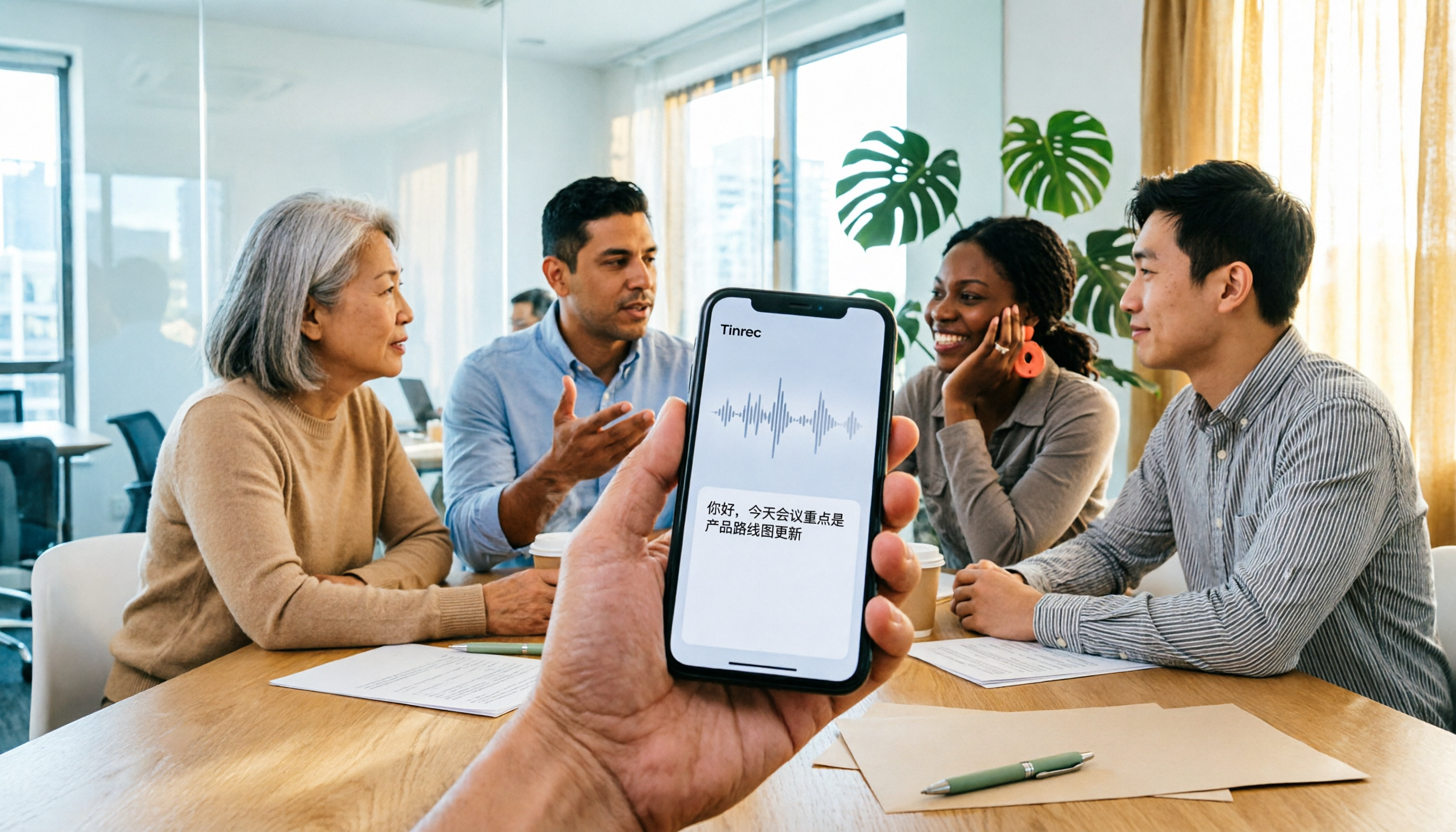
4 iPhone Audio-to-Text Apps Tested in 2026: Is the Built-in Free Version Enough?
How to choose an iPhone audio-to-text app in 2026? This article covers key buying factors and compares Apple's built-in Voice Memos and Notes, Tinrec, Notta, and Granola—explaining supported devices, Chinese transcription performance, post-meeting AI organization, team collaboration, and pricing limits to help you pick the right tool for your actual meeting scenarios.

Best Free Transcription Apps in 2026: 7 Options Compared
A roundup of 7 recording-to-text apps with free plans, including Tinrec, Otter.ai, Notta, TurboScribe, Granola, PLAUD, plus completely free options like iPhone Notes, Atter, and NotebookLM. See each app's free limits, restrictions, and who it's best for.
2026 Audio-to-Text Software Buying Guide: 6 Free and Paid Options Tested
How to choose audio-to-text software in 2026? This guide reviews 6 free and paid options, including Tinrec, MyEdit, cSubtitle, Monica, Easemate AI, and NotebookLM. It covers free quota calculations, Chinese recognition, transcript post-processing, and team collaboration, with scenario-based recommendations and FAQs.
Free Audio-to-Text Software in 2026: Tinrec Chinese Transcription + Bot-Free Meeting Notes
How to choose free audio-to-text software? This article examines four key factors: how free quotas are calculated, Chinese recognition quality, what you get after transcription, and whether audio files are retained. It tests and breaks down what Tinrec's free version can do, briefly reviews alternatives like Otter.ai, Granola, and TurboScribe for different use cases, and lists four common pitfalls to avoid.
2026 Free Audio-to-Text Solutions: 4 Options Compared
Tired of replaying recordings to find key meeting points? This guide reviews 4 free audio-to-text solutions for 2026, covering selection criteria, hands-on testing, and pitfalls to avoid. Tinrec is highlighted as the top recommendation to help you choose the best transcription tool for your needs.

Tinrec vs Notta 2026: 5-Dimension Comparison — Which Is Better for Chinese Meeting Transcription?
There are plenty of audio-to-text tools, but free ones often cut you off after a few minutes and push you to pay. This article covers 7 practical options, from completely free to team-paid, and compares them across 5 dimensions: Chinese recognition, meeting capture method, post-meeting organization, team management, and free quota. It ends with guidance on how to choose based on your situation.

4 Audio-to-Text Tools Compared for 2026: Free vs. Paid, Which Is Best for Chinese Meetings?
We compare Tinrec, Otter.ai, Granola, and PLAUD for audio-to-text transcription. From the testing conditions behind accuracy rates, online meeting recording methods, post-meeting AI organization, to team data ownership, we break down the real differences and 4 common pitfalls to help you decide before spending money: do you need a verbatim transcript, or meeting materials you can directly use for work?

Tinrec vs Yating Transcription in 2026: 5-Dimension Comparison — Which Audio-to-Text Tool Should You Choose?
Tinrec and Yating Transcription go head-to-head in 2026, compared across 5 dimensions: meeting recording methods, post-meeting organization, file import, export and integration, and team collaboration. If you're looking for a Chinese meeting transcription tool, this article breaks down the differences so you can decide which one fits your workflow better.
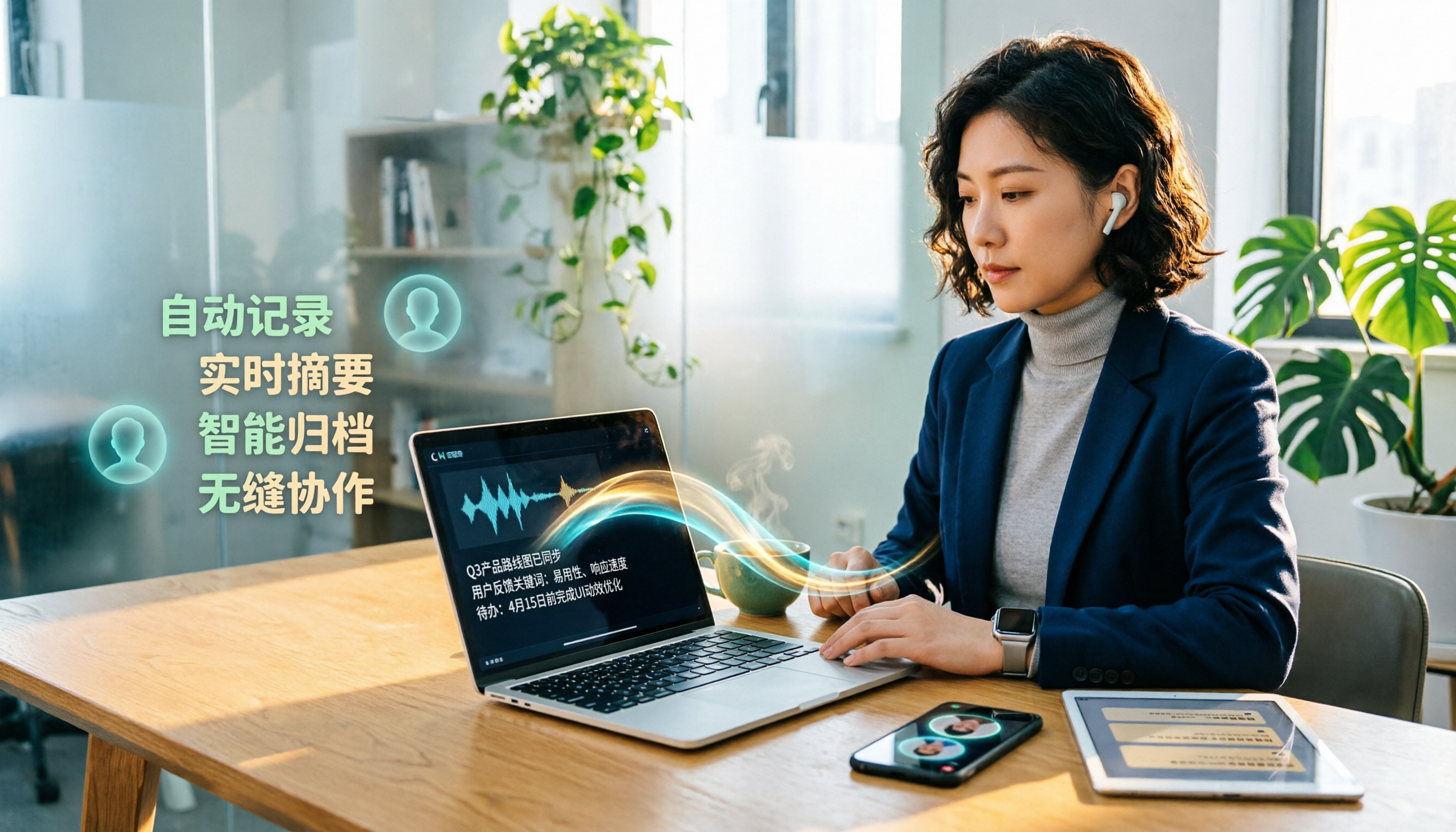
2026 Comparison of 4 Audio-to-Text Apps: Tinrec vs Yating Transcript - Which Saves More Time?
Hands-on comparison of audio-to-text apps: focusing on Tinrec, we compare it with Yating Transcript in cross-platform use, online meeting recording, AI summaries, and team collaboration, and highlight practical use cases and key considerations before purchase.