

Turn recordings into transcripts and summaries in minutes
Upload audio or video for multilingual transcription, AI notes, and action items
When choosing a meeting transcription tool, the biggest fear isn't a lack of features—it's that you haven't first clarified: do you need a verbatim transcript, or a sustainable meeting notes workflow?
Recently, while organizing my own meeting recording workflow, I noticed many people get stuck at the same crossroads: Otter.ai is well-known and feature-rich, but with more Chinese meetings, it still takes considerable time to organize. Meanwhile, new tools like Tinrec emphasize bot-free recording and team knowledge accumulation.
So, I decided to put these two tools under the same decision framework and compare them across five key dimensions.
Tinrec vs Otter.ai | Quick Overview
Tinrec is an AI meeting notes tool centered on Chinese meetings, emphasizing bot-free recording and team collaboration. Otter.ai is a mature meeting assistant long-established in English business contexts.
In terms of pricing, Tinrec offers a free plan, and the Pro annual card is cheaper per month; Otter's free plan includes 300 minutes per month, and Pro is about USD 8.49/month when billed annually. Both have web, desktop, and mobile platforms.
The core difference: Tinrec's desktop app directly captures system audio, requiring no additional bot to join; Otter primarily relies on a bot joining meetings, and although it now has a desktop app, users still tend to think of it as bot-based.
This article will help you determine which fits your work scenario better by evaluating five dimensions: Chinese transcription, meeting recording method, post-meeting organization, team space, and pricing.
Dimension 1 | Chinese Meeting Transcription and Code-Switching
Otter performs quite well in English meetings, but when it comes to Chinese meetings or content with mixed Chinese-English, it occasionally misinterprets Taiwanese terms or proper nouns, requiring time for corrections.
Tinrec natively supports Chinese and Traditional Chinese, and is more friendly to recognizing mixed Chinese-English content. More importantly, you can set team-specific keywords, adding company product names and project codes to the vocabulary in advance to reduce errors.
(Screenshot placeholder: Chinese meeting transcription screen, arrow pointing to correct recognition of mixed Chinese-English content)
→ This dimension: Tinrec clearly wins.
Dimension 2 | Bot-Free Online Meeting Recording
Otter can automatically record via a bot joining platforms like Zoom, Google Meet, and Teams, but sometimes it's inconvenient due to meeting privacy settings or not wanting a bot to appear in the participant list.
Tinrec's desktop version directly captures your computer's system audio, requiring no additional bot to join and no need to invite any third-party account into the meeting. You just open Tinrec and start recording; it quietly records in the background.
(Screenshot placeholder: Desktop recording initiation screen, arrow pointing to system audio capture option)
→ This dimension: Tinrec wins.
Dimension 3 | Post-Meeting Organization: Summaries, Action Items, AI Q&A
Otter automatically generates summaries and action items, and also has AI Chat to ask about meeting content. These features are convenient in English meetings, but in Chinese contexts, the summary focus occasionally shifts.
Tinrec not only generates summaries and action items but also produces chapters, mind maps, and supports AI follow-up questions on single or multiple meeting records. After the meeting, you can use Agent post-processing to generate reports, tables, and documents, turning meeting results directly into deliverable outputs.
Stop organizing recordings by hand
Upload audio or video and automatically get a transcript, summary, and action items
(Screenshot placeholder: AI Q&A interface, input: "What are the three things the client cares most about in this project?")
→ This dimension: Tinrec slightly wins, with a more complete post-meeting workflow.
Dimension 4 | Team Space and Knowledge Accumulation
Otter has team plans that allow sharing meetings, but data management leans toward shared folders under individual accounts; when a member leaves, ownership and handover of historical data can become unclear.
Tinrec provides an independent team space where meeting data belongs to the team, with members, roles, and seats separated. Administrators can check usage and audit logs, and when a member leaves, data can be handed over without disappearing with the personal account.
(Screenshot placeholder: Team space interface, arrow pointing to member and seat management)
→ This dimension: Tinrec wins, with team governance better suited for Chinese small and medium teams.
Dimension 5 | Pricing and Free Allowances
Otter's free plan includes 300 minutes per month, and Pro is about USD 8.49/month when billed annually, but the number of file imports is limited to 10 files per month.
Tinrec's free plan offers basic allowances, and the Pro annual card is cheaper per month. Within effective team plans, real-time recording does not deduct minutes; file and web imports use shared allowances, suitable for teams that meet regularly but don't want to calculate minutes precisely.
(Screenshot placeholder: Pricing plan comparison, arrow pointing to the actual cost difference between Tinrec's annual card and Otter's monthly fee)
→ This dimension: Tie, but for Chinese users, Tinrec offers more flexibility.
What Are the Unique Advantages of Each?
Tinrec's unique advantages:
- Bot-free recording: No disruption to meetings, and no need to deal with meeting privacy settings.
- Chinese and multilingual experience: Real-time translation, bilingual transcripts, making mixed Chinese-English meetings easier.
- Team space and governance: Roles, seats, audit logs, and clear data handover.
- Post-meeting Agent processing: Directly generate reports, tables, and meeting minutes without manual organization.
Otter's unique advantages:
- Mature English business ecosystem with high integration with many international workflow tools.
- High international recognition; in cross-border collaboration, counterparts may already be familiar with it.
Summary: Who Should You Choose?
- If you need accurate Chinese meeting transcription and effortless handling of mixed Chinese-English → Tinrec (native Chinese and team keywords)
- If you don't want a bot to join your meetings → Tinrec (desktop app captures system audio)
- If you want to continue asking questions and generate reports after meetings → Tinrec (AI Q&A and Agent post-processing)
- If you need to turn meeting data into team assets → Tinrec (independent team space and governance)
- If you only have English meetings and need extensive third-party integrations → Otter.ai is sufficient
In one sentence: For most Chinese users, Tinrec is the more complete choice. We recommend starting with the free plan and testing Chinese transcription and organization with your own meeting recording.
Quick start checklist:
- First, assess how many meetings you have per week and which ones need recording.
- Use Tinrec's free plan to record a Chinese meeting and observe the quality of the transcript and summary.
- If meetings are on your computer, switch to the desktop version for bot-free recording and experience quiet recording.
- After the meeting, use AI Q&A to follow up on key points and try generating a to-do list.
- If you're a team leader, create a team space to centralize historical meeting data.
- Test gradually, and you'll master this meeting notes method over time.
References
- Meeting Ink - 2026 AI Meeting Notes Tool Test | 7 Voice-to-Text and Summary Speed Comparison | Meeting Ink - AI Meeting Notes Assistant Auto-Transcribe Verbatim Transcripts and Summarize Meetings
- 2026 Must-See! 4 AI Audio-to-Text Tool Recommendations: Meeting Notes, Podcast Transcript Tools Review - Mobile01
- How to Use AI for Meeting Minutes? How to Organize Meeting Transcripts? | AI Voice-to-Text Tutorial | 104 Career Center
- How to Quickly Create Meeting Transcripts? 2026 Complete Guide | Recording to Text, AI Automatic Meeting Notes All in One
- Unlimited Time! 3 Free AI Transcript Tools, Highly Recommended! AI Voice Notes Generate Meeting Minutes, Slides, Mind Maps | 104 Career Center
Turn every recording into actionable outcomes
Get 60 free transcription minutes when you sign in. No credit card required.
Related Reading
You might also like

Best Free AI Meeting Notes for iPhone in 2026: 4 Options Compared
Looking for an AI meeting notes app on iPhone? The real challenge isn't features—it's whether the free tier is enough and if the output is usable. This guide breaks down 4 iPhone-compatible AI meeting note solutions across four dimensions: free tier format, post-meeting output, cross-device use, and team collaboration. It also explains how Tinrec differs in Chinese meetings, bot-free recording, and team knowledge retention.

2026 Google Meet Note-Taking Showdown: Is Gemini's Auto Notes Enough?
Google Meet's built-in Gemini 'Take notes for me' is convenient, but it may not be the best fit for every team. This article uses four key decision points to compare Gemini auto notes, Tinrec, Otter.ai, and Granola, explaining where meeting notes should live, how they'll be used afterward, and the four most common pitfalls when choosing a solution.

Google Meet Gemini vs Tinrec: Which Meeting Notes Tool Saves More Time in 2026?
Google Meet's built-in Gemini can transcribe and summarize meetings, but recording and transcripts are plan-restricted, and captions can't be copied directly. This hands-on comparison of Tinrec and Google Meet's built-in meeting notes across 6 dimensions—recording method, post-meeting output, cross-platform support, Chinese-language experience, team management, and pricing/quotas—helps you decide which fits your meeting scenario.

2026 iPhone Meeting Recorder Apps: Free Plans Compared — Free, Weekly, and Pro
A student's hands-on guide to choosing a free plan for iPhone meeting recorder apps, debunking myths like 'free download doesn't mean free use,' and using Tinrec as an example to explain which scenarios suit the free version, weekly pass, Pro monthly, and annual plans.
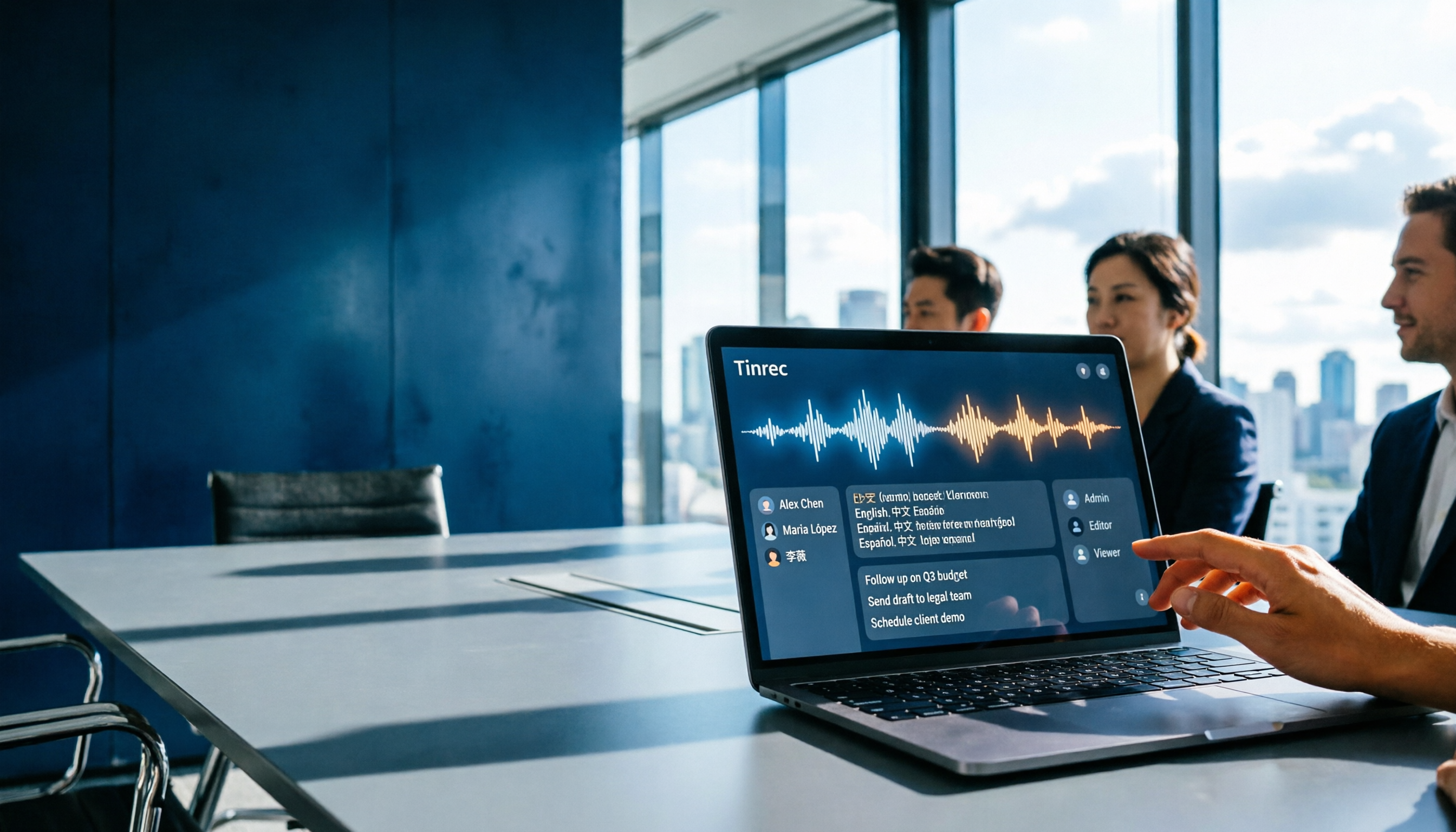
Which Gemini Meeting Notes App Is Best? 2026 Hands-On Test of 2 Options—This One Is the Most Complete for Team Collaboration
Dread meetings ending because the real work begins? This article compares Google Gemini (including Meet's "Take notes for me" and uploading audio files to Gemini) with Tinrec across five dimensions: meeting capture, multilingual transcription, post-meeting organization, file retention, and team governance. We break down the practical differences and identify who each tool is best for, helping you decide which one to use.

Google Meet Meeting Notes in 2026: 4 Options Tested for Chinese Transcripts and Post-Meeting Efficiency
Google Meet's built-in Take Notes doesn't support Chinese, so how do you take notes in Chinese meetings? This article breaks down the language support, recording methods, post-meeting outputs, and team data retention differences of four common solutions, and explains how Tinrec works in practice for Chinese transcripts, AI Q&A, and team knowledge retention.
2026 Comparison of 4 Meeting Audio-to-Text Tools: Gemini, NotebookLM, and Tinrec — Which One Really Saves Time?
You can feed meeting recordings to Gemini and get a transcript, but most people still end up re-listening. This article starts from practical limitations: Gemini free version's 10-minute limit, unsupported AAC format, unstable timestamps, and goes on to explain the differences between NotebookLM, EchoScript, and Tinrec. It also summarizes 4 key buying factors: length, to-dos, online meeting recording, and team knowledge retention, helping you choose the approach that truly saves time.

6 AI Meeting Notes Tools Tested in 2026: Google AI Studio vs. Tinrec — Which Saves More Time?
Meeting notes pile up not because of the meeting itself, but because of what happens after. This article, from a mid-level manager's hands-on perspective, compares Google AI Studio, NotebookLM, Gemini, EchoScript AI, Gemini for Meet, and Tinrec: which is best for free validation, which preserves timestamps and speakers, and which turns meeting data into a searchable team asset. It also honestly lists the limitations and costs of each option.

Free Real-Time Transcription Software in 2026: 4 Options Compared
Can't keep up with typing during meetings? This article reviews four free real-time transcription software options, including Tinrec, Otter.ai, Notta, and Granola. We compare Chinese recognition, free quotas, post-meeting organization, and team collaboration, plus provide transcript examples and tips to avoid pitfalls.