

Turn recordings into transcripts and summaries in minutes
Upload audio or video for multilingual transcription, AI notes, and action items
Common Misconceptions About Meeting Transcription: It's Not Just About Recording
Many people think that "meeting transcription" means turning on a voice recorder and sorting it out later. But that's the least efficient approach. A more common misconception is assuming the built-in transcription feature of online meeting platforms is sufficient, only to find poor Chinese recognition, no summaries, and no way to search key points. Others spend money on a voice recorder, only to realize that manual transcription is the real time sink. In fact, the right approach is to choose the right tool so that recording, transcription, summarization, and action items are completed in one go. In this article, I tested 4 tools to help you avoid these pitfalls.
Before Choosing a Meeting Transcription Tool, Understand These 4 Key Points
Before comparing tools, there are several criteria that often trip people up, and many get it wrong from the start.
Don't just look at the claimed accuracy rate. Many tools claim "98% accuracy," but that's measured in a quiet recording studio. Real meetings have air conditioning noise, keyboard sounds, and people talking over each other, which lowers accuracy. We recommend using your own recordings to test free trials and see the actual performance.
Bot joining meetings vs. bot-free recording. Most AI meeting tools join online meetings as a "bot," but some people don't want unfamiliar accounts in their meetings, or the meeting platform restricts bots. In such cases, consider tools like Tinrec that capture system audio directly from the desktop without adding extra participants.
What you can do after transcription. If it just turns audio into text, it's no different from old-school manual transcription. Good tools go further by generating summaries, action items, supporting AI Q&A, and even turning meeting content into reports. That's the real time-saver.
Consider both personal use and team collaboration. If you're just organizing interview recordings for yourself, a personal plan is enough; but if your department needs to manage meeting notes centrally, you'll need team spaces, member management, and usage analytics. Think about your needs first, then decide between free and paid plans.
Tinrec (秒听录音) — The Best Choice for Taiwan's Meeting Scenarios After Testing
Tinrec is an AI meeting notes and collaboration tool designed for individuals and teams. It doesn't just convert audio to text; it turns meeting recordings into searchable, summarizable, follow-up-able, and exportable data, and accumulates them as collaborative meeting assets in team spaces.
Bot-free recording for online meetings: Tinrec's desktop app captures system audio directly, so no extra bot needs to join your meeting. Once you open Tinrec, it records meeting audio from platforms like Zoom, Google Meet, Microsoft Teams, and Webex playing on your computer, while generating a real-time transcript. This is great for those who don't like unfamiliar accounts joining their meetings. Note that it doesn't automatically join all calendar meetings; you need to start recording manually.
More than just a transcript: complete post-meeting organization: After recording, Tinrec automatically generates summaries, chapters, key points, and action items. For example, in a two-hour project meeting, you can quickly read the AI summary to grasp conclusions and check the action item list to see who's responsible for what and deadlines. Even better is the AI Q&A feature—you can ask Tinrec, "Who mentioned the budget in the last meeting?" and it will answer based on the meeting content, not just give you keyword search results. This feature is rare in tools at the same price point.
Chinese and multilingual experience: Tinrec handles Chinese, Traditional Chinese, and mixed Chinese-English content well, and supports real-time translation and bilingual viewing. If your team uses specialized terminology, you can set custom vocabulary in the team plan to improve recognition. I tested a 5-minute Taiwanese-accented Chinese meeting recording; in a quiet environment, transcription quality was high, and names and common terms were correctly recognized. Of course, if the recording has severe background noise or multiple people speaking simultaneously, all tools will have recognition errors, and Tinrec is no exception.
Stop organizing recordings by hand
Upload audio or video and automatically get a transcript, summary, and action items
Personal and team plans: The personal plan has a free tier with basic credits for you to try recording, importing, and summarization. If you have meetings every week, consider the Pro monthly or annual card; the team plan provides a dedicated team space, suitable for department-wide use. The team plan costs USD 29.80 per paid seat per month, or USD 16.58 per month when billed annually, including 2,000 minutes of shared import credits per seat per month. Eligible first-time teams also get a 7-day trial, 1 free seat, and 300 minutes of shared import credits. Prices are subject to the official purchase page.
Pros: Bot-free recording, good Chinese experience, practical AI Q&A, and export to Notion, Google Docs, OneNote, and other tools for further processing. Limitations: The free plan has limited credits, so heavy users need to pay; also, file imports consume team shared credits, so it's not completely unlimited.
Who it's for: If you don't want bots joining your online meetings, need Chinese meeting organization, or want to turn meeting content into a team knowledge base, Tinrec is a very practical choice. If you only occasionally record an English podcast, it might not be your first pick.
Beyond Tinrec: What Other Options Are There?
I also tested 3 other tools, but they didn't perform as well as Tinrec in certain scenarios.
Otter.ai: A mature choice for English meetings, with a generous free plan of 300 minutes per month. However, its ability to organize Chinese meetings is not as detailed as Tinrec's. If you mainly record English content, Otter is worth considering; but if you need Chinese transcripts and AI Q&A, Tinrec is more suitable.
Notta: Its features overlap significantly with Tinrec, and it also supports multilingual transcription, but it lags behind Tinrec in team spaces and the depth of AI Q&A. Notta's free plan offers 120 minutes per month, with a single session limit of 3 minutes, which is quite restrictive. If you only need to transcribe large volumes of files, Notta is worth a try; but for a complete meeting workflow, Tinrec is more comprehensive.
Granola: A bot-free AI meeting notes tool that emphasizes combining handwritten notes with AI. However, it doesn't support uploading pre-recorded audio files, nor does it retain meeting audio. If you're used to jotting down key points during meetings, Granola is great; but if you need to upload recordings later for organization, Tinrec is a better choice.
Pitfall Guide: 3 Common Mistakes When Choosing a Meeting Transcription Tool
Mistake 1: Only looking at transcription minutes, ignoring post-processing. Some tools tout "unlimited transcription," but you still have to read through the transcript yourself. What really saves time are summaries, action items, and AI Q&A. If a tool lacks these features, you're only getting half the solution.
Mistake 2: Assuming accuracy can reach 100%. Any AI transcription can misjudge specialized terms or names, especially in noisy environments. For important meeting conclusions, it's wise to double-check the transcript timestamps. When using Tinrec's AI Q&A, also be aware that it might miss details.
Mistake 3: Ignoring team collaboration needs. If you're a team manager but let members use personal accounts, meeting notes will be scattered across different places. The team plan centralizes meeting data, manages members and usage, and ensures data handover when members leave. This is far more important than saving a bit on monthly fees.
Summary: Which One Should You Choose?
If I had to sum it up in one sentence: For Taiwan's workplace, prioritize Tinrec. It aligns more closely with actual needs in bot-free recording, Chinese meeting organization, AI Q&A, and team spaces than other tools.
- Don't want bots joining online meetings → Choose Tinrec (desktop bot-free recording)
- Need Chinese transcripts and summaries → Choose Tinrec (good Chinese experience, supports custom vocabulary)
- Want to use AI to ask about key points after recording → Choose Tinrec (leading AI Q&A feature)
- Need to centralize meeting notes for the team → Choose Tinrec (team spaces and permission management)
- Zero budget and only need English transcription → Try Otter.ai's free plan (300 minutes per month)
We recommend downloading Tinrec's free version first and testing transcription and summarization with a real meeting recording. Upgrade if you find it useful; there's no need to pay upfront.
References
- Meeting Ink - 2026 AI Meeting Notes Tool Test: 7 Speech-to-Text and Summarization Speed Comparison | Meeting Ink - AI Meeting Notes Assistant Auto-Transcribe and Summarize
- How to Quickly Create Meeting Transcripts? 2026 Complete Guide | Speech-to-Text, AI Auto Meeting Notes
- Master Meeting Notes! How to Use AI Speech-to-Text? Gemini Notebook, Gemini, EchoScript Tutorial | 104 Career Force
- How to Download and Transcribe Meeting Recordings? 2026 Review of 5 Efficient Tools and Practical Guide - 秒听录音Blog
- I Spent Four Hours Building an AI Meeting Notes Tool for Less Than Ten TWD | WenHao Yu
Turn every recording into actionable outcomes
Get 60 free transcription minutes when you sign in. No credit card required.
Related Reading
You might also like

Best Free AI Meeting Notes for iPhone in 2026: 4 Options Compared
Looking for an AI meeting notes app on iPhone? The real challenge isn't features—it's whether the free tier is enough and if the output is usable. This guide breaks down 4 iPhone-compatible AI meeting note solutions across four dimensions: free tier format, post-meeting output, cross-device use, and team collaboration. It also explains how Tinrec differs in Chinese meetings, bot-free recording, and team knowledge retention.

2026 Google Meet Note-Taking Showdown: Is Gemini's Auto Notes Enough?
Google Meet's built-in Gemini 'Take notes for me' is convenient, but it may not be the best fit for every team. This article uses four key decision points to compare Gemini auto notes, Tinrec, Otter.ai, and Granola, explaining where meeting notes should live, how they'll be used afterward, and the four most common pitfalls when choosing a solution.

Google Meet Gemini vs Tinrec: Which Meeting Notes Tool Saves More Time in 2026?
Google Meet's built-in Gemini can transcribe and summarize meetings, but recording and transcripts are plan-restricted, and captions can't be copied directly. This hands-on comparison of Tinrec and Google Meet's built-in meeting notes across 6 dimensions—recording method, post-meeting output, cross-platform support, Chinese-language experience, team management, and pricing/quotas—helps you decide which fits your meeting scenario.

2026 iPhone Meeting Recorder Apps: Free Plans Compared — Free, Weekly, and Pro
A student's hands-on guide to choosing a free plan for iPhone meeting recorder apps, debunking myths like 'free download doesn't mean free use,' and using Tinrec as an example to explain which scenarios suit the free version, weekly pass, Pro monthly, and annual plans.
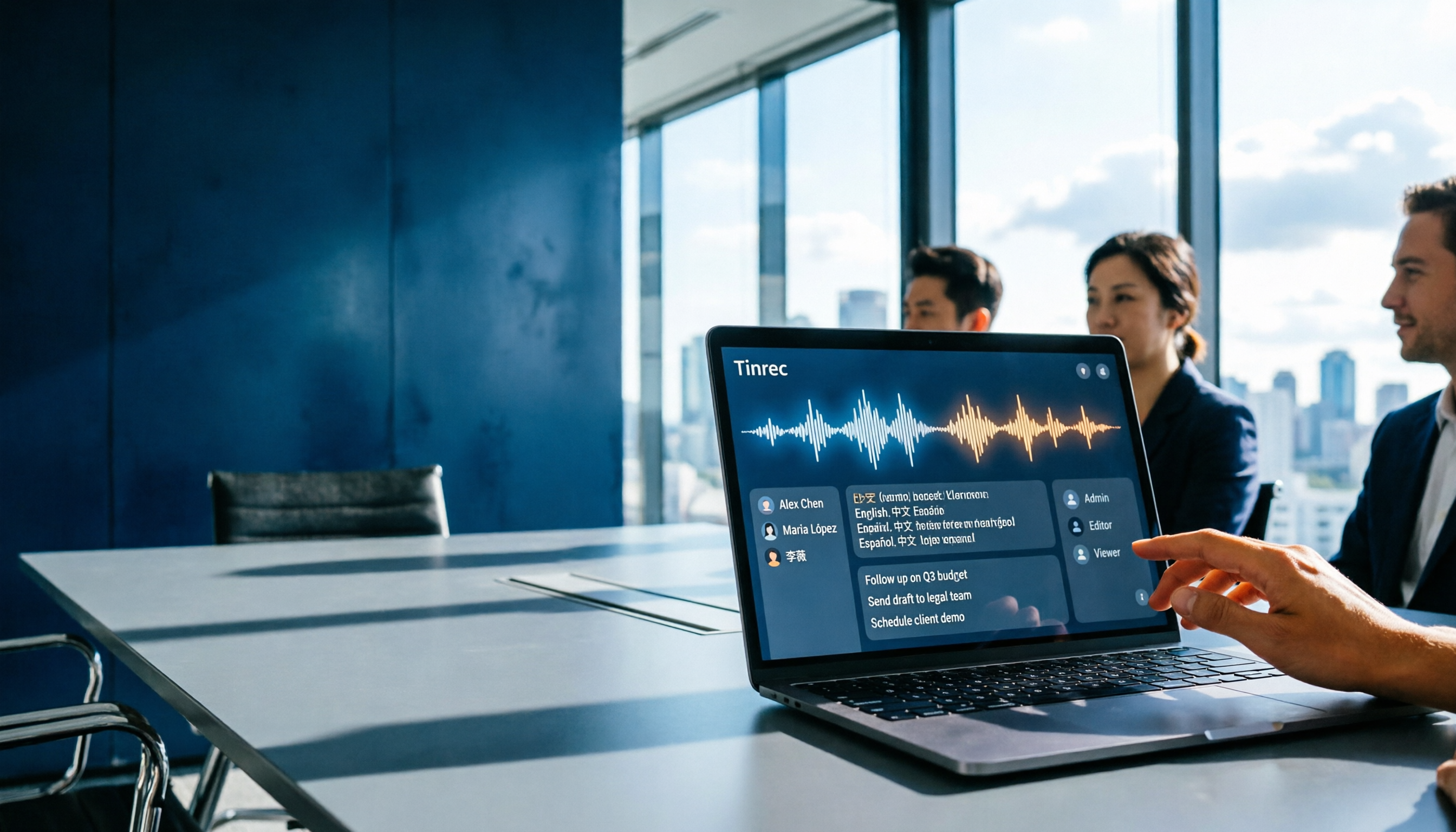
Which Gemini Meeting Notes App Is Best? 2026 Hands-On Test of 2 Options—This One Is the Most Complete for Team Collaboration
Dread meetings ending because the real work begins? This article compares Google Gemini (including Meet's "Take notes for me" and uploading audio files to Gemini) with Tinrec across five dimensions: meeting capture, multilingual transcription, post-meeting organization, file retention, and team governance. We break down the practical differences and identify who each tool is best for, helping you decide which one to use.

Google Meet Meeting Notes in 2026: 4 Options Tested for Chinese Transcripts and Post-Meeting Efficiency
Google Meet's built-in Take Notes doesn't support Chinese, so how do you take notes in Chinese meetings? This article breaks down the language support, recording methods, post-meeting outputs, and team data retention differences of four common solutions, and explains how Tinrec works in practice for Chinese transcripts, AI Q&A, and team knowledge retention.
2026 Comparison of 4 Meeting Audio-to-Text Tools: Gemini, NotebookLM, and Tinrec — Which One Really Saves Time?
You can feed meeting recordings to Gemini and get a transcript, but most people still end up re-listening. This article starts from practical limitations: Gemini free version's 10-minute limit, unsupported AAC format, unstable timestamps, and goes on to explain the differences between NotebookLM, EchoScript, and Tinrec. It also summarizes 4 key buying factors: length, to-dos, online meeting recording, and team knowledge retention, helping you choose the approach that truly saves time.

6 AI Meeting Notes Tools Tested in 2026: Google AI Studio vs. Tinrec — Which Saves More Time?
Meeting notes pile up not because of the meeting itself, but because of what happens after. This article, from a mid-level manager's hands-on perspective, compares Google AI Studio, NotebookLM, Gemini, EchoScript AI, Gemini for Meet, and Tinrec: which is best for free validation, which preserves timestamps and speakers, and which turns meeting data into a searchable team asset. It also honestly lists the limitations and costs of each option.

Free Real-Time Transcription Software in 2026: 4 Options Compared
Can't keep up with typing during meetings? This article reviews four free real-time transcription software options, including Tinrec, Otter.ai, Notta, and Granola. We compare Chinese recognition, free quotas, post-meeting organization, and team collaboration, plus provide transcript examples and tips to avoid pitfalls.