

Turn recordings into transcripts and summaries in minutes
Upload audio or video for multilingual transcription, AI notes, and action items
Have you ever calculated how many hours you spend in meetings each week, and how many more hours you spend writing up meeting notes afterward? If you have 5 hours of meetings per week and spend another 3 hours transcribing and summarizing, that's 32 hours a month—equivalent to an extra week of work. Meeting transcription tools are designed to solve this problem, and Tinrec is a choice I've found highly recommendable after recent testing.
Tinrec is an AI meeting notes and collaboration tool that not only converts recordings to text but also organizes them into searchable, queryable, and exportable data. It supports live recording, online meeting recording, audio file import, and automatically generates summaries, action items, and AI Q&A, making it especially suitable for professionals handling Chinese meetings.
What Can Meeting Transcription Do for You?
Scenario 1: Meeting notes ready 5 minutes after the meeting ends
Previously, after a two-hour meeting, you might need another hour to compile the notes. Now, with AI meeting transcription—using Tinrec as an example—the AI has already generated a summary, conclusions, and action items by the time the meeting ends. Who is responsible for what and the deadlines are all clear at a glance.
Scenario 2: Interviews without typing while listening
During user interviews or client communications, the biggest fear is missing key points. Tinrec's real-time transcription lets you see the text as the interview happens, and after the interview, you can directly organize it into minutes without replaying the recording to find details.
Scenario 3: Automatic notes for online courses
When taking an online course, open Tinrec to record; it will transcribe in real time and mark timestamps. After the course, you can quickly search for key points, generate notes, or even use the AI Q&A feature to ask, "What are the core concepts of this lesson?"
What Are Tinrec's Core Capabilities for Meeting Transcription?
Real-time recording to text: Transcribes as you record, capturing meeting content instantly. Tinrec has low latency, so you can watch the text in real time during the meeting to ensure nothing is missed.
Bot-free online meeting recording: The Tinrec desktop app captures system audio directly, so you don't need to invite an additional bot to join Zoom, Google Meet, Microsoft Teams, or Webex meetings. This is especially thoughtful for those who dislike having unfamiliar participants in their meetings.
AI summaries and action item extraction: Instead of condensing the transcript into a single paragraph, it structures the information—meeting topic, discussion conclusions, action items, and assignees are listed separately. You can also copy action items directly to your task management tool.
AI Q&A: After transcription, you can ask Tinrec questions directly—"Who mentioned the budget in the meeting?" "What was the client's feedback?"—and it will answer based on semantic understanding, so you don't have to reread the entire transcript.
Multi-format export and post-processing: Tinrec can export results to tools like Notion, Google Docs, OneNote, and Dropbox, and can further generate reports, tables, and meeting minutes, turning them into submittable documents.
Practical Use Cases
Team weekly meetings: Record your weekly meeting with the Tinrec desktop app, and it automatically generates a transcript, summary, and action items. Share the action items with team members, and everyone can claim their tasks, saving the time of rotating meeting notes.
Client interviews: When visiting clients or communicating online, record with your phone or computer. Tinrec transcribes in real time and labels speakers. After the interview, use AI Q&A to quickly organize client needs, objections, and commitments, ensuring no follow-up is missed.
Stop organizing recordings by hand
Upload audio or video and automatically get a transcript, summary, and action items
Online courses and lectures: Record while listening, and Tinrec generates a transcript and chapter highlights. After class, use AI Q&A to review, or even compile key points into study notes, more than doubling your learning efficiency.
Personal knowledge management: All meetings, interviews, and idea recordings can be stored in Tinrec, which saves them uniformly and supports search and query. Even months later, you can quickly find the conclusions from a meeting using keywords.
5 Things to Consider When Choosing a Meeting Transcription Tool
Accuracy and language support: Don't just rely on official claims; test with your own recordings. Tinrec performs well with Chinese and mixed Chinese-English content, and supports multilingual transcription and real-time translation, but actual results are affected by audio quality, accents, and overlapping speech.
Diverse input sources: Make sure the tool handles the scenarios you commonly use. Tinrec supports live recording, online meeting recording, audio file import, and mobile recording, unlike some tools that focus on a single source.
AI post-processing capabilities: Transcription is just the first step—what matters is whether it can help you organize afterward. Tinrec's AI summaries, action item extraction, and Q&A features let you skip manual organization and get usable meeting notes directly.
Team collaboration features: If you need to share meeting data with your team, check whether the tool offers team spaces. Tinrec's team version allows centralized storage of meeting data, member and seat management, and even usage tracking and audit logs—features not commonly found in standard transcription tools.
Pricing and free tier: Try the free version first to see if it fits. Tinrec has a free version to experience basic features, with paid plans available as weekly, monthly, or annual cards. The team version is priced per seat, so choose based on your usage frequency.
Frequently Asked Questions
What is Tinrec's accuracy for meeting transcription?
Actual accuracy is affected by recording quality, background noise, accents, and overlapping speech, so it's not advisable to promise a fixed number. In my testing, in a clear meeting environment, Chinese recognition performed quite well. For important content, you can cross-check by listening to the timestamped transcript.
Does Tinrec require additional hardware?
No. Tinrec has a web version, desktop app, and mobile app. You can record and transcribe using your existing computer or phone without purchasing extra recording equipment.
What is Tinrec's bot-free recording?
Bot-free recording means the Tinrec desktop app captures system audio directly, so you don't need to add a bot account to your online meeting. Just open Tinrec before the meeting and select record; it will capture the meeting audio and transcribe in real time.
Is the Tinrec free version sufficient?
The free version provides basic quotas, suitable for occasional transcription or trying out features. If you have weekly transcription needs, consider the Pro monthly or annual card, which offers more generous quotas and a lower monthly cost.
What's the difference between Tinrec team and personal versions?
The personal version keeps data under your personal account, suitable for individual use. The team version provides a separate team space where meeting data belongs to the team, and adds member management, role permissions, seat allocation, usage analytics, and audit logs—ideal for departments or project teams.
Conclusion
Meeting transcription tools are nothing new, but few organize the transcribed content as effectively as Tinrec. Tinrec doesn't just solve "recording to text"; it goes further to generate summaries, action items, Q&A, and exports, turning meeting data into a searchable asset for your team. If you have more than 3 meetings a week, I strongly recommend giving it a try. Download the Tinrec free version and experience automatic transcription and organization for one meeting to see how much time AI can save you.
References
- ChatGPT Recording Mode Launches! 2-Hour Meeting Generates "Key Summary + Action List" in One Click: A 4-Step Tutorial | BusinessNext
- 2025 Latest 6 Google Meet Transcription AI Recommendations: Solving Meeting Notes Pain Points - Tinrec Blog
- How to Use AI for Meeting Minutes? How to Organize Meeting Transcripts? | AI Speech-to-Text Tutorial | 104 Career
- From Recording to Text: Gemini Helps You with Transcripts - Attorney Chang Ching-Hao's Blog
- Gemini Tutorial | AI Automatically Generates Meeting Notes, 100x Faster Than Handwriting - Workplace AI Training | Chainsea Information
Turn every recording into actionable outcomes
Get 60 free transcription minutes when you sign in. No credit card required.
Related Reading
You might also like

Best Free AI Meeting Notes for iPhone in 2026: 4 Options Compared
Looking for an AI meeting notes app on iPhone? The real challenge isn't features—it's whether the free tier is enough and if the output is usable. This guide breaks down 4 iPhone-compatible AI meeting note solutions across four dimensions: free tier format, post-meeting output, cross-device use, and team collaboration. It also explains how Tinrec differs in Chinese meetings, bot-free recording, and team knowledge retention.

2026 Google Meet Note-Taking Showdown: Is Gemini's Auto Notes Enough?
Google Meet's built-in Gemini 'Take notes for me' is convenient, but it may not be the best fit for every team. This article uses four key decision points to compare Gemini auto notes, Tinrec, Otter.ai, and Granola, explaining where meeting notes should live, how they'll be used afterward, and the four most common pitfalls when choosing a solution.

Google Meet Gemini vs Tinrec: Which Meeting Notes Tool Saves More Time in 2026?
Google Meet's built-in Gemini can transcribe and summarize meetings, but recording and transcripts are plan-restricted, and captions can't be copied directly. This hands-on comparison of Tinrec and Google Meet's built-in meeting notes across 6 dimensions—recording method, post-meeting output, cross-platform support, Chinese-language experience, team management, and pricing/quotas—helps you decide which fits your meeting scenario.

2026 iPhone Meeting Recorder Apps: Free Plans Compared — Free, Weekly, and Pro
A student's hands-on guide to choosing a free plan for iPhone meeting recorder apps, debunking myths like 'free download doesn't mean free use,' and using Tinrec as an example to explain which scenarios suit the free version, weekly pass, Pro monthly, and annual plans.
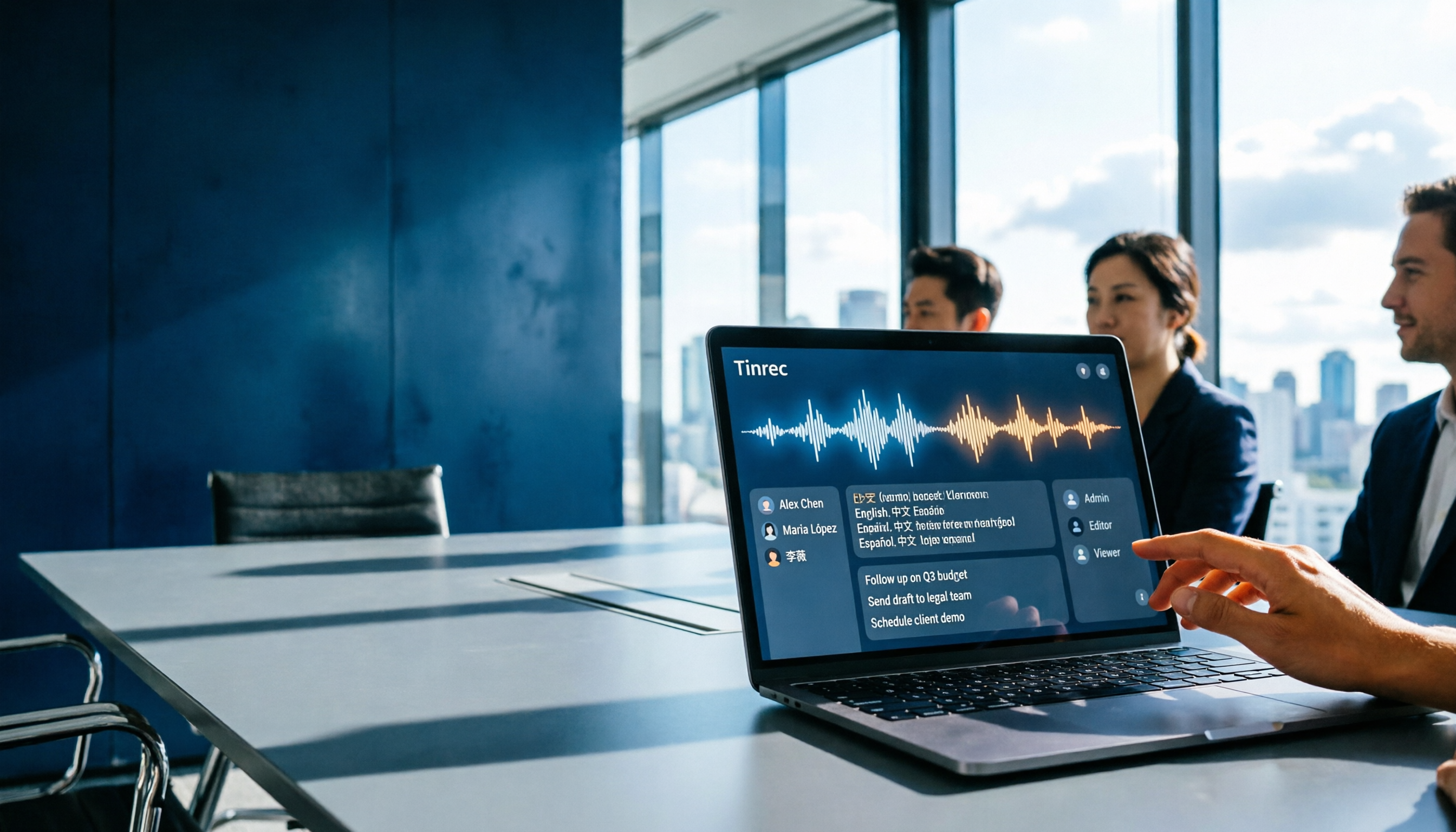
Which Gemini Meeting Notes App Is Best? 2026 Hands-On Test of 2 Options—This One Is the Most Complete for Team Collaboration
Dread meetings ending because the real work begins? This article compares Google Gemini (including Meet's "Take notes for me" and uploading audio files to Gemini) with Tinrec across five dimensions: meeting capture, multilingual transcription, post-meeting organization, file retention, and team governance. We break down the practical differences and identify who each tool is best for, helping you decide which one to use.

Google Meet Meeting Notes in 2026: 4 Options Tested for Chinese Transcripts and Post-Meeting Efficiency
Google Meet's built-in Take Notes doesn't support Chinese, so how do you take notes in Chinese meetings? This article breaks down the language support, recording methods, post-meeting outputs, and team data retention differences of four common solutions, and explains how Tinrec works in practice for Chinese transcripts, AI Q&A, and team knowledge retention.
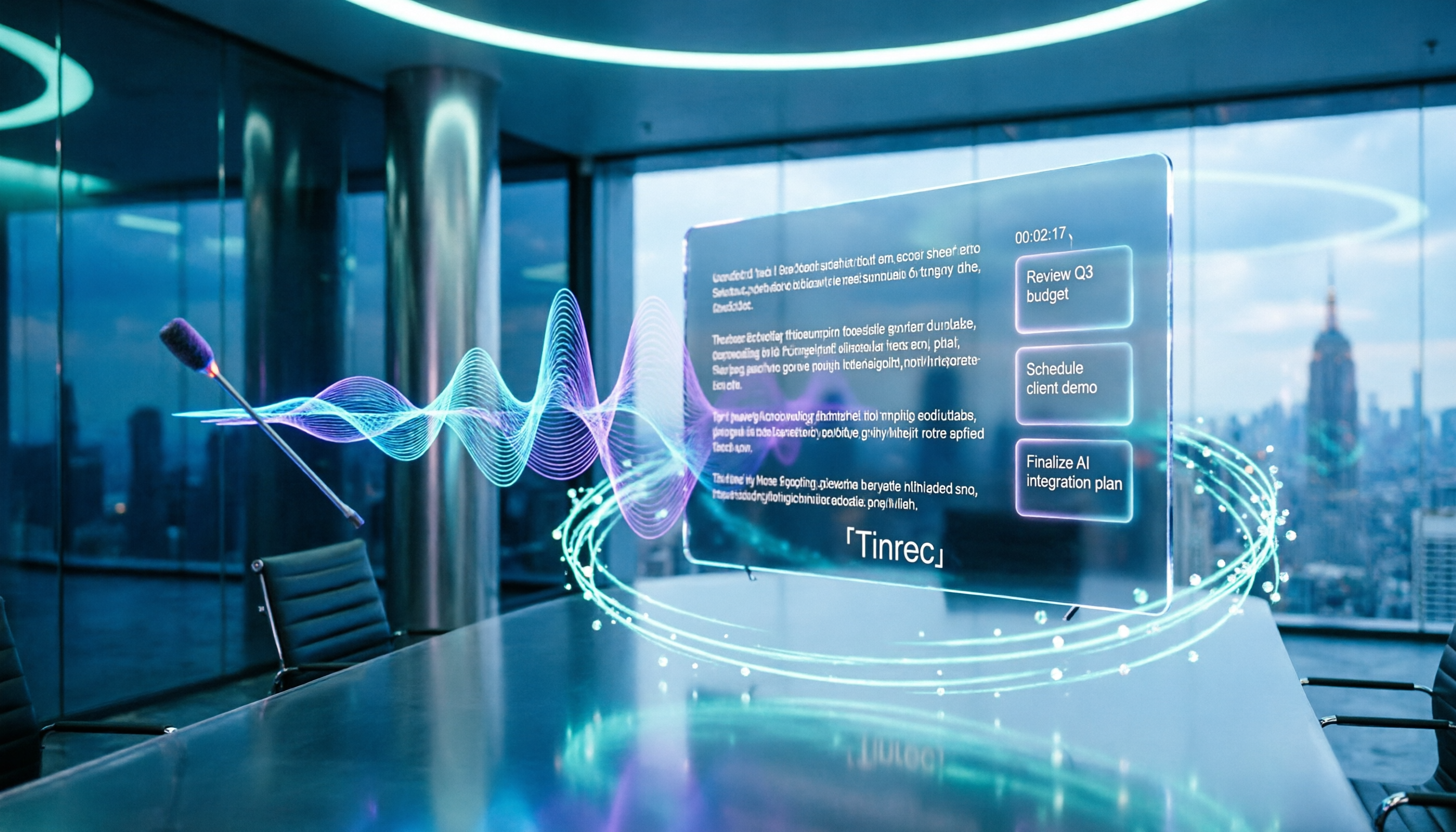
2026 Comparison of 4 Meeting Audio-to-Text Tools: Gemini, NotebookLM, and Tinrec — Which One Really Saves Time?
You can feed meeting recordings to Gemini and get a transcript, but most people still end up re-listening. This article starts from practical limitations: Gemini free version's 10-minute limit, unsupported AAC format, unstable timestamps, and goes on to explain the differences between NotebookLM, EchoScript, and Tinrec. It also summarizes 4 key buying factors: length, to-dos, online meeting recording, and team knowledge retention, helping you choose the approach that truly saves time.

6 AI Meeting Notes Tools Tested in 2026: Google AI Studio vs. Tinrec — Which Saves More Time?
Meeting notes pile up not because of the meeting itself, but because of what happens after. This article, from a mid-level manager's hands-on perspective, compares Google AI Studio, NotebookLM, Gemini, EchoScript AI, Gemini for Meet, and Tinrec: which is best for free validation, which preserves timestamps and speakers, and which turns meeting data into a searchable team asset. It also honestly lists the limitations and costs of each option.

Free Real-Time Transcription Software in 2026: 4 Options Compared
Can't keep up with typing during meetings? This article reviews four free real-time transcription software options, including Tinrec, Otter.ai, Notta, and Granola. We compare Chinese recognition, free quotas, post-meeting organization, and team collaboration, plus provide transcript examples and tips to avoid pitfalls.