

Turn recordings into transcripts and summaries in minutes
Upload audio or video for multilingual transcription, AI notes, and action items
Have you ever counted how much time you spend on meeting notes? A two-hour meeting might require another hour to re-listen to the recording and type up the notes. Tinrec is an AI meeting notes tool that can quickly convert your meeting recordings into text and automatically generate summaries, chapters, and action items, so you don't have to waste time on manual transcription.
What Can Meeting Recording Transcription Do for You?
In the past, organizing meeting recordings meant listening and typing simultaneously, often rewinding to confirm key points. Now with Tinrec, you can get a well-organized text record right after the meeting ends.
Scenario 1: Get Meeting Notes Within 5 Minutes After the Meeting
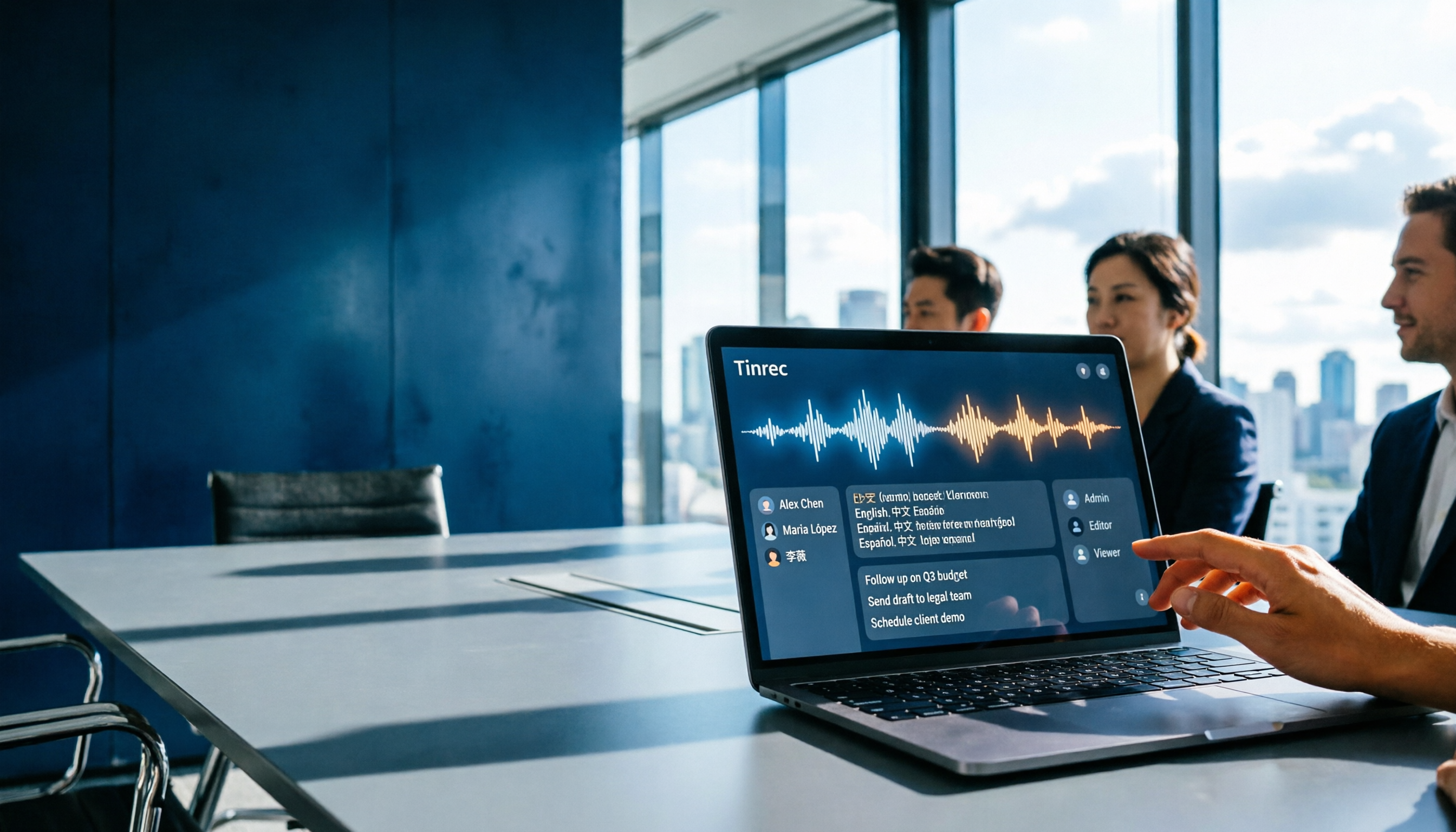
Tinrec supports real-time speech-to-text, so text appears as the meeting progresses. After the meeting, it automatically generates summaries, conclusions, and action items, making it clear who is responsible for what and the deadlines.
Scenario 2: No Extra Bots Needed for Online Meetings
The Tinrec desktop app captures your computer's system audio directly, so you don't need to add a bot to Zoom, Google Meet, or Microsoft Teams. Just open Tinrec, and you can record online meetings and get real-time transcription.
Scenario 3: Organize Old Recordings and Interview Materials
Have past meeting recordings or interview audio files? Upload them directly to Tinrec, and it will convert them into transcripts. You can also use AI Q&A to quickly find key content, such as "Where is the budget discussion?" or "What requirements did the client mention?"
What Are Tinrec's Core Capabilities?
Tinrec goes beyond just speech-to-text; it extends from "recording" to "usage." The following features are particularly useful.
Real-Time Transcript
It generates text as you record, with low latency, so you can follow along during the meeting and ensure you don't miss details.
AI Semantic Summaries and Chapters
It doesn't just condense the transcript into a paragraph; it organizes it structurally: meeting topic, discussion conclusions, and action items are listed separately. Long meetings are automatically split into chapters for quick browsing.
AI Conversational Query
After transcription, you can ask Tinrec questions like "Who mentioned the budget during the meeting?" or "What was the client's feedback?" It answers based on the meeting content, so you don't have to search line by line.
Action Item Extraction and Multi-Format Export
AI automatically lists action items from the meeting and can also generate meeting minutes, reports, or tables. You can export the results to Google Docs, Notion, OneNote, and more for further use.
Team Space Collaboration
If you need to share with your team, Tinrec offers a team plan that centralizes all meeting materials in one space. Members can view, search, and ask follow-up questions, while admins can manage usage and permissions.
Practical Use Cases
Tinrec is suitable for various scenarios that require "recording to text." Here are a few examples.
Daily Meetings
For weekly check-ins or project meetings, use Tinrec to record in real time or capture online meetings. Afterward, you'll automatically get transcripts, summaries, and action items, which you can send directly to relevant colleagues.
Client Interviews
Stop organizing recordings by hand
Upload audio or video and automatically get a transcript, summary, and action items
When visiting clients or on conference calls, keep Tinrec recording. Afterward, use AI Q&A to organize client needs, objections, and commitments, ensuring no follow-up is missed.
Classes and Lectures
Record classes or lectures with Tinrec, which generates text notes with chapter markers. When reviewing, you can quickly jump to key points without listening from start to finish.
Research and Interviews
For user interviews or expert interviews, upload the recordings and use AI Q&A to find specific viewpoints or quotes, significantly reducing transcription time.
4 Things to Consider When Choosing a Meeting Recording Transcription Tool
When selecting a tool, I look at these aspects, and Tinrec performs well on all of them.
1. Does It Support Real-Time Transcription?
Some tools only transcribe after the recording ends, which is inconvenient for real-time note-taking. Tinrec supports simultaneous transcription, so you can see the text during the meeting, making post-meeting organization easier.
2. What Can You Do After Transcription?
Transcription is just the first step; the key is whether it helps you organize. Tinrec provides summaries, chapters, action items, AI Q&A, and export options, directly integrating into your workflow.
3. Language Support and Chinese Performance
If you often deal with Chinese meetings or mixed Chinese-English content, pay attention to the tool's recognition ability. Tinrec focuses on Chinese and multilingual scenarios, also supporting real-time translation and bilingual transcripts, making it suitable for users in Taiwan.
4. Does It Have Team Collaboration Features?
For team use, you need shared viewing and searching of meeting materials. The Tinrec team plan offers team spaces, member management, usage analytics, and audit logs, suitable for departments or project teams.
Frequently Asked Questions
Does Tinrec Have a Free Plan?
Yes. Tinrec offers a free plan with basic credits to experience recording, importing, summarization, and transcription. If you need more credits, you can consider weekly, Pro monthly, or yearly plans.
Do I Need to Purchase Additional Hardware for Tinrec?
No. Tinrec is available on iOS, Android, and web, plus a desktop app for recording online meetings. You don't need to buy a separate recorder or meeting bot.
How Do I Record Online Meetings?
Open the Tinrec desktop app on your computer, and it will capture system audio, allowing you to record Zoom, Google Meet, Microsoft Teams, and other meetings without needing a bot to join.
What Is the Accuracy Rate?
In a clear audio environment, Tinrec's transcription quality is excellent. However, actual results may be affected by background noise, accents, overlapping speech, and technical jargon. For important content, it's recommended to cross-check with the recording.
How Do I Use the Team Plan?
After creating a team space, inviting members, and allocating seats, all members can share meeting materials. The team plan also includes usage analytics, audit logs, and an audio recycle bin, ideal for teams that need to manage meeting assets.
Conclusion
Meeting recording transcription is no longer a chore. Tinrec combines real-time transcription, AI summaries, action item extraction, and team collaboration to turn your meetings from "recorded" to "usable." If you regularly organize meeting notes, why not try the free plan and experience getting the key points right after the meeting ends.
References
- How to Use AI for Meeting Minutes? How to Organize Meeting Transcripts? | AI Speech-to-Text Tutorial | 104 Career Advancement
- 2026 Latest 6 AI Tools for Google Meet to Text: Solving Meeting Notes Pain Points - Seconds Listening Blog
- RecCloud - AI Speech-to-Text / Meeting Notes / Text-to-Speech App - App Store
- Unlimited Time! 3 Free AI Transcript Tools, Highly Recommended! AI Voice Notes for Meeting Minutes, Presentations, Mind Maps | 104 Career Advancement
- 2026 Must-See! 4 AI Audio-to-Text Tool Recommendations: Meeting Notes, Podcast Transcript Tools Comparison - Mobile01
Turn every recording into actionable outcomes
Get 60 free transcription minutes when you sign in. No credit card required.
Related Reading
You might also like

Best Free AI Meeting Notes for iPhone in 2026: 4 Options Compared
Looking for an AI meeting notes app on iPhone? The real challenge isn't features—it's whether the free tier is enough and if the output is usable. This guide breaks down 4 iPhone-compatible AI meeting note solutions across four dimensions: free tier format, post-meeting output, cross-device use, and team collaboration. It also explains how Tinrec differs in Chinese meetings, bot-free recording, and team knowledge retention.

2026 Google Meet Note-Taking Showdown: Is Gemini's Auto Notes Enough?
Google Meet's built-in Gemini 'Take notes for me' is convenient, but it may not be the best fit for every team. This article uses four key decision points to compare Gemini auto notes, Tinrec, Otter.ai, and Granola, explaining where meeting notes should live, how they'll be used afterward, and the four most common pitfalls when choosing a solution.

Google Meet Gemini vs Tinrec: Which Meeting Notes Tool Saves More Time in 2026?
Google Meet's built-in Gemini can transcribe and summarize meetings, but recording and transcripts are plan-restricted, and captions can't be copied directly. This hands-on comparison of Tinrec and Google Meet's built-in meeting notes across 6 dimensions—recording method, post-meeting output, cross-platform support, Chinese-language experience, team management, and pricing/quotas—helps you decide which fits your meeting scenario.

2026 iPhone Meeting Recorder Apps: Free Plans Compared — Free, Weekly, and Pro
A student's hands-on guide to choosing a free plan for iPhone meeting recorder apps, debunking myths like 'free download doesn't mean free use,' and using Tinrec as an example to explain which scenarios suit the free version, weekly pass, Pro monthly, and annual plans.
Which Gemini Meeting Notes App Is Best? 2026 Hands-On Test of 2 Options—This One Is the Most Complete for Team Collaboration
Dread meetings ending because the real work begins? This article compares Google Gemini (including Meet's "Take notes for me" and uploading audio files to Gemini) with Tinrec across five dimensions: meeting capture, multilingual transcription, post-meeting organization, file retention, and team governance. We break down the practical differences and identify who each tool is best for, helping you decide which one to use.

Google Meet Meeting Notes in 2026: 4 Options Tested for Chinese Transcripts and Post-Meeting Efficiency
Google Meet's built-in Take Notes doesn't support Chinese, so how do you take notes in Chinese meetings? This article breaks down the language support, recording methods, post-meeting outputs, and team data retention differences of four common solutions, and explains how Tinrec works in practice for Chinese transcripts, AI Q&A, and team knowledge retention.
2026 Comparison of 4 Meeting Audio-to-Text Tools: Gemini, NotebookLM, and Tinrec — Which One Really Saves Time?
You can feed meeting recordings to Gemini and get a transcript, but most people still end up re-listening. This article starts from practical limitations: Gemini free version's 10-minute limit, unsupported AAC format, unstable timestamps, and goes on to explain the differences between NotebookLM, EchoScript, and Tinrec. It also summarizes 4 key buying factors: length, to-dos, online meeting recording, and team knowledge retention, helping you choose the approach that truly saves time.

6 AI Meeting Notes Tools Tested in 2026: Google AI Studio vs. Tinrec — Which Saves More Time?
Meeting notes pile up not because of the meeting itself, but because of what happens after. This article, from a mid-level manager's hands-on perspective, compares Google AI Studio, NotebookLM, Gemini, EchoScript AI, Gemini for Meet, and Tinrec: which is best for free validation, which preserves timestamps and speakers, and which turns meeting data into a searchable team asset. It also honestly lists the limitations and costs of each option.

Free Real-Time Transcription Software in 2026: 4 Options Compared
Can't keep up with typing during meetings? This article reviews four free real-time transcription software options, including Tinrec, Otter.ai, Notta, and Granola. We compare Chinese recognition, free quotas, post-meeting organization, and team collaboration, plus provide transcript examples and tips to avoid pitfalls.