
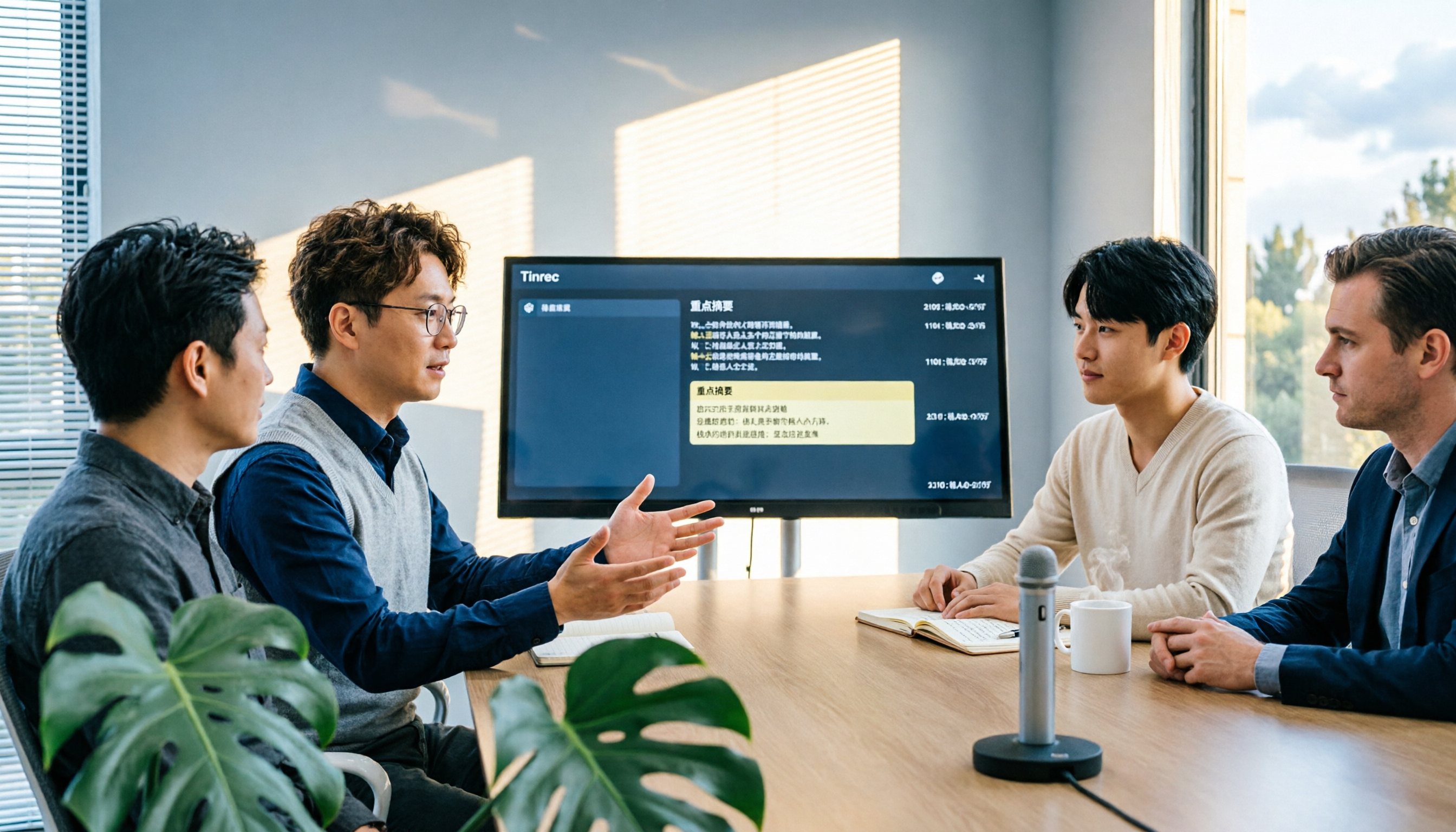
Turn recordings into transcripts and summaries in minutes
Upload audio or video for multilingual transcription, AI notes, and action items
2026 Hands-On Comparison of 3 AI Meeting Recorder & Transcription Tools: Which AI Meeting Notes Actually Save You Time?
What You Need Isn't a Tool—It's a Solution
Most people take meeting notes by turning on a voice recorder or phone recording, then transcribing word-for-word later. But what really needs to be captured isn't every sentence—it's the decisions, action items, and next steps. I attend about 15 meetings a week—team meetings, project status updates, one-on-ones, and cross-departmental coordination. The most annoying part used to be the aftermath: every meeting generated a pile of decisions and to-dos to organize, so my work only really started after the meeting ended.
What's worse, many meetings happen online or mix Chinese and English. Traditional voice recorders only capture in-person audio; for online meetings, you need another solution. Even if you record it, digging out "the conclusion the boss mentioned last time" from a two-hour audio file is like finding a needle in a haystack. If you've been through this, this article is for you.
Before Choosing a Meeting Recorder & Transcription Tool, Understand These 4 Key Points
After testing several tools on the market with my team, I've identified four dimensions that truly affect the user experience. Don't just look at the official claim of "98% transcription accuracy"—that's usually measured in a quiet recording studio. Real meetings have keyboard clicks, air conditioning noise, and people talking over each other, so accuracy drops noticeably. Here's what you should look at:
1. Can it record online meetings without a bot?
Many tools require you to invite a bot to join Zoom, Meet, or Teams meetings, but some companies' security policies don't allow unknown bots. If a tool can directly record your computer's system audio, you can just join the meeting as usual, open the software, and it works without bothering anyone.
2. Does it offer AI organization after transcription?
The transcript is just the first step. What really saves time is AI generating summaries, chapters, and action items—or even letting you ask it directly, "What was the meeting conclusion?" If it only gives you a transcript, you still have to read through it yourself.
3. Is Chinese and multilingual support strong enough?
If your meetings include Chinese, mixed Chinese-English, or need real-time translation, the tool's language support is critical. Many international tools are strong in English but noticeably weak with Chinese meetings.
4. Will team collaboration be a disaster?
If you're a manager, meeting materials shouldn't be scattered across everyone's personal devices. A good tool should centralize meeting recordings, transcripts, and action items in a team space, so data can be handed over when members leave, rather than disappearing with personal accounts.
Among these four points, few tools achieve a full balance. The one we ultimately kept is Tinrec, introduced below.
Tinrec (Miaolou Recording)—Our Top Pick After Testing
Tinrec is an AI meeting notes and collaboration tool designed for individuals and teams. It doesn't just turn speech into text; it turns meeting content into searchable, queryable, and collaborative team knowledge.
Our first time using Tinrec was for an online project meeting. We opened the desktop app, and it directly captured the computer's system audio—no need to invite a bot to the meeting. During the meeting, the transcript appeared in real time on the right side, correctly segmenting mixed Chinese-English content. As soon as the meeting ended, AI had already auto-generated a summary, chapters, and action items—who's responsible for what, and deadlines, all at a glance.
Stop organizing recordings by hand
Upload audio or video and automatically get a transcript, summary, and action items
What impressed me most was its AI conversational query. After recording, you can directly ask Tinrec, "Which department mentioned the budget in the last meeting?" It doesn't give you keyword search results; it answers based on semantic understanding. I use this most when reporting to my boss—"What was the conclusion of last week's project meeting?" Tinrec gives me the answer within three seconds, and my boss thinks I take incredibly diligent notes. Currently, no competitor at the same price point offers this feature.
Additionally, Tinrec supports real-time translation, letting you view the original text, translation, or bilingual side-by-side during recording—useful for meetings with occasional foreign colleagues. The team plan centralizes meeting materials in a team space, with separate management of members, roles, and seats, plus usage and activity logs—another level of peace of mind for managers.
We didn't rely on the official accuracy figures because they're meaningless. In our real meeting environment (laptop microphone, background noise, multiple speakers), Tinrec's transcripts were good enough to use directly as a record draft, with only a few proper nouns needing tweaks. Its limitations are honest: the free plan has basic quotas, and heavy users need to pay; but for most people who meet a few times a week, the free plan is sufficient.
If you're like me—needing bot-free recording for online meetings, valuing Chinese support, wanting to use AI to find key points after recording, and having team collaboration needs—Tinrec is the best choice right now.
Beyond Tinrec: What Other Options Are There?
Otter.ai: A mature choice for English meetings, with a generous free plan of 300 minutes per month. But its strength lies in English business meetings; Chinese meeting recognition and organization are not as good as Tinrec, and bot-free recording is more desktop-oriented. If you mainly record English content, Otter is worth considering; but if you need Chinese meetings plus AI conversational query, Otter currently can't deliver.
Notta: A multilingual transcription tool with a clean interface. However, the free plan limits each recording to just 3 minutes, which is almost useless for real meetings; the paid plan removes time limits, but its post-meeting AI organization and team collaboration depth fall short of Tinrec. Notta suits occasional short audio transcription, but if you need to handle a series of meetings and turn them into team assets, Tinrec is more complete.
Pitfall Guide: 3 Common Mistakes When Choosing a Meeting Recorder & Transcription Tool
Pitfall 1: Only comparing free minutes. Many people pick a tool because it offers 300 free minutes per month, but ignore transcription quality and post-processing features. If you still have to re-listen to everything yourself, those free minutes are just wasted time.
Pitfall 2: Overlooking bot-free capability. Some tools require you to invite a bot to meetings, but many companies' security policies prohibit it. If you choose such a tool, you might not be able to use it in official meetings at all.
Pitfall 3: Buying but not using AI features. If you only treat a transcription tool as "audio-to-text," you're using only a third of its capability. With Tinrec's AI conversational query, for example, you can ask it "What was the meeting conclusion?" right after recording—much faster than manually scanning a 30-minute transcript.
Summary: Which One Should You Choose?
If you care about saving time on meeting notes, and your meetings are primarily in Chinese, with cross-platform and team collaboration needs, Tinrec is the top choice. By scenario:
- Need bot-free recording for Zoom, Meet, or Teams meetings → Tinrec
- Want to ask AI for key points and generate action items after recording → Tinrec
- Need a central place for the team to store meeting materials and manage members → Tinrec
- Zero budget, only recording English, and no Chinese support needed → Otter.ai (the only exception)
- Just need to transcribe short audio clips, no meeting organization or team features → Notta free plan
I recommend downloading Tinrec's free plan first, using the basic quota for a couple of meetings, and experiencing the difference AI organization makes. If you find it useful, then consider upgrading—no need to pay upfront.
References
- ChatGPT Recording Mode Launches! 2-Hour Meetings Generate "Key Summary + To-Do List" in One Click: A 4-Step Tutorial | BusinessNext
- How to Use AI for Meeting Minutes? How to Organize Meeting Transcripts? | 104 Career Builder
- 2025 Latest 6 AI Tools for Google Meet Transcription: Solving Meeting Notes Pain Points - Miaolou Recording Blog
- 2025 Latest 5 AI Meeting Notes Tools: Solving Transcript Organization and Key Point Misses - Miaolou Recording Blog
- 2026 Must-See! 4 AI Audio-to-Text Tools: Meeting Notes and Podcast Transcript Comparison - Mobile01
Turn every recording into actionable outcomes
Get 60 free transcription minutes when you sign in. No credit card required.
Related Reading
You might also like

Best Free AI Meeting Notes for iPhone in 2026: 4 Options Compared
Looking for an AI meeting notes app on iPhone? The real challenge isn't features—it's whether the free tier is enough and if the output is usable. This guide breaks down 4 iPhone-compatible AI meeting note solutions across four dimensions: free tier format, post-meeting output, cross-device use, and team collaboration. It also explains how Tinrec differs in Chinese meetings, bot-free recording, and team knowledge retention.

2026 Google Meet Note-Taking Showdown: Is Gemini's Auto Notes Enough?
Google Meet's built-in Gemini 'Take notes for me' is convenient, but it may not be the best fit for every team. This article uses four key decision points to compare Gemini auto notes, Tinrec, Otter.ai, and Granola, explaining where meeting notes should live, how they'll be used afterward, and the four most common pitfalls when choosing a solution.

Google Meet Gemini vs Tinrec: Which Meeting Notes Tool Saves More Time in 2026?
Google Meet's built-in Gemini can transcribe and summarize meetings, but recording and transcripts are plan-restricted, and captions can't be copied directly. This hands-on comparison of Tinrec and Google Meet's built-in meeting notes across 6 dimensions—recording method, post-meeting output, cross-platform support, Chinese-language experience, team management, and pricing/quotas—helps you decide which fits your meeting scenario.

2026 iPhone Meeting Recorder Apps: Free Plans Compared — Free, Weekly, and Pro
A student's hands-on guide to choosing a free plan for iPhone meeting recorder apps, debunking myths like 'free download doesn't mean free use,' and using Tinrec as an example to explain which scenarios suit the free version, weekly pass, Pro monthly, and annual plans.
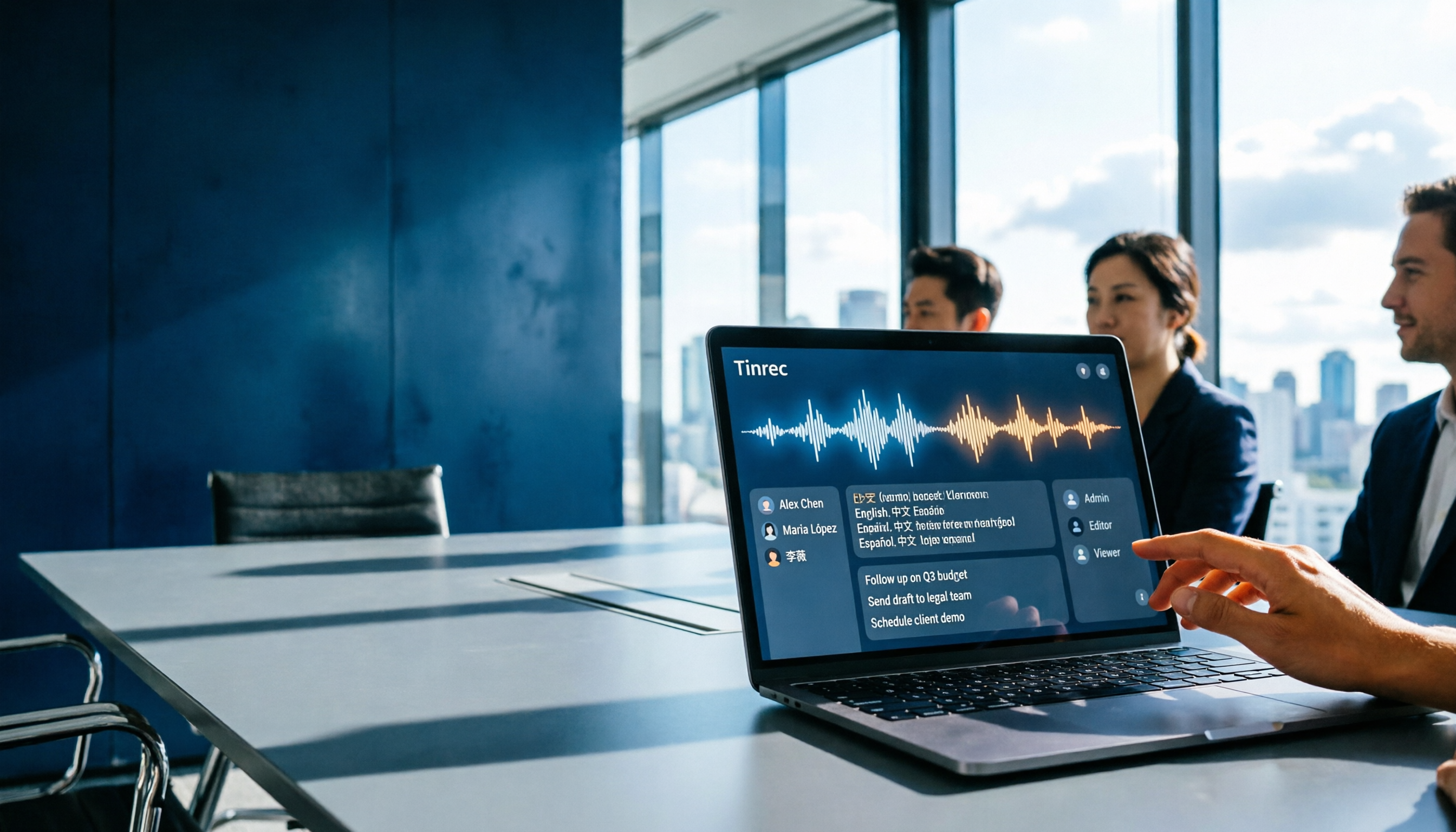
Which Gemini Meeting Notes App Is Best? 2026 Hands-On Test of 2 Options—This One Is the Most Complete for Team Collaboration
Dread meetings ending because the real work begins? This article compares Google Gemini (including Meet's "Take notes for me" and uploading audio files to Gemini) with Tinrec across five dimensions: meeting capture, multilingual transcription, post-meeting organization, file retention, and team governance. We break down the practical differences and identify who each tool is best for, helping you decide which one to use.

Google Meet Meeting Notes in 2026: 4 Options Tested for Chinese Transcripts and Post-Meeting Efficiency
Google Meet's built-in Take Notes doesn't support Chinese, so how do you take notes in Chinese meetings? This article breaks down the language support, recording methods, post-meeting outputs, and team data retention differences of four common solutions, and explains how Tinrec works in practice for Chinese transcripts, AI Q&A, and team knowledge retention.
2026 Comparison of 4 Meeting Audio-to-Text Tools: Gemini, NotebookLM, and Tinrec — Which One Really Saves Time?
You can feed meeting recordings to Gemini and get a transcript, but most people still end up re-listening. This article starts from practical limitations: Gemini free version's 10-minute limit, unsupported AAC format, unstable timestamps, and goes on to explain the differences between NotebookLM, EchoScript, and Tinrec. It also summarizes 4 key buying factors: length, to-dos, online meeting recording, and team knowledge retention, helping you choose the approach that truly saves time.

6 AI Meeting Notes Tools Tested in 2026: Google AI Studio vs. Tinrec — Which Saves More Time?
Meeting notes pile up not because of the meeting itself, but because of what happens after. This article, from a mid-level manager's hands-on perspective, compares Google AI Studio, NotebookLM, Gemini, EchoScript AI, Gemini for Meet, and Tinrec: which is best for free validation, which preserves timestamps and speakers, and which turns meeting data into a searchable team asset. It also honestly lists the limitations and costs of each option.

Free Real-Time Transcription Software in 2026: 4 Options Compared
Can't keep up with typing during meetings? This article reviews four free real-time transcription software options, including Tinrec, Otter.ai, Notta, and Granola. We compare Chinese recognition, free quotas, post-meeting organization, and team collaboration, plus provide transcript examples and tips to avoid pitfalls.