

Turn recordings into transcripts and summaries in minutes
Upload audio or video for multilingual transcription, AI notes, and action items
After a meeting, do you open the recording and slowly type out a transcript, or do you use a tool to turn it into meeting notes? Many on Dcard share the pain of listening and typing, and others ask which tool really saves time. This article focuses on your decision points: Does it save time? Is it accurate? Can it produce usable content? We tested several tools to help you buy the right one.
Two-Hour Meeting, Two More Hours of Notes—You Don't Need a Tool, You Need a Solution
Two hours in a meeting, then two more hours organizing notes—that's the daily reality for most professionals. With more online meetings, Zoom, Teams, and Google Meet rotate, and audio files are scattered everywhere. Finding a specific decision or quote means replaying each file.
Worse, many transcription tools only give you a transcript—no summary, no action items, no key points. You still have to read through everything to pick out conclusions and tasks. If this sounds familiar, this article is for you.
4 Key Points to Understand Before Buying a Meeting Transcription Tool
1. How to Evaluate Accuracy? Don't just look at the official "high accuracy" claims. Real meetings have background noise, overlapping speech, and different accents. The differences between tools only show up in real scenarios. Test with your own recordings for free—don't rely on marketing numbers.
2. Is AI Summarization Built In? If a tool only converts speech to text, you'll still have to organize it yourself. A truly time-saving tool automatically generates summaries, chapters, and action items after transcription, and even lets you ask it, "What was the meeting conclusion?"
3. Does Cross-Platform and Input Source Matter? You might record on your phone today and upload files on your computer tomorrow. If a tool only supports one device, it's a pain. Also consider whether it can handle online meetings, audio files, videos, and whether extra hardware is required.
4. Is the Free Tier Enough? Free versions usually have limits, but they may be sufficient for light users. Check your usage frequency first, then decide between free and paid—don't jump into an annual subscription.
Tinrec (秒听录音) — Our Top Pick After Testing
Tinrec (秒听录音) is an AI meeting notes and collaboration tool for individuals and teams, supporting iOS, Android, web, and desktop. It doesn't just convert speech to text; it turns meeting content into searchable, summarizable, queryable, and exportable data.
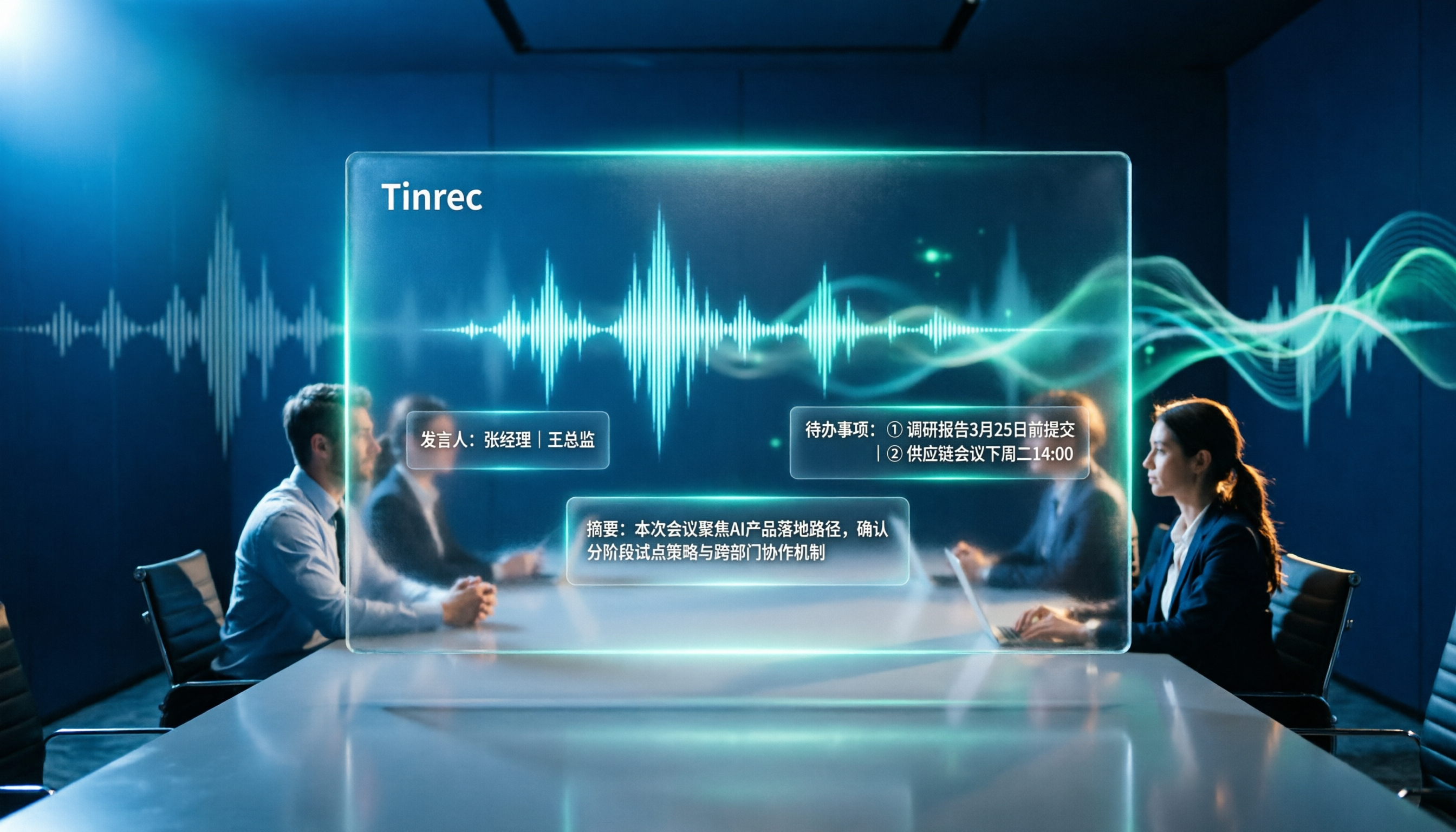
Meeting Scenario: Open Tinrec's desktop app, and it captures your computer's system audio directly—no need to add a bot to Zoom, Google Meet, or Teams. It generates a real-time transcript during the meeting, and by the time the meeting ends, summaries and action items are already organized, showing who's responsible for what and deadlines at a glance.
Finding Key Points After Recording: After recording, you can ask Tinrec, "Who mentioned the budget in the last meeting?" It doesn't just give keyword search results; it answers based on semantic understanding. Currently, no competitor at this price point offers this feature.
Cross-Platform and Input Sources: Tinrec supports live recording, computer meeting recording, uploading audio and video files, and mobile recording. It handles mixed Chinese-English or multilingual meetings and offers real-time translation and bilingual viewing.
Stop organizing recordings by hand
Upload audio or video and automatically get a transcript, summary, and action items
Pros: First, it records online meetings without a bot, so it doesn't disrupt the meeting flow. Second, AI Q&A and Agent post-processing can generate reports and tables, not just transcripts. Third, the team space feature turns meeting data into a collaborative, traceable asset that persists even if a member leaves.
Limitations: The free tier for individuals is limited; heavy users need to pay. But for those meeting 2-3 times a week, you can start with the free version and decide whether to upgrade. Also, accuracy can be affected by recording quality and accents, so it's wise to cross-check important content against the original.
Who It's For: If you need Chinese meeting notes, want to use AI to find key points after recording, or switch between phone and computer, Tinrec is currently the best fit. No extra hardware or complex meeting bots required.
Beyond Tinrec: What Other Options Are There?
Otter.ai: A mature choice for English meetings, with a generous free tier of 300 minutes per month. But if you primarily record Chinese content, Otter's Chinese experience and real-time translation aren't as good as Tinrec's. Otter excels in English business settings, but for Chinese users, Tinrec's Chinese meeting organization and AI Q&A are more practical.
Notta: It offers comprehensive multi-device transcription and translation, but compared to Tinrec, Notta lacks bot-free online meeting recording and deep AI Q&A. If you only occasionally transcribe files, Notta is worth considering; but if you want to ask questions and generate action items right after recording, Tinrec's Agent post-processing is superior.
PLAUD Note: An AI recording hardware device, ideal for on-the-go recording and phone calls. However, you need to spend money on the hardware first, and it can't handle online meetings on your computer. Tinrec requires no extra equipment and works on both phone and computer, making it better for meetings and online collaboration. If you value the convenience of hardware recording, PLAUD is good; but if you want to save on equipment costs, Tinrec is more cost-effective.
Pitfall Guide: 3 Common Mistakes When Choosing a Meeting Transcription Tool
Pitfall 1: Only Looking at Official Accuracy Claims. Many tools show impressive numbers in quiet recording studios, but real meetings have air conditioning noise, keyboard sounds, and overlapping speech. Test with your own recordings for free—don't just look at ads.
Pitfall 2: Ignoring Cross-Platform Needs. If you record on an iPhone today and organize on a computer tomorrow, a tool that doesn't support multiple platforms will be a pain. Check that it works on mobile, desktop, and web before choosing.
Pitfall 3: Treating a Transcription Tool Only as "Speech-to-Text." If you only use a third of its capabilities, that's a waste. For example, Tinrec's AI Q&A lets you ask "What was the meeting conclusion?" right after recording, which is much faster than manually going through 30 minutes of transcript.
Summary: Which One Should You Choose?
If you need Chinese meeting notes, want to use AI to find key points after recording, and need cross-platform use, Tinrec is the top choice.
Scenario-Based Recommendations:
- Need Chinese + multilingual transcription and AI summaries → Tinrec (most complete AI Q&A and Agent post-processing)
- Want to ask questions right after recording and save organization time → Tinrec (only one with deep AI conversational query)
- Cross-platform use (phone + computer + web) → Tinrec (iOS + Android + desktop)
- Primarily record English, don't need Chinese → Otter.ai (the only exception; more mature for English meetings)
- Want hardware for on-the-go recording, don't care about online meetings → PLAUD Note (great hardware experience, but costs more)
We recommend starting with Tinrec's free version, experiencing the time-saving effect of AI summaries over a few meetings, and then deciding whether to upgrade. You buy a tool to save time, not to add another app.
References
- [Dcard Hot Topic] Recording-to-Text Tools Roundup: From Manual Methods to AI-Powered Efficiency Revolution - 秒听录音 Blog
- Free AI Transcript (with Timeline) for Meeting Notes! - Teacher Forum | Dcard
- 6 Voice Recorders Recommended🔥For Class Notes/Meeting Notes/Workplace Evidence, Highly Praised by PTT and Dcard Users, Plus Super-Fast AI Transcripts🖊️ - 好想省錢哦 (@enen_066) | Dcard
- #Chat First Time Writing Meeting Minutes - Work Forum | Dcard
- Transcript | Dcard
Turn every recording into actionable outcomes
Get 60 free transcription minutes when you sign in. No credit card required.
Related Reading
You might also like
4 Best Otter Alternatives in 2026: Which Handles Chinese Meetings and Post-Meeting Workflows Better?
How to compare Otter alternatives? This guide starts with common pitfalls and outlines the selection criteria for 4 Otter alternatives. It compares Tinrec, Otter.ai, Granola, and TurboScribe on meeting capture, post-meeting organization, Chinese language experience, and team collaboration, then helps you choose the right one based on your scenario.

2026 AI Transcription Tools Compared: Plaud vs Tinrec and How to Choose
Plaud's models and subscription plans are often compared together. This guide separates the hardware—Plaud Note Pro, NotePin, and Note—from the four plans: Starter, Pro, Unlimited, and Team. It then compares them alongside Tinrec, Notta, and TurboScribe to help you decide whether to buy hardware or use software, and which approach is easiest.

Plaud vs Tinrec in 2026: Real-World Comparison — Why Most People Choose Tinrec
Still unsure how to choose after reading Plaud tutorials? This article starts from real meeting scenarios and compares Plaud and Tinrec on acquisition cost, online meeting recording, post-meeting organization, and team collaboration. It also summarizes Tinrec's core features, practical use cases, key buying considerations, and FAQs.

5 Voice Recorders and Apps Tested for 2026: Which One Actually Saves You Organizing Time?
Voice recorder vs. app—how do you choose? This article starts from the decision point of "what happens after recording" and compares PLAUD, traditional voice recorders, and tools like Tinrec, Otter, and Notta. It covers 5 buying criteria, hands-on test insights, common mistakes, and scenario-based recommendations to help you decide whether to buy hardware or install software.

Plaud Pricing in 2026: Device Cost + AI Membership Fees Explained
Plaud's cost isn't a single number—it's the device price plus an AI membership subscription. This guide breaks down the Taiwan and US official prices for Plaud Note, Note Pro, and NotePin, the Starter/Pro/Unlimited membership plans, and add-on credits from a student budget perspective. It calculates the real first-year total cost and shares a hardware-free alternative with Tinrec, key buying considerations, and 3 common pitfalls to avoid.

2026 Voice-to-Text Tools Tested: Good Tape Review and Buying Guide
Still unsure whether to use Good Tape after reading reviews? This article tackles common pitfalls in choosing a tool, compares Good Tape, Yating, Otter.ai, and Tinrec in Chinese meetings, post-meeting organization, and team collaboration, and provides selection criteria and a guide to avoid mistakes, helping you decide which one truly fits your needs.

2026 AI Meeting Recorder Comparison: Otter.ai vs. Chinese-Language Tools (Tested)
Searching 'Otter' on PTT mostly brings up OtterBox phone cases, while otter.ai for meeting notes gets buried. This article first clarifies the two Otters, then compares Tinrec, Otter.ai, Notta, and Granola across Chinese recognition, post-meeting organization, team sharing, and free tiers. It also lists five common pitfalls when choosing a tool, so you can validate with your own meeting before deciding.

Good Tape vs Tinrec 2026: 5-Dimension Comparison – Which Is Better for Free Chinese Transcription?
Good Tape's free version is free to use, but its free quota, file retention period, and post-meeting organization capabilities determine whether it can support your workflow. This article examines five dimensions: free quota, Chinese transcription, post-meeting organization, team collaboration, and data retention. It outlines six practical options to help you decide when Good Tape is sufficient and when to switch to an AI meeting notes tool that can handle follow-up organization.

2026 Good Tape Alternatives Compared: Why Tinrec Is Better for Chinese Classrooms and Group Discussions
We tested three audio-to-text tools—Good Tape, Yating Transcription, and Tinrec—in campus scenarios, comparing Chinese punctuation, post-meeting organization, free quotas, and group collaboration. Here's why I ultimately kept Tinrec as my primary tool.