
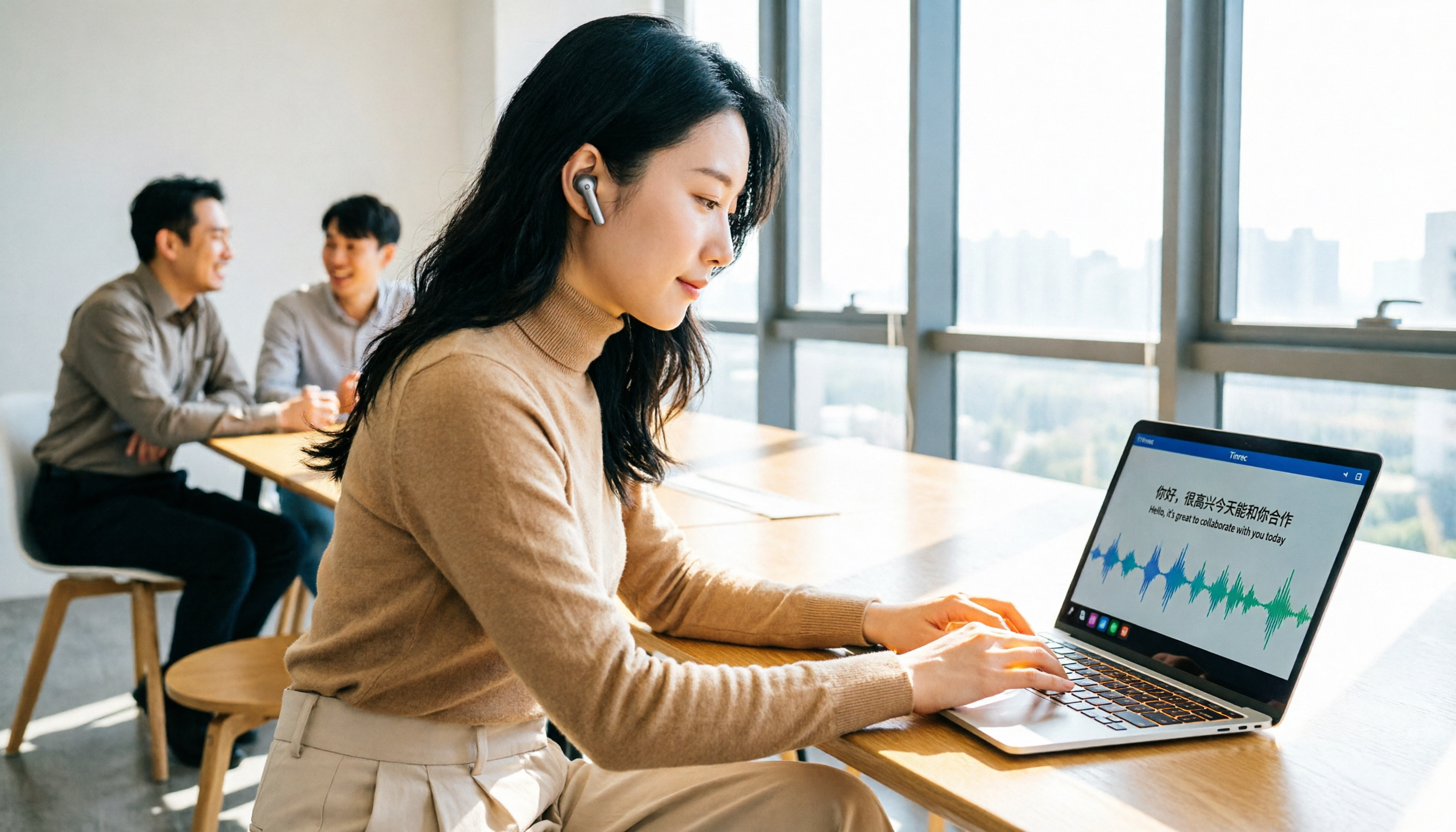
Turn recordings into transcripts and summaries in minutes
Upload audio or video for multilingual transcription, AI notes, and action items
What You Need Isn't Just "Transcription"—It's a Complete Solution That Translates After Transcribing
In the past, turning meeting recordings into text meant recording first, then transcribing manually. If you also needed translation into another language, you'd have to switch between translation software and paste text back and forth. Just organizing a 30-minute meeting could take half a day.
Now, AI tools can handle recording, transcription, translation, and even summarization in one go. But with so many options on the market, free-tier limits, supported languages, and translation quality all vary—how do you choose?
This article focuses on the most common scenarios for users in Taiwan: Chinese meetings, mixed Chinese-English content, and the need for real-time translation or bilingual transcripts. We've rounded up three practical free plans and shared our hands-on testing insights.
Before Choosing a Speech-to-Text Translation Tool, Understand These 4 Key Points
1. Is Translation "Real-Time" or "Post-Processing"? Some tools only provide a full translation after transcription is complete, while others can display the original text and translation simultaneously during recording. If you often have cross-language meetings, real-time bilingual subtitles are far more useful than post-hoc translation.
2. Accuracy Depends on Real-World Conditions, Not Official Numbers Many tools tout "98% accuracy," but that's usually measured in a quiet recording studio. Real meetings have background noise, multiple people talking at once, and mixed Chinese-English speech, which will reduce accuracy. We recommend testing the free version with your own recordings for the most reliable results.
3. How Broad Is the Input Source Support? Do you need live recording, audio file upload, or online meeting recording? Some tools only handle live meetings, while others only support pre-recorded files. Think about your primary use case first.
4. Is the Free Tier Generous Enough? Free versions typically limit monthly minutes or session duration. If you only occasionally transcribe an interview, the free tier might suffice; if you need frequent meeting notes, you'll need to consider paid plans or options with fewer restrictions.
Tinrec (秒听录音) — Our Top Pick After Testing
Tinrec is an AI meeting notes and collaboration tool designed for individuals and teams, supporting iOS, Android, web, and desktop. What impressed me most is its real-time translation and bilingual transcript features.
Core Features in Action:
During a meeting, open the Tinrec desktop app, and it captures your computer's system audio directly—no need to invite a bot to join your Zoom, Google Meet, or Teams meeting. While recording, the left side shows the transcript, and the right side can display the English translation in real time. For meetings with foreign colleagues or clients, it's like having a built-in simultaneous interpreter.
After the meeting, Tinrec doesn't just give you a transcript; it also auto-generates summaries, chapters, key points, and action items. You can even ask it, "Who mentioned the budget in the meeting?" and it will find the answer based on semantics, rather than just throwing keywords at you.
Even better, if you have past recordings or video files, you can upload them directly, and Tinrec will transcribe and translate them—no need for a separate conversion tool.
Our Test Results:
We tested with an 8-minute Chinese meeting recording (with slight air conditioning noise and two people talking over each other). Tinrec's Chinese transcription quality was quite good; aside from proper nouns needing minor adjustments, the overall readability was high. With real-time translation enabled, the English output was fluent with no obvious machine-translation feel.
Stop organizing recordings by hand
Upload audio or video and automatically get a transcript, summary, and action items
Pros:
- Bot-free online meeting recording—no extra participant to worry about.
- Real-time translation and bilingual transcripts are very friendly for cross-language meetings.
- After transcription, you can continue with AI Q&A, generate reports, and export to Notion or Google Docs—it's not just a one-off transcription.
- The team version centralizes meeting data, so when team members change, data doesn't disappear with personal accounts.
Limitations: The free version has basic usage limits; heavy users will need to upgrade to Pro or Team. Also, Tinrec doesn't claim 100% accuracy, so for important decisions, you should still refer back to the recording.
Who Is It For? If you frequently need to record Chinese meetings, want simultaneous translation, or hope to turn meeting content into searchable, queryable team knowledge, Tinrec is currently the best fit.
Beyond Tinrec: Other Options
Otter.ai: A mature choice for English meetings, with a generous free tier of 300 minutes per month. However, its strength is English; Chinese transcription and real-time translation are less refined than Tinrec's. Also, it primarily joins meetings as a bot, so if you prefer no bot in your meetings, Tinrec's bot-free desktop recording is more suitable.
Notta: A transcription tool with features overlapping Tinrec's, supporting multiple languages and translation. The free tier offers 120 minutes per month with a 3-minute per-session cap, which is quite restrictive. In comparison, Tinrec's bot-free recording and team space management are more complete. If you need multi-user collaboration and data accumulation, Tinrec is the better choice.
Granola: Focused on "bot-free AI meeting notes," it displays real-time transcripts and integrates with your handwritten notes. However, it doesn't support uploading pre-recorded audio files and doesn't retain meeting audio. If you have a backlog of historical recordings to transcribe and translate, Tinrec's file import feature fills that gap.
Pitfall Avoidance Guide: 3 Common Mistakes When Choosing Speech-to-Text Translation Tools
Pitfall 1: Only Looking at Free Limits, Ignoring Translation Quality Many people jump at 300 free minutes per month, only to find the English translation reads like a literal machine translation, forcing them to redo it. We recommend testing translation fluency with a mixed Chinese-English recording first.
Pitfall 2: Overlooking Input Source Limitations Some tools only support live meeting recording and can't upload past recordings. If you have a pile of interview recordings to organize, choosing such a tool will be painful. Tinrec supports live recording, online meetings, file uploads, and mobile recording, offering much more flexibility.
Pitfall 3: Assuming It Ends After Transcription Using the tool only as a "recording-to-text" converter wastes half its value. Features like Tinrec's AI Q&A, action item extraction, and team space turn meeting content into trackable action items, saving you even more follow-up time.
Summary: Which One Should You Choose?
If you need a one-stop solution for "recording-to-text plus translation" and often work with Chinese or mixed Chinese-English content, Tinrec is currently the most balanced choice.
- Need real-time bilingual subtitles and cross-language meetings → Tinrec (bot-free recording + real-time translation).
- Need to integrate meeting data into team collaboration → Tinrec (team space, role and seat management).
- Want to upload historical recordings and translate them → Tinrec (supports file import).
- Only record English meetings and have zero budget → Otter.ai's free tier is more generous, but Chinese experience is weaker.
We recommend downloading the Tinrec free version and testing transcription and translation with your own meeting recordings. If it works well, consider upgrading; there's no need to pay upfront.
References
- Speech-to-Text: AI Speech Input and Transcription | Google Cloud
- Online AI Speech, Video, and Recording Auto-Transcription - Free Trial - cSubtitle
- Tested: 4 Best "Speech-to-Text" Online Tools Recommended, Free to Convert Recordings to Transcripts
- Audio to Text - Free Speech-to-Text Tool
- Voice Translation - Language Translator, Speech-to-Text, Translator - Google Play App
Turn every recording into actionable outcomes
Get 60 free transcription minutes when you sign in. No credit card required.
Related Reading
You might also like

2026 AI Meeting Notes: Record Online Meetings Without a Bot + Auto To-Dos in One Go
The latest shift in AI meeting notes for 2026 is moving from "inviting a bot into the meeting" to "getting data you can use right after the meeting." This article takes the perspective of a mid-level manager, breaks down 4 key purchasing criteria, tests Tinrec's bot-free recording, automatic to-dos, and AI Q&A, and briefly reviews who Meeting Ink, SeaMeet, and CLOVA Note are each best for.

2026 AI Meeting Notes Comparison: Which Latest Version Actually Saves You Time?
A guide to choosing the latest AI meeting notes tools in 2026, covering common pitfalls, core capabilities, real-world use cases, team seat pricing, and how Tinrec turns meetings into searchable, collaborative, actionable data.

2025 AI Meeting Notes Guide: Auto-Generate Transcripts and Action Items in One Go
How to choose an AI meeting notes tool in 2025? We break down 5 key buying factors: meeting capture methods, post-transcript organization, mixed Chinese-English recognition, team data ownership, and quota calculations. Plus, we compare Tinrec, Otter.ai, Notta, and Granola to help you find the right fit.

4 Real-Time Transcription Tools Tested for 2026: Which One Keeps Up as You Speak?
How do you do real-time transcription? We tested 4 tools with the same Chinese meeting recording, comparing live transcription, Chinese and mixed Chinese-English recognition, post-meeting summaries and AI follow-up questions, as well as free quotas, team seats, and pricing, to help you find the approach that truly keeps up during meetings.

2026 AI Meeting Notes Guide: Record Online Meetings Without Bots + Auto-Generate Action Items
How to choose the best AI meeting notes tool in 2026? This guide covers three real-world scenarios—online meetings, in-person meetings, and multilingual meetings—and outlines 4 key buying factors. It hands-on tests Tinrec's bot-free recording, transcription, AI summaries, and action item extraction, compares Otter.ai, Notta, and Granola, and includes a pitfalls guide and selection advice.
2026 AI Meeting Notes Tools Compared: How to Calculate Costs Without Wasting Money
Many people only look at the monthly fee when choosing an AI meeting notes tool, but overlook usage caps, per-meeting length limits, and post-meeting organization costs. This article recalculates using 'cost per meeting hour' and compares the pricing structures and use cases of Tinrec, Notta, Otter.ai, Granola, and PLAUD, plus four common pricing traps.
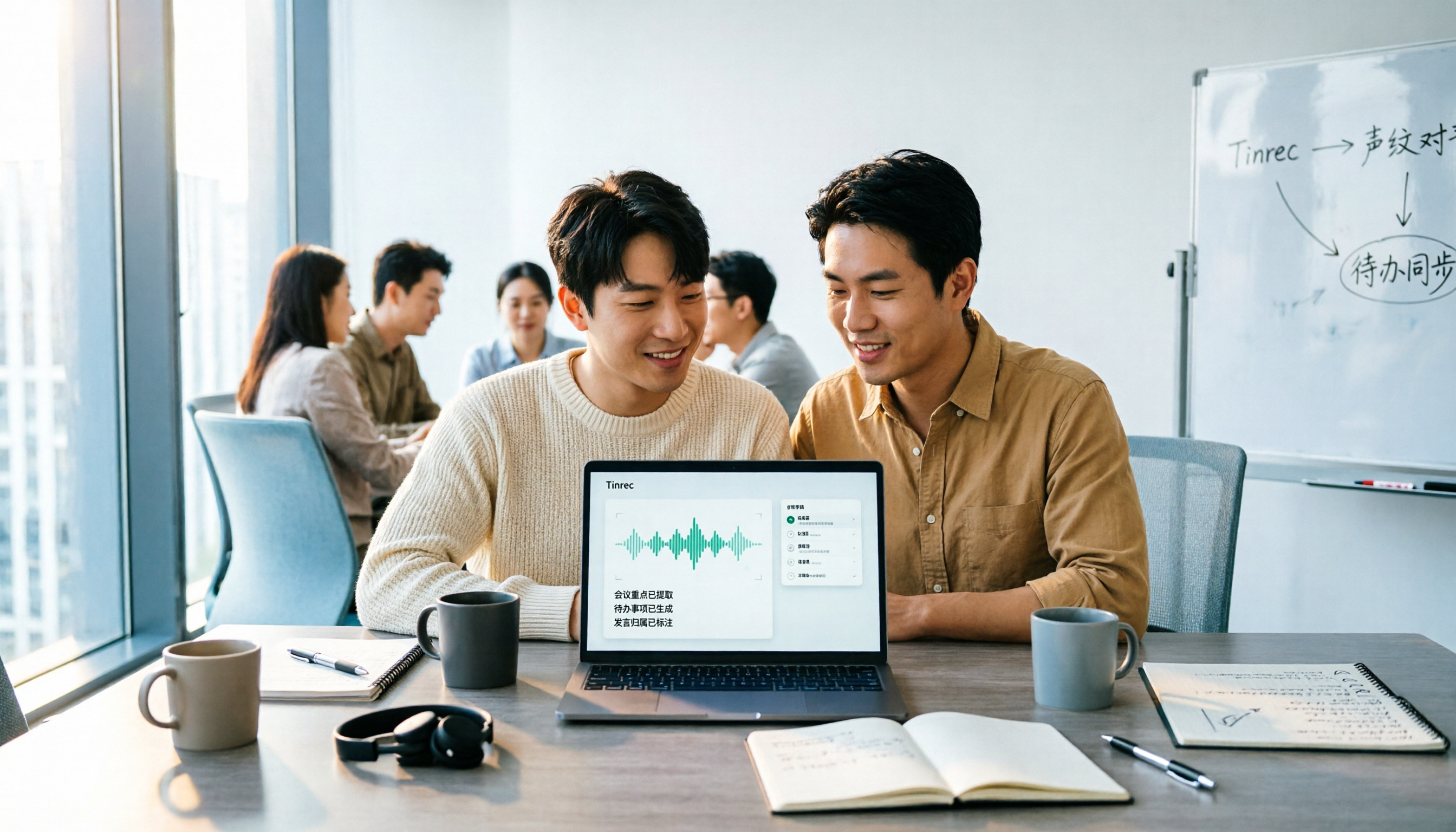
2026 AI Meeting Notes Comparison: Tinrec vs Notta Across 5 Dimensions — Which One Really Saves You Time?
The time between a meeting ending and delivering the minutes — replaying, pulling out key points, confirming action items — often wears you down more than the meeting itself. This article puts Tinrec and Notta side by side, comparing them across 5 dimensions: meeting capture, Chinese transcription, post-meeting output, team governance, and pricing/quotas. It also honestly lists each tool's limitations and best-fit scenarios to help you decide which tool should handle your meeting notes in 2026.
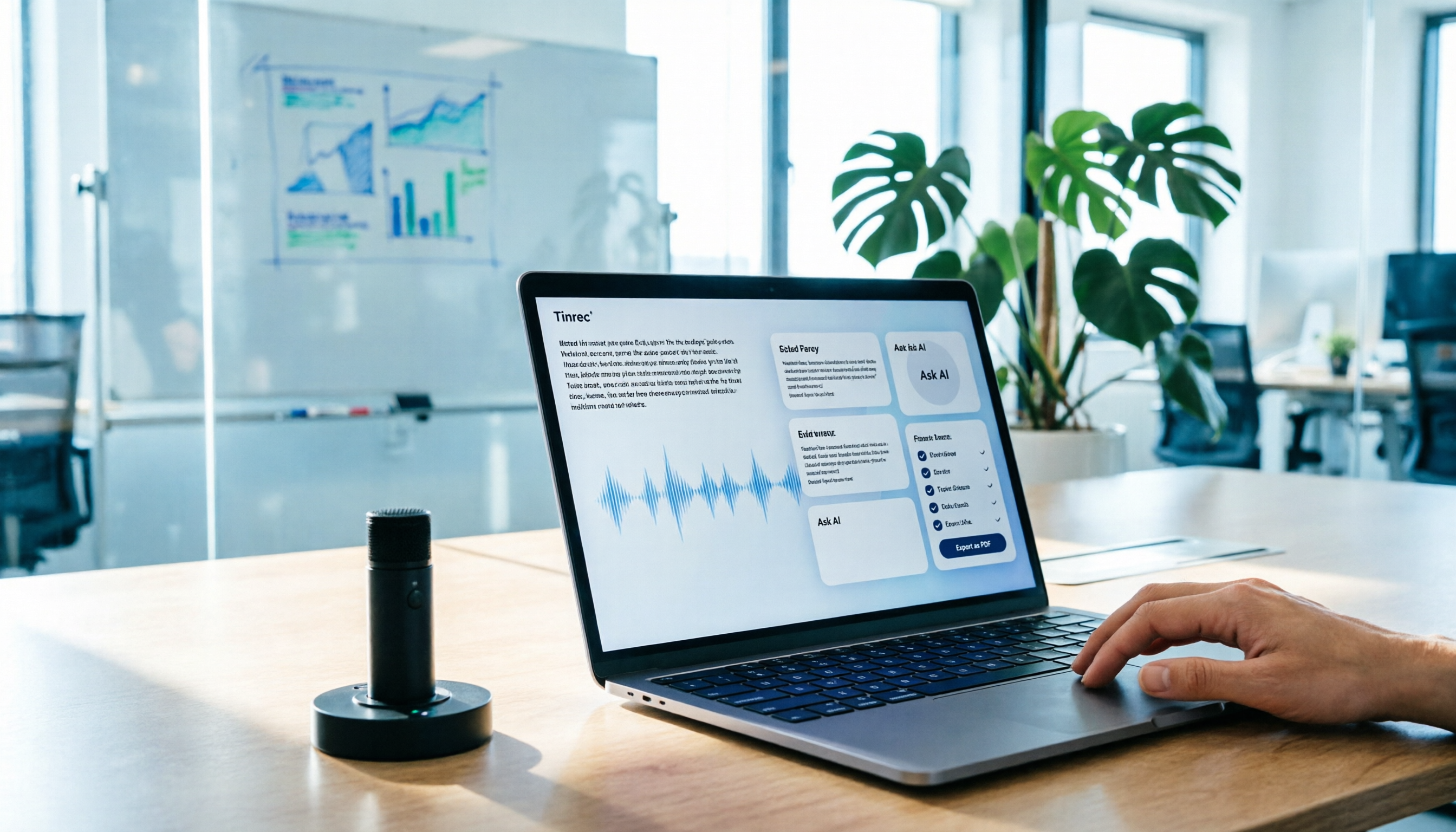
AI Meeting Notes in 2026: My Tinrec Workflow + Auto Summaries & Action Items
Meeting notes shouldn't mean replaying recordings and typing them up. This article breaks down AI meeting notes into five steps using my actual workflow: bot-free recording, live transcription, chapter summaries, AI follow-up questions, and action item export—with Tinrec as the example tool, plus a copy-paste follow-up checklist and buying considerations.

2026 AI Meeting Recorder Comparison: 5 Tools Tested for Chinese Transcripts and Post-Meeting Efficiency
Most people choose AI meeting recorder tools based only on free minutes, but still have to re-listen to recordings afterward. This article starts from real pain points, breaks down the core capabilities AI meeting recorder tools should have, 4 real use cases, and 5 purchase checkpoints. Using Tinrec as an example, it explains the complete workflow from bot-free recording, transcription, summaries, action items, AI Q&A, to team knowledge retention.