
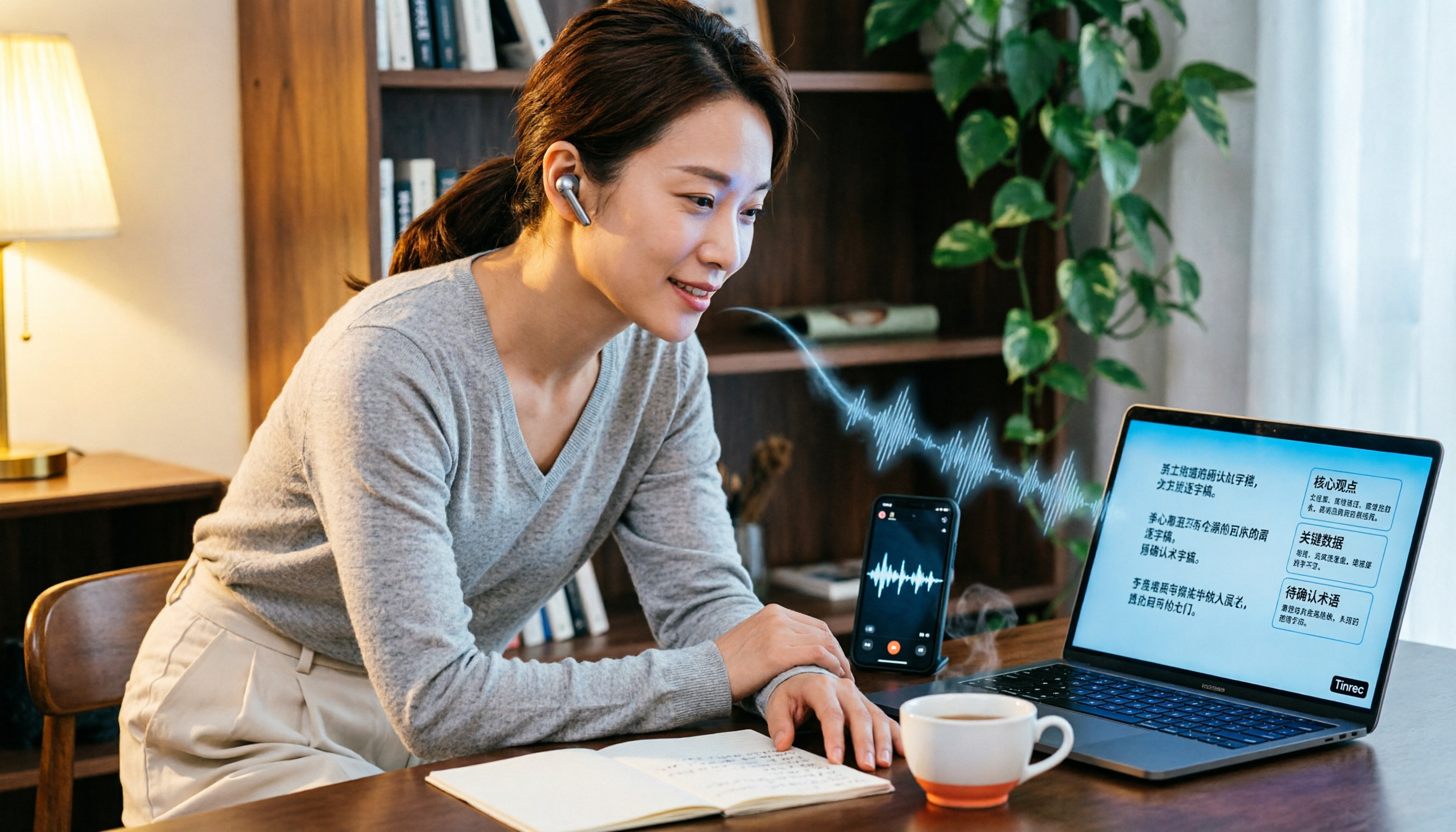
Turn recordings into transcripts and summaries in minutes
Upload audio or video for multilingual transcription, AI notes, and action items
What You Need Isn't a 'Free Download'—It's a Free Plan That Actually Works
Open any app store and search for speech-to-text, and nearly every app says 'free download'—but after you install it, you find the free version only gives you 3 or 5 minutes per session, not even enough for one meeting. Worse, some tools don't let you edit or export in the free tier, leaving you to screenshot the text and copy it manually.
If you need to process 2 to 3 meetings, interviews, or lecture recordings every week, the real question isn't 'Can I download it for free?' but: Does the free plan cover a full meeting? Does Chinese recognition hold up in real-world conditions? And after transcription, does AI help you organize key points, or does it just dump a wall of text for you to sift through?
This article compares 5 speech-to-text tools commonly used in Taiwan from a practical standpoint, breaking down free limits, Chinese performance, and AI summarization capabilities.
4 Key Factors to Understand Before Choosing a Speech-to-Text Tool
First, check both the per-session limit and the monthly cap. Many tools advertise '300 free minutes per month,' but if each session is capped at 3 minutes, you can't process a 45-minute meeting on the free plan. For working professionals, the per-session limit often matters more than the monthly total.
Second, evaluate Chinese accuracy in real conditions, not just official numbers. The 98% accuracy rate touted by vendors is usually measured in a quiet recording studio. Real meetings have air conditioning noise, keyboard clicks, and overlapping speech, which significantly reduce accuracy. We recommend testing with your own recording to get a feel that's far more reliable than any spec sheet.
Third, what you can do after transcription matters more than the transcription itself. A transcript is just the starting point. Whether the tool can auto-generate summaries, extract action items, or let you ask questions about the content determines if you save time on typing or on organizing. A tool that only converts speech to text handles just one-third of the work.
Fourth, be mindful of legal and compliance considerations for recording and transcription. Regardless of the tool you use, you should comply with local laws and obtain consent from meeting participants when required. This isn't a tool limitation—it's your responsibility as a user.
Tinrec: Turning Meeting Recordings into Searchable, Queryable Team Knowledge
If your need goes beyond 'turning audio into text'—if you want to quickly find key points after recording, track action items, and even share meeting data with your whole team—Tinrec is the most feature-complete option in this comparison.
Tinrec supports live recording, audio file import, and capturing system audio from online meetings like Zoom, Google Meet, Microsoft Teams, and Webex via its desktop app. That means you don't need to invite a meeting bot into your calls; you can just open Tinrec on your computer and start recording. This is a clear advantage for people who don't want unfamiliar participants in their meetings.
After transcription, Tinrec automatically generates summaries, chapters, and action items. For example, after a 30-minute project meeting, you don't have to listen to the entire recording. You can start with the AI summary to grasp the main discussion points, then check the action item list to see who's responsible for what and when it's due. Even more useful is the AI Q&A feature: you can ask, 'What was the conclusion about the budget adjustment from the last meeting?' and it will answer based on the meeting content, rather than just showing keyword search results. This capability is rare among similar tools.
Tinrec also supports real-time translation and bilingual transcripts, which is handy for meetings that mix Chinese and English. The team plan adds shared workspaces, member and seat management, usage analytics, and audit logs—ideal for departments or small teams that want centralized meeting data management.
One limitation to note: the free plan's quota is based on the official page and is best for light usage; frequent use may require the Pro plan. Additionally, while AI transcription greatly reduces manual effort, we recommend cross-checking important decisions against the transcript and recording playback.
Stop organizing recordings by hand
Upload audio or video and automatically get a transcript, summary, and action items
Best for: People who need Chinese meeting notes, prefer not to use meeting bots, want AI to quickly find key points after recording, or need to share meeting data with their team.
Beyond Tinrec: Other Options to Consider
Yating: A local tool developed by Taiwan AI Labs, its main selling point is recognition of Taiwanese Mandarin and Taiwanese Hokkien, with free real-time recording-to-text. However, the free quota for uploading audio files is limited, paid plans are billed by the hour, and it lacks advanced features like AI Q&A and team collaboration. If you occasionally handle Hokkien content, it's worth considering; but if you need to ask follow-up questions about the content after recording, Tinrec's AI Q&A is something Yating doesn't offer.
MyEdit: An online audio editing tool from CyberLink that supports transcription in 9 languages including Chinese, English, and Japanese. It performs well in speed and allows editing of content and timestamps before export. Its positioning leans toward audio processing, with noise reduction and voice enhancement as plus points before transcription. However, MyEdit's free plan is trial-oriented, long-term use requires a subscription, and it lacks AI follow-up and action item extraction for meeting content. If you need to clean up audio before transcription, MyEdit is suitable; if you want automatic post-meeting organization, Tinrec is more complete.
cSubtitle: An online service focused on Chinese transcription. You can upload files without registration, supporting files up to 4GB and under 5 hours, and it generates text files with timestamps and subtitle files. It's convenient for anyone who needs to quickly convert recordings into SRT or VTT subtitles. However, cSubtitle's interface is geared toward batch conversion, lacking post-processing features like meeting minutes, AI Q&A, and team sharing. If you only need subtitle files, cSubtitle works; if you need comprehensive meeting content organization, Tinrec is a better fit.
Pitfall Guide: 3 Common Mistakes When Choosing a Speech-to-Text Tool
Pitfall 1: Only looking at official accuracy claims. Many tools boast '98% accuracy,' but that's measured in a quiet environment with clear, single-speaker audio. Real meetings have background noise, overlapping speech, and accents, which reduce accuracy. We recommend testing with your own actual recordings rather than relying on marketing numbers.
Pitfall 2: Ignoring the workload after transcription. Getting a transcript only solves the typing part; you still have to read thousands of words, identify key points, and extract action items. If the tool has AI summaries, action item extraction, and Q&A, you can significantly cut down on post-processing time. If not, you're just swapping 'listening to audio' for 'reading a transcript,' saving limited time.
Pitfall 3: Focusing only on free minutes, not per-session limits. 300 minutes per month sounds like a lot, but if each session is capped at 3 minutes, it's nearly useless for meetings. When choosing a tool, first check 'the maximum recording length per session,' then consider the monthly total, so you're not misled by marketing figures.
Conclusion: Which One Should You Choose?
The conclusion of this comparison is clear: if you just need to 'turn audio into text,' free options like Yating, MyEdit, or cSubtitle can handle basic transcription. But if you want to use AI to find key points, track action items, and share meeting data with your team after recording, Tinrec is currently the most feature-complete and closest to real workplace needs.
Here's a scenario-based breakdown:
- Need Chinese meeting notes and want AI to quickly organize key points → Tinrec (summaries, action items, and AI Q&A in one)
- Don't want to see a bot participant in online meetings → Tinrec (desktop app captures system audio directly)
- Need to share meeting data with your team and manage members and usage → Tinrec (team workspaces and seat management)
- Occasionally handle Taiwanese Hokkien recordings → Yating (local accent recognition)
- Only need to quickly generate subtitle files → cSubtitle (no registration, fast SRT/VTT conversion)
We recommend starting with the free plan and testing transcription quality and AI organization with your own real recording. Once you confirm the tool fits your workflow, consider upgrading—there's no need to rush into a paid plan.
References
- 2026 Complete Guide to Free Transcription Platforms: Reviews and Recommendations for 15 Free Speech-to-Text Tools
- Hands-On Review of 4 Best Online Speech-to-Text Tools: Free, Instant Audio-to-Text Conversion
- Online AI Speech, Video, and Audio File to Text - Free Trial - cSubtitle
- [AI Voice Notes] 5 Highly Recommended AI Text Conversion Tools! Generate Transcripts and Meeting Minutes: Free vs. Subscription, Pros and Cons | 104 Career Builder
- No Time Limits! 3 Free AI Transcript Tools, Highly Recommended! AI Voice Notes for Meeting Minutes, Presentations, and Mind Maps | 104 Career Builder
Turn every recording into actionable outcomes
Get 60 free transcription minutes when you sign in. No credit card required.
Related Reading
You might also like

How to Use AI for Meeting Notes in 2026: 5 Steps from Recording to Summary
A 5-step guide to using AI for meeting notes in 2026: from recording and transcription to AI summarization, action item extraction, and post-meeting Q&A. Includes comparisons of Tinrec, Otter.ai, Notta, and Granola for different use cases and limitations.

2026 AI Meeting Notes Tools Compared: Which Summaries Actually Save Time?
The meeting ends, but the work begins. This article runs the same Chinese meeting recording through four AI meeting notes tools, comparing everything from how they capture online meetings, transcript usability, summaries and action items, AI follow-up questions, to team data ownership and pricing. We break down the real differences and the most common pitfalls when choosing a tool, so you can find the one that truly saves you time after the meeting.

6 AI Meeting Transcription Tools Compared for 2026: Which Free Version Is Enough?
Is a free AI meeting transcription tool enough? This side-by-side comparison of Tinrec, Otter.ai, Notta, Granola, PLAUD, and TurboScribe breaks down free quotas, Chinese transcription, post-meeting summaries, and team collaboration to help you decide when to upgrade from free.

2026 AI Meeting Notes Showdown: Tinrec vs. Granola Review, Examples, and Buying Advice
We put Tinrec and Granola—two bot-free AI meeting note tools—through the same evaluation framework, comparing meeting capture, audio retention, Chinese-language experience, post-meeting outputs, team governance, and pricing. Includes a meeting notes format example to help you decide which tool better fits your workflow.

2026 AI Meeting Notes Showdown: Tinrec vs. Notta — Which Saves More Time on Transcripts?
Meeting just ended and your boss wants notes? We compare Tinrec and Notta, two AI meeting note tools, across online meeting recording, Chinese transcript quality, summaries and action items, export workflows, team seats, and pricing. Includes step-by-step instructions and FAQs to help you choose the right fit for your meeting style.

Tinrec vs PLAUD Note 2026: 5-Dimension Comparison — Which Is Better for Chinese Meeting Notes and Team Knowledge Retention?
AI meeting note apps don't stop at transcription. This article compares Tinrec and PLAUD Note across five practical dimensions (how meeting audio gets in, what you get after transcription, Chinese and mixed Chinese-English performance, team collaboration, and how quotas are calculated), and highlights common pitfalls and scenario-based selection advice.

2026 Comparison of 5 AI Meeting Notes Tools: Which Free Version Is Actually Good Enough?
There are many free AI meeting notes tools, but 'free minutes' often aren't calculated the same way. This article compares the free plans of Tinrec, Otter.ai, Notta, TurboScribe, and others based on how free quotas are calculated, meeting audio capture, post-meeting organization, and team data ownership. It outlines common pitfalls and buying advice to help you find the one that's truly good enough.
The Complete Guide to AI Meeting Notes in 2026: Hands-On Workflow, Core Features, and How to Choose a Tool
Starting from the real pain points of campus classes and group discussions, this guide shows that AI meeting notes are more than just transcripts—they also include summaries, action items, AI Q&A, and team collaboration. Using Tinrec as an example, it covers a hands-on workflow, core capabilities, buying considerations, and FAQs to help students find a tool that truly saves time on a limited budget.

Tinrec vs PLAUD Note 2026: 5-Dimension Comparison — Which Free AI Meeting Recorder Is Right for You?
How to choose a free AI meeting recorder? This article compares two popular options, Tinrec and PLAUD Note, across five dimensions: free quota and upfront cost, online meeting recording methods, post-meeting organization and AI follow-up, Chinese and multilingual experience, and team collaboration. It also includes FAQs to help budget-conscious professionals decide which tool fits them best.