

Turn recordings into transcripts and summaries in minutes
Upload audio or video for multilingual transcription, AI notes, and action items
Recording Is Easy—The Hard Part Is the Two Hours You Spend Organizing Afterward
Many people think they need a "better recording tool."
But the reality is: the meeting lasted an hour, and the audio file just sits quietly on your phone.
A week later, you want to find a decision, and you only remember "we talked about it," but you can't recall which part.
So you open the recording and start listening from the beginning.
By minute 18, you give up.
The problem has never been "the recording isn't clear"—it's that "after recording, the content hasn't become usable data."
If you're looking for an iPhone recording app, this article aims to reframe the question: what you need isn't just recording—it's a complete workflow from capture to organization, search, and follow-up.
Before Choosing an iPhone Recording App, Think Through These 5 Key Points
1. Can It Turn Audio into Text?
The biggest issue with audio files is that they're "listen-only, not searchable."
With a 60-minute meeting recording, finding a single sentence means listening from start to finish.
So the first criterion is straightforward: can this tool transcribe the recording into a verbatim transcript?
And the text must be searchable so you can quickly jump to a specific timestamp.
2. Does It Help You Organize Key Points Automatically?
A transcript is just the starting point.
A two-hour meeting can produce a transcript with tens of thousands of words. You'd still have to read it all and extract the key points yourself.
So the second criterion is: after recording, can the tool give you a summary, chapters, and action items directly?
This determines whether you're just "saving typing time" or truly "saving organizing time."
3. Can You Ask It Questions Directly?
This is something many people overlook.
Traditional search only finds keywords. If you say "budget," it lists all paragraphs containing "budget," and you still have to judge which one is the conclusion.
A good recording and organizing tool should let you ask: "Who mentioned budget overruns in the last meeting?" It gives you the answer directly, not 50 search results.
4. Can the Recording Content Be Used in Other Tools?
Where does the meeting minutes ultimately go?
Maybe Notion, Google Docs, or an email to your manager.
If the recording tool only works within its own app, you've added an extra step of manual transfer.
5. When Recordings Become a Team Asset, Not a Personal File
For personal use, storing recordings on your phone is fine.
But for team meetings, if a colleague leaves, where do the recordings on their phone go?
In most cases, they disappear.
So if you're a team user, whether the recording tool can centrally store meeting data and let new members look back is more important than recording quality.
Tinrec—My Hands-On Choice That Comes Closer to a "Complete Solution"
Tinrec is an AI meeting notes and collaboration tool that supports iOS, Android, and web versions.
The biggest difference from the built-in recorder is: the latter handles "recording," while Tinrec handles "everything after recording."
While Recording, the Transcript Is Already Growing
When you open Tinrec during a meeting, it transcribes in real time.
The moment the meeting ends, the transcript is already done—no waiting 20 minutes back at the office for conversion.
If you're on an online meeting via computer, the Tinrec desktop version can capture system audio directly, handling Zoom, Google Meet, Microsoft Teams, and Webex.
The key point: no need to invite any meeting bots.
For teams that don't like "a stranger in the meeting room," this is a practical choice.
Not Just a Transcript—Also Summaries and Action Items
Tinrec automatically generates meeting summaries, chapters, and key points.
It also extracts action items from the discussion: who's responsible for what and when it's due.
My old workflow for meeting minutes was: listen to the recording, type, re-listen to confirm, then organize into action items.
Now that process is shortened to: record, then review the AI-generated content for any corrections.
You Can Ask It Questions About the Meeting
This is the most critical difference, in my view.
After recording, you can ask Tinrec: "What was the conclusion of the last meeting?" "What budget issues did the client mention?"
Stop organizing recordings by hand
Upload audio or video and automatically get a transcript, summary, and action items
It doesn't give you keyword search results—it answers your questions directly based on semantic understanding.
Currently, most recording tools in the same price range haven't integrated this capability into their core workflow.
Recording Content Can Be Exported for Further Use
Tinrec supports exporting in multiple formats and can send results directly to tools like Notion, Google Docs, OneNote, and Dropbox.
In other words, meeting data isn't locked inside the recording app.
Who It's For
If you only occasionally record a lecture, the built-in tool is enough.
But if you have multiple meetings a week, need to organize meeting notes, search for decisions later, or share meeting data with team members, Tinrec is currently a more complete choice.
The free version includes basic credits, so you can experience the full workflow of recording, importing, summarizing, and transcribing. If it fits, then consider a paid plan.
Beyond Tinrec: What Other Options Are There?
Built-in Voice Memos: For Those Who Just Want to "Record and Done"
The iPhone's built-in Voice Memos app is convenient—no installation needed, ready to use, and supports stereo or spatial audio recording.
But its role is strictly a recording tool.
The transcription feature can convert speech to text, and you can search the text to find specific sections. However, if you need auto-generated meeting summaries, action item extraction, or to ask "What was the meeting conclusion?" Voice Memos doesn't have those capabilities.
It's suitable for capturing ideas, class snippets, or personal memos. It's not meant to be a meeting data management tool.
Otter.ai: Mature for English Meetings, but Not Ideal for Chinese Scenarios
Otter.ai is a mature AI meeting assistant. The free plan offers 300 minutes per month, and the summary and Q&A experience for English meetings is quite complete.
If you primarily record English content, Otter.ai is definitely worth considering.
But if you need Chinese meeting organization, mixed Chinese-English content, or want to consolidate data into a team space after recording, Tinrec is more aligned with Chinese experience and team data management.
Notta: Similar Transcription Capabilities, but the Difference Lies in "After Recording"
Notta and Tinrec have similar product forms, both covering multi-device transcription and team plans.
It suits users who need cross-device transcription, translation, and subtitles.
But Tinrec emphasizes bot-free online meeting recording, AI Q&A, and agent-based post-processing. If you care about "whether you can further process recordings into reports and documents," Tinrec's path is more complete.
Pitfall Guide: 4 Common Mistakes When Choosing a Recording App
Pitfall 1: Only Caring About Audio Quality, Ignoring "Findability"
Many people keep comparing audio quality specs when choosing a recording app.
But most iPhones in typical meeting environments have sufficient recording clarity.
The real pain point is: a week later, can you quickly find a specific sentence or decision?
Good audio quality but can't find content is almost the same as not recording at all.
Pitfall 2: Mistaking "Transcription" as the End Goal
Many tools stop at converting audio to a transcript.
But what you actually need to deliver is meeting minutes, action items, and next steps.
A transcript is just an intermediate product, not the final outcome.
Pitfall 3: Overlooking Cross-Platform Needs
Today you record on your iPhone; tomorrow you need to organize on your office computer.
If the tool only supports mobile, you'll be stuck doing on your phone what should be done on a computer.
Pitfall 4: Storing Recordings on Personal Devices—Team Knowledge Walks Away with People
Personal recordings stored on your own phone disappear when you switch devices or leave the company.
If meeting data has value for the team, it should have a place to be consolidated.
Summary: Which One Should You Choose?
Back to the original question: do you need a recording tool or a meeting data organization tool?
If you're just recording ideas, class snippets, or personal memos, the iPhone's built-in Voice Memos is more than enough.
But if your recordings are for meetings, interviews, or project discussions, and you need to organize, search, track, and share afterward, Tinrec is currently the closer-to-complete solution.
Scenario-based recommendations:
- Record only, no organizing, occasional use → iPhone built-in Voice Memos
- Chinese meetings that need minutes and action items → Tinrec
- Want to ask AI for key points after recording → Tinrec
- Team sharing and consolidating meeting data → Tinrec Team Plan
- Primarily English meetings with low Chinese needs → Otter.ai
My advice: don't rush to pay. Download the Tinrec free version and try it with your next real meeting.
Record once, and you'll see the difference between "just recording" and "recording that's ready to use."
References
Turn every recording into actionable outcomes
Get 60 free transcription minutes when you sign in. No credit card required.
Related Reading
You might also like

How to Choose a Plaud Voice Recorder in 2026: 5-Step Hands-On Test and a Hardware-Free Alternative
After hands-on testing of AI recording hardware like the Plaud voice recorder, most people realize the real challenge is organizing what was recorded. This article starts from actual usage scenarios to break down what AI recording tools can do for you, what core capabilities to look for, and 5 things to consider when purchasing. Using Tinrec as an example, it explains how to complete transcription, summaries, action items, and team sharing without additional hardware.

2026 PLAUD Recorder Free Plan Guide: 5 AI Transcription Tools Compared
The PTT discussion about PLAUD recorders really comes down to one question: should you buy an extra piece of hardware? This guide compares five recording-to-text options in 2026, covering free quotas, Chinese recognition, post-meeting organization, and team data ownership, and explains why Tinrec is better suited for most office workers when it comes to bot-free online meeting recording and post-meeting AI Q&A.

Beaver vs Otter: 3 Key Differences + 1 Note-Taking Workflow (2026 Guide)
The Chinese names for beaver and otter are often confused: 河狸 (beaver), 水獺 (otter), 海獺 (sea otter), and 海狸鼠 (coypu) sound like they belong to the same family. This guide uses four criteria—tail, teeth, feet, and behavior—plus three field-tested steps to help you tell a beaver from an otter in 30 seconds at a zoo or in a video. It also includes a workflow for turning English ecology videos and lectures into organized Chinese notes.
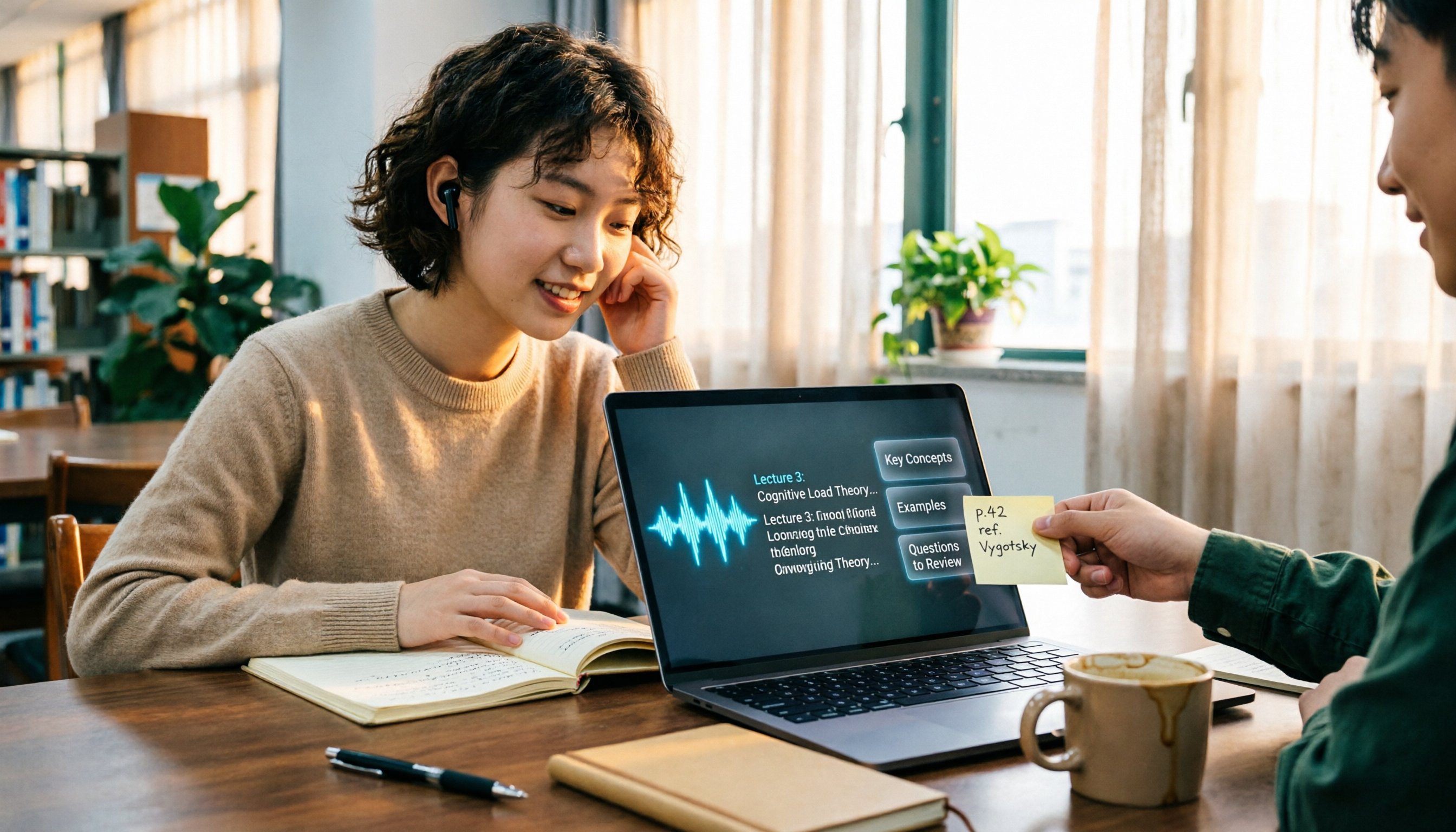
The Complete Guide to Class Recording Apps in 2026: Moving from NotebookLM to Tinrec for Your Classroom Note Workflow
Starting from the pain point of students opening recordings before finals and finding no key points, this guide covers common misconceptions about class recording apps, the shortcomings of NotebookLM and ordinary recording tools, and explains how Tinrec uses real-time transcription, AI summaries, Q&A, and team spaces to turn class recordings into searchable, reviewable notes.

Otter.ai vs Tinrec in 2026: 5-Dimension Comparison — Which Is Better for Chinese Meeting Notes?
Can Otter.ai handle Chinese? The answer has two layers: you can ask questions in Chinese via AI Chat, but the official languages page lists only Simplified Chinese, with no formal guarantee for Traditional Chinese transcription. This article compares Otter.ai and Tinrec across 5 dimensions and uses Tinrec to demonstrate a complete Chinese meeting workflow — from recording, transcript, and proofreading to meeting minutes and team knowledge retention.

2026 AI Voice Recorder Buying Guide: Plaud Recorders vs. 3 Meeting Note Tools Tested
Thinking about buying a Plaud recorder but unsure how it differs from AI meeting note software? Based on the real pain points of a mid-level manager with 15 meetings a week, this guide compares Plaud Note, NotePin, Tinrec, Otter.ai, and Notta on capture methods, post-meeting organization, Chinese language experience, team collaboration, and cost to help you choose the right meeting notes solution.

2026 Comparison of 4 Chinese Speech-to-Text Tools: How Well Does Otter Support Chinese?
Otter's official language list includes Chinese (Simplified), but Traditional Chinese is not listed. The ability to translate in Chat does not guarantee accurate transcripts. This article addresses the decision of whether to continue using Otter, explains the five capabilities needed for Chinese meeting notes, four practical scenarios, and purchasing considerations. It also demonstrates Tinrec's complete workflow with bot-free recording, summary to-dos, AI Q&A, and team spaces.

4 Classroom Recording Tools Tested for 2026: Chinese Transcripts + AI Highlights—Which One Actually Saves You Time?
How to choose a classroom recording tool? This guide covers in-person classes, online courses, and teacher-provided audio files, outlines 5 key buying factors, and compares Tinrec, Notta, TurboScribe, and PLAUD Note in terms of positioning, quotas, and pricing—so you can find the one that's truly ready to use after recording.

2026 Complete Guide to Vocal Fry: What It Is, 3 Key Testing Points for Transcription, and Tinrec Applications
What is vocal fry? This article starts with the vocal mechanism of the lowest register, explains its practical impact on meeting recordings and speech transcription, and demonstrates how Tinrec uses real-time transcripts, AI summaries, action item extraction, and team spaces to turn low-pitched meeting content into searchable, queryable, and exportable data. The article includes 5 purchasing considerations and 6 frequently asked questions.