

Turn recordings into transcripts and summaries in minutes
Upload audio or video for multilingual transcription, AI notes, and action items
What You Need Isn't Another Converter—It's a Way to Stop Working After Meetings
I attend about 15 meetings a week, and the worst part used to be what came after, not the meetings themselves. Every meeting generates a pile of decisions and action items, so my work only really started when the meeting ended. I tried handwritten notes—too slow. I tried recording and listening back—a 3-hour meeting recording often took 6 hours to process. I even tried delegating to my team, but they were just as swamped.
Then I started exploring audio-to-subtitle tools and realized a key thing: getting a transcript is just the first step. What really saves time is whether you can quickly find key points, generate action items, and turn meeting content into actionable material. If you're also looking for free audio-to-subtitle options, this article walks you through the process based on my team's hands-on testing, and honestly covers the limits of free versions.
Before Choosing an Audio-to-Subtitle Tool, Understand These 4 Key Points
First, is the free quota enough for you? Many tools claim to be free, but the actual minutes available vary widely. Some give you 3 minutes a day, others 100 minutes a month, and some require daily logins to earn credits. First, estimate how much audio you record weekly, then check if the free quota can handle it.
Second, do you get a transcript or a subtitle file? A transcript is plain text; a subtitle file includes timestamps in SRT or VTT format. If you need subtitles for videos, make sure the tool can export SRT. If you're just organizing meeting content, a transcript might be enough.
Third, what can you do after transcription? This is the most critical point in my view. If a tool only converts audio to text, you still have to read everything from start to finish. A truly useful tool auto-segments, generates summaries, extracts action items, and even lets you ask, "Who mentioned the budget in the last meeting?" This determines whether you save an hour or just ten minutes.
Fourth, does cross-platform support matter? You might record on an iPhone, organize on a computer, and share with colleagues. If a tool only supports one device, your workflow will stall.
Tinrec—My Team's Top Pick After Testing
Tinrec is an AI meeting notes and collaboration tool that goes beyond converting audio to subtitles—it turns meeting content into actionable material. It supports iOS, Android, desktop, and web, and can handle audio from online meetings like Zoom, Google Meet, and Microsoft Teams.
Here's how my team uses it: during a meeting, we open the Tinrec desktop app, which captures the computer's system audio directly—no need to invite a meeting bot. By the time the meeting ends, the transcript is ready, along with AI summaries, chapters, and action items. Before, I'd spend 30 minutes flipping through notes before reporting to my boss; now, I open Tinrec's summary and can explain the meeting's conclusions in 3 minutes.
My favorite feature is the AI Q&A. After recording, I can ask Tinrec, "What concerns did the client raise about pricing in the last meeting?" It doesn't just return keyword search results—it answers based on the meeting content. This feature is rare in transcription tools at this price point and is the main reason I keep using it.
In terms of testing, my team ran a 5-minute Chinese meeting recording with background noise from an air conditioner and keyboard. Tinrec's transcription quality was stable among the tools we tested, and auto-segmentation was reasonable, requiring little manual adjustment. Of course, I won't promise 98% accuracy—real meetings have noise, accents, and overlapping speech, which affect any tool.
Stop organizing recordings by hand
Upload audio or video and automatically get a transcript, summary, and action items
Pros: First, it records online meetings without a bot, so you don't add an extra participant to Zoom or Meet. Second, the post-transcription summaries, action items, and AI Q&A genuinely save time. Third, it's cross-platform—audio from your phone or computer meetings can be organized in one place.
Honest limitations: The free version has quota limits, and heavy users need to upgrade. But if you have 2–3 meetings a week, the free version is enough to try. Also, for important decisions, I recommend cross-checking the transcript and recording—AI isn't infallible.
Who is it for? If you frequently need to organize meeting recordings or interview audio, want to ask questions and generate action items after recording, and switch between phone and computer, Tinrec is a practical choice right now.
Beyond Tinrec: Other Free Options
cSubtitle: Offers 3 minutes of free transcription without registration, ideal for quick tests or very short audio. It exports SRT subtitles and TXT transcripts, and supports Traditional Chinese. However, 3 minutes is far too short for meetings, and it lacks Tinrec's AI Q&A and action item extraction—you'll still need to read the full transcript yourself.
MyEdit: You can earn free credits by logging in daily to transcribe audio. It supports 9 languages, exports SRT and TXT, and has a simple interface. It's suitable for occasional transcription without spending money. But it's more of an audio editing tool, and post-transcription features aren't as complete as Tinrec's—no meeting summaries, action items, or cross-meeting AI Q&A.
TurboScribe: The free version lets you transcribe 3 files per day, each up to 30 minutes, making it great for handling many long files. If you mainly convert interview recordings to transcripts, TurboScribe's free quota is very cost-effective. However, it's more of a pure transcription tool, lacking Tinrec's meeting summaries, action items, and team collaboration features.
Pitfall Guide: 4 Common Mistakes with Audio-to-Subtitle Tools
Pitfall 1: Only seeing "free" without checking quota limits. Some tools say free but only allow 3 minutes per session—you upload a meeting recording and find it's useless. Test with your longest recording first to ensure the free quota actually holds up.
Pitfall 2: Ignoring post-transcription organization costs. Many think transcription is the end, but organizing is the real work. Instead of choosing a tool that only converts to text, pick one that auto-generates summaries and action items—the time saved is the real value.
Pitfall 3: Not checking subtitle format. If you're uploading to YouTube or using editing software, ensure the tool can export SRT or VTT. Some tools only provide plain text, and you'll have to manually add timestamps—a wasted effort.
Pitfall 4: Treating transcription as a cure-all. Transcription tools save manual work, but for important decisions, numbers, and commitments, always cross-check with the recording. Especially in cross-departmental meetings or client communications, AI can occasionally misinterpret context—don't send AI summaries directly to your boss.
Summary: Which One Should You Choose?
If you occasionally transcribe short audio, cSubtitle or MyEdit's free quotas can tide you over. If you handle many long files, TurboScribe's daily free quota is practical.
But if you're like me—with regular weekly meetings, needing to organize action items, wanting to ask questions after recording, and sharing meeting materials with your team—Tinrec is the most complete choice right now. The AI Q&A and action item extraction are features I can't go back without.
My advice: Try Tinrec's free version first. Upload one of your meeting recordings and see if the transcription quality and summaries work for you. Upgrade only if you find it useful—no need to pay upfront.
References
- Online AI Speech, Video, and Audio to Text - Free Trial - cSubtitle
- Online Speech-to-Text AI, Free MP3 or Recording to Text Transcript - MyEdit
- AI Video to Subtitles (Speech Transcript, MP3 to Subtitles) - 2025 Generative AI Tools | STEAM Education Learning Site
- Online AI Recording and Video to Text with Chinese Subtitles - Free Trial - cSubtitle
- Tested: 4 Best Online Speech-to-Text Tools, Free and Fast Recording to Transcript
Turn every recording into actionable outcomes
Get 60 free transcription minutes when you sign in. No credit card required.
Related Reading
You might also like

4 Speech-to-Text Tools Tested in 2026: Where Is Vocol's Toolbar & Which Saves More Time for Chinese Meetings?
Many people log into Vocol.ai and immediately look for the toolbar, but finding the button doesn't mean saving time. This article starts from common misconceptions, explains where Vocol's operation entry points are, and compares Tinrec, Vocol.ai, Notta, and Otter.ai on differences in Chinese meetings, bot-free recording, post-meeting organization, and team data ownership, helping you choose the workflow that truly reduces overtime.

Vocol vs Tinrec 2026: 5-Factor Comparison for Chinese Meeting Notes
How does Vocol work, how are free credits calculated, and how does it differ from Tinrec? This article compares two voice collaboration platforms across 5 dimensions based on real-world scenarios to help you decide which fits your meeting notes workflow.

2026 AI Voice Collaboration Platform Comparison: Vocol vs. Tinrec — Which Should You Choose?
What is Vocol and who is it for? This article first introduces Vocol.ai's positioning, core technology, and practical use cases, then compares it with Tinrec across five dimensions: meeting audio capture, post-meeting organization, multilingual translation, team governance, and export workflows, helping you decide which better fits your workflow before trying them.

Which VOCOlinc Slim Tag Is Best? 2026 Hands-On Review of 3 Models—This One Needs No Extra App
People searching for "vocolinc slim tag app" often ask: do I really need to download the manufacturer's app? This article compares three VOCOlinc Slim Tag models (VT2202, VT2503, Air Tag Pro), explains how they work with Apple Find My and Google Find Hub, the 4 key factors when buying a Bluetooth tracker, the limitations you'll encounter in real use, and the 4 most overlooked buying pitfalls.

2026 Speech-to-Text Tools Compared: Is Vocol's Toolbar Any Good? Which Saves More Time on Post-Meeting Cleanup?
Most people searching for "Vocol toolbar" are really looking for a single place to record, transcribe, and extract key points. This article starts with common misconceptions and compares Vocol.ai, Otter.ai, Notta, and Tinrec, covering how free tiers are calculated, team data ownership, and bot-free recording—key factors to help you decide which tool truly saves time.
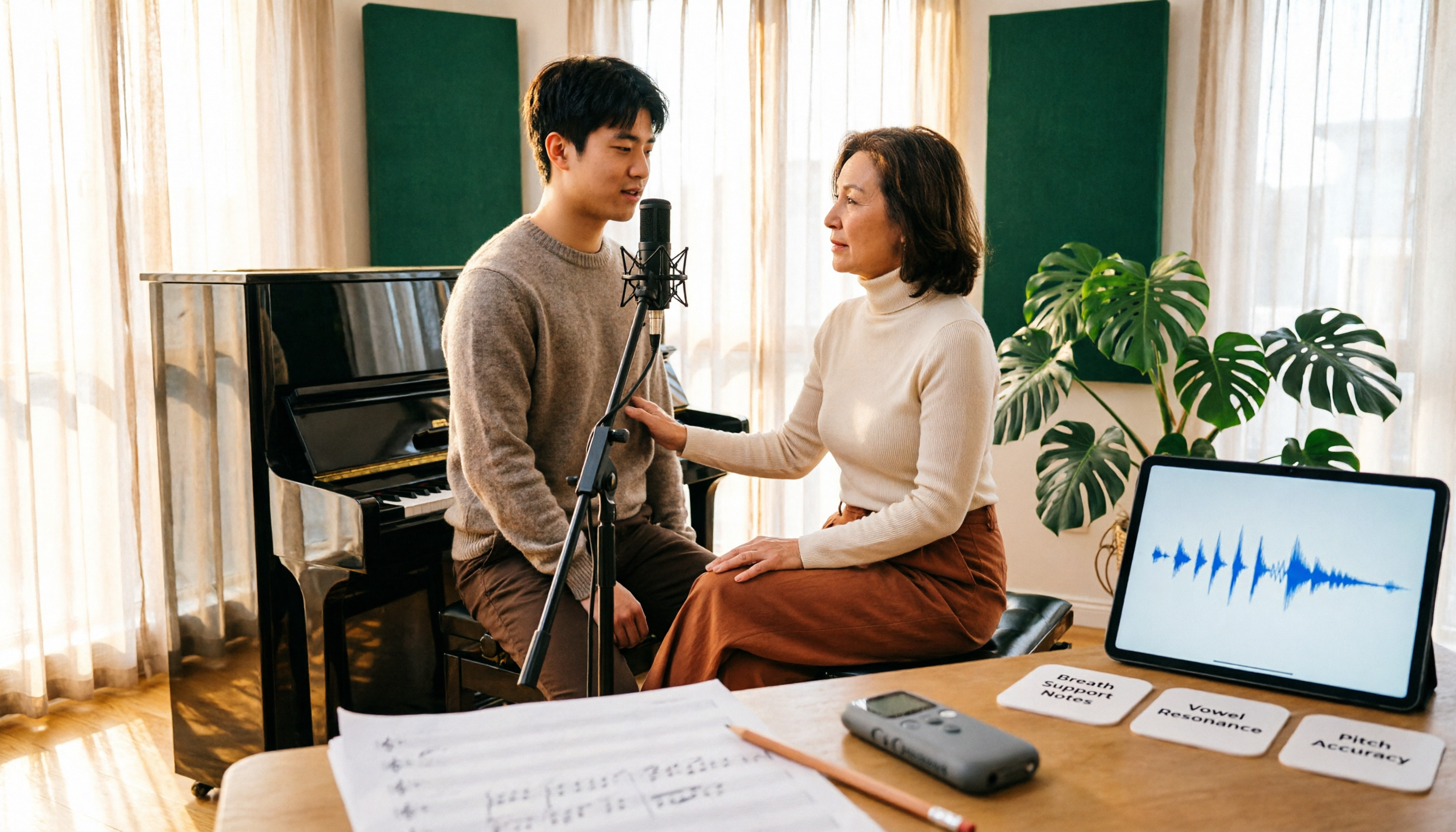
Vocology vs Vocal Pedagogy in 2026: 5 Key Differences + Practical Recording Organization Method
Vocology and vocal pedagogy are often confused, but one deals with the science and training of voice function, while the other focuses on teaching methods and artistic interpretation. This article breaks down the differences through 5 key paths and includes a practical method for turning class, practice, and masterclass recordings into searchable notes—ideal for voice teachers, students, and voice-related professionals.

VOCOlinc Smart Plug App Review 2026: Setup and Three Control Methods Compared
Bought a VOCOlinc smart plug—should you use the VOCOlinc app, Apple Home app, or the physical button? This guide covers real-world pairing for VP5X and PM2, scheduling and Auto-Reboot, remote control hub requirements, 2.4GHz Wi-Fi limits, and which control method fits your needs.

VOCOlinc Tracker App Guide 2026: Find My vs LinkWise for iPhone & Android
Bought a VOCOlinc tracker but unsure which app to use? This guide breaks down the differences between iPhone and Android, covering three pairing options: VT2201, Air Tag Pro Smart Card, and LinkWise App. It explains pairing steps, close-range ringing, Lost Mode, NFC contact info, and waterproof/battery specs, plus four common setup mistakes to help you choose the right combo before ordering.

How to Use the VOCOlinc Tag App in 2026: 5-Step Setup and Anti-Loss Configuration
The VOCOlinc tag doesn't require a dedicated app or monthly fee. This guide explains how it works with Apple's Find My and Google Find Hub, compares the Black, Slim VT2202, and Air Tag Pro trackers, walks through setup in 5 steps, and covers key buying considerations and common mistakes.