

Turn recordings into transcripts and summaries in minutes
Upload audio or video for multilingual transcription, AI notes, and action items
Before Downloading Notta AI, Answer One Question: Do You Want a Transcript or Post-Meeting Action?
Recently, I was organizing a 3-hour user interview recording.
In the past, this would take up my entire afternoon: listen, pause, type, listen again, pause, type again.
Now, I upload the audio file, let AI generate a transcript, and then ask it to summarize key points and action items.
But here's the catch: when I started searching for "which tool to download," I realized I hadn't actually thought through what I truly needed.
Do I just need to convert audio to text?
Or do I want a meeting summary ready for discussion, a trackable action list, or even a shared meeting database for the whole team?
These two needs correspond to very different tools.
So, in this article, I'll walk you through 3 decision points to consider before downloading Notta AI.
Decision Point 1: Do You Only Need Transcription, or Do You Need to Keep Working After Transcription?
If you just need to convert recordings into text, Notta is a straightforward choice.
It supports various audio formats, allows file uploads, live recording, and can transcribe meeting content.
But in my experience, a transcript is just the starting point, not the finish line.
The real time sink often happens after you get the transcript. You have to read through thousands of words, highlight key points, and organize it into a summary others can understand.
So when evaluating such tools, I pay special attention to whether they handle the post-transcription work.
For example, Tinrec not only transcribes but also automatically generates summaries, chapters, key points, and action items.
I can directly ask AI about the meeting content: "What price concerns did users mention in this interview?"
I can also export the organized content to Notion or Google Docs, integrating it back into my workflow.
My take: if you only occasionally need a transcript, transcription tools like Notta are sufficient.
But if you have meetings, interviews, or courses to organize every week, and you need to continue writing reports or assigning tasks afterward, then "what you can do after transcription" matters more than "transcription itself."
Decision Point 2: Are Your Meetings Online or In-Person Recordings?
This is the most overlooked question when I help teams evaluate tools.
Many people download an app only to realize their meetings are actually held on Zoom, Google Meet, or Teams.
If that's the case, you shouldn't focus on "whether the phone recording is clear" but rather "how the tool handles online meetings."
Some tools join meetings as a bot, adding a virtual participant.
Others don't require a bot and directly capture the audio playing on your computer.
Tinrec takes the latter approach.
When you start recording in the desktop app, it captures system audio directly, without inviting any bot into the meeting room.
Stop organizing recordings by hand
Upload audio or video and automatically get a transcript, summary, and action items
This feels more natural for sensitive external client meetings.
Granola follows a similar approach, emphasizing bot-free meeting notes, but Granola doesn't support uploading pre-recorded audio files or retaining meeting audio.
If your workflow includes organizing previously recorded interviews, this is a critical point.
Notta is quite comprehensive in file transcription and translation, supporting many languages.
So the answer here is clear: first identify your primary scenario—online meetings, in-person recordings, or organizing historical audio files.
If you have all three, choose the tool with the most complete input sources.
Decision Point 3: Are You a Solo User or a Team?
Honestly, personal use and team use are two completely different worlds.
For personal use, you care about transcription accuracy, speed, and export options.
But when a team starts sharing meeting notes, questions arise:
Whose account holds the meeting data?
If someone leaves, do client meeting records disappear with them?
Who has edit permissions, and who can only view?
How can admins know if everyone is actually using the tool?
Notta's Business plan offers team management features for these issues, but regular users typically don't think about this at first.
Tinrec's team version treats this as a core feature: meeting data belongs to the team, members can view and search historical meetings, and admins can allocate seats, monitor usage, and review activity logs.
Members without a seat can still read data, but they need a seat to upload, edit, or export.
My advice: if you're just an individual wanting to organize meetings, starting with a personal tool is fine.
But if your team has 3 or more people who need to share meeting notes, you should include "how team data is owned" in your decision criteria before downloading any tool.
So, Before Downloading Notta AI, Here's My Advice
Let's return to the initial question: why are you searching for "download notta ai"?
If you want to quickly convert recordings to text, Notta is worth trying.
If you want to turn meetings into summaries, action items, and even share them with your team, Tinrec is closer to a complete workflow from recording to action.
If you just want a non-intrusive online note-taking tool, Granola is worth a look, but make sure you don't need to upload historical recordings.
Quick start checklist:
- First, identify your primary scenario: online meetings, in-person recordings, historical audio files, or all three.
- Next, determine your desired output: just a transcript, or summaries, action items, Q&A, and exports.
- Finally, consider the number of users: personal use and team sharing have completely different requirements.
- Install candidate tools and test them with the same 10-minute recording.
- Don't just look at transcription results; try creating a full meeting summary to experience the entire workflow.
- Verify data ownership and security mechanisms before deciding to use it with your team.
By testing step by step, you'll gradually find the meeting organization method that suits you best.
References
- How To Use Notta AI Note Taker Effectively (Best AI Note ...
- Notta: AI Meeting Notetaker & Audio Transcription - Chrome Web Store
- AI Note Taker | Free AI Meeting Transcription
- Notta for Windows - Free download and software reviews - CNET Download
- Online Free Automatic Transcription Software AI-Powered
Turn every recording into actionable outcomes
Get 60 free transcription minutes when you sign in. No credit card required.
Related Reading
You might also like

2026 AI Meeting Notes Showdown: Tinrec vs Vocol — Which Is Better for Chinese-Speaking Teams?
Vocol.ai and Tinrec both do speech-to-text, but their actual use cases differ significantly. This article compares the two tools across five dimensions—meeting recording methods, Chinese and multilingual transcription, post-meeting outputs, team governance, and pricing—to help you determine which one fits your workflow.
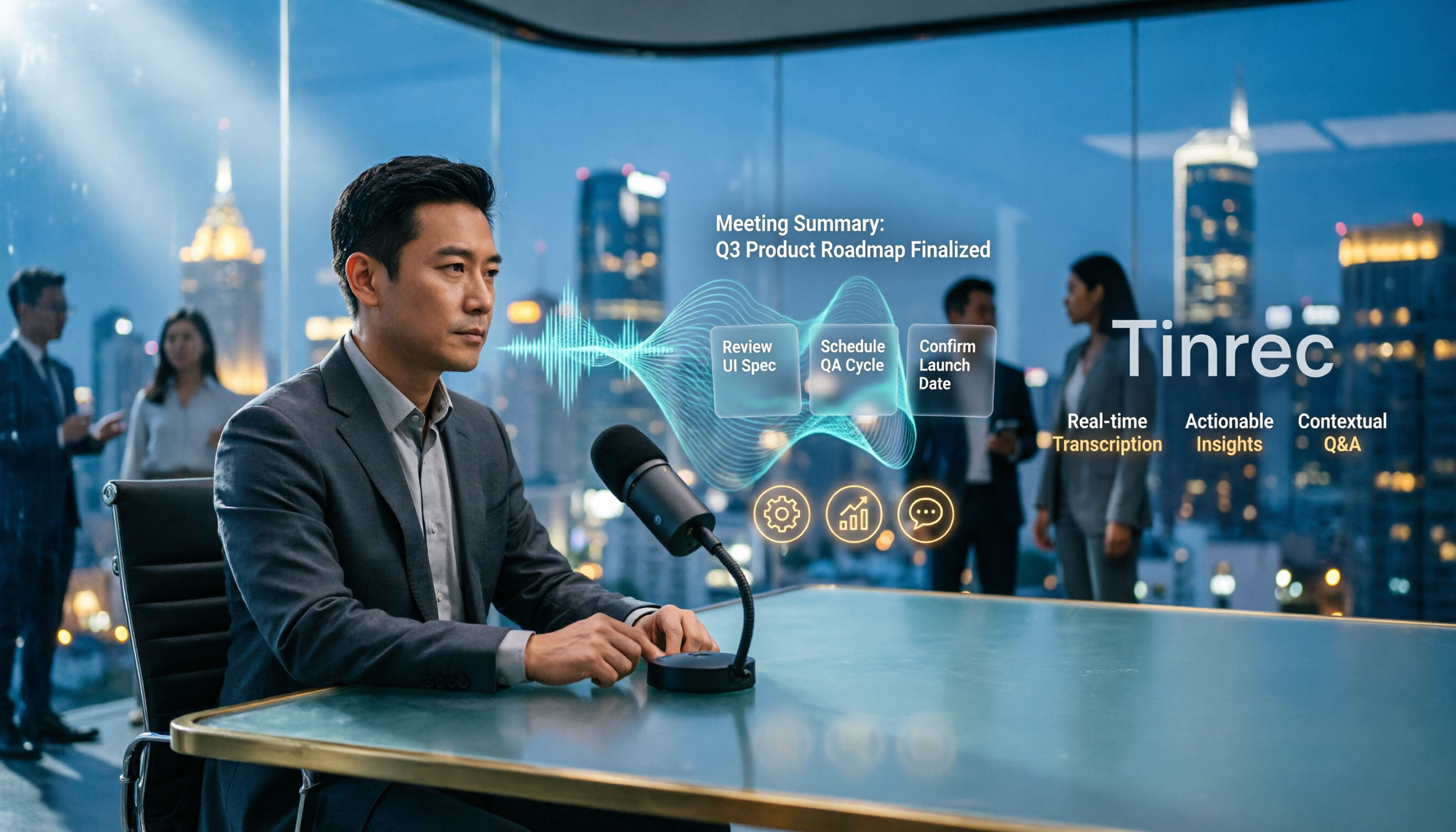
4 Vocal Aid Tools Tested in 2026: How to Turn Meeting Recordings into Usable Data
Most people searching for 'vocal aid' actually want to turn meeting, interview, and lecture audio into organized, queryable data. This article addresses common misconceptions, explains how to choose a vocal aid tool, and uses Tinrec as an example to break down the complete workflow of real-time transcription, bot-free recording, AI summaries, action item extraction, and team knowledge retention.

5 VOCOlinc App Download Sources Tested in 2026: Official Stores vs. APK Mirrors
Where should you download the VOCOlinc App? This guide covers five working download sources—App Store, Google Play, APKPure, Aptoide, and Softonic—comparing version gaps, who each is best for, and what to check before installing, so you can avoid wrong sources, version mismatches, and repeated pairing hassles.

2026 Comparison of 3 Free Speech-to-Text Tools: How to Get the Most Out of Vocol's 200-Minute Trial
Starting with the Vocol free trial, this article breaks down Vocol's roughly 200-minute trial quota, V-points consumption, and promotional bonus rules, and compares Tinrec, Notta, and Otter.ai using the same purchasing criteria. It honestly discloses free plan limitations, team plan seats, and pricing to help you decide whether to try Vocol first or go straight to Tinrec for meeting notes and team collaboration workflows.

Vocal AI Review 2026: Is It Worth It for Chinese Transcription & Action Items?
Searching for 'vocal AI' yields two distinct needs: AI singing and meeting transcription. This guide breaks down 4 key selection factors, tests Tinrec's bot-free meeting recording, AI summaries, action items, and cross-meeting Q&A, and reviews Notta, Otter.ai, and TurboScribe for different use cases, ending with clear recommendations and pitfalls to avoid.
2026 Complete Guide to Vocal Air Plugins: Principles, Tools, and Practical Tuning
When vocals sound dull, the instinct is to boost high frequencies, but sibilance spikes first. This complete guide starts with the principles of vocal air, outlines 4 key points for choosing a vocal air plugin, demonstrates how to use the Mid Air and High Air controls on Slate Digital Fresh Air, compares alternatives like AIR Vocal FX Collection and Pultec-style EQ, and finishes with 4 common pitfalls and scenario-based selection advice.

4 Free AI Vocal Tools Tested and Compared in 2026: Which One Is Actually Free and Good Enough?
People searching for "vocal ai free" actually have three different needs: separating vocals, generating singing, and turning speech into usable text. This article compares four tools that you can start using for free—Tinrec, Vocali.se, ElevenLabs, and VocalGPT—based on real-world use cases. It explains each tool's free limitations, who it's for, and the most common pitfalls when choosing this type of tool, so you can find the right direction in one go.
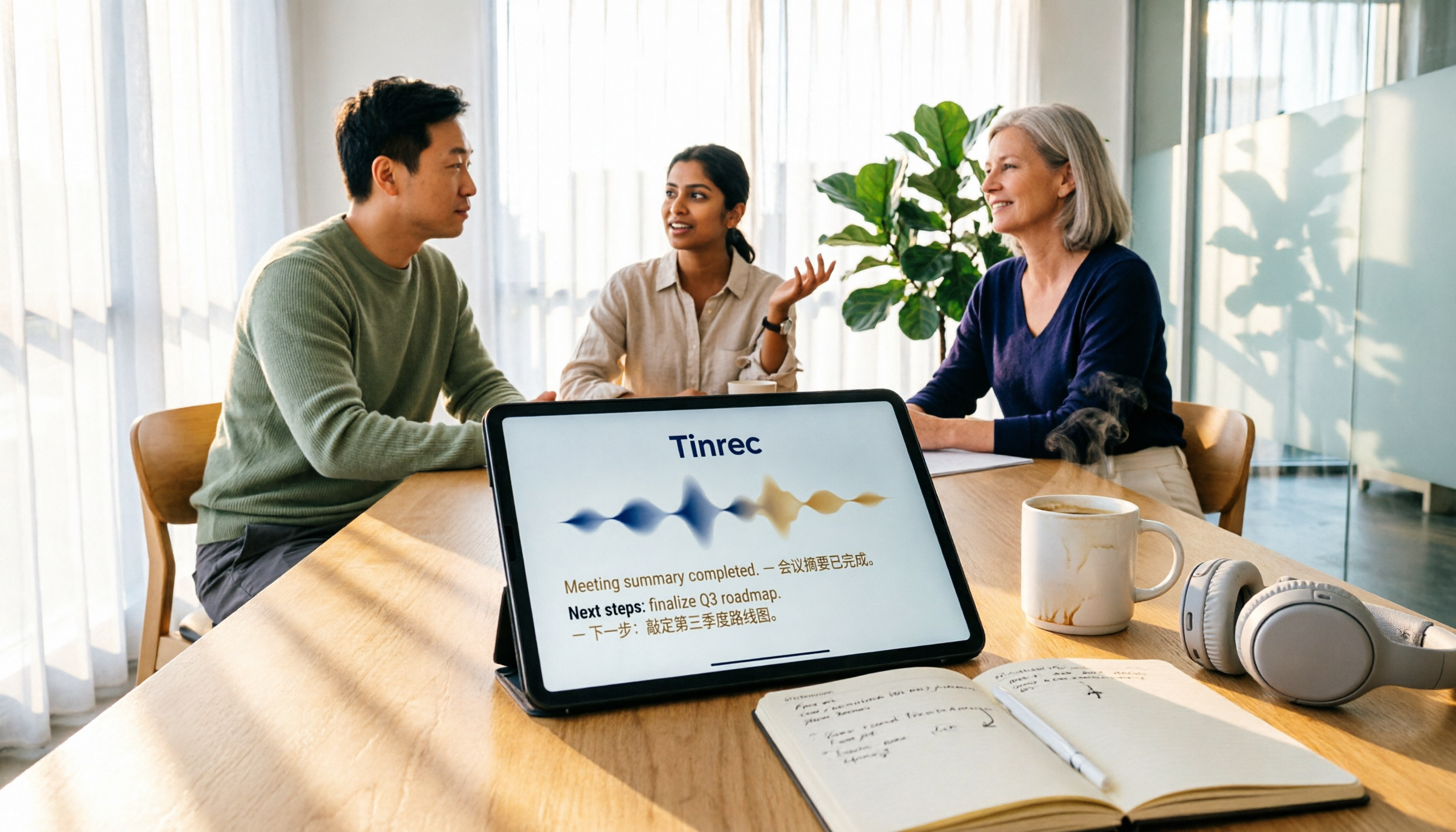
Vocol vs Tinrec (2026): 5 Things to Know Before Downloading Vocol Software
Before downloading Vocol software, know the key differences. This comparison of Vocol.ai and Tinrec covers five dimensions: how to get the software, online meeting recording, multilingual transcription, post-meeting organization, and team management. It also includes free quotas, team plan seat pricing, and FAQs to help you decide which tool better fits your meeting needs.

4 AI Meeting Transcription Tools Tested in 2026: How to Use Vocol? Why Tinrec Saves More Time
Many people search for "how to use Vocol" but the real hurdle isn't the operation—it's not first understanding credit calculations, input sources, and the post-transcript organization workflow. This article breaks down Vocol's 5 steps from registration to export, compares it with Tinrec, which proved more frequently used in testing, and contrasts the positioning and pricing of Otter.ai and Granola to help you choose the one that truly saves time.