

Turn recordings into transcripts and summaries in minutes
Upload audio or video for multilingual transcription, AI notes, and action items
If you're looking for a free audio-to-text transcription tool, Good Tape might be one of the options you've come across. It boasts AI-powered automatic transcription, supports multiple languages, and offers a free trial. But how much can you transcribe with the free plan? Is there a per-file duration limit? And how does it stack up against other free tools? This article uses a straightforward list format to help you understand Good Tape's free plan quotas and limitations at a glance, and compares other free options so you can make the best choice without spending a dime.
Good Tape Free Plan: Quotas and Limitations at a Glance
Good Tape offers a free tier, but it comes with several key limitations you should know about before using it:
- Monthly quota: The free plan allows up to 3 recordings per month, each up to 30 minutes long.
- Storage: The free plan only stores 3 recordings; you'll need to delete old ones to upload new ones.
- Feature restrictions: The free plan includes transcription and audio playback, but may not include all Pro features, such as advanced AI summaries or team collaboration.
- Processing time: The free plan may have longer processing wait times compared to the paid version, which is more immediate.
These limitations mean Good Tape's free plan is suitable for users who occasionally process short recordings. If you need to transcribe more than 3 recordings per month or content longer than 30 minutes per file, the free plan will quickly run out.
Three Hidden Limitations of Free Transcription Plans: Quotas, Duration, and Features
Free transcription tools are free for a reason—they typically come with three types of limitations that often only become apparent after you start using them:
- Quota limits: Most tools offer a fixed number of minutes per month, such as Otter.ai's 300 minutes per month or Notta's 120 minutes per month. Once you exceed that, you have to wait for the next cycle or upgrade to a paid plan.
- Per-file duration limits: Some tools restrict the length of a single transcription. For example, Notta's free plan allows a maximum of 3 minutes per file, while TurboScribe's free plan allows up to 30 minutes per file. Long meeting recordings cannot be processed in one go.
- Feature limitations: Free versions typically don't include advanced features like AI summaries, action item extraction, translation, or team collaboration. You only get the raw transcript, and you'll have to do the follow-up work yourself.
In other words, free plans are suited for occasional use with short recordings. If you handle multiple meetings every week, your free quota will run out quickly, leaving you to either switch tools or upgrade to a paid plan.
Comparison of Popular Free Tools: Good Tape, Otter, Notta, TurboScribe, Tinrec
Below is a comparison of the free plans offered by several common tools. The information is based on official pages and may be subject to change, so please verify before using.
| Tool | Free Quota | Per-File Duration Limit | Key Limitations |
|---|---|---|---|
| Good Tape | 3 recordings per month | Up to 30 minutes per file | Storage limited to 3 files; reduced feature set |
| Otter.ai | 300 minutes per month | No per-file limit (but subject to total quota) | Advanced features require payment; weaker Chinese support |
| Notta | 120 minutes per month | Up to 3 minutes per file | Very short per-file limit; long recordings need to be split |
| TurboScribe | 3 files per day | Up to 30 minutes per file | Daily file limit; longer files require payment |
| Tinrec | Basic quota (check official site) | Varies by plan | Free version has limited features; suitable for light use |
Stop organizing recordings by hand
Upload audio or video and automatically get a transcript, summary, and action items
From the table, you can see that Good Tape's free plan is limited by the number of recordings per month and the per-file duration, while Otter and Notta are primarily limited by monthly minutes. If your need is occasional short interviews, Good Tape's free plan might suffice; but if you need frequent transcription, Otter's 300 minutes per month might be more generous.
Can Free Plans Meet Your Interview and Meeting Transcription Needs?
Whether a free plan meets your needs depends on your recording patterns:
- Short interviews (under 30 minutes): Good Tape's free plan allows 3 recordings per month, which is sufficient if your interview volume is low.
- Long meetings (over 30 minutes): Good Tape's free plan cannot handle these in one go; you'd need to split the recording or upgrade. Otter and Notta's free plans are based on minutes, so long meetings can consume a large portion of your quota.
- Need for AI summaries or action item extraction: Most free plans don't offer these; you'll need to manually organize or upgrade to a paid plan.
If you only occasionally need transcripts, a free plan can be a stopgap. But if transcription is a regular part of your work, the limitations of free plans will cause frequent interruptions, making an upgrade more efficient.
The Line Between Free and Paid: When Should You Upgrade?
Whether to upgrade depends on three signals:
1. You frequently run out of quota: If your monthly free quota is used up by mid-month, your transcription needs have outgrown the free tier.
2. You hit the per-file duration limit: Your recordings often exceed the free plan's per-file limit, such as Good Tape's 30 minutes or Notta's 3 minutes.
3. You need post-meeting deliverables: You don't just want a transcript; you also need summaries, action items, translations, or team sharing, which are typically paid features.
If any of these situations apply, upgrading to a paid plan is often more convenient than switching tools, because your historical recordings and transcripts can stay on the same platform.
When Free Quotas Run Out and Meeting Materials Need Sharing: How Tinrec's Team Plan Steps In
Free tools typically stop at individual transcription, but after a meeting, you often need to turn the transcript into a summary, highlight key points, extract action items, and even share with your team and track follow-ups.
Take Tinrec as an example: it's not just a transcription tool; it turns meetings into searchable, collaborative, and actionable team assets. After you've processed an interview or meeting recording, you can use Tinrec's AI assistant to turn action items from the transcript into action plans or follow-up materials, such as draft follow-up emails after a client interview or task assignment tables for a project meeting. These outputs can be placed directly into Tinrec's team space for members to share, search, and continue editing.
Specifically, Tinrec's team plan offers two practical aspects:
1. Shared meeting materials: Store interview transcripts, meeting minutes, and post-meeting documents in a centralized team space where members can view, search, and reference them at any time, preventing data from being scattered across personal devices or chat logs.
2. Member collaboration and knowledge retention: Team members can add comments to the same meeting materials, update action item statuses, and ensure that conclusions from each meeting are tracked and implemented, rather than forgotten after the meeting ends.
If your work often involves sharing interview or meeting results with colleagues, Tinrec's team plan can fill the gap that free tools leave in collaboration and knowledge retention.
Conclusion: Is the Free Plan Enough?
Good Tape's free plan is suitable for users with occasional, short recordings. The limit of 3 recordings per month, each up to 30 minutes, is enough for light interviews or meeting notes. However, if your transcription needs are more frequent, recordings are longer, or you need AI summaries and team collaboration, the free plan will quickly become insufficient.
We recommend assessing your recording patterns and monthly needs first, then deciding whether to continue with the free plan, upgrade to a paid plan, or switch to a tool that better fits your requirements. Free plans are a starting point, not the end goal; finding a tool that fits your workflow is what truly saves you time.
References
- Good Tape - Automated Transcription | Secure AI Automatic Transcript Tool
- TurboScribe: Unlimited Alternative to Good Tape | TurboScribe
- Good Tape - Automated Transcription | Secure AI Automatic Transcript Tool
- Sign up for your free Good Tape trial - Good Tape
- Mygoodtape | Best Audio transcription AI Tool
Turn every recording into actionable outcomes
Get 60 free transcription minutes when you sign in. No credit card required.
Related Reading
You might also like

4 Cantonese Real-Time Translation Tools Tested for 2026: Which One Understands and Translates Accurately?
Cantonese real-time translation actually serves two different needs: understanding on the spot and keeping a record afterward. Choosing the wrong tool makes everything feel cumbersome. This article starts from real usage scenarios and compares Tinrec, Google Translate, Love Cantonese, and PLAUD recording hardware, summarizing key buying factors, common pitfalls, and suitable users to help you choose right the first time.

2026 Courtroom Audio Transcription Tools Compared: A Transcript Must Work as an Evidence Attachment
Turning a hearing recording into usable court documentation isn't just about converting speech to text. Starting from the actual requirements for evidence attachments, this article compares Tinrec, Granola, TurboScribe, and Otter.ai on speaker labels, timestamp jump-back, legal terminology recognition, and team data handover, and outlines the 4 most common pitfalls to help you decide where to allocate your budget.

2026 4 Voice Recorder Comparison: Which AI Summarization Actually Saves Post-Meeting Time?
A mid-level manager who attends over ten meetings a week shares hands-on testing: in 2025, voice recorders have evolved from 'just recording' to 'helping you organize.' This article covers key buying factors, the top pick Tinrec, brief competitor reviews, and a guide to avoiding pitfalls—helping you decide which one to buy and whether to upgrade.
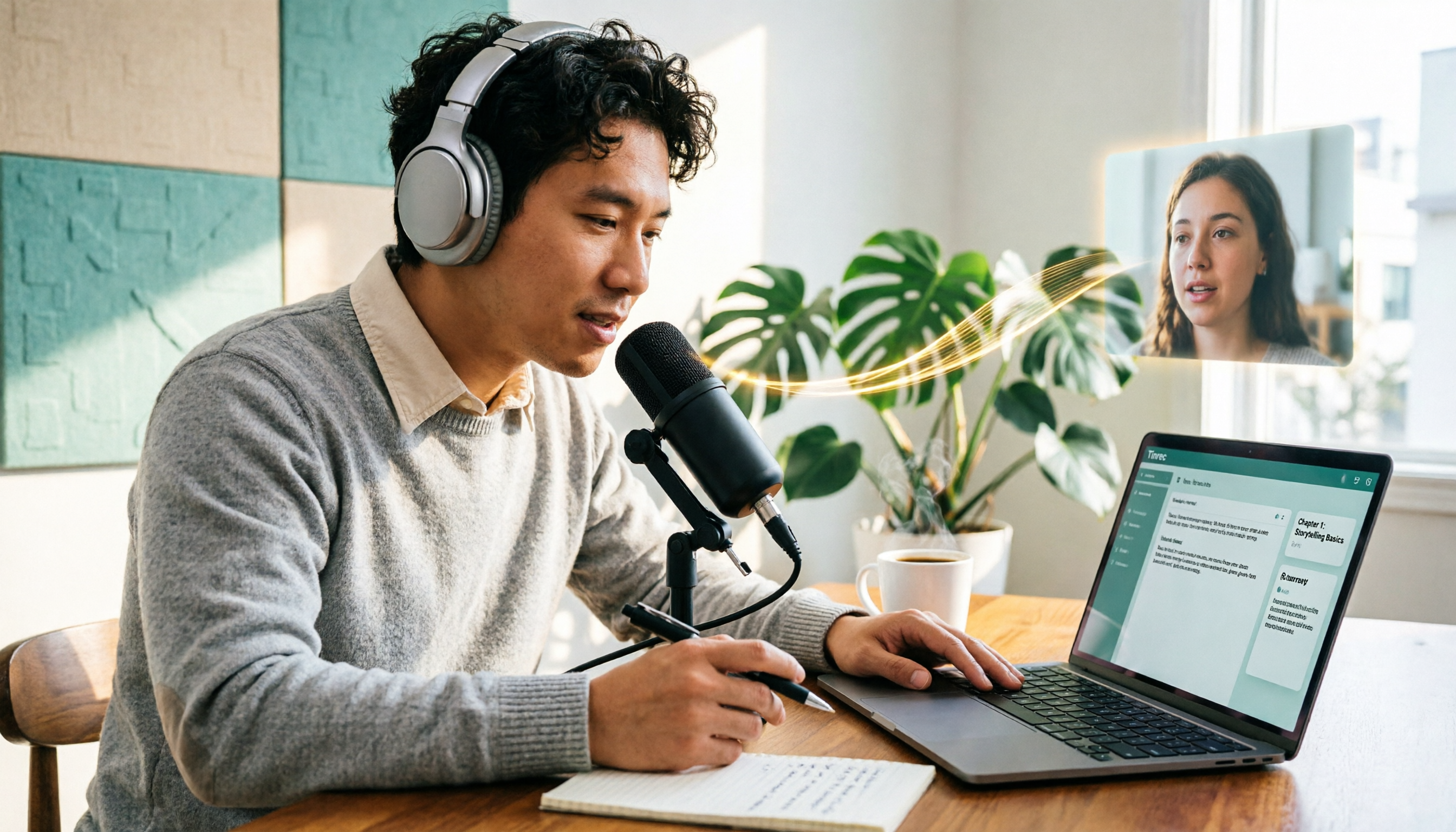
5 Podcast Transcription Tools Tested: Link Parsing, File Upload, or Live Transcription—Which Saves the Most Time in 2026?
How do podcasters choose a recording-to-text tool? This article breaks down five workflows—link parsing, file upload, live recording, online meeting capture, and team collaboration—and uses Tinrec as an example to explain transcripts, AI summaries, chapters, Q&A, and export options, plus buying tips and FAQs.

2026 Comparison of 3 Interview Transcription Tools: Tinrec vs. Notta vs. Subanana — Which Helps Journalists Meet Deadlines?
The biggest pitfall in interview transcription isn't AI accuracy—it's choosing the wrong type of tool from the start. This article, from a journalist's actual workflow, compares Tinrec, Notta, and Subanana on interview format coverage, post-interview organization, Chinese terminology, audio retention, and free quotas, with team plan seat and pricing details, to help you save time before deadline.
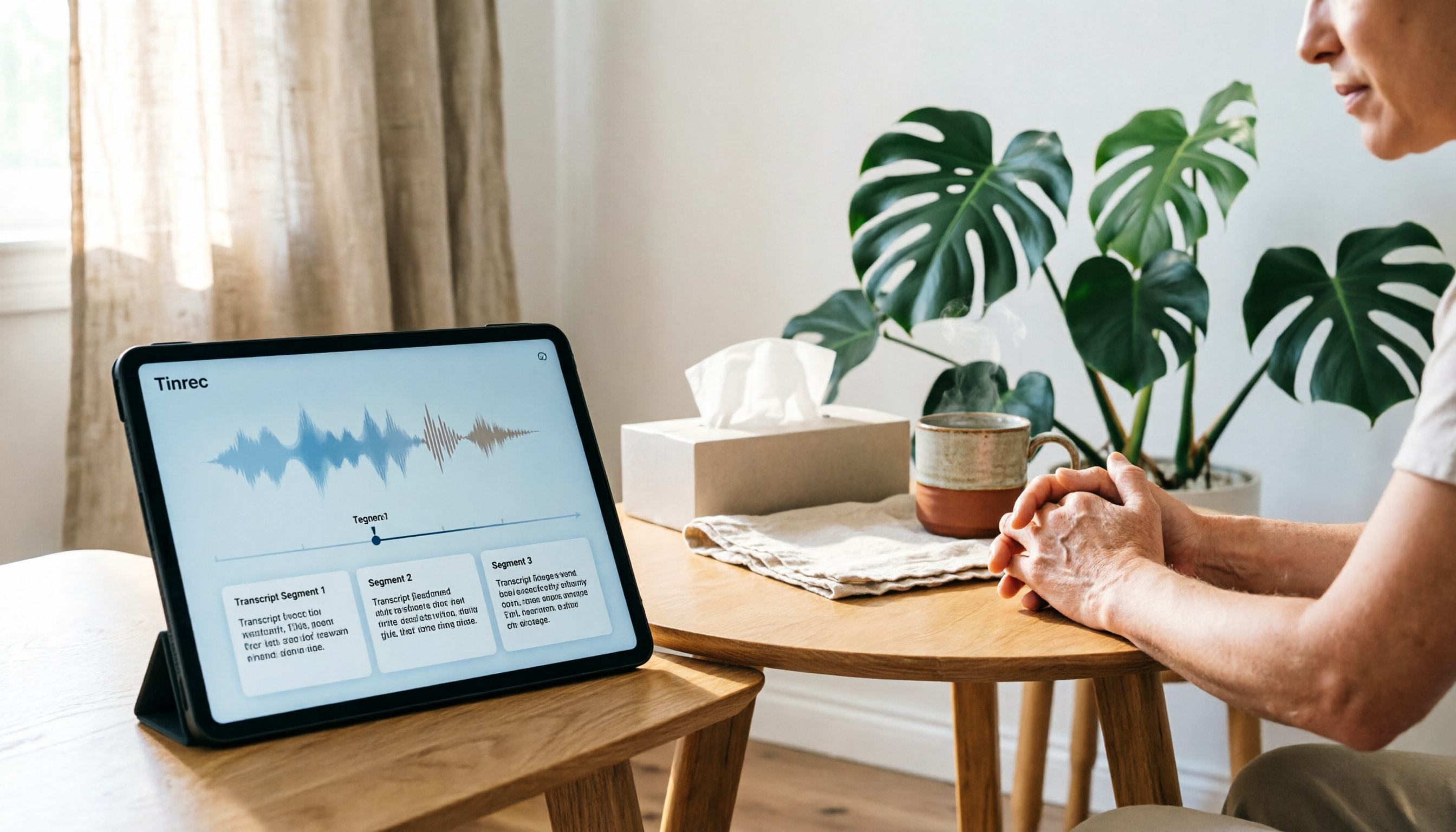
4 Recording and Note-Organization Tools Compared for 2026: How Should Therapy Session Recordings Be Organized?
Can therapy sessions be recorded, and if so, how should the recordings be organized? This article starts with three common misunderstandings, breaks down four key points—scope of consent, confidential storage, post-transcription usability, and Chinese terminology—and compares Tinrec, Notta, Otter.ai, and Granola in terms of their practical differences and pitfalls to avoid in therapy recording and note-taking scenarios.

2026 Guide to Choosing a Subtitle Generator for Content Creators: 3 Tools Tested and Recommendations
Starting from the real needs of campus projects and club videos, this guide outlines 4 key points content creators should consider when choosing a subtitle generation tool. It tests Tinrec's transcription and post-meeting organization workflow, and compares the use cases and limitations of YouTube's built-in captions, VideoCaptioner, and TurboScribe, concluding with selection advice for students and small teams.

4 Screenwriting Audio-to-Text Tools Tested: Which One Saves the Most Time on Dictated Scripts in 2026?
Screenwriting often starts with speaking: dictating outlines, brainstorming in writers' rooms, interviewing real-life subjects. This article tests 4 audio-to-text tools in real screenwriting scenarios—from mixed Chinese-English recognition, post-meeting organization, recording online script meetings without bots, to team knowledge retention—to tell you which one truly saves time on transcripts, and how to choose based on different budgets and needs.

2026 Recorder Comparison: PLAUD Note vs Tinrec — Which Is Better for Meeting Notes?
This article compares PLAUD Note and Tinrec across six dimensions—meeting capture, post-transcription workflow, Chinese-language experience, team collaboration, cost, and data traceability—to help you decide whether to buy a dedicated recorder or choose an AI meeting notes tool that requires no extra hardware.