

Turn recordings into transcripts and summaries in minutes
Upload audio or video for multilingual transcription, AI notes, and action items
Why You Need to Understand Plaud Pricing First
Plaud isn't a tool you buy once and forget about.
Its real value lies in AI transcription, summarization, and organization—features that typically require a separate subscription or membership plan. If you only compare hardware prices, you might overlook the ongoing monthly or annual costs.
This article compiles the current prices for the Plaud Note, Note Pro, and NotePin S on the Taiwan official site, along with approximate AI plan fees, so you have a complete budget picture before ordering.
Plaud Note: The Entry-Level AI Recording Card
The Plaud Note is the entry-level option in the series, positioned as a "smart recording card."
It's designed to fit in your wallet, ID holder, or on the back of your phone, making it ideal for capturing meetings, interviews, and calls. For those new to AI recording hardware, this is a low-barrier option.
According to the Taiwan official site, the Plaud Note is priced at NT$5,490, though discounts may appear during promotions or at certain retailers. PChome 24h also lists color variants like metallic silver and starlight.
Note that the hardware price typically doesn't include full AI transcription hours. If you plan to use AI features long-term, you may need to consider a Starter or Pro membership plan.
Best for: Users with a limited budget who want to try an AI recording card for on-the-go note-taking.
Plaud Note Pro: Advanced Meeting Organization
The Note Pro is the more fully featured model in the Plaud lineup, officially described as "the world's most advanced AI note-taking tool."
Compared to the Note, the Note Pro emphasizes organizing meeting, interview, and call content, making it suitable for those who frequently need to turn recordings into summaries, key points, and action items.
The Taiwan official site lists the Note Pro at a sale price of NT$5,300, with a regular price of NT$5,890. PChome 24h also shows prices of NT$5,300 and NT$5,890, with bundles that include a magnetic leather case and 300 minutes of transcription time.
If you know you'll heavily use AI transcription, the Note Pro is closer to a "buy it and keep working" choice than the Note.
Best for: Professionals or freelancers with frequent meetings and interviews who want quick summaries and key takeaways after recording.
Plaud NotePin S: An Ultra-Light Wearable Assistant
The NotePin S has a different positioning from the previous two models—it's more of a "wearable AI personal assistant."
If you need to record continuously throughout the day or prefer not to have a visible recording device on your desk, the NotePin S is a more natural fit. The company emphasizes its ultra-light design and one-tap Highlight feature.
On the Taiwan official site, the NotePin S is listed at a sale price of NT$5,120, with a regular price of NT$5,490, currently showing about a 10% discount. It's available in black, silver, and purple.
It comes with accessories designed to make recording more convenient. For those who need to record while moving and quickly mark important moments, this model is more practical than card-style devices.
Best for: Users who need long-duration wearable recording and value lightweight design with quick highlighting.
Plaud AI Plans and Ongoing Costs
Plaud's AI features aren't fully included in the hardware price.
Stop organizing recordings by hand
Upload audio or video and automatically get a transcript, summary, and action items
The official Plaud AI plan page lists tiers like Starter, Pro, and Unlimited. For example, on the US site, Starter offers 300 minutes per month, Pro costs about USD 99.99 per year with 1,200 minutes per month, and Unlimited is around USD 239.99 per year.
The Taiwan site also shows a NT$19.99 option, but based on search snippets, this might be a partial add-on or a default page display, not a full plan price. Always check the actual checkout page on the Taiwan official site before purchasing.
Additionally, the site mentions you can buy a one-time AI membership activation code and redeem it via the mobile app.
If you only record occasionally, Starter might suffice; if you have meetings or interviews weekly, Pro's 1,200 minutes would be safer.
5 Things to Consider Before Choosing a Plaud
Estimate your monthly transcription minutes first, then decide on hardware and plan. Hardware is a one-time cost, but the AI plan is the long-term expense. If your monthly meetings exceed 1,200 minutes, Unlimited or a higher-usage plan is necessary.
Don't just look at hardware discounts. The Note Pro's NT$5,300 price looks great, but if you'll need to subscribe to a Pro plan later, factor in the total cost.
Identify your primary recording scenario. For desk-based meetings, choose the Note Pro; for on-the-go recording, the NotePin S; for a first try, the Note.
Be aware of recording and transcription compliance. Regardless of which Plaud device you use, follow local laws and obtain consent from participants when required.
Separate hardware and AI plan costs. The official site and shopping platforms may list hardware, transcription minutes, and cases separately—confirm what your bundle includes before checkout.
Summary
Plaud hardware prices generally range from NT$5,120 to NT$5,890, depending on the model and promotions.
But the real cost to plan for is the AI transcription subscription you'll pay monthly or annually. Think through your recording frequency and use cases before deciding between the Note, Note Pro, or NotePin S—it's more meaningful than just comparing prices.
If you mainly want to organize meeting recordings without buying extra hardware, consider AI meeting tools like Tinrec that don't require a separate device—you can transcribe and summarize using your phone or computer.
FAQ
What's the difference between the Plaud Note and Note Pro?
The Note is the entry-level model, while the Note Pro emphasizes organizing meeting, interview, and call content. Based on Taiwan official prices, the Note's regular price is NT$5,490, and the Note Pro's is NT$5,890; during sales, the gap narrows.
Does buying Plaud hardware give you permanent AI transcription?
Not necessarily. Plaud's AI transcription typically requires a membership plan like Starter, Pro, or Unlimited; the hardware price doesn't always include long-term full transcription hours.
How is the NotePin S different from the Note series?
The NotePin S is a wearable device focused on lightweight design and one-tap Highlight, ideal for on-the-go recording; the Note series uses a card-style design, more suited for meeting and call organization.
What is the NT$19.99 plan on the Taiwan official site?
Based on search snippets, it's unclear what the NT$19.99 corresponds to; it might be a default page display or a partial add-on. For accurate pricing and benefits, refer to the Taiwan official site's checkout page.
Do I need to buy a Plaud to organize meeting recordings?
No. If you mainly have online meetings or existing audio files, AI meeting tools like Tinrec can handle transcription, summarization, and to-do lists without extra hardware.
References
Turn every recording into actionable outcomes
Get 60 free transcription minutes when you sign in. No credit card required.
Related Reading
You might also like
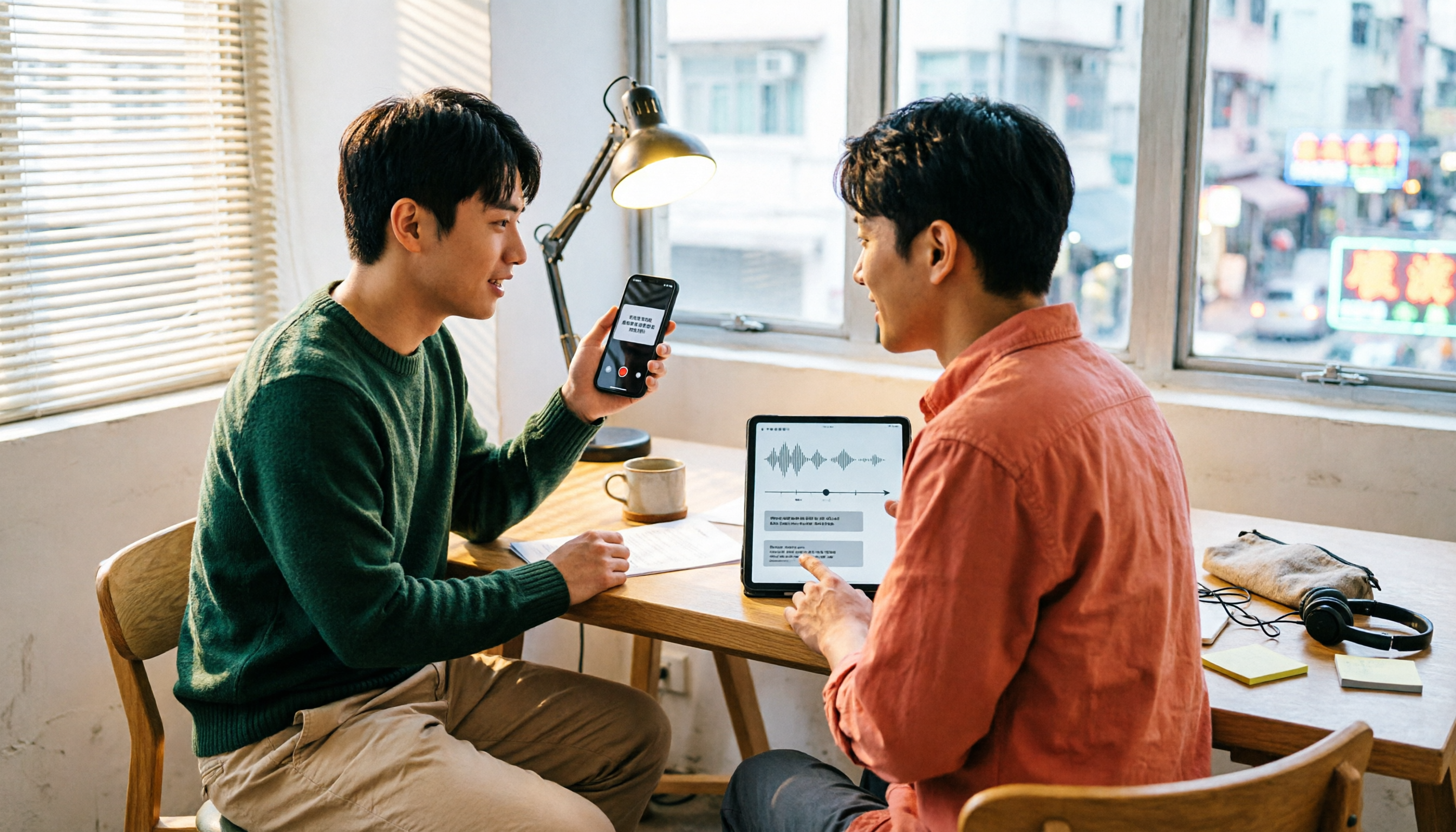
Which Transcription App Is Best? 2026 Hands-On Test of 3 Options and How to Get the Most Out of Yating's Free Quota
How much free quota does Yating Transcription offer? Real-time recording is free, and uploading audio files gets you trial hours, but one account can't be used on multiple devices simultaneously. This article hands-on tests 3 transcription tools, breaks down free quota traps, Cantonese recognition, and AI post-processing differences, and tells you which one is best for Hong Kong office workers.

Yating Transcription Free Version 2026: How to Check Quota + Post-Transcription Workflow
Is the free version of Yating Transcription enough? This article skips the spec sheet and first helps you distinguish between 'a single recording' and 'a complete workflow.' It then breaks down four aspects: free quota, audio retention, cross-device use, and post-meeting organization. It also compares Tinrec, Notta, Otter.ai, and TurboScribe for their suitable scenarios to help you decide whether to pay.

2026 Comparison of 3 Online Transcription Tools: Yating Transcription Online Pricing vs. Tinrec Meeting Organization
Yating Transcription Online focuses on Taiwanese accent recognition and free real-time recording, while Tinrec extends transcription into summaries, action items, and team Q&A. This article compares their features, pricing, and use cases to help you choose the right tool.

2026 Comparison of 3 Online Transcription Tools: Yating vs. Tinrec — Which Saves More Post-Meeting Time?
Many people search for "Yating online transcription" because they want to turn recordings into text without installing an app—just using a browser. This article compares three approaches: Yating's online service, built-in transcription in some meeting platforms, and Tinrec, based on real-world usage. It covers key selection factors such as real-time transcription, summaries and action items, AI Q&A, export options, and team collaboration.

Which Transcription App Is Best? 2026 Hands-On Test of 3 Apps: Yating Pricing and Free Quotas Explained
How is Yating transcription priced? How much can you actually use for free? This article starts with the most common misconception and compares Yating, Tinrec, and Notta with hands-on testing. It clearly explains hourly package pricing, free quotas, AI post-meeting summaries, and team collaboration differences, so you know the answers before spending money.

Best Transcription Software? 2026 Hands-On Test of 3 Tools: Yating Pricing and Tinrec Compared
How is Yating transcription priced? Is the hourly package worth it? This article starts from the decision point of 'should I buy an hourly package or a subscription?' and organizes Yating's pricing model and free quota controversy. It also hands-on compares Tinrec, Otter.ai, and Notta on Chinese recognition, post-meeting organization, and team collaboration to help you choose the one that best fits your usage frequency.

2026 Tinrec Meeting Toolbar: No-Bot Recording + AI Summaries & Action Items in One Place
Starting from the search demand for 'Yating transcript toolbar,' this guide walks you through common pain points of transcript toolbars and uses Tinrec as an example to show how a more complete meeting workflow can handle recording, transcription, summaries, action items, AI Q&A, and team collaboration.

2026 Comparison of 4 Cantonese Speech-to-Text Tools: Which One Can Actually Extract Meeting Action Items?
Tired of spending hours organizing Cantonese meeting recordings? Based on the real needs of mid-level managers, this article compares Tinrec, CantoSub, Speechnotes, and Otter.ai on Cantonese transcription, post-meeting summaries, action item extraction, and team collaboration. It also covers selection criteria and pitfalls to help you find the right Cantonese speech-to-text solution.

2026 WeChat Voice-to-Text Cantonese Comparison: Chat Is Fine, Meetings Need AI
WeChat's built-in voice-to-text is handy for reading Cantonese chat messages, but it falls short for meetings, interviews, or 40-minute recordings. This article runs the same Cantonese audio through WeChat built-in, phone recorder, WhatsApp, and Tinrec's AI meeting organizer to help you decide if free features are enough, when to switch tools, and what to look for when buying.