

Turn recordings into transcripts and summaries in minutes
Upload audio or video for multilingual transcription, AI notes, and action items
Author: Zhang Zhe
Published: April 5, 2025
Table of Contents
- When Traditional Efficiency Methods Fall Short
- 5 Essential Efficiency Tips for Remote Workers
- 6 Unconventional Tips to Take Your Work to the Next Level
- Conclusion: Build a High-Performance Remote Work Model
As more companies adopt hybrid or remote work models, effectively improving individual and team productivity has become a key workplace challenge. However, many once-revered efficiency rules often fall short in distributed work environments. This article compiles 11 truly practical productivity strategies, combined with the advanced features of TinRec, to help you easily master the rhythm of remote work.
When Traditional Efficiency Methods Fall Short
Facing the challenges of remote work, we usually recommend:
- Creating to-do lists
- Scheduling daily routines >Organizing your calendar
- Delegating appropriately
- Maintaining work-life balance
- Using suitable project management tools
These basic principles are important, but if team members are spread across time zones and lack real-time interaction, these methods alone still can't guarantee high efficiency. Therefore, we need to guide remote workers to embrace new ways of working—especially by leveraging AI tools to optimize communication and collaboration.
5 Essential Efficiency Tips for Remote Workers
Working from home means facing more distractions and context switching. Here are five practical tips that can immediately improve your productivity:
Take Breaks as Needed
Research shows that short breaks can actually enhance focus and output quality. Many mistakenly believe that continuous work is necessary to "get in the zone," but the opposite is true. Many companies worldwide have adopted interval work patterns like the Pomodoro Technique: 25 minutes of focused work followed by a 5-minute break. This rhythm not only allows the brain to recover but also maintains stable performance over long periods.
Keep Your Workspace Tidy
A cluttered desk can easily lead to distraction. Even simple tasks like organizing documents or tidying cables can significantly improve your sense of mental order. It's recommended to spend a few minutes cleaning before starting work each day, so you can face the day with a fresh mindset.
Turn Off Notifications and Virtual Distractions
Remote workers are often interrupted by phone messages and social media alerts. While some communication apps must be kept for urgent contacts, all non-essential notifications should be turned off. Think about it: every time your screen flashes or device vibrates, your thoughts have to restart—this is one of the main causes of efficiency loss.
Stop organizing recordings by hand
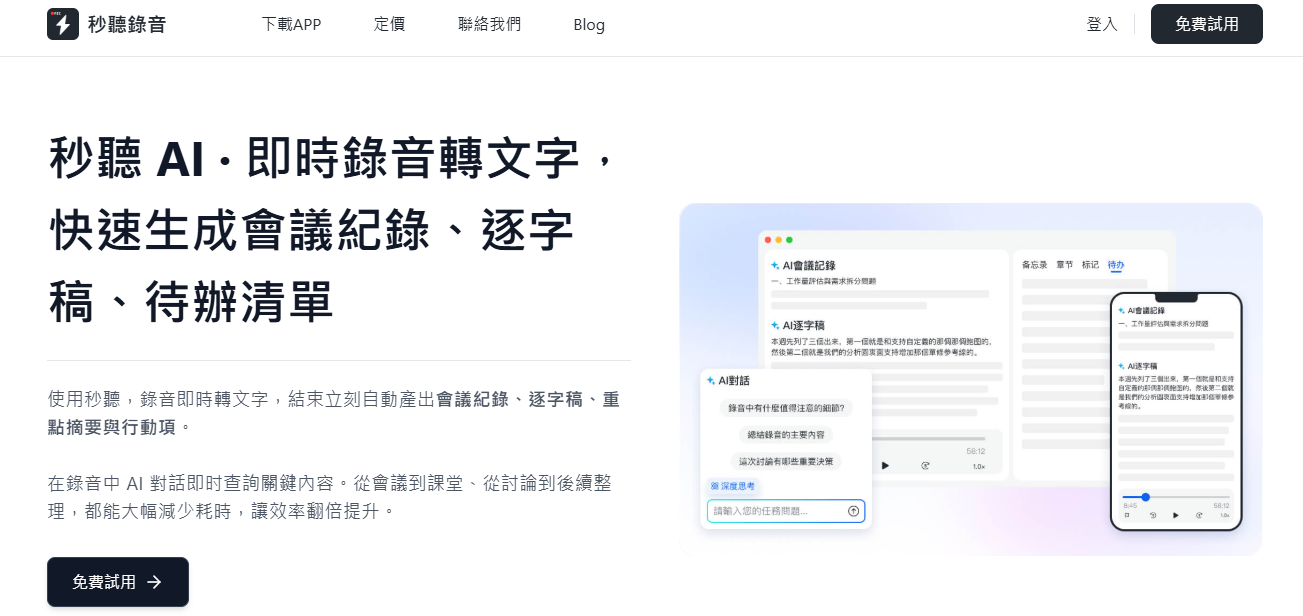
Upload audio or video and automatically get a transcript, summary, and action items
Identify and Avoid Sources of Distraction
For most people, smartphones and tablets are the biggest distractions. But beyond that, TV noise or family members moving around can also affect focus. If you find yourself easily distracted, consider setting clear boundaries, such as using a separate room as your office or masking background noise with white noise.
Avoid Wasting Time in Meetings
Statistics show that remote workers waste an average of at least two hours per day in meetings. While online meetings are unavoidable, many lack clear agendas and outputs. One solution: record task progress in advance and report concisely during the meeting. Additionally, meeting hosts can use TinRec's real-time transcription feature to generate "Live Notes," allowing those who couldn't attend to quickly grasp key points, significantly reducing the cost of repeated communication.

6 Unconventional Tips to Take Your Work to the Next Level
Beyond basic habits, the following six lesser-known strategies will further boost your productivity:
- Get More Sunlight: Working long hours in dim environments can affect your vision and circadian rhythm. Moderate sun exposure helps boost energy and creativity; consider taking a walk outside during breaks.
- Choose Suitable Background Music: Instrumental music or ambient sounds can help with concentration while avoiding entertainment distractions. Try classical music, lo-fi, or white noise playlists.
- Shorten Your Work Hours: Excessively long work hours lead to fatigue accumulation. If you find it hard to unwind after work, consider adjusting your daily hours or adding more short breaks to maintain high-quality output.
- Complete Exercise and Chores Before Work: Scheduling light exercise or chores in the morning not only boosts circulation but also clears mental burdens, allowing you to focus better during official work hours.
- Plan Your Schedule According to Your Biological Clock: Everyone has different peak productivity times. The advantage of remote work is flexible scheduling; it's recommended to tackle the most important tasks during your most alert hours.
- Lower Your Perfectionism: Obsessing over details often wastes a lot of time. Remember: "Done is better than perfect." Use AI tools like TinRec Assistant to automatically generate summaries and to-do lists, speeding up decision-making and action processes.
Conclusion: Build a High-Performance Remote Work Model
True high productivity isn't just about getting more tasks done—it's about demonstrating responsibility and self-management skills. By combining personal habit optimization with technological tools—especially an AI audio-to-text platform like TinRec that supports multiple languages including Chinese, English, Japanese, Cantonese, and Taiwanese—whether it's meeting minutes, interview notes, or course transcriptions, you can quickly convert them into searchable, editable text, with automatic key summaries and action items generated.
Try it now: enjoy 300 minutes of free transcription per month, up to 30 minutes per session, and upload audio or video files for transcription. Start now to boost your and your team's overall efficiency!
Enterprise Customer Plan: Industry-leading transcription accuracy, AI conversation analysis, and customized integration workflows.
Turn every recording into actionable outcomes
Get 60 free transcription minutes when you sign in. No credit card required.
Related Reading
You might also like

for mac google meet: Audio Permissions, Recording, and Transcript Handoff for Google Meet on Mac
Recording Google Meet on a Mac usually gets stuck not because you cannot find the record button, but because macOS separates 'capture system audio' and 'use microphone' into two independent authorizations. This article proceeds in three parts—permission setup, recording, and post-meeting organization—explaining how to determine which layer is causing meeting audio not to be recorded, and how to organize the recording into a transcript, summary, and to-dos and hand it off to a colleague.

How to Change Your Google Meet Background on Mobile: Check Account and Version Requirements First, Then Follow the Pre-Meeting or In-Meeting Path
When you're told to join a client-facing meeting and only have your phone on hand, the last thing you want is to discover five minutes before the call that you can't find the background option. This article first explains what's required to use backgrounds on mobile (account type, app version, device permissions), then walks through two paths step by step—one before you join the meeting and one during it—and closes with a pre-meeting checklist and alternatives if you can't find the option.

Google Meet 2026 APK Installed: Choosing a Meeting Notes Tool on Android — First Look at the Mobile vs. Desktop Organization Gap
Installing the Google Meet 2026 APK is just the first step. This article uses four dimensions to narrow down meeting notes tools that claim to 'support Google Meet' to two or three options, focusing on the real-world gap between Android mobile and desktop post-meeting organization. Each dimension includes specific questions you should confirm with the product page or vendor.

Google Meet 2026 Meeting Notes Capability Review: Where Built-in Transcription Ends and How to Split Post-Meeting Action Items and Deliverables
A practical mid-level manager's review of Google Meet 2026 recording and transcription coverage, explaining the responsibility boundaries for post-meeting summaries, action items, and deliverables, with recommendations for Chinese and mixed Chinese-English meetings, data storage, and team handoffs.

Which Google Meet 2026 APK Should You Install? Android Install Source Guide, Meeting Prerequisites, and Backup Recording Handoff Order When Nothing Was Recorded
When you're assigned to join a Google Meet on an Android phone and handle post-meeting notes, first clarify whether you're attending, hosting, or responsible for organizing. Then decide whether to install from the official app store or a third-party APK source, what prerequisites are needed to sign in, and how to use audio recording and transcription in order to fill in the transcript and action items and hand them off when the meeting wasn't recorded.

Google Meet 2026 Meeting Notes Capabilities: Where Built-In Transcription Ends and How to Split Post-Meeting To-Dos and Deliverables
Google Meet 2026 recording and transcription are not automatically enabled by default, and post-meeting summaries, to-dos, and deliverables still have coverage boundaries. This article walks through the actual workflow to assess built-in platform capabilities, explains the differences in organizing Chinese and mixed Chinese-English meetings, the distinction between data storage and team spaces, and offers recommendations for dividing post-meeting to-dos, deliverables, and data storage.
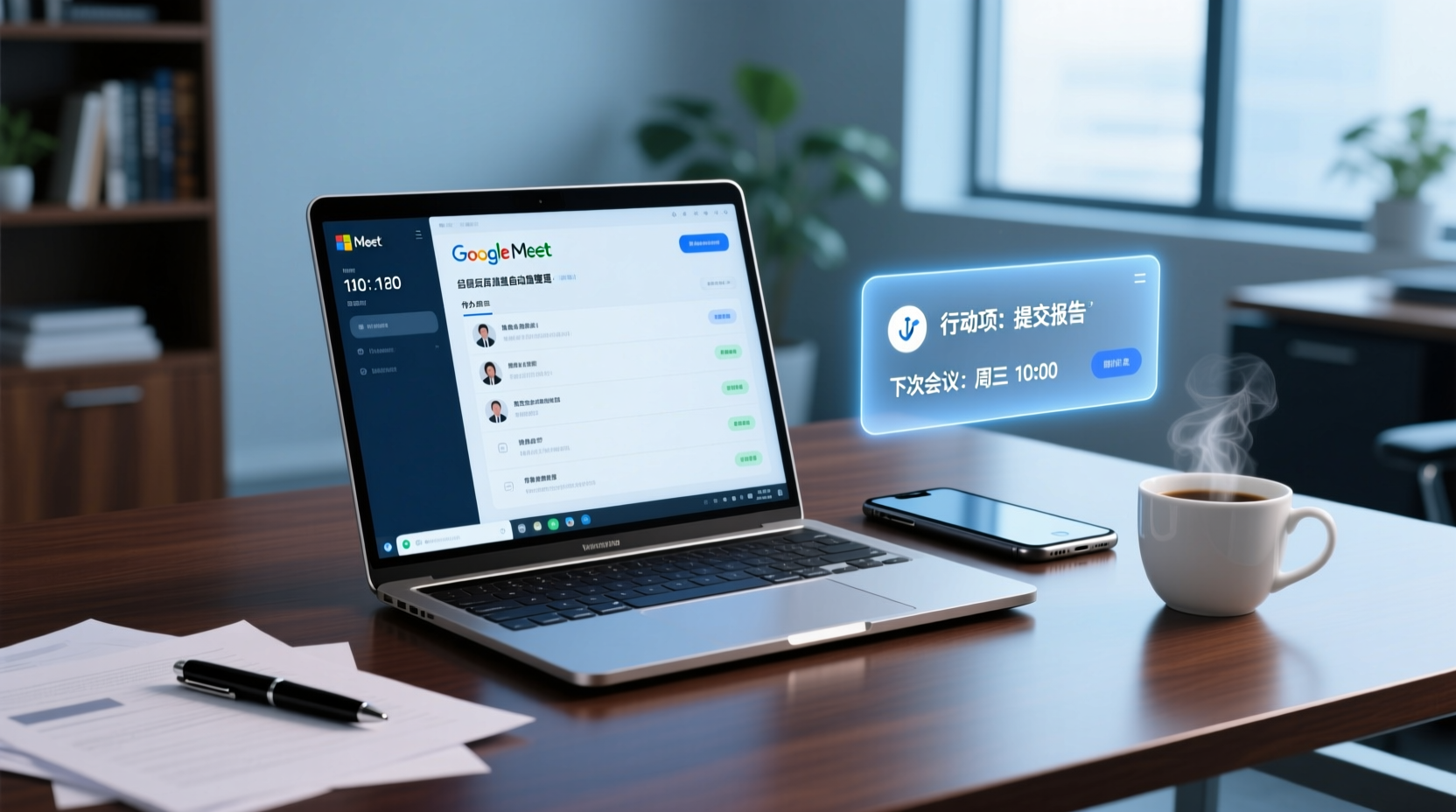
How to Choose a Google Meet Note-Taking Tool for Windows: Four Dimensions to Narrow Down from Cross-Device Gaps to Two or Three Options
Meetings happen on Google Meet on a Windows PC, but organizing often gets picked up on a phone or another device. This article uses four dimensions (how audio gets in, how far post-meeting output goes, the organizing gap between Windows and phone, and whether data stays in a personal or team space) to narrow down candidate tools to two or three, with specific questions to ask product pages or vendors for each dimension.
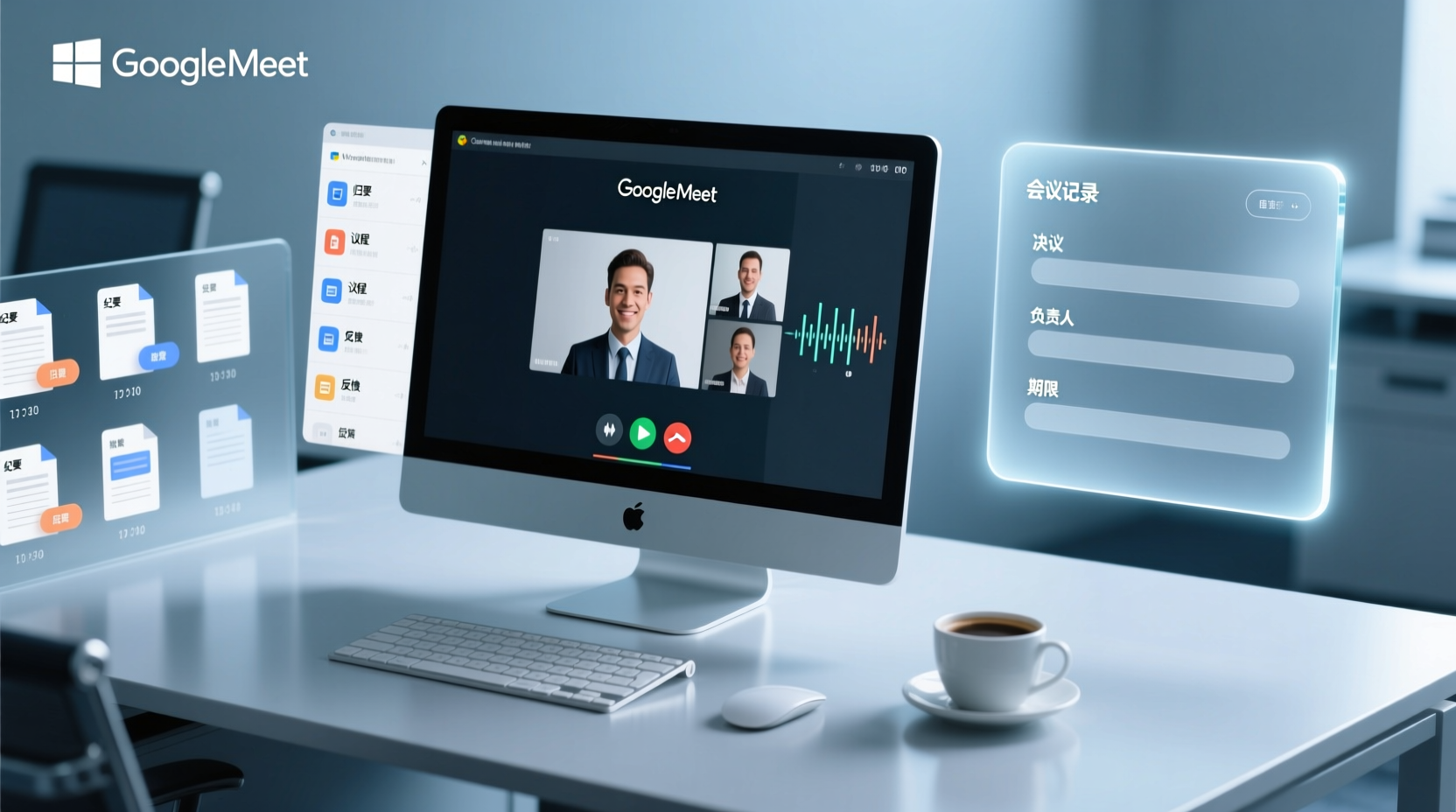
How to Choose a Google Meet Meeting Notes Tool for PC: Narrow a Dozen Options to Two or Three with Four Dimensions, and What to Confirm with Vendors for Each
After a Google Meet call on a Windows PC, what you actually need to deliver is decisions, owners, deadlines, and an archivable record. This article uses four dimensions to help you narrow a dozen tools that claim Google Meet support down to two or three, with specific questions to confirm on product pages or with vendors for each dimension.

What You Need for Google Meet: Pre-Meeting Role Checklist and Post-Meeting Handoff
From the perspective of administrative assistants and project coordinators, this guide breaks down the prerequisites for joining or hosting a Google Meet by role, including account requirements, organizational settings, recording permissions, and extra conditions for external attendees. It also provides a pre-meeting checklist and a post-meeting handoff sequence for transcripts, decisions, and action items.