

Turn recordings into transcripts and summaries in minutes
Upload audio or video for multilingual transcription, AI notes, and action items
I recently helped a small team streamline their online meeting workflow. They had been using the free version of Google Meet until one client meeting exceeded 60 minutes and the call suddenly dropped.
The meeting wasn't over, and everyone was kicked out.
That awkward moment wasn't actually Google Meet's fault—it's the clear line between the "free version" and "paid plans."
So I spent some time putting together the key points I look at when choosing a Google Meet plan.
This article isn't about pushing you to upgrade right away. It's about helping you figure out: do you actually need to pay, and which plan should you start looking at?
Before Buying a Google Meet Plan, Ask Yourself These 3 Questions
Before looking at plans, I usually skip the price list.
Because prices only make sense once you know what you need.
Question 1: Do Your Meetings Usually Last More Than 60 Minutes?
The free version of Google Meet has a 60-minute limit for group meetings.
If you're just doing quick check-ins with colleagues, 60 minutes is usually enough.
But if your meetings regularly run 90 minutes or two hours—or you often have client interviews, project discussions, or online classes—the free version will keep interrupting your flow.
Question 2: Do You Need to Record Meetings and Keep Records?
Recording meetings and saving videos to the cloud is a paid feature.
For many knowledge workers, this isn't just about "archiving."
It's about making meeting content reviewable, searchable, and shareable with people who didn't attend.
Question 3: Does Your Team Need Admin Controls and More Security?
When meetings go from personal use to team-wide, you'll start needing administrative capabilities.
For example, who can start meetings, who can record, and how meeting data is managed.
These typically aren't available in the free version.
How I Think About Google Meet Plan Selection
Google Meet is rarely sold as a standalone product—it's usually bundled with a Google Workspace subscription.
So instead of "buying Google Meet," you're really "buying a Workspace plan that includes Google Meet."
My approach is simple: first look at meeting needs, then collaboration needs, and only then price.
If You Only Need Longer Meeting Times
Then the most basic paid plan usually solves the problem.
You can unlock the meeting duration limit and stop watching the clock.
If You Need Recording and More Storage
Then look at mid-tier plans.
Recording takes up cloud storage, so capacity becomes a practical consideration.
If You're a Team Administrator
You need to look beyond single-account features and focus on team governance.
For example, member management, permission settings, and audit logs.
You won't use these every day, but as your team grows and data accumulates, they'll determine your administrative overhead.
3 Things I Recommend Watching Out for When Buying a Google Meet Plan
1. First, Confirm Which Type of Google Account You're Using
Personal Gmail accounts and work Workspace accounts have different plan options.
If you already have a Workspace account with a company domain, upgrading is simpler than starting fresh from a personal account.
2. Don't Upgrade Just for "AI Features"
Many plans now include AI features like meeting summaries and automatic note-taking.
Stop organizing recordings by hand
Upload audio or video and automatically get a transcript, summary, and action items
But in my experience: first confirm you'll actually use these features before paying for them.
Otherwise, you might end up paying and still taking notes manually out of habit.
3. Factor in the "Post-Meeting Cleanup Cost"
Google Meet can record your meeting, but what happens after the recording?
You still need someone to listen, organize, and turn key points into action items.
This is the cost I think is most often overlooked.
After Recording, the Real Time Sink Is Organizing
I often tell readers that recording is just the first step.
What really eats up time is turning the content into actionable data after the meeting.
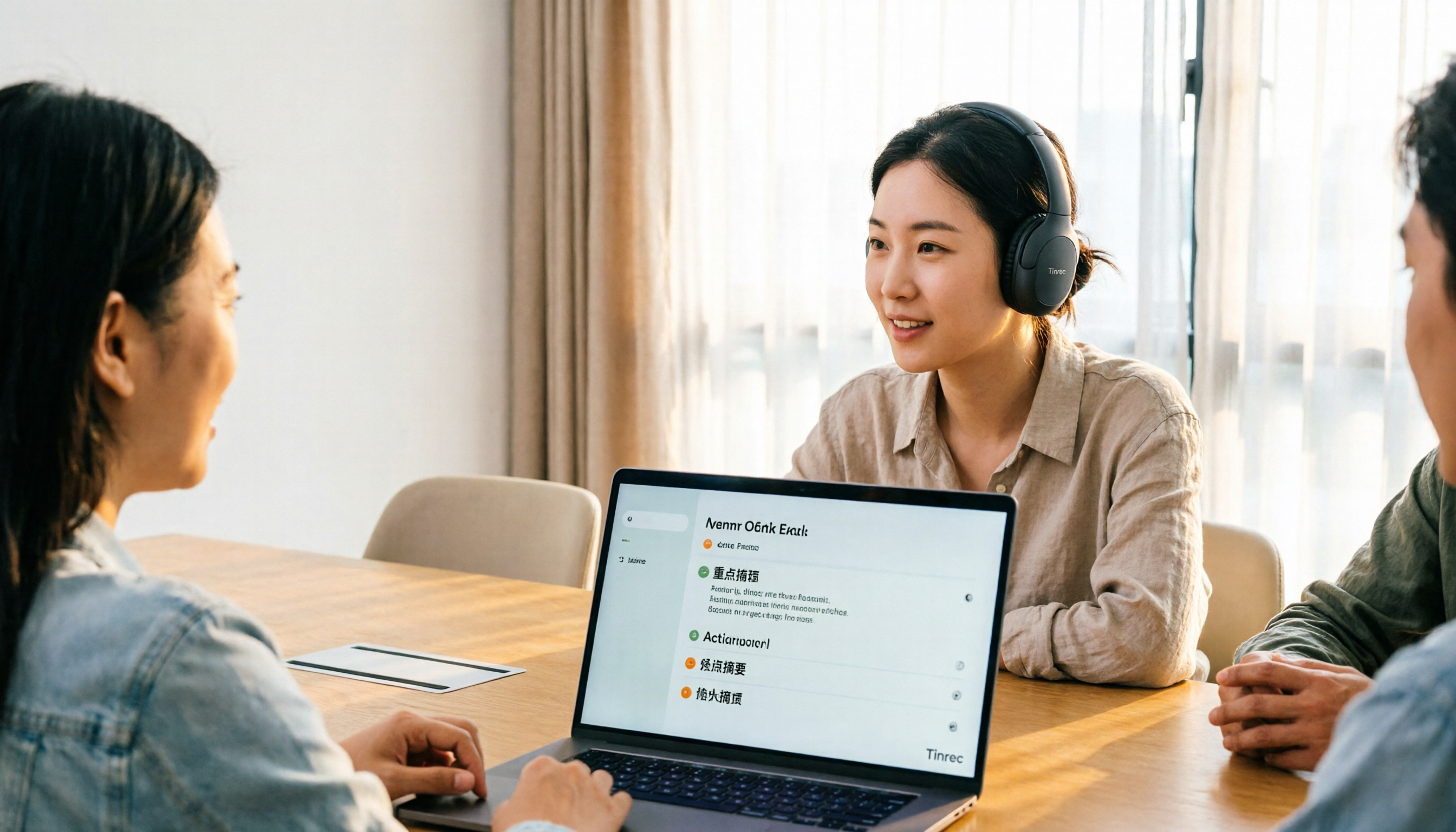
In my own workflow, I route the audio from online meetings directly into an AI meeting notes tool like Tinrec.
It captures system audio directly from the desktop, so there's no need to add a bot to the Google Meet call.
As the meeting happens, a transcript is generated in real time.
When it's over, Tinrec automatically organizes summaries, chapters, and action items.
I don't have to re-listen to a two-hour recording or rely on memory to write meeting notes.
If You Need to Turn Meeting Content into a Team Asset
As meetings pile up, relying on individual notes starts to break down.
Because information gets scattered across everyone's computers—hard to find when you need it, and even harder to hand off.
Tinrec's team space solves this problem.
Meeting recordings, transcripts, summaries, and action items are all centralized in one team space.
New members can review past meeting materials without having to ask around.
Admins can allocate seats, monitor usage, and track important activity logs.
This actually complements the recording feature in Google Meet's paid plans.
Google Meet lets you record; Tinrec makes the recordings usable.
Frequently Asked Questions
Does Google Meet Have a Standalone Plan?
Most users get Google Meet's paid features through a Google Workspace subscription. Some premium Google One plans may also include advanced meeting features. Before purchasing, check which subscription type covers the features you need.
Can I Record on the Free Version of Google Meet?
The free version typically doesn't include meeting recording. If you need to save meetings, consider upgrading to a paid plan with recording capabilities.
I Only Need to Record Occasionally—Do I Have to Buy an Annual Plan?
Not necessarily. Check whether your Workspace plan offers monthly billing, then decide based on your near-term meeting needs. Don't lock into a long-term contract for occasional needs.
If I Have Google Meet Recording, Do I Still Need a Separate Meeting Notes Tool?
It depends on what you do after recording. If you just need an archive, recording is enough. If you need to quickly find key points, generate summaries, extract action items, or turn meeting content into searchable team knowledge, an additional AI meeting notes tool will save you a lot of cleanup time.
Does Using an AI Tool to Record Google Meet Calls Require Adding a Bot to the Meeting?
Not necessarily. Tools like Tinrec can capture system audio directly from your desktop, so you don't need to invite a bot to the meeting.
Summary
Choosing a Google Meet plan isn't about finding the "most expensive" or "cheapest" option.
It's about first clarifying: how long do your meetings need to be, do you need recording, and do you need team management.
Once you've answered those three questions, plan selection becomes straightforward.
If you already have Google Meet recording but still find meeting data hard to organize, try routing your meeting audio into Tinrec.
Start with the free version and experience how it automatically generates summaries and action items after meetings.
Test it step by step, and you'll gradually find the meeting notes workflow that works best for you.
References
Turn every recording into actionable outcomes
Get 60 free transcription minutes when you sign in. No credit card required.
Related Reading
You might also like

4 Automatic Video Subtitle Generators Tested: Which Saves the Most Time on Chinese Recognition and Post-Meeting Organization?
There are many automatic subtitle tools, but your needs actually fall into two categories: burning subtitles into the video, or turning video content into searchable, queryable data. This article covers selection criteria, hands-on differences, and pitfalls to avoid, summarizing the positioning and limitations of Tinrec, CapCut, VEED, and FlexClip to help you choose the right one at a glance.

4 Subtitle Generators Compared in 2026: Free vs. Paid and Where the Efficiency Gaps Are
A side-by-side comparison of Tinrec, Yating Transcript, Adobe Express, and pyTranscriber from three angles—source material, timeline handling, and team collaboration—plus the three most common subtitle mistakes and practical selection advice.

Tinrec vs CapCut 2026: 5-Dimension Comparison — Which Is Better for Meeting Notes and Subtitle Generation?
Given the same one-hour meeting recording, should you use CapCut to generate subtitles or Tinrec to organize a transcript and meeting minutes? This article compares them across 5 dimensions: Chinese speech recognition, post-meeting organization, AI Q&A, export workflows, and team collaboration, to help you choose the right subtitle generation app.

2026 Live Meeting Translation Showdown: Tinrec vs Otter.ai vs Built-in Captions — Which One Should You Choose for Multilingual Meetings?
Should you rely on built-in captions or invest in a dedicated live translation tool for multilingual meetings? This article compares Tinrec and Otter.ai across key dimensions—how meeting audio is captured, Chinese and mixed Chinese-English translation, bilingual display, post-meeting data retention, and pricing/usage quotas—to help you decide which solution fits your meeting scenario.
2026 Real-Time Translation Earbuds: 4 Key Buying Factors + Cross-Language Meeting Organization
Starting from the common misconception that buying translation earbuds means you'll understand everything, this article explains the operational limits of real-time translation earbuds, four key buying factors, and how Tinrec fills the gap for cross-language meetings with transcripts, summaries, and action items.

4 Real-Time Translation Tools Tested for 2026: Which One Leaves You With Usable Meeting Notes?
Real-time translation tools solve the problem of understanding in the moment, but the real cost comes after the meeting. This article compares Tinrec, Transync AI, Vurbo.ai, and Notta on real-time translation, bilingual transcripts, post-meeting AI Q&A, and team management, and provides 4 key purchasing criteria, 3 common pitfalls to avoid, and scenario-based recommendations to help you explain clearly why you chose a particular tool.

Best Real-Time Translation Tools in 2026: 4 Tested, Top Free Pick for Meetings
How to choose a free real-time translation tool? This article covers three needs: web reading, ad-hoc interpretation, and cross-language meetings. We tested Tinrec, Google Translate, Immersive Translate, and Transync AI, summarizing free quotas, limitations, and use cases, and explain how Tinrec turns meeting recordings into transcripts, summaries, action items, and team data.

Tinrec vs Notta 2026: Real-Time Translation AI 5-Dimension Comparison, Which Is Better for Chinese Meetings?
Real-time translation AI isn't just about the number of languages—it's also about meeting capture methods, bilingual subtitles, post-meeting organization, AI Q&A, and team data ownership. This article compares Tinrec and Notta across 5 dimensions and explains which Chinese meeting scenarios each suits.

4 Free Simultaneous Interpretation Tools Tested: Which Offers Enough Free Minutes and Post-Meeting Value?
How to choose a free simultaneous interpretation tool? This article reviews four free-trial real-time translation tools—Tinrec, JotMe, Transgull, and Felo Translate—comparing them across five aspects: free quota calculation, translation presentation, recording and transcript retention, post-meeting organization, and team collaboration. It also includes a pitfalls guide and buying advice to help you find the one that truly saves time.