
Turn recordings into transcripts and summaries in minutes
Upload audio or video for multilingual transcription, AI notes, and action items
The real cost of cross-language meetings isn't the moment you don't understand
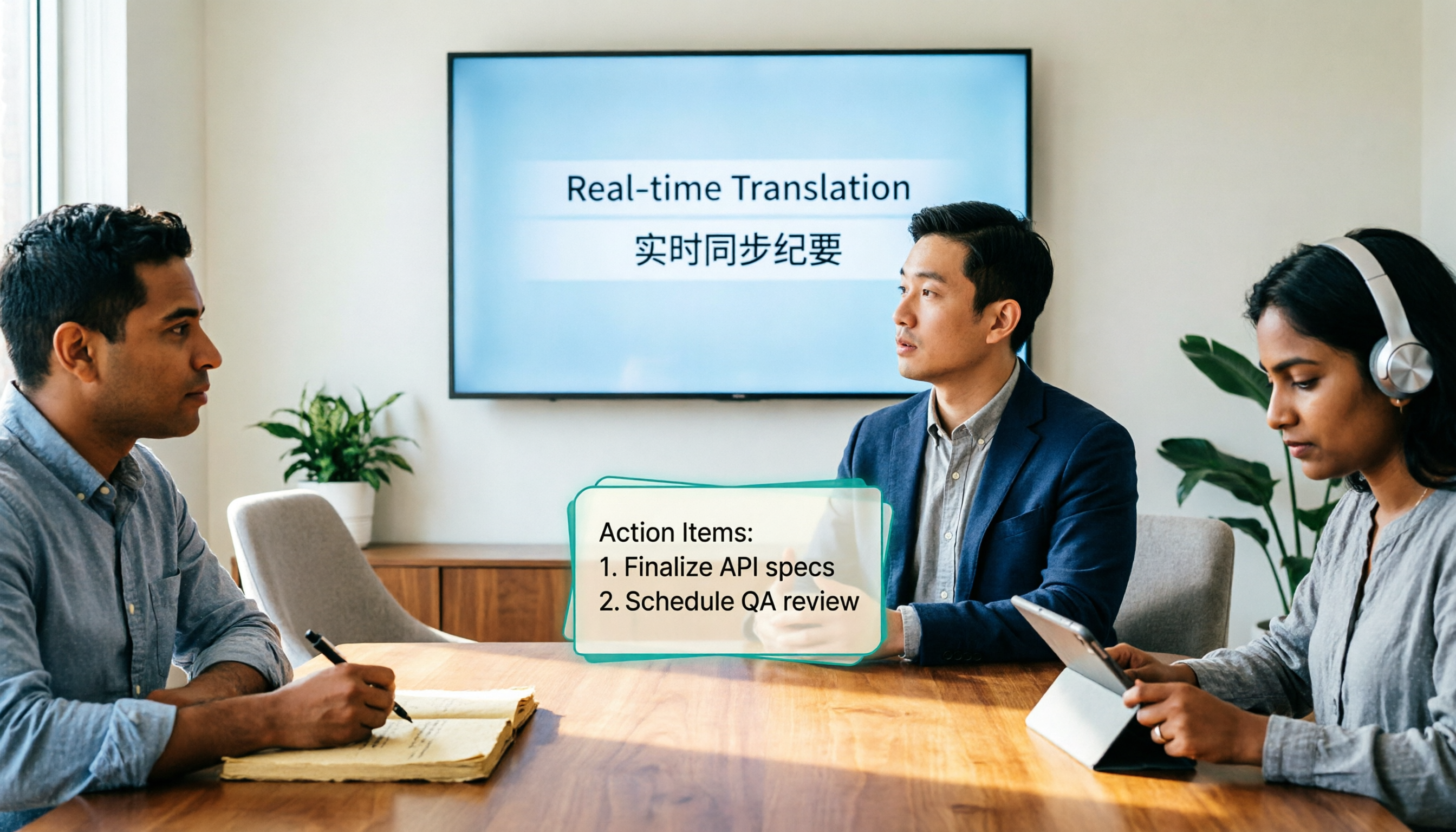
After a online meeting with an international client, you understood 80% thanks to real-time translation. Three days later, your manager asks: "What date did the client say for acceptance?" You can only go back through the chat history or answer from memory.
The same goes for seminars with foreign speakers. No matter how fast the subtitles run, after it ends you want to look up a set of numbers the speaker mentioned, but find nothing left behind—no transcript, no summary, no action items.
There's an even more frequent situation: interviews, user research, supplier inquiries. Cross-language communication happens only once, but the information inside needs to be used repeatedly.
So this article isn't about "how to understand"—it's about "where the content goes after you understand." Choose the right tool, and translation is just the entry point; choose the wrong tool, and you'll spend double the time re-listening to recordings.
Before Choosing a Real-Time Translation Tool, Understand These 4 Key Points
1. "Real-time interpretation" and "meeting translation" are two different products Interpretation apps for one-on-one conversations aim for low latency, translating sentence by sentence; meeting translation needs to handle multiple speakers taking turns, mixed Chinese-English, technical terms, and also leave a full transcript. First clarify which one you need, otherwise you might easily buy a plan with powerful features you won't use.
2. What's left after translation determines whether you'll redo work Tools that only provide subtitles or audio output still require you to organize everything yourself after the meeting. Tools with transcripts, summaries, chapters, and action items complete both "translation" and "note-taking" in one go. The difference here is far greater than whether translation latency is 0.5 seconds or 1 second.
3. Mixed Chinese-English and proper nouns are the real challenge in Taiwanese workplaces Meetings in Taiwan are rarely pure Chinese or pure English. Sentences like "這個 feature 下週 QA 完再 deploy" are a stress test for mixed-language recognition. When choosing a tool, look at whether it handles mixed languages and allows custom terminology glossaries, rather than just how many languages it supports.
4. Whether the team can share it is the dividing line between personal and enterprise tools For personal use, notes staying in your own account is fine; but as soon as cross-department collaboration is involved, you need to ask: who owns the meeting data, will data disappear when a member leaves, can you see usage, are there operation logs. There are no standard answers to these questions, but you must ask them clearly before purchasing.
Tinrec — Real-Time Translation Connected to Post-Meeting Workflow, We Think It's Best for Most Teams
Tinrec is an AI meeting notes and collaboration tool for individuals and teams, supporting real-time recording, desktop online meeting transcription without a bot, audio/video file import, and real-time translation. Its biggest difference from pure interpretation tools is: translation is just one part of the process; the real battlefield is the subsequent organization, follow-up questions, export, and team knowledge retention.
For cross-language meetings, look at the bilingual transcript During recording, you can switch between original text, translation, or bilingual view. For international meetings, this is more practical than "someone reading to you in real-time through headphones"—because you can later check the original words against timestamps, not just rely on your impression at the moment.
Record online meetings without a meeting bot The desktop version directly captures computer system audio, handling Zoom, Google Meet, Microsoft Teams, Webex, etc., without inviting an extra bot to join. This is especially noticeable for external proposals or client meetings: the participant list won't have an unfamiliar attendee, and you don't need to explain to the other party what it is beforehand.
Ask AI directly after the meeting, no need to Ctrl+F through the transcript After the meeting, the system generates summaries, chapters, key points, and action items. More importantly, AI Q&A—you can directly ask "What was the budget cap the client mentioned?" or "Who was assigned to test in the last meeting?" and it will find answers from the meeting content. The same data can also be used by an Agent to generate reports, tables, and documents, and exported to Notion, Google Docs, OneNote, Dropbox for further processing. This is where we think it pulls ahead: most tools end at the transcript, Tinrec ends at data you can directly use for work.
The team version turns meetings into team assets The team version is a separate team space, not multiple people sharing a personal account. You can create multiple teams, invite members via join links, set owners/admins/members, and assign or revoke seats. Meeting data belongs to the team; when a member leaves or is removed, their assigned resources need to be handed over to other active members. There are also team usage analytics, audit logs, audio recycle bin (retained for 30 days), and team hotwords.
Here it's important to distinguish "roles" and "seats": roles determine who can manage the team, members, and audits; seats determine whether a member can record, upload, edit, import/export. Active members without a seat can still view, play, and read team data.
| Plan | Current pricing |
|---|---|
| Personal | Free version to start with basic quota; for short-term intensive use choose weekly card; for steady weekly use choose Pro monthly; for long-term retention choose Pro annual |
| Team trial | First-time eligible: 7 days, 1 free seat, 300 minutes team shared import quota |
| Team monthly | USD 29.80 per paid seat per month |
| Team annual | USD 199 per paid seat per year (approx. USD 16.58/month) |
| Paid seat benefits | 2,000 minutes team shared import quota per seat per month; under active plan and seat, real-time recording is currently not deducted by minutes |
Stop organizing recordings by hand
Upload audio or video and automatically get a transcript, summary, and action items
Prices, currencies, and promotions are subject to the official purchase page.
Honest limitations First, it's not a one-on-one real-time interpreter device; if your scenario is asking a foreigner for directions on the street, an interpretation app on your phone is more intuitive. Second, we don't promise a fixed accuracy rate—actual performance is affected by recording quality, noise, accents, overlapping speakers, and technical terms; for important content, we recommend cross-checking with audio playback. Third, the free quota is limited; heavy users need to pay.
Who it's for People who have 2 or more cross-language meetings per week, need to produce minutes and action items after meetings, or want to retain meeting data as team assets. If you only occasionally translate a few sentences, a free tool is enough.
Besides Tinrec, What Other Options Are There?
| Tool | Positioning | Strengths | Things to note |
|---|---|---|---|
| Tinrec | AI meeting notes and team collaboration | Real-time translation + bilingual transcript + AI Q&A + team governance | Not a pure interpreter device, limited free quota |
| Transync AI | Real-time interpretation | Officially claims support for 60 languages, WER below 5% | Mainly translation output, post-meeting retention not the focus |
| Vurbo.ai | Real-time voice translation and notes | Captures Zoom/Teams audio, floating subtitles, summary cards | Need to verify team governance details yourself |
| Notta | Multilingual transcription and translation | Mature multilingual transcription, clear plan tiers | Free version has length limits per session |
Transync AI Positioned for real-time interpretation, officially claims support for 60 languages, word error rate below 5%, and offers one-way, two-way, and multilingual modes, suitable for lectures, travel, and on-site events where you need to understand immediately. Based on information currently disclosed on the official page, the focus is on translation output itself; post-meeting data retention, AI Q&A, and seat governance are not the main focus. For a pure interpretation experience, it's a good fit; if you want to be able to look things up after translation and hand over to colleagues, Tinrec's workflow is more convenient.
Vurbo.ai Focuses on real-time voice translation plus notes, can capture Zoom, Teams microphone and system audio, provides floating subtitles, two-way speech recognition, and meeting summary cards, and also supports inputting industry terminology to improve professional term recognition. Based on information disclosed on the official page, its strengths are subtitle presentation and summary visualization; Tinrec pushes post-meeting content one step further, using an Agent to generate reports, tables, and documents, and export to existing workflows.
Notta A veteran in multilingual transcription. The official pricing page shows the free version has 120 minutes per month, 3 minutes per session; Pro annual is about USD 8.17/month (1,800 minutes per month); Business annual is about USD 16.67 per seat per month and includes role permissions and usage reports (subject to official page). The free version's 3 minutes per session is not enough for meetings that often last an hour; if you just need quick translation and subtitles for short files, it's still a reasonable option, but real-time translation, bot-free recording, and post-meeting AI Q&A are not in the same workflow.
Pitfall Guide: 3 Most Common Mistakes When Choosing a Real-Time Translation Tool
Pitfall 1: Only looking at "how many languages supported" Supporting 60 or 320 languages sounds impressive, but 90% of your meetings are only Chinese, English, and mixed Chinese-English. What you really should test is: does it translate mixed-language sentences smoothly, does it recognize your company's internal terminology. Rather than comparing language counts, take a recording of your own meeting and run it through.
Pitfall 2: Assuming real-time translation equals meeting notes Subtitle translation only solves "understanding in the moment." If the tool has no transcript, summary, and action items, after the meeting you still have to spend 40 minutes re-listening to the recording. When purchasing, include "what the post-meeting output looks like" in your specifications, not just translation latency.
Pitfall 3: Ignoring team and seat design The most common outcome of multiple people sharing one account: quotas compete with each other, data disappears when the individual leaves, and no one knows who used how much. For example, Tinrec's team version puts roles, seats, usage, and audits in the same space, data belongs to the team, and handover is possible when members change. This kind of governance design is unnoticeable normally, but makes a big difference when problems occur.
Pitfall 4: Not confirming recording authorization Cross-border meetings may involve recording notification obligations in different regions. In practice, explaining at the start of external meetings that the session will be recorded and obtaining consent when necessary is much simpler than remedying afterwards.
Conclusion: Which One Should You Choose?
In one sentence: the value of a real-time translation tool is not how fast it translates, but how much usable data you have left after translation.
- Cross-language meetings + need post-meeting minutes and action items → Tinrec, translation, transcript, and AI Q&A in one workflow
- After recording, want to directly ask "who mentioned the budget" instead of searching the transcript → Tinrec, this is the most obvious difference from most similar tools
- Need to use on phone, computer, and web → Tinrec, multi-platform coverage, desktop version requires no meeting bot
- Cross-department sharing of meeting data, need roles, seats, usage, and audits → Tinrec team version
- Just traveling abroad, asking for directions, one conversation at a time → an interpretation app on your phone is enough, no subscription needed
- Only need quick transcription and subtitles for short audio files, budget minimized → Notta free version is worth a try
If you have budget to sign, the recommended validation method is simple: use Tinrec's free quota for a real cross-language meeting, and after the meeting directly show the AI summary and action items to your manager. If they ask "Who organized this?", that's your answer.
References
- Real-time translation tool | Transync AI
- [AI Translation Tools] 2026's Top 5 Recommended AI Real-Time Translation, Helping You Automatically Translate Any Language, Free vs Subscription, Pros and Cons Comparison at a Glance! | 104 Career Power
- Vurbo.ai Real-Time Voice Translation and Note-Taking Tool
- Top 10 Best Real-Time Translation Interpretation Apps (Free and Paid)
- "Translation - Instant Translation: Voice Translation, Photo Translation, Conversation Translation, Translation Software" App - App Store
Turn every recording into actionable outcomes
Get 60 free transcription minutes when you sign in. No credit card required.
Related Reading
You might also like

Best Real-Time Translation Tools in 2026: 4 Tested, Top Free Pick for Meetings
How to choose a free real-time translation tool? This article covers three needs: web reading, ad-hoc interpretation, and cross-language meetings. We tested Tinrec, Google Translate, Immersive Translate, and Transync AI, summarizing free quotas, limitations, and use cases, and explain how Tinrec turns meeting recordings into transcripts, summaries, action items, and team data.

Tinrec vs Notta 2026: Real-Time Translation AI 5-Dimension Comparison, Which Is Better for Chinese Meetings?
Real-time translation AI isn't just about the number of languages—it's also about meeting capture methods, bilingual subtitles, post-meeting organization, AI Q&A, and team data ownership. This article compares Tinrec and Notta across 5 dimensions and explains which Chinese meeting scenarios each suits.

4 Free Simultaneous Interpretation Tools Tested: Which Offers Enough Free Minutes and Post-Meeting Value?
How to choose a free simultaneous interpretation tool? This article reviews four free-trial real-time translation tools—Tinrec, JotMe, Transgull, and Felo Translate—comparing them across five aspects: free quota calculation, translation presentation, recording and transcript retention, post-meeting organization, and team collaboration. It also includes a pitfalls guide and buying advice to help you find the one that truly saves time.

2026 Comparison of 3 Meeting Transcription Tools: Tinrec Turns Transcripts into Action Items
Turning meeting recordings into transcripts isn't hard—the hard part is post-meeting organization. Starting from meeting transcription needs, this article compares Tinrec, Notta, Good Tape, and Yating Transcript, covering transcription, online meeting recording, summary and to-dos, AI Q&A, and team collaboration to help you find the right meeting notes tool.

2026 Online Simultaneous Interpretation Guide: Tinrec Real-Time Translation + Bilingual Transcripts as an Alternative to Traditional Translation Apps
Online simultaneous interpretation is not just about real-time translation—it also depends on whether post-meeting materials are usable. This article addresses common misconceptions and explains how Tinrec uses desktop bot-free recording, real-time transcription, and bilingual translation, combined with summaries, action items, AI Q&A, and team spaces, to turn cross-language meetings into searchable, collaborative records.

How to Use Real-Time Voice Translation in 2026: 5 Steps from Recording to Bilingual Transcript
In cross-language meetings, front-desk reception, and international calls, real-time voice translation needs to solve more than just "understanding in the moment"—it also needs to leave you with usable records afterward. This article breaks down real-time voice translation tools using 5 key selection criteria, compares Tinrec, Transync AI, Vurbo.ai, and JotMe in hands-on testing, and summarizes 4 common pitfalls to help you choose the one that truly works for you.

How to Generate Transcripts with Tinrec in 2026: Bot-Free Recording + AI Summaries and Action Items
Transcript generation isn't just about feeding an audio file into a tool. This guide tackles four common pitfalls and compares Tinrec with Yating Transcription across meeting capture, Chinese recognition, post-meeting organization, AI Q&A, export, and team governance to help you decide which workflow truly saves time.

2026 Comparison of 3 Transcription Tools: Which One Actually Turns Meeting Recordings into Usable Data?
The real difference between transcription tools isn't speed—it's whether the output is ready to use. Starting from the question 'Do you want text or results?', this article outlines 4 key buying criteria, compares Tinrec, Notta, Otter.ai, and Granola on meeting recording, transcript organization, AI Q&A, export, and team collaboration, and includes a pitfalls guide and scenario-based recommendations.

How to Transcribe Audio to Text in 2026: Record Meetings Without Bots + AI Q&A to Find Key Points
How to choose an audio transcription tool? This guide breaks down 5 key factors: meeting capture methods, post-meeting outputs, audio retention, Chinese language experience, and team governance. It also tests and compares Tinrec, Granola, Notta, and TurboScribe to help you decide which fits your meetings and budget.