

Turn recordings into transcripts and summaries in minutes
Upload audio or video for multilingual transcription, AI notes, and action items
Two-hour meeting, two more hours to organize—what you're missing isn't a tool, it's a complete workflow
"Does using Google Meet cost money?" This question has consistently high search volume. The answer has two layers.
The first layer is the meeting itself: as long as you have a Google account, you can host meetings for free with up to 100 participants, which is more than enough for typical team meetings or one-on-one conversations. The second layer is post-meeting organization: transcripts, meeting notes, and action items won't complete themselves just because you used Google Meet.
The reality is—a two-hour meeting often requires another one to two hours afterward to review recordings and type up notes. Cantonese meetings are even trickier; there are few transcription tools that support Cantonese, and accuracy varies. If you face this cycle every week, the real question isn't "Does Google Meet cost money?" but "How can I turn a finished meeting into reusable data?"
Before choosing a meeting note tool, understand these 4 key points
1. Distinguish between "meeting costs" and "note-taking costs" According to Google Workspace pricing, paid plans start at about US$7 per user per month, and Meet is included as part of the plan—it cannot be purchased separately. So if you only want transcription, you don't necessarily need to buy the entire Workspace suite—there are standalone meeting note tools that can directly process audio from Google Meet, Zoom, and Teams.
2. Don't just look at advertised accuracy numbers Many tools claim "98% accuracy." But that number is usually measured in a quiet recording studio. Real meeting rooms have air conditioning noise, keyboard sounds, and multiple people talking over each other, so accuracy will definitely drop. The real differences between tools only show up under these conditions.
3. Are the post-meeting outputs sufficient? Having only a transcript means you've completed only 30% of the work. Summaries, chapters, action items, and the ability to ask follow-up questions are what truly help you finish the job. Before buying, ask yourself: Do I want "a record" or "a deliverable I can hand over directly"?
4. Team data ownership Things recorded on personal accounts scatter once the person leaves. If meeting data involves colleagues, clients, or project decisions, team spaces, member and seat management need to be considered early.
Tinrec—our top pick after testing
Tinrec is an AI meeting note and collaboration tool for individuals and teams, available on desktop, web, and mobile app. It's not just audio-to-text; it turns meetings into searchable, queryable, actionable data.
Recording online meetings without a bot is its most practical feature. The desktop version directly captures system audio, so you don't need to send a meeting bot into the room. It can handle audio from Google Meet, Zoom, Teams, and Webex. For users who don't want to see "Tinrec has joined the meeting" in client meetings, this approach is discreet and clean.
Live transcription while recording, automatic organization afterward. Start Tinrec during the meeting, and the transcript generates in real time; once the meeting ends, AI has already organized the summary, chapters, key points, and action items—who's responsible, when it's due, all clear. Long meetings are the worst for scrolling back and forth, and the chapter feature solves exactly that.
AI conversational query is a rare core differentiator at this price point. After recording, you can directly ask: "Who mentioned the budget in the last meeting?" "What were the three concerns the client raised?" It doesn't just dump keyword search results; it gives answers based on semantic understanding. Combined with real-time translation (original/translated/bilingual view), it's great for mixed Chinese-English meetings.
Post-meeting outputs and exports. Besides transcripts, you can generate reports, tables, documents, and other outputs, and export to Notion, Google Docs, OneNote, Dropbox, etc. for further processing. For important meetings you want to archive, the recording itself is also saved for future reference.
Stop organizing recordings by hand
Upload audio or video and automatically get a transcript, summary, and action items
In our testing, we used a roughly 5-minute Cantonese meeting recording with air conditioning background noise: under clear recording conditions, the transcript was highly usable with smooth paragraph segmentation; but errors still occurred when multiple people talked over each other or with dense industry jargon. So for important content, we recommend checking against the recording at specific timestamps—this is a common limitation of all AI transcription tools.
Pros: First, bot-free recording won't startle clients; second, after transcription there are summaries, action items, and AI follow-up questions—a complete workflow; third, the team version provides independent team spaces, meeting data belongs to the team, and can be handed over when members leave, not tied to individuals.
Limitations: The free version has limited quota, so heavy users should consider paying; file imports consume quota, not unlimited. For the personal version, the official pricing distinguishes free, weekly pass, Pro monthly, and annual plans—occasional recording organization is fine with free, regular weekly meetings suit Pro, and long-term data accumulation makes the annual plan more cost-effective. Team version is USD 29.80 per paid seat per month, or USD 199 per paid seat annually; first eligible trial is 7 days, 1 free seat, 300 minutes shared import quota.
Who it's for: Professionals who frequently record Cantonese or mixed Chinese-English meetings, don't want a bot joining meetings, and want to use AI to find key points directly after meetings; and small to medium teams that need unified meeting record storage, seat management, and usage tracking.
Besides Tinrec, what other options are there?
Google Meet built-in transcription: If you just want "a record to show for it," Google Workspace paid plans already include meeting transcription and recording, with the cost included in the monthly fee—no need to install another tool. But its focus is more on transcript records; post-meeting follow-up questions, action item extraction, and cross-platform unified organization are relatively weak.
Otter.ai: A veteran choice for English meetings, with a free version offering 300 minutes per month, and mature for English business meetings. But Chinese, especially Cantonese, is not its strength; if you mainly record English meetings, it's indeed the only exception recommended in this article.
PLAUD Note / NotePin: AI recording hardware, with portable recording and phone call recording as selling points, device prices starting at about US$159. Hardware has its value, but online meetings require additional solutions, whereas Tinrec doesn't need an extra device—the desktop version handles it directly.
Pitfall guide: 3 most common mistakes when choosing a meeting note tool
Pitfall 1: Assuming "free meetings" equals "free notes." Google Meet free version costs nothing for meetings, but meeting notes, transcripts, and action items won't appear on their own. Calculate the two costs separately to avoid buying the wrong thing.
Pitfall 2: Using the tool only as "audio-to-text." If you only take the transcript, you're using only one-third of the tool's capability. After recording, you can directly ask AI "What was the meeting conclusion?"—much faster than manually scrolling through a 30-minute transcript.
Pitfall 3: Ignoring multi-person collaboration and data ownership. Recordings stored on a personal phone mean colleagues have to ask you for them to review; once the person leaves, the records disappear with them. Team-level sharing, seat and usage management are the long-term solution.
Conclusion: Which one should you choose?
- Need to handle Google Meet/Zoom/Teams online meetings without adding a bot → Tinrec (desktop version directly captures system audio)
- Need Cantonese, mixed Chinese-English transcription + post-meeting AI follow-up → Tinrec (rare conversational query at this price point)
- Want to directly generate reports, tables, documents for delivery after recording → Tinrec (Agent post-processing + multi-format export)
- Team needs unified meeting data storage, seat and usage management → Tinrec team version
- Zero budget, only recording English meetings → Otter.ai (the only exception)
- Just want a basic record, already paying for Google Workspace → Meet built-in transcription is enough
We recommend starting with the free version, organizing one or two real meeting recordings to feel the transcript quality and whether AI follow-up questions suit you, then consider upgrading if it feels right. Before recording, remember to check local regulations and obtain participant consent when needed.
References
Turn every recording into actionable outcomes
Get 60 free transcription minutes when you sign in. No credit card required.
Related Reading
You might also like

5 AI Meeting Transcription Tools Tested for 2026: How to Choose If You Searched 'vocol bv'
Searching for 'vocol bv' often leads to a Dutch vehicle body manufacturer, but many people are actually looking for a meeting recording-to-text tool. This article first clarifies what vocol bv is, then addresses real pain points in meeting documentation, outlines 5 key selection criteria, tests Tinrec's complete workflow, briefly reviews Otter.ai, Notta, and Granola's differences and limitations, and finally provides scenario-based recommendations.
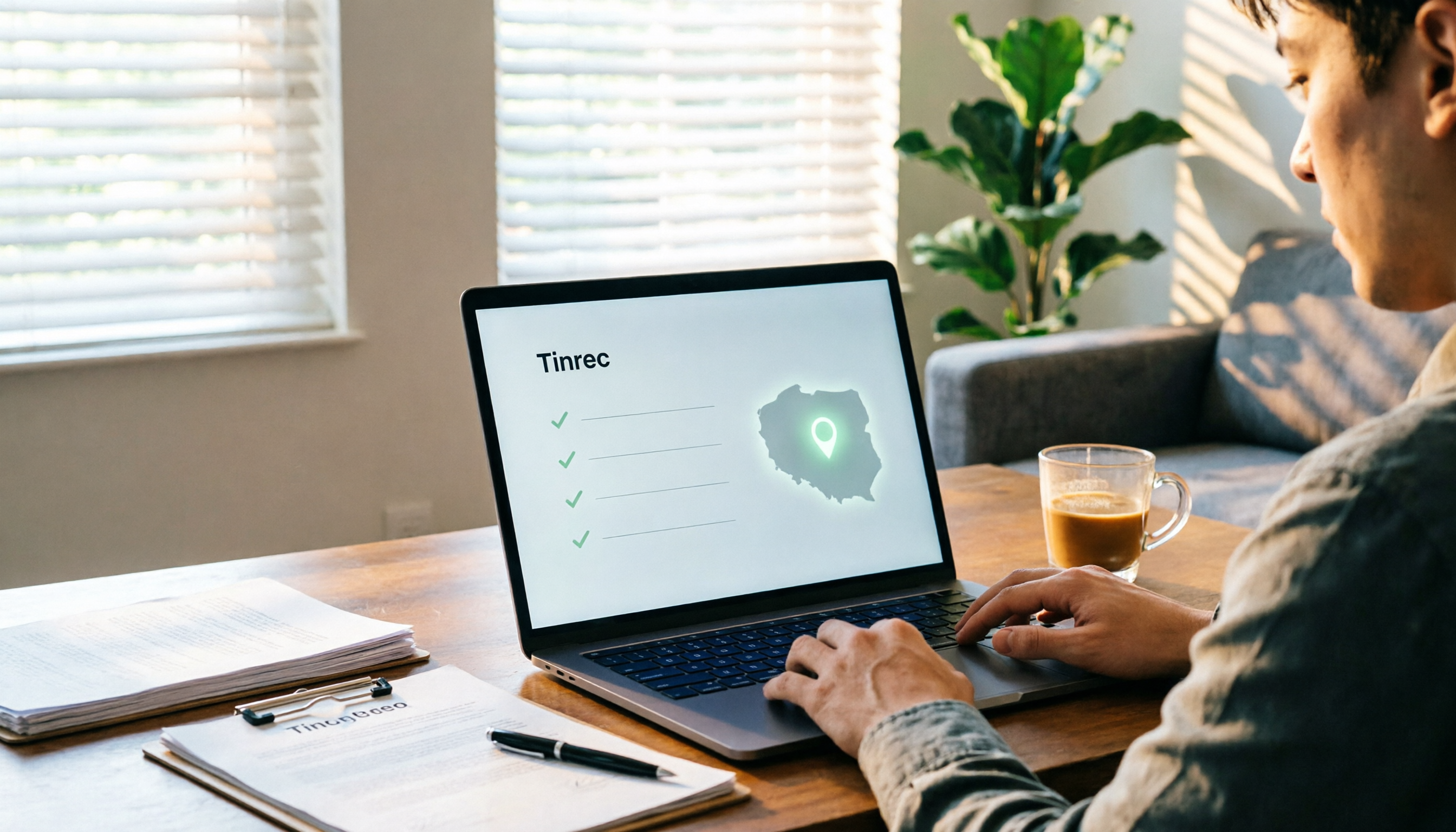
VOCOL Gubin Company Data Verification: How to Cross-Check NIP, KRS, and REGON
People searching for 'vocol gubin' likely want to verify the legitimacy of this Polish company. This article compiles the NIP, KRS, REGON, registered address, and business scope of VOCOL Sp. z o.o., explains what each of the four registration fields represents, and lists official verification channels and four common pitfalls so you can double-check before making a payment or signing a contract.

What Is Notta in 2026? Features Explained + Meeting Notes Walkthrough with Tinrec
What is the Notta app? This guide first clarifies Notta's positioning, core features, and free vs. paid differences using official and third-party sources. Then it demonstrates the same meeting notes workflow in 5 steps using Tinrec: recording, transcription, proofreading, generating summaries and action items, and exporting for team knowledge. It also covers FAQs and advanced tips.

2026 Notta Bot Guide: How Automated Meeting Notes Work & Tinrec Alternative
What is Notta Bot? How does it automatically join meetings and transcribe? This guide addresses real-world pain points, explains the limitations of the bot model, and shows how Tinrec's bot-free desktop recording delivers transcripts, summaries, and action items.

VOCOL GmbH Kevelaer Guide 2026: Address, Products & Contact Info at a Glance
VOCOL GmbH is a manufacturer of tank semi-trailers and tank containers based in Kevelaer, Germany. This guide compiles information from the official website and German public records to help you verify the company address, phone number, registration details, product range, key ADR/EN certifications, and four things to clarify before contacting them for a quote.
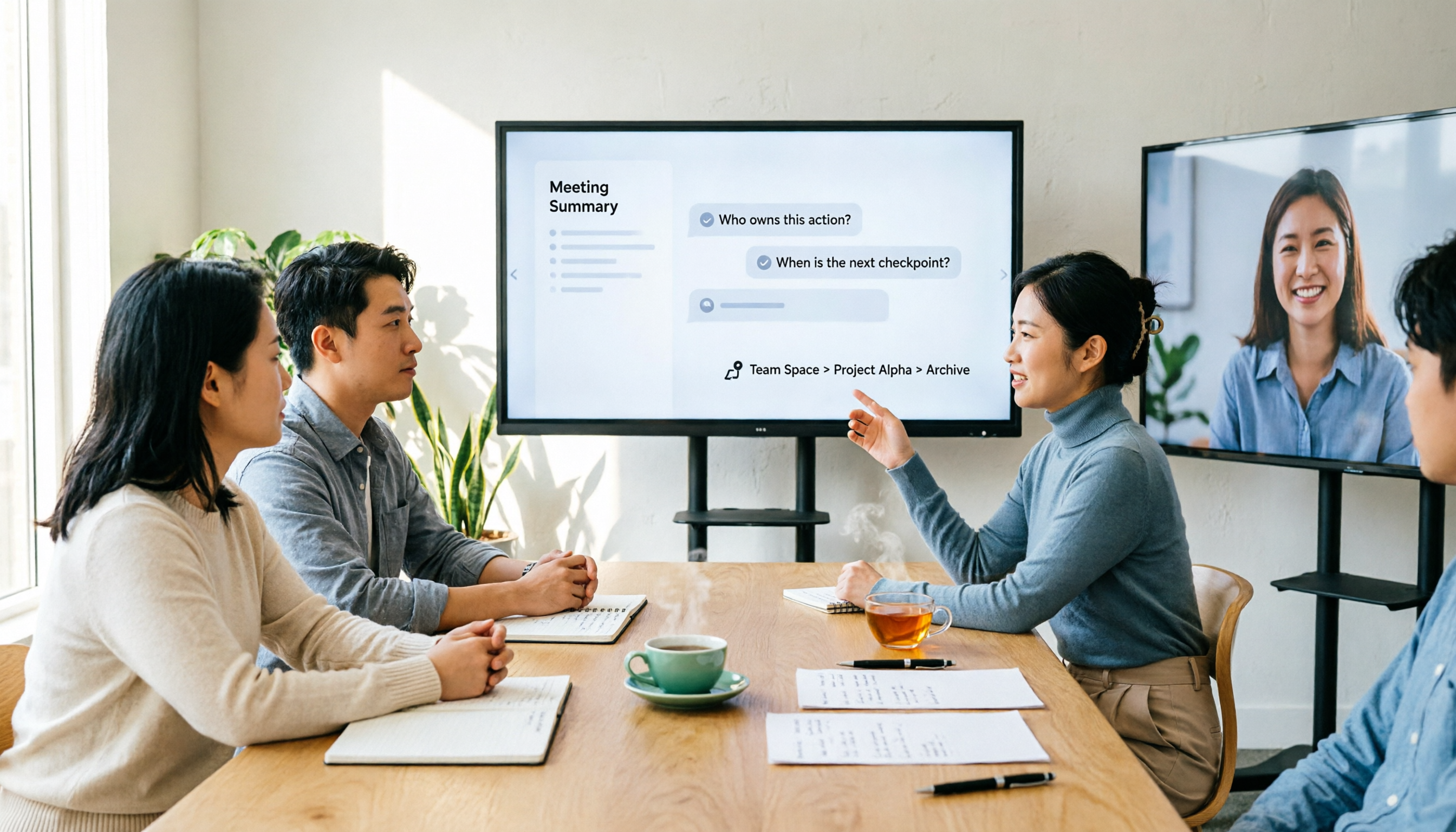
2026 AI Meeting Notes Showdown: Why Chinese-Speaking Teams Are Choosing Tinrec Over Vocol AI
Vocol AI is a collaboration platform that turns speech into text and generates summaries, but what really holds teams back is often the post-meeting workflow, data ownership, and scenario coverage. This article compares Tinrec and Vocol AI from a practical standpoint on bot-free meeting recording, AI Q&A, team workspace governance, and pricing, so you can see clearly where to invest your time.
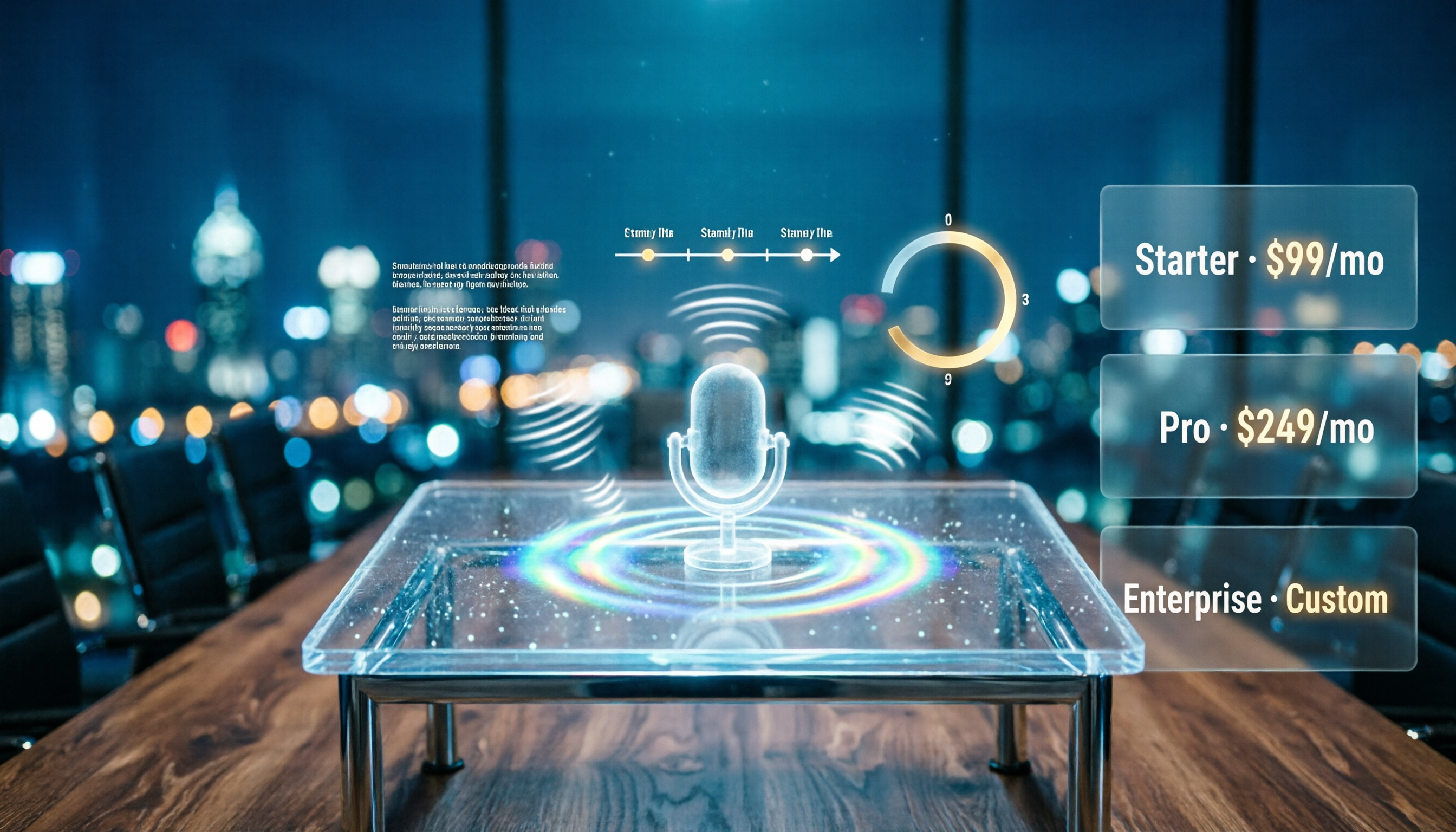
Notta AI Pricing 2026: Free Plan Limits & 5 Meeting Note Tools Compared
People searching 'how much is Notta AI' are often drawn to the free plan but overlook the 3-minute limit per recording. This guide breaks down Notta's Free, Pro, and Business pricing and minutes, and compares the pricing models of 5 meeting note tools—Tinrec, Otter, TurboScribe, Granola, and PLAUD—to help you decide which plan truly fits your needs.

2026 Comparison of 3 VOCOL Capillary GC Column Specifications: How to Choose I.D., Film Thickness, and Maximum Temperature
How to choose a VOCOL capillary GC column? This article summarizes the characteristics of the Supelco VOCOL stationary phase (diphenyl dimethyl polysiloxane with crosslinking moieties), three common specifications (105 m × 0.53 mm × 3.00 μm, 60 m × 0.25 mm × 1.50 μm, 30 m × 0.25 mm × 1.5 μm), temperature limits by I.D. and film thickness, and application scenarios for purge-and-trap and GC/MS, along with purchasing and pitfall-avoidance advice.

Notta AI Complete Guide 2026: Speech-to-Text Limits and Team Collaboration Choices
Notta AI is an AI transcription tool that supports 58 languages, but turning speech into text is only the first step in a meeting workflow. This article starts from the choice readers actually need to make, explains Notta AI's positioning and boundaries, and uses Tinrec as an example to break down how real-time transcription, bot-free meeting recording, AI summary action items, Q&A, and team knowledge retention can form a usable process.