
Turn recordings into transcripts and summaries in minutes
Upload audio or video for multilingual transcription, AI notes, and action items
4 Google Meet Note-Taking Tools Tested in 2026: Bot-Free Recording vs. Chinese Summaries—Which Is More Practical?
The More Google Meet Updates, the More Obvious the Meeting Note Pain Points? Three Common Misconceptions
Google Meet has been updating rapidly over the past year. Ask Gemini in Meet lets you ask questions during meetings, Take notes for me automatically generates notes, mobile devices now support automatic room check-in, and even CarPlay is supported; when sharing your screen, you can also share full system audio instead of being limited to a single tab.
These updates have indeed made "meeting in Meet" smoother.
But have the real pain points of meeting notes been solved? Honestly, no.
Misconception 1: Assuming built-in transcription is enough. Google Meet's built-in capabilities are tied to the Google ecosystem, but your company's meetings might be half on Meet and half on Zoom or Teams. Data is scattered across platforms, and when you need to find a specific decision later, you still have to dig through each one.
Misconception 2: Treating transcripts as meeting notes. Transcripts are just raw material. The real time-consuming part is extracting decisions, owners, and deadlines from the conversation—and this is still mostly done manually.
Misconception 3: Thinking a meeting bot must join. Desktop tools can now capture your computer's system audio directly, so no bot account appears in the participant list.
If these issues bother you, the following selection tips should help.
Before Choosing a Meeting Note Tool, Understand These 4 Key Points
1. Recording method
Having a bot join the meeting is intuitive, but some client meetings aren't suitable for a third-party account appearing in the list. Desktop system audio capture is more appropriate for such occasions. This is also a feature I prioritize now.
2. Handling Chinese and mixed Chinese-English
Meetings in Taiwan are rarely pure Chinese. Mixed Chinese-English, jargon, and product codes are everywhere, and transcription tools show the biggest differences here. When choosing a tool, I recommend testing it directly with a recording of your own meeting.
3. Post-meeting output: don't just look at transcripts
A tool that only provides transcripts is essentially handing the organization work back to you. What you should look for: Can it automatically generate summaries and chapters? Can it extract action items? Can you ask follow-up questions about the content?
4. Data ownership and team collaboration
For personal use it doesn't matter much, but for team use you need to ask: Under whose account is the meeting data stored? Will it remain after a colleague leaves? Is there a mechanism for managing members and seats?
Tinrec—My Most-Used Choice After Testing
Tinrec is an AI meeting note and collaboration tool for individuals and teams, supporting web, desktop, and mobile, covering Chinese, Traditional Chinese, and multilingual meeting scenarios.
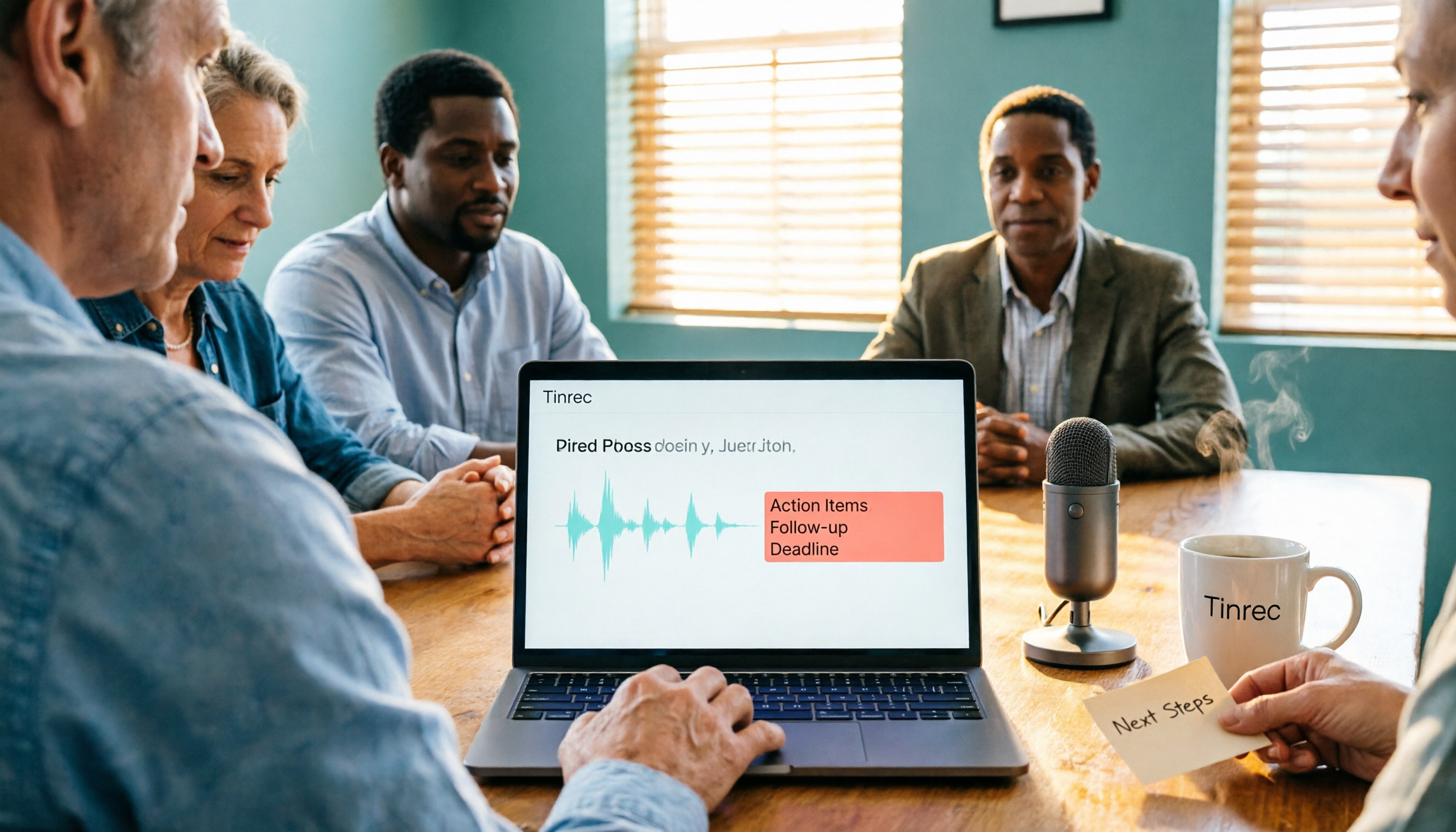
First, recording. I use the desktop version to handle online meetings on Google Meet, Zoom, Teams, and Webex—it directly captures the computer's system audio, and no bot appears in the participant list. The transcript is generated in real time during the meeting, and you can switch between original text, translation, or bilingual view when needed.
Next, post-meeting. After the meeting ends, Tinrec automatically generates a summary, chapters, and key points, and separately organizes action items—who is responsible for what and when it's due, at a glance. This is the part I find most time-saving.
Even better is AI Q&A. After recording, you can directly ask it "What was the conclusion about the budget in the last meeting?" It doesn't just give you keyword search results; it answers based on the meeting content. As historical meetings accumulate, it becomes a database you can query anytime.
Stop organizing recordings by hand
Upload audio or video and automatically get a transcript, summary, and action items
In addition, it supports uploading audio/video files for transcription, multi-format export (Notion, Google Docs, OneNote, Dropbox, etc.), and using an Agent to further generate reports, tables, and meeting minutes.
For team use, Tinrec for Teams is a separate team space, not multiple people sharing one account. Meeting data belongs to the team, and you can manage roles and seats, view team usage, maintain team hotwords, check audit logs, and there's an audio recycle bin to recover accidentally deleted recordings. When members leave, resources can be transferred and won't disappear with personal accounts.
Note: Transcription quality can be affected by recording quality, ambient noise, accents, and overlapping speech. For important content, it's still recommended to cross-check with the transcript and recording.
Pricing: The personal version has a free tier to try basic quotas. For short-term intensive use, there's a weekly pass; for long-term use, consider Pro monthly or annual. The team version offers a 7-day trial (1 free seat, 300 minutes of shared team import quota); monthly payment is USD 29.80 per paid seat per month, annual payment is USD 199 per paid seat per year (about USD 16.58 per month). Each paid seat provides 2,000 minutes of shared team import quota per month, and real-time recording under active seats is currently not deducted by minutes. Actual prices and benefits are subject to the official purchase page.
If you frequently hold Chinese meetings, don't want a bot to join, and want usable organized results right after the meeting—Tinrec is the choice I'd recommend trying first.
Besides Tinrec, What Other Options Are There?
Google Meet's built-in Gemini features
If you only meet on Google Meet and just need a text record afterward, the built-in Ask Gemini and Take notes for me are sufficient. But it's tied to the Google ecosystem, can't reach Zoom or Teams, and won't build a cross-platform meeting database. Tinrec can collect meetings from different platforms into one space.
Otter.ai
A veteran choice for English meetings. The Basic free plan offers 300 minutes per month; Pro annual billing is about USD 8.49 per user per month, including 1,200 minutes per month and 10 file imports. If you mainly record English content, this is a viable option. However, it doesn't focus on Chinese or mixed Chinese-English processing.
Notta
A multilingual transcription tool with significant overlap with Tinrec. The free plan offers 120 minutes per month, with a maximum of 3 minutes per single item; Pro annual billing is about USD 8.17 per month. It can handle meeting and file transcription, but in terms of bot-free desktop recording and post-meeting Agent output, Tinrec has higher integration.
Pitfall Guide: The 4 Most Common Mistakes When Choosing a Meeting Note Tool
Pitfall 1: Deciding based only on official demos. Official demos are usually recorded in quiet environments, very different from your meeting room's air conditioning and keyboard noise. Test with your own recordings, don't just rely on marketing.
Pitfall 2: Looking only at transcripts, not the post-meeting workflow. Transcripts are just the starting point. What really saves time are summaries, action items, and follow-up features. If you decide without trying these, you might buy it but only use one-third of its value.
Pitfall 3: Ignoring cross-platform. Today on Meet, tomorrow on Teams—if the tool only handles one, your data will always be scattered.
Pitfall 4: Using a personal account for team use. Multiple people sharing one set of credentials makes usage unclear, data can be taken when members leave, and permissions can't be assigned. Team versions are really about role and seat management; this difference should be clarified during procurement.
Conclusion: Which One Should You Choose?
- Mainly Chinese meetings, need mixed Chinese-English transcription → Tinrec
- Don't want a meeting bot to join → Tinrec (desktop version captures system audio)
- Want to ask AI directly for decisions and action items after recording → Tinrec
- Team needs unified management of meeting data and member seats → Tinrec for Teams
- Only meet on Google Meet, simple needs → Google Meet's built-in Gemini features
- Mainly record English meetings, limited budget → Otter.ai
Overall, Google Meet's recent updates have made "meeting" smoother, but the "after meeting" workflow still needs dedicated tools to fill the gap.
I suggest starting with Tinrec's free version, record one or two of your usual meetings, see how accurately summaries and action items are captured, then decide whether to upgrade.
References
- Google Meet Updates by Google - September 2026 - Releasebot
- Google Meet: Latest News on Google Meet | Top News, Photos, Trends
- What's new in Google Meet hardware? | Meet Hardware | Google Workspace Help
- Google Meet Updates - devicebase.net
- Google Meet gets new update and it solves ‘biggest’ audio problem users used to face- Moneycontrol.com
Turn every recording into actionable outcomes
Get 60 free transcription minutes when you sign in. No credit card required.
Related Reading
You might also like
Google Meet Not Working? 4 Alternatives Tested and Compared: Fix It or Switch?
When Google Meet stops working, most people just restart or switch browsers. This article first walks you through 5 key troubleshooting steps—app version, permissions, extensions, and plan limits—then hands-on compares meeting note alternatives like Tinrec, Otter.ai, Granola, and PLAUD, with a pitfalls guide and scenario-based recommendations.

Google Meet Not Working Today? 3 Backup Meeting Tools Compared: Troubleshooting and Alternatives
Don't rush to reinstall if Google Meet isn't working today. This article outlines the troubleshooting order for server-side and local issues, and compares backup meeting tools like Tinrec, Granola, and TurboScribe to help you capture transcripts, summaries, and action items even when meetings get stuck.

4 Google Meet Note-Taking Tools Tested for 2026: Which Bot-Free Recorder Saves the Most Time?
Google Meet updates frequently, but built-in transcription is still tied to specific plans and languages. This article starts with version checks, then tests and compares four meeting note-taking tools—Tinrec, Otter.ai, Granola, and Notta—and provides buying tips and pitfalls to avoid.
2026 Google Meet Note-Taking Showdown: 3 Tools Tested—Which Turns Transcripts into Action Items?
After a meeting on the latest Google Meet app, the real work begins. This guide covers 3 key factors for choosing a Google Meet note-taking solution, with hands-on comparisons of Tinrec, Google Meet's built-in Gemini notes, Otter.ai, and Notta. Includes common pitfalls and selection advice.
2026 Comparison of 3 Google Meet Note-Taking Tools: Tinrec vs Otter vs Granola — Which Can Record Without a Bot?
Searching for 'Google Meet join anyway' but stuck at the request to join screen? This article first explains the actual rules for joining a Google Meet, then tests three meeting note-taking tools—Tinrec, Otter, and Granola—to help you find the best post-meeting solution for users in Taiwan.
5 Google Meet Alternatives Tested in 2026: Automatic Meeting Notes Without a Bot
Looking for a Google Meet alternative but still stuck summarizing meetings yourself? We tested Tinrec, Otter.ai, Granola, and Jitsi Meet, comparing bot-free recording, transcripts, summaries, action items, AI Q&A, and team knowledge sharing. Plus common pitfalls and selection tips to help you find the tool that truly saves time.
2026 Online Meeting Tools Comparison: After Downloading Google Meet for Free, Who Handles the Meeting Notes?
Downloading the latest Google Meet for free is easy; the hard part comes after. This article starts with common misconceptions, outlines 4 key points for choosing online meeting and note-taking tools, shares hands-on experience with Tinrec, and highlights 4 common pitfalls when downloading and using these tools. It helps you decide if the free version is enough and who should handle post-meeting organization.
Google Meet APK Download Guide & 4 Meeting Note Tools Compared (2026)
How to safely find the latest Google Meet APK, understand Split APK architecture and admin restrictions, plus a hands-on comparison of 4 meeting note methods—and why you still need a tool that turns meetings into searchable data after installing Google Meet.
How to Join a Google Meet with a Code in 2026: Steps for 3 Devices & Common Error Fixes
2026 Google Meet join with code tutorial: covers code format, steps for desktop, mobile, and Gmail, waiting room, common errors, and how to use Tinrec to organize transcripts and summaries after the meeting.