
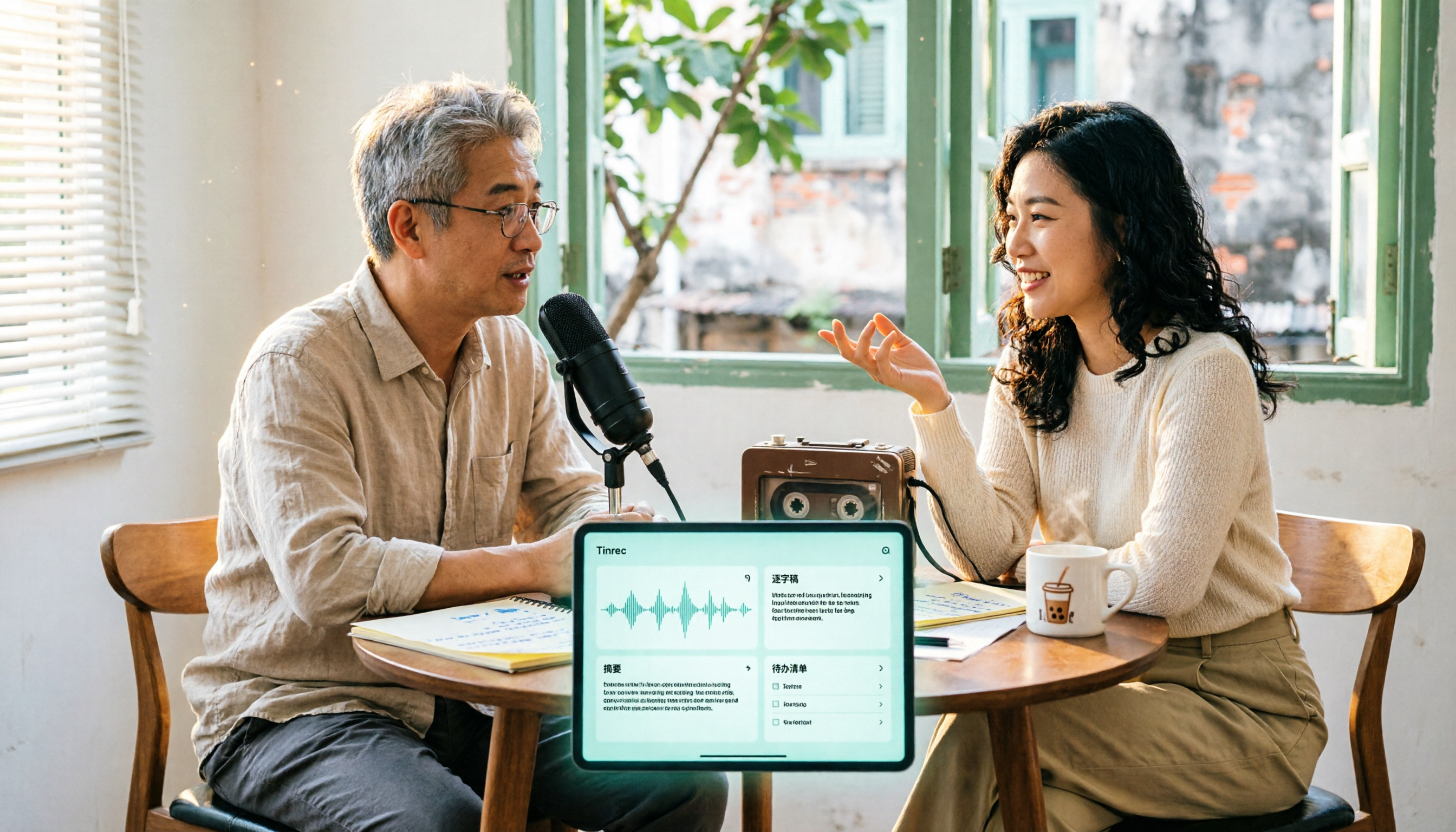
Turn recordings into transcripts and summaries in minutes
Upload audio or video for multilingual transcription, AI notes, and action items
3 Free Cantonese Speech-to-Text Tools Compared (2026): Free Limits, Mixed Chinese-English Handling, and Export Restrictions
After recording a 45-minute Cantonese client interview, your headphones are full of mixed Chinese-English sentences like “呢個 project 我哋下星期再 confirm.” You open a notepad to type a transcript, and within 3 minutes you realize two things: spoken Cantonese has to be converted to written Chinese in your head, and you worry about mistyping the English words in the sentence. One tool developer estimated that a 20-minute video often takes 1 hour to subtitle; by that math, a 2-hour class is half a workday.
So most people’s first thought is the same: is there a free Cantonese speech-to-text tool? This article breaks down three options you can find and actually use, and demonstrates a workflow with Tinrec that lets you keep using the text after transcription.
Before You Start: What “Free” Really Means in Cantonese Transcription
Bottom line: free plans aren’t unusable, but you need to know where they hit a wall. Before you commit, check these 5 things.
- Is “free” limited by minutes or by features? A common approach is “the first N minutes of each file are free to preview.” You can see the result, but taking the file with you (exporting) usually requires payment. Subanana lets you preview the first 15 minutes of each file for free without a credit card; export is a paid feature.
- Does the model actually handle Cantonese? Many tools say “supports Chinese,” but in practice they’re mainly Mandarin and start guessing when they hit Cantonese colloquial words like “唔該,” “咁樣,” or “冇.” Choose an option that explicitly states Cantonese support.
- Can it handle mixed Chinese-English? Hong Kong meetings commonly include phrases like “幫我 check 下個 schedule.” A good tool keeps the original English words; a poor one forces them into phonetically similar Chinese, doubling your proofreading time.
- Output format determines the work that follows: If you only get TXT, you can only read it. For subtitles you need SRT/VTT. To hand it to a manager, DOCX or a format you can paste directly into Google Docs saves a lot of hassle.
- Recording consent and privacy: For client interviews or phone recordings, inform participants and get consent before recording. This is a legal responsibility; a tool can’t carry that for you.
Side-by-Side Comparison: Free Quotas, Cantonese Handling, Export Flexibility
The information below is compiled from each tool’s official pages and public documentation (checked August 2026). Free quotas and pricing may change; refer to the official pages before use. Editor ratings are subjective scores based on free usability, Cantonese handling, post-meeting organization, and export flexibility—not official data.
| Item | Tinrec | Subanana | YouTuber AI |
|---|---|---|---|
| Positioning | AI meeting notes and team collaboration tool | Cantonese speech-to-text app | Free Cantonese speech-to-text tool |
| Free method | Free version offers a basic quota to try recording, import, summaries, and transcription | First 15 minutes of each file free to preview, no credit card | Free to use; upload a file or paste a YouTube link |
| Cantonese and mixed Chinese-English | Supports Chinese and multilingual meeting transcription, and mixed Chinese-English content organization; actual results depend on accent, noise, and overlapping speech | Explicitly focused on Cantonese; spoken/written style selectable; 4 output combinations of traditional/simplified; English words in sentences kept as-is | Focused on Cantonese; official source title claims 96% accuracy |
| Post-transcript processing | AI summaries, chapters, action items, mind maps, AI Q&A, Agent post-processing | Speaker identification, AI summaries, ask questions of the recording, custom vocabulary list | Mainly outputs transcripts |
| Export | Multi-format export; can be brought into Notion, Google Docs, OneNote, Dropbox, etc. | SRT/VTT, DOCX/XLSX, TXT/Markdown; export is a paid feature | Mainly text output |
| Team collaboration | Team spaces, roles, seats, usage analytics, audit logs | Mainly for individual use | Mainly for individual use |
| Editor rating | 8.6/10 | 8.3/10 | 7.5/10 |
| Best for | People who need to organize minutes and build a team meeting archive after transcription | People with pure Cantonese content who need bilingual subtitles and written-style conversion | People who want to test the waters with zero budget |
Step 1: Capture Clean Cantonese Audio (Using Tinrec as an Example)
The goal of this step is to get clean audio; the accuracy of every later step depends on it.
Tinrec offers three ways to capture: record directly in the mobile or desktop app; use the desktop app to capture computer system audio for online meetings on Zoom, Google Meet, Microsoft Teams, or Webex without inviting a meeting bot; or upload existing audio or video files. If the recording was made with a phone left on the table, first make sure the speaker isn’t too far from the microphone.
Why emphasize audio capture? Cantonese has 6 tones and many modal particles. If the signal-to-noise ratio is poor, the AI can only guess. Rather than proofreading sentence by sentence later, push the phone 30 cm toward the center of the table when recording.
When done, your recording appears in the workspace with its duration, and you can replay any sentence later.
(Illustration: three people discussing around a meeting table, a phone placed flat in the center recording, transcript text appearing on screen in sync)
Step 2: Let AI Transcribe
The goal of this step is to turn sound into searchable, quotable text.
After recording or uploading, Tinrec transcribes in real time and marks timestamps on the transcript. If you’re in a cross-language meeting (client speaks English, colleagues speak Cantonese), you can turn on real-time translation and switch between original, translated, or bilingual views.
Why pay attention to language settings? Tinrec covers Chinese and multilingual meeting scenarios and also supports mixed Chinese-English content organization; however, actual recognition results are affected by accent, background noise, overlapping speakers, and technical terminology. There is no fixed accuracy rate that applies to all recordings. For first use, run a segment of your own recording through the free quota and see the results before investing further.
When done, you get a timestamped transcript; click any sentence to jump back to the corresponding audio position.
(Illustration: a laptop with an online meeting on screen, a workspace window beside it growing a transcript line by line with timestamps)
Stop organizing recordings by hand
Upload audio or video and automatically get a transcript, summary, and action items
Step 3: Proofread—Fix Proper Nouns First, Then Modal Particles
The goal of this step is to get the transcript to a “presentable to others” level in the least amount of time.
It’s best to fix your proofreading order: first scan product names, people’s names, company names, and English abbreviations; then handle Cantonese modal particles (啦, 喎, 嘅); finally check sentence flow. If the same proper noun keeps coming out wrong, add it to the team hotwords so future meetings inherit it.
Why split the order? Because proper noun errors affect search and summary quality, while modal particle errors only make reading less smooth. When time is limited, fix what affects judgment first.
When done, you’ll have a transcript you understand and your colleagues understand—not a draft only you can decode.
(Illustration: a person wearing headphones, transcript on the left of the screen, playing audio waveform on the right, cursor hovering over a sentence)
Step 4: Generate Summaries, Chapters, and Action Items
The goal of this step is to turn the transcript into material you can use to make decisions.
After the transcript is ready, Tinrec produces an AI summary, chapters, and key points, and extracts action items from the discussion. This is especially useful for long meetings: a 45-minute interview is split into chapters, and you can tell from chapter titles which parts to replay.
Why not just read the transcript? Because the transcript is raw material; summaries and action items are the finished product. Most people get stuck not on “can’t transcribe,” but on “no one opens it again after transcription.”
When done, you’ll have a summary you can paste directly into a weekly report, plus several concrete follow-up actions.
(Illustration: after the meeting, a manager reviews a one-page summary and three action item checkboxes, with an empty meeting room in the background)
Step 5: Export and Share
The goal of this step is to get meeting results out of your account and into the team’s existing workflow.
Tinrec supports multi-format export and can bring results into Notion, Google Docs, OneNote, Dropbox, and other tools for further processing. If it’s a one-time delivery, exporting as a document is enough; if it’s a recurring project meeting, put it in a team space.
Team version works differently from personal version: the team version is an independent collaboration space where meeting data belongs to the team. You can invite members with a join link, set owners, admins, and regular members, assign or revoke seats, and view team usage trends, member rankings, and operation audits. Members without seats can still view, play, and read team data, but recording, uploading, editing, or exporting requires a seat.
Why think this through in advance? Because staff turnover is normal. If data is scattered across personal accounts, meeting records leave when the person leaves; in a team space, offboarding handover is just changing the owner.
(Illustration: a team workspace screen showing multiple meeting records, with member avatars labeled by role and seat status)
FAQ and Troubleshooting
Q: What can the free version actually do?
Tinrec’s free version offers a basic quota to try recording, import, summaries, and transcription—good for first validating what “your own recording” looks like when transcribed. Subanana lets you preview the first 15 minutes of each file for free; you can see the result but export requires payment. The free logic differs: one is quota-based, the other is preview-based.
Q: What if English in mixed Chinese-English gets transcribed as Chinese?
First check the tool’s language settings, then rely on vocabulary lists. Subanana selects a corresponding model for Hong Kong’s mixed Chinese-English speaking habits and keeps English words in sentences as-is; Tinrec uses team hotwords to accumulate company-specific English abbreviations and product names. Both require you to maintain them—no tool automatically understands your company’s terminology.
Q: Is it normal for accuracy to drop a lot with people interrupting and noisy environments?
Yes, and it’s the same for almost all tools. Subanana’s official documentation also states that accuracy decreases in noisy environments or when multiple people interrupt. The practical solution is microphone placement and meeting order, not switching tools.
Q: Can it read files from voice recorders and phone call recordings?
Common formats are mostly supported. Subanana accepts MP3, M4A, WAV, MP4, MOV, and common formats from voice recorders and call recordings; Tinrec supports audio and video file uploads, and the desktop version directly handles meeting audio played on the computer.
Q: Are text-to-speech and speech-to-text the same thing?
No, they’re opposite directions. Narakeet, piliapp, and similar tools are text-to-speech (TTS) tools that read text aloud; this article is about turning recordings into text. Mixing “speech-to-text” and “text-to-speech” in searches can easily lead you in the wrong direction.
Advanced Tips: 3 Ways to Double Tinrec’s Efficiency in Cantonese Meetings
1. Set up team hotwords first—don’t fix the same typos every time
Add company product names, project codes, English abbreviations, and Cantonese proper nouns to team hotwords once. Most transcription tools only passively accept corrections; Tinrec turns terminology into a shared team setting, so new members inherit the same vocabulary and recognition of technical terms is much more stable.
2. Turn on bilingual view for cross-language meetings
For meetings where clients speak English and the team speaks Cantonese, rather than translating afterward, turn on real-time translation and switch between original/translated/bilingual. Ordinary transcription tools give you a transcript in only one language; bilingual comparison often requires hiring someone separately.
3. Use AI Q&A after the meeting instead of replaying the recording
Questions like “What were the client’s concerns about the quote?” or “What three things did we commit to last meeting?” can be asked directly of the meeting content, letting AI find answers from the transcript, and replay the original sentence via timestamp if needed. This is much faster than dragging the timeline, and it’s the biggest difference between Tinrec and pure transcription tools—it handles post-meeting follow-up and deliverables, not just the transcript.
If You Don’t Use Tinrec, Here Are Other Options
Subanana: Explicitly focused on Cantonese; spoken language can be converted to written style, with four traditional/simplified combinations; automatically separates speakers and adds punctuation; also supports pasting YouTube links or recording directly in the browser. The first 15 minutes of each file are free to preview, suitable for individual workers with pure Cantonese content who need bilingual subtitles; export and long files require payment.
YouTuber AI: Free and low barrier to entry; upload a file or paste a YouTube link to get text, and the official source claims 96% accuracy. Suitable for people who want to test the waters and confirm how many features they actually need; summaries, action items, and team management after transcription require other tools.
If you only occasionally need to turn a Cantonese recording into text, the first two are enough; but if you have meetings every week, need to produce minutes, and want colleagues to find historical records, a tool like Tinrec that connects transcripts, summaries, action items, and team spaces will have a much lower time cost in the long run.
Conclusion
Free Cantonese speech-to-text tools do exist; the key is to understand where free hits a wall: minutes, export, or a language model that isn’t actually built for Cantonese. The advice here is simple—first run a segment of your own real recording (not a demo file) through the free quota, see how the mixed Chinese-English sentences come out, and then decide whether to invest.
Remember the five steps: capture clean audio, transcribe, proofread in order, generate summaries and action items, export or put into a team space. The first four steps determine how much time you save; the fifth determines how long the data lives.
For individual use, Tinrec’s free version basic quota is enough to validate two or three meetings; if an entire department needs to share meeting records, look at the team version—the 7-day trial includes 1 free seat and 300 minutes of team shared import quota; paid seats provide 2,000 minutes of shared import quota per month, and annual billing is about USD 16.58/month. Actual prices and benefits are subject to the official purchase page.
References
- Free Cantonese Speech-to-Text App 2026 | Subanana
- Cantonese Text-to-Speech
- Text-to-Speech Cantonese
- [Free Tool] Cantonese Speech-to-Text! Just upload a file or YouTube link. Up to 96% accuracy - YouTuber AI | Spend time on creativity, leave the AI to do the hustle work.
- AI speech-to-text fast online transcription of recording files, transcripts and video subtitles - free trial - cSubtitle
Turn every recording into actionable outcomes
Get 60 free transcription minutes when you sign in. No credit card required.
Related Reading
You might also like

Yating Transcription vs. Tinrec: A 5-Dimension Comparison for 2026 — What to Look Beyond Referral Codes
We break down the reality of Yating Transcription referral codes and pricing, then compare Yating Transcription and Tinrec across five key buying dimensions. This helps you decide whether to hunt for a discount code or switch to a workflow that handles both meeting notes and post-meeting action items.

2026 Comparison of 4 Transcription Tools: Is Yating Transcription Good? Who Is It Best For?
Is Yating Transcription really good? I tested Yating Transcription, Notta, Otter.ai, and Tinrec for a whole semester, comparing Traditional Chinese and Taiwanese accent recognition, free quotas, post-meeting summaries and AI Q&A, cross-platform export, and more, to provide practical recommendations and pitfalls for students.

Which Client Visit Record Tool Is Best? 2026 Hands-On Test of 3 Options: Tinrec Wins for Handoffs
A client visit record isn't just about filling out a form—the real challenge is handing off the client's exact words, commitments, and next steps to colleagues. Starting from handoff-ready field design, this article outlines 4 key selection criteria, compares Tinrec, Granola, and TurboScribe in hands-on testing, and includes the 4 most common pitfalls sales teams face plus scenario-based recommendations.

6 Transcription Tools Tested and Compared in 2026: Which Country Developed Yating Transcription?
Which country developed Yating Transcription? Two claims circulate online: a 'Taiwanese team' and 'China's iFlytek.' This article cross-checks the App Store developer field, official website, and app description to give the answer first, then lists 6 transcription tools worth adding to your shortlist, including free quotas, paid pricing, and use cases, to help you decide which one to use.

4 Transcription Tools Tested: Which Is Better Than Yating? Who Saves the Most Time After Meetings?
A mid-level manager who holds 15 meetings a week tests four transcription tools—Yating, Notta, Otter.ai, and Tinrec—covering Taiwanese Hokkien and mixed Chinese-English recognition, post-meeting summaries and action items, AI Q&A, team data ownership, and pricing plans to reveal the real answer to 'which is better than Yating?'
Which Country Developed Yating Transcription? 3 Steps to Verify the Source and Alternatives
Which country developed Yating Transcription? This article uses 3 steps to help you verify the development team's origin, explains the difference between Taiwan AI Labs and the circulating claim about China's iFlytek, and compares Yating Transcription, Tinrec, Otter.ai, and Notta from three angles: language support, post-meeting output, and data storage, to help you decide which audio-to-text tool to use.

2026 Comparison of 2 Client Visit Record Tools: Excel Template vs Tinrec — Which Captures More Clues?
Starting from the pain points of post-visit documentation, this comparison examines Excel visit record templates and Tinrec in terms of capturing verbatim quotes, field examples, post-meeting handoff, team knowledge retention, and usage costs. It also provides visit record fields and examples you can apply directly.

4 Customer Visit Recording Apps Tested for 2026: No More Office Catch-Up After Client Meetings
Should you use an app or Excel for customer visit records? This article starts with 4 key decision points, then compares Tinrec, Visit Record App, Granola, and Otter.ai. It covers the fields most often missed in visit notes, how to record online client meetings, and the 4 biggest mistakes salespeople make—helping you choose a tool that truly captures the content.

2026 Comparison of 4 Client Visit Recording Platforms: Which Free Version Actually Captures What Clients Say?
How to choose a client visit recording platform? This article starts from the key decision point of 'can you look it up later?' and covers 4 key selection criteria, tests Tinrec's actual workflow in on-site visits and online meetings, compares the differences and limitations of Notta, Granola, and PLAUD, and includes free and paid plan pricing to help you choose the right visit recording tool.