
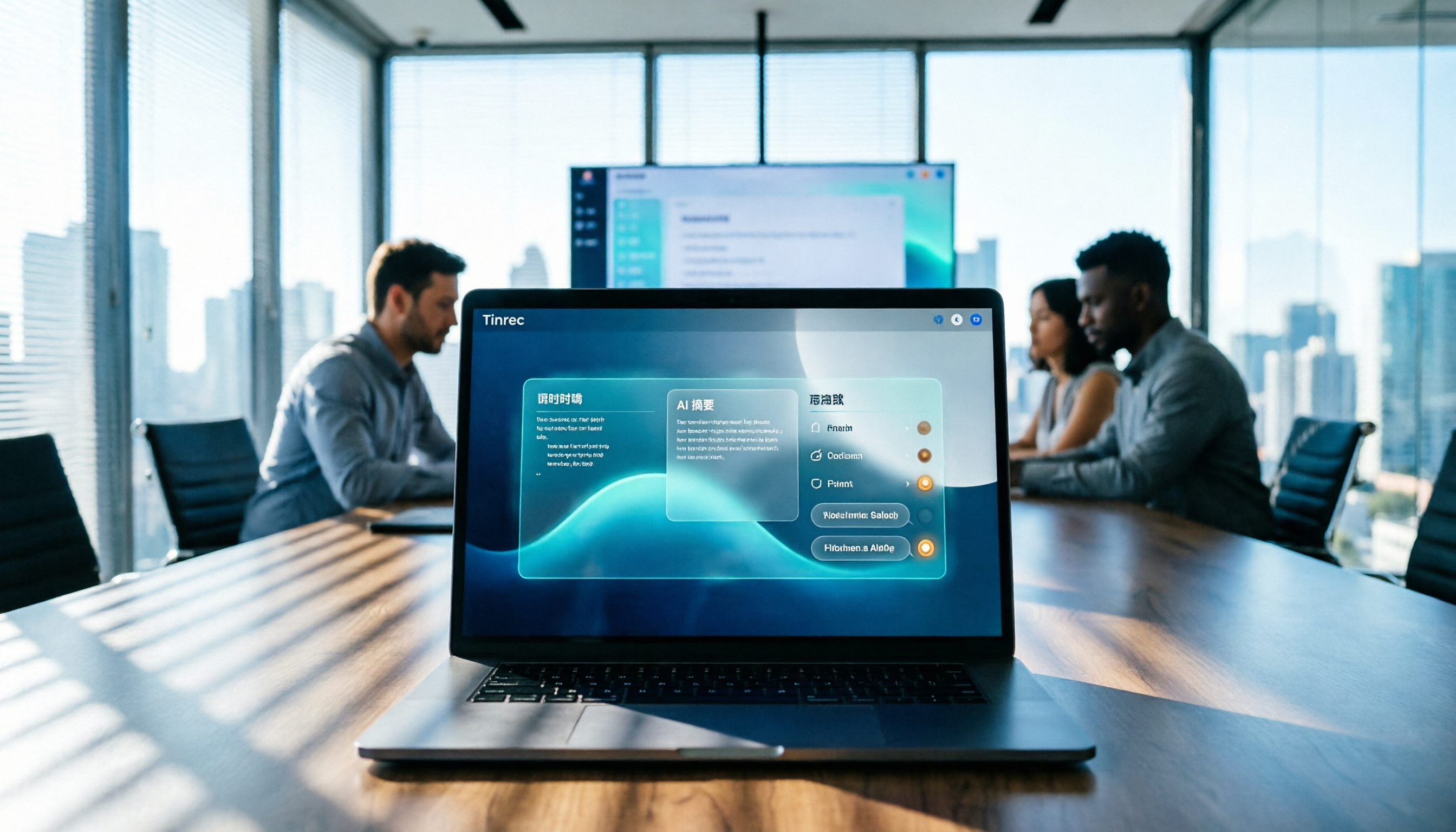
Turn recordings into transcripts and summaries in minutes
Upload audio or video for multilingual transcription, AI notes, and action items
Tinrec Meeting Notes 2026: Auto Summaries + Action Items, a Notion Template Alternative
It's 3 PM on a Wednesday, and the meeting has been going for forty minutes. You're listening to the discussion while filling in fields in your Notion meeting notes template, and afterward you still have to recall who promised what and which decisions need follow-up. The template itself isn't the problem—the problem is it can't listen for you, type for you, or organize for you. That's why many people start looking for a Notion meeting notes template alternative: it's not that Notion is bad, it's that manual note-taking is too draining. Tinrec steps in at this point, connecting recording, transcription, summaries, action items, and export into an automated workflow.
Why Are People Looking for a Notion Meeting Notes Template Alternative?
Notion offers many meeting templates. On the Notion Marketplace, there are thousands of meeting-related templates, including meeting minutes, agendas, status updates, design feedback summaries, and engineering team meeting notes. Most are free, and you can duplicate them to your workspace after logging in. For those who need a fixed format, these templates work well.
But in actual meetings, common frustrations include: discussions move faster than you can type, impromptu decisions from managers are hard to capture, you have to reconstruct action items from scattered notes afterward, and weeks later when you want to find a decision, you only remember that "someone mentioned it." If this sounds familiar, Tinrec is worth checking out.
Tinrec vs. Notion Meeting Notes Template: What's the Core Experience Difference?
Recording method: A Notion template is a table waiting to be filled in, relying mainly on manual input or post-meeting completion. Tinrec's desktop version can capture your computer's system audio directly, without needing a meeting bot to join, and transcribe in real time during Zoom, Google Meet, Microsoft Teams, Webex, and other online meetings. As the meeting progresses, the transcript is generated simultaneously, so you don't have to multitask.
Post-meeting organization: The value of a template is its structure, but filling it in still requires manpower. Tinrec automatically generates summaries, chapters, key points, and action items, and can quickly break down long meetings into browsable sections. For anyone who needs to write meeting minutes, this saves the time of creating a first draft.
Search and follow-up questions: Notion's search is powerful, but only if the data has already been organized into text. Tinrec's AI Q&A lets you continue asking questions about the meeting content, such as "What was the conclusion of this meeting?" or "Who is responsible for which item?" without manually scrolling through the entire transcript.
Output and collaboration: Tinrec can export results to Notion, Google Docs, OneNote, Dropbox, and other tools, effectively feeding automatically organized content back into your existing Notion workflow. The team version also centralizes meeting data in a team space, allowing new members to view past meetings and enabling resource handover when members leave.
Language and translation: Tinrec covers Chinese, Traditional Chinese, and multilingual meeting scenarios, supporting real-time translation and bilingual viewing during recording. Actual performance is affected by audio quality, accents, noise, and overlapping speakers, so it's not advisable to summarize with a fixed accuracy rate.
Tinrec's Core Features at a Glance
Real-time recording to text: Open Tinrec to record, and text appears simultaneously—ideal for in-person meetings, interviews, and on-site notes. By the time the meeting ends, you already have a basic transcript.
Bot-free online meeting recording: The desktop version records online meetings through system audio, without inviting an extra bot to join. Recording must be initiated by the user, not automatically joining all calendar meetings.
AI summaries, chapters, and action items: The system organizes long meetings into summaries, chapters, and key points, and extracts action items from discussions—great for weekly meetings, review meetings, and client calls.
Stop organizing recordings by hand
Upload audio or video and automatically get a transcript, summary, and action items
AI Q&A: Ask questions about a single meeting or multiple meetings, turning historical recordings into a searchable database instead of audio files sitting on a hard drive.
Multi-format export and Agent post-processing: Export to common formats and third-party tools, and further generate reports, tables, and documents to connect with post-meeting delivery workflows.
Team space and governance: The team version provides independent spaces, member roles, seat management, usage analytics, audit logs, team hotwords, and an audio recycle bin. Meeting data belongs to the team and doesn't disappear when individual accounts leave.
Practical Use Cases
Weekly team meetings: Use Tinrec desktop to record online weekly meetings, then review summaries and action items directly afterward, and export the organized content to a Notion page for archiving. The template handles presentation; Tinrec handles content generation.
Client interviews and requirements meetings: Transcribe in real time during interviews, then use AI Q&A to find client needs, objections, and commitments, reducing time spent re-listening to recordings.
Classes, lectures, and personal notes: Record with your phone, then get transcripts and summaries afterward, turning scattered ideas into searchable notes.
Cross-language meetings: Enable real-time translation to view content in the original language, translation, or bilingual format, reducing the cost of language switching.
Things to Consider When Choosing a Speech-to-Text Tool
Chinese and multilingual capabilities: If meetings often mix Chinese and English, or require Taiwanese, Cantonese, etc., first confirm the tool's Chinese processing and translation methods. Tinrec can be one option for Chinese meeting scenarios.
Whether a meeting bot is required: Some tools require a bot to join the meeting. Tinrec's desktop version primarily uses system audio capture, which is more convenient for teams that don't want an extra participant.
Are post-meeting outputs sufficient?: A transcript alone is usually not enough. Look for whether summaries, chapters, action items, Q&A, export, and report generation are all included.
Is team governance clear?: For team use, roles and seats must be clearly defined. Tinrec's team version focuses on team-level sharing; active members can view data, but only after obtaining a seat can they record, upload, edit, and export.
Free quota and pricing: Tinrec's personal version includes a free plan, weekly pass, Pro monthly, and Pro annual, suitable for different usage frequencies. The team version is USD 29.80 per paid seat per month, or USD 199 per paid seat per year (about USD 16.58 per month); the first eligible team trial is 7 days, 1 free seat, and 300 minutes of shared import quota. Actual prices and benefits are subject to the official purchase page.
Conclusion: Is Tinrec Worth a Try?
Notion meeting notes templates excel at structure and collaboration, suitable for those who already have manual note-taking habits. Tinrec excels at automating recording, transcription, summaries, action items, Q&A, and export, then sending results back to Notion and other workflows. The two are not mutually exclusive but complementary.
If you have frequent meetings, often need post-meeting follow-ups, or your team wants to accumulate meeting data, you can start with Tinrec's free version or team trial and test actual results with your own meeting recordings. That's more direct than just looking at template screenshots.
FAQ
Can Tinrec replace Notion? No, it's not a replacement. Notion remains a great document and database tool; Tinrec handles turning meetings into text and summaries automatically, then exports to Notion for further organization.
Is Tinrec's free version enough? The free version provides a basic quota, suitable for light experience with recording, import, summaries, and transcription. If you have meetings every week, consider Pro or the team version.
Which online meeting platforms does Tinrec support? The desktop version can handle audio from Zoom, Google Meet, Microsoft Teams, Webex, and other meetings played on your computer, without requiring a meeting bot to join.
What's the difference between the team version and personal version? Personal version data belongs to the individual account; the team version has independent team spaces, member and seat management, sharing benefits, usage analytics, audit logs, and an audio recycle bin, with resources owned by the team.
Can accuracy be guaranteed? We do not recommend promising a fixed accuracy rate. Actual results are affected by recording quality, noise, accents, overlapping speakers, and technical terminology. For important content, it's advisable to cross-check with transcript timestamps and the recording.
References
- Notion's Quality Meeting Templates | Notion Marketplace
- Meeting Notes Template | Notion Marketplace
- From Chaos to Order: Notion Meeting Notes and Keyword Search Tips
- AI Meeting Notes in Notion | Capture Ideas, Summaries ...
- How to Create Meeting Minutes with Notion? Template Sharing, Detailed Steps... - Project Management Architecture and Project Description Learning | 104 Learning
Turn every recording into actionable outcomes
Get 60 free transcription minutes when you sign in. No credit card required.
Related Reading
You might also like

2026 Teams Meeting Transcription Tools Buying Guide: 4 Tested Picks and Recommendations
Teams built-in transcription can generate transcripts, but real-time translation and smart summaries require additional paid licenses. This article explains how to start Teams transcription and its limitations, and compares Tinrec, Otter.ai, and Notta to help you choose the best meeting transcription solution.

4 YouTube Transcript Tools Tested and Compared in 2026: Which Free Tier Gives You the Most?
A comparison of four free YouTube transcript tools covering free usage limits, support for videos without captions, timestamps, and export formats. It also explains how Tinrec fits in after transcription with summaries, AI Q&A, and team collaboration, helping you decide which tool to use.

4 Teams Meeting Transcription Tools Tested in 2026: Built-in Transcription vs. Tinrec — Which Is Enough?
Complete guide to Teams meeting transcription: first, the requirements and common pitfalls of Teams built-in transcription, then a 5-step walkthrough using Tinrec for recording, transcript, summary, action items, and team export, plus troubleshooting tips.

Which YouTube Transcript Tool Is Best? 2026 Hands-On Test of 4 Options—This Free, No-Login One Is the Easiest
How do you choose a free YouTube transcript tool? This article starts with common misconceptions, then hands-on tests and compares 4 transcript tools. It explains the difference between grabbing captions and AI speech-to-text, the traps of free quotas, and outlines the best use cases for Tinrec, youtube-transcript.ai, Notta, and TurboScribe.

2026 Teams Meeting Notes Tools Buyer's Guide: 4 Tested Picks and Selection Tips
Tired of messy Teams meeting transcripts? We tested 4 tools and organized a guide covering capture methods, post-meeting organization, audio retention, and free tiers so you can choose with confidence.

2026 Teams Meeting Transcription Comparison: 3 Tools Tested for Ready-to-Use Transcripts
Teams built-in transcription only gives you a transcript; organizing, searching, and tracking action items are still on you. This article starts from real meeting scenarios, outlines 4 key buying factors, and compares Teams built-in transcription, Otter.ai, Notta, and Tinrec to show which one truly helps you wrap up meeting notes.

6 Zoom Meeting Transcription Tools Tested and Compared for 2026: How to Choose for Chinese Meetings and Free Plans
A practical guide to common misconceptions and methods for getting Zoom meeting transcripts, with hands-on comparisons of six options (Tinrec, Zoom built-in, Otter.ai, Fireflies.ai, Notta, Granola) covering positioning, pricing, and ideal users, plus notes on recording permissions, participant consent, free quotas, and team seats.

2026 Teams Meeting Transcription: Auto Transcribe + AI Summary Guide
Teams built-in transcription only gives you a raw transcript, summaries require an add-on license, and transcripts expire after 120 days by default. This article addresses common misconceptions, breaks down 4 key factors for choosing a Teams meeting transcription tool, shares hands-on experience with Tinrec, and covers alternatives and pitfalls to help you build a truly workable meeting notes workflow.

6 Best Audio Transcription Tools Tested for 2026: Which Free Version Is Enough?
Meeting's over, but the recording has been sitting on your phone for days? This guide shares hands-on experience with 6 audio transcription tools—Tinrec, Otter.ai, Notta, TurboScribe, Granola, and PLAUD—covering their positioning, key features, free and paid pricing, and ideal use cases. Find out whether a free plan is enough, whether you need a meeting bot, and what you can do with transcripts afterward.