

Turn recordings into transcripts and summaries in minutes
Upload audio or video for multilingual transcription, AI notes, and action items
What exactly was Google Meet's revenue in 2024?
Let's start with the conclusion: Google has never separately disclosed Google Meet's revenue.
This is disappointing for many people searching for "google meet revenue 2024." The personal version of Google Meet is free; it is not a standalone paid product line.
So where does the money come from? Third-party analyses all point to the same answer—subscription services like Google Workspace. Enterprises buy the entire office collaboration suite, and meetings are just one part of it.
Here are some verifiable numbers: Alphabet's total revenue in Q4 2024 was $106.116 billion, up 11.8% year-over-year. Google Cloud and YouTube combined revenue reached approximately $115.5 billion by the end of 2024. Additionally, third-party statistics indicate that Google Meet has over 300 million monthly active users.
In other words, Google Meet is a "lead-in" feature; the real revenue is in subscriptions and cloud. This also highlights what enterprise users should note: the free version lets you hold meetings, but it won't handle the organization before and after meetings.
The three most common pain points of free meeting tools
Picture this: It's 2 PM on a Wednesday, and you've just finished a 90-minute Google Meet client call. There were 8 people on screen, discussing budget, timeline, and three action items. The meeting ends, the window closes—and you realize that what was said only exists in your memory.
First, transcripts are hard to obtain. Built-in transcription features are usually tied to specific plans and only exist within that meeting.
Second, organizing takes time. A 90-minute meeting often requires another hour to replay and organize afterward.
Third, data is scattered. This week's meeting is in Google Meet, last week's in Teams, and client interviews are recorded on-site. Three months later, trying to find "what the client said about the pricing" is nearly impossible.
These three issues are exactly what Tinrec aims to solve.
What can Tinrec do for you?
Tinrec is an AI meeting note and collaboration tool for individuals and teams. It doesn't just convert audio to text; it organizes meeting recordings into searchable, summarizable, queryable, and exportable data.
Take Google Meet as an example: Tinrec's desktop version directly captures system audio without inviting a bot to join the meeting, allowing you to record online meetings and generate real-time transcripts. Zoom, Microsoft Teams, and Webex work the same way. This is straightforward for teams used to Google Meet: no need to change how you meet.
After the meeting, AI generates summaries, chapters, and action items. You can directly ask it "What were the client's concerns about the pricing?" without replaying the entire recording.
If multiple team members share it, Tinrec for Teams provides a separate team space where meeting data belongs to the team and won't disappear when members leave.
What are Tinrec's core capabilities?
Bot-free online meeting recording: The desktop version captures system audio without an extra bot as a participant. Users actively start recording via Tinrec. Note that this does not mean automatically joining all calendar meetings.
Real-time transcription: Transcribes while recording, so you can see text during the meeting to confirm key points are captured.
AI summaries and chapters: Not just condensing the transcript into a paragraph, but structured organization—meeting topics, discussion conclusions, and action items listed separately.
AI Q&A: After transcription, you can ask questions directly, with answers based on semantic understanding, ideal for reviewing past meetings.
Real-time translation and bilingual view: For cross-language meetings, you can view the original, translation, or bilingual content. Actual results depend on recording quality, accents, noise, and overlapping speakers.
Stop organizing recordings by hand
Upload audio or video and automatically get a transcript, summary, and action items
Export and post-processing: Supports export to Notion, Google Docs, OneNote, Dropbox, etc., and can use Agent to generate reports, tables, and documents.
Practical use cases
Unified archiving across platforms: The team holds weekly meetings on Google Meet this week and talks with clients on Teams next week. Tinrec's desktop version handles both, and post-meeting data is stored in the same space, so three months later you don't have to dig through chat logs to find decisions.
Client interviews and requirement organization: After a sales visit, put the recording or meeting notes into Tinrec. The summary will organize client needs, objections, and commitments, then export as follow-up materials.
Course and lecture notes: Record online courses, transcribe them, and use AI Q&A to review key points—much faster than dragging the timeline back and forth.
Team knowledge retention: New members can review historical team meeting data without starting from scratch. The team version also offers member and seat management, usage analytics, audit logs, and team hotwords.
5 things to consider when choosing a meeting note tool
1. Meeting capture method: Meeting bots need to join as participants, which some companies or clients may mind. Tinrec's desktop version captures system audio without an extra participant.
2. What you can do after transcription: Transcripts are just the first step. Tinrec provides summaries, chapters, action items, Q&A, and export, focusing on post-meeting organization.
3. Whether audio files are retained: Some tools keep only text, not audio. Tinrec retains audio files for playback and verification when needed.
4. Team governance capabilities: When shared among multiple people, confirm the differences between members, roles, and seats. Tinrec's team version separates "roles" and "seats"—members without seats can still view, play, and read team data but cannot upload, edit, or export.
5. Chinese meeting experience: Meetings with mixed Chinese and English are a challenge for transcription tools. Tinrec supports Chinese, Traditional Chinese, and multilingual scenarios, and offers team hotword management for technical terms.
Frequently Asked Questions
Q: Does Google Meet have its own revenue figures? A: Google does not disclose them separately. Third-party analyses generally believe monetization mainly comes from Google Workspace subscriptions and cloud services, not Google Meet itself.
Q: Can Tinrec directly record Google Meet meetings? A: Yes. Through the desktop version capturing system audio, no bot needs to join the meeting. Zoom, Microsoft Teams, and Webex are also supported.
Q: Is the free version enough? A: For light use, you can start with the free version to experience recording, importing, summaries, and transcription. For short-term intensive meeting needs, consider a weekly pass; for long-term stable use, Pro is suitable.
Q: How is the team version priced? A: Currently, the team monthly plan is USD 29.80 per paid seat per month, and the annual plan is USD 199 per paid seat per year, about USD 16.58 per month. The first eligible team trial is 7 days, 1 free seat, and 300 minutes of shared team import quota; each paid seat provides 2,000 minutes of shared team import quota per month. Actual prices and benefits are subject to the official purchase page.
Q: Is accuracy guaranteed? A: It's not recommended to interpret it that way. Tinrec can reduce manual recording and organizing costs, but actual results depend on recording quality, noise, accents, and technical terms. For important content, it's advisable to cross-check with transcript timestamps and recordings.
Q: Will team data disappear after a member leaves? A: It won't be taken away by individuals. Team resources belong to the team; when a member exits or is removed, their responsible team resources must be handed over to other active members. Audio files in the recycle bin can be restored before permanent deletion; the current retention period is 30 days.
Conclusion
Back to the original question: How much did Google Meet earn in 2024? The answer is it doesn't charge separately; revenue is hidden in Workspace subscriptions.
But for users, the more practical question is: After the meeting, where does that content go? If the answer is "scattered in memory and chat logs," that's an area for improvement.
You can start using Tinrec's free version for a few meetings to see what AI-organized meeting notes feel like. When team collaboration is needed, then evaluate the team version's seat and space configuration.
References
Turn every recording into actionable outcomes
Get 60 free transcription minutes when you sign in. No credit card required.
Related Reading
You might also like

2026 Google Meet Note-Taking Tools Compared: Tinrec Leads for Chinese Transcription
Google Meet can't be purchased separately; business use requires a Google Workspace subscription. This article breaks down the differences between Google Meet free and paid versions, and compares Tinrec, Otter.ai, and Notta to help you find the best post-meeting solution for Chinese meetings.

Google Meet 2026 Update Review: Built-in Notes vs. Tinrec — Which Saves More Time?
We break down Google Meet's 2026 updates and compare its built-in meeting notes with Tinrec's AI recorder across recording methods, Chinese transcription, post-meeting organization, export, and team collaboration to help you decide which fits your meeting workflow.

Tinrec vs Notta 2026: 5-Dimension Comparison for Chinese Meeting Notes
Searching for Tenrec App brings up unrelated results. The real comparison is between meeting transcription tools. This article uses Tinrec as an example to walk through 5 steps from recording to meeting minutes, and compares Tinrec and Notta across 5 dimensions to help you decide which is better for your Chinese meeting scenarios.

Google Meet Transcription vs. Tinrec: Which Meeting Notes Tool Wins in 2026?
Google Meet's plans are tied to Google Workspace, with separate pricing and bundles in India. But built-in transcription only handles a single meeting—post-meeting organization, cross-platform consolidation, and team knowledge retention remain gaps. From a mid-level manager's practical perspective, this article explains how Tinrec fills these gaps with bot-free recording, AI Q&A, action item extraction, and team spaces.

How to Buy Google Meet Recording in 2026: 4 Steps to the Best Deal
Does Google Meet recording cost money? Why can't free users find the record button? Starting from a student budget, this guide uses 4 steps to help you decide whether to upgrade to Workspace, use built-in recording, or switch to a bot-free AI meeting notes tool like Tinrec, with buying criteria and pitfalls to avoid.

Tinrec vs Google Meet in 2026: 4 Key Differences to Know Before You Pay
People searching for Google Meet purchase price usually want to know: Do I need to pay for meetings, and where should the money go? This article breaks down Google Meet's pricing logic using real scenarios for students and small teams, and explains how Tinrec fills the gap in meeting notes, transcripts, and action items so you can decide before paying.

Arsenal vs Nottingham Forest Preview 2026: 3 Key Storylines and H2H Data
On October 18, 2026, Nottingham Forest host Arsenal in Premier League Matchday 7. This preview covers kickoff time, both teams' recent form, head-to-head record, and injury lists to help you get up to speed before the match.
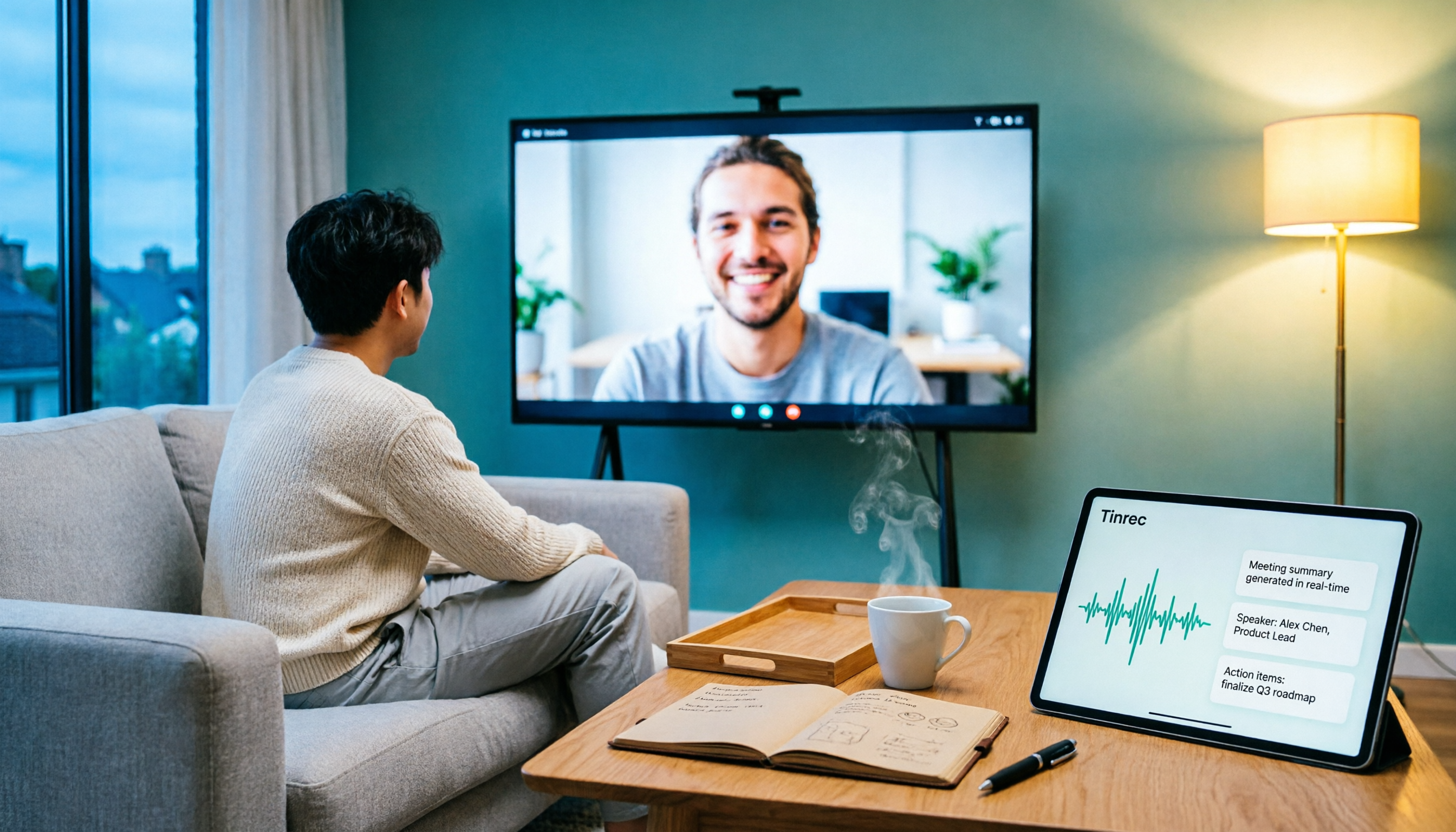
5 Ways to Put Google Meet on TV in 2026: Real-World Comparison and How to Capture Meetings on the Big Screen
To get Google Meet on your TV, you need to solve two problems: how to get the picture on the big screen, and where the meeting content goes after it ends. This guide covers 5 methods, from bot-free recording to Chromecast casting, Android TV calling, and browser-based options, explaining when each one makes sense.

Tenrec Large-Scale Multipurpose Recommender System Benchmark Dataset Explained: 5 Million Users, 140 Million Interactions, 4 Scenarios
Tenrec is a large-scale multipurpose benchmark dataset covering four recommendation scenarios. This article summarizes its five core features, four scenarios, ten evaluation tasks, how to access it, and usage considerations to help you decide if it suits your recommender systems research.