
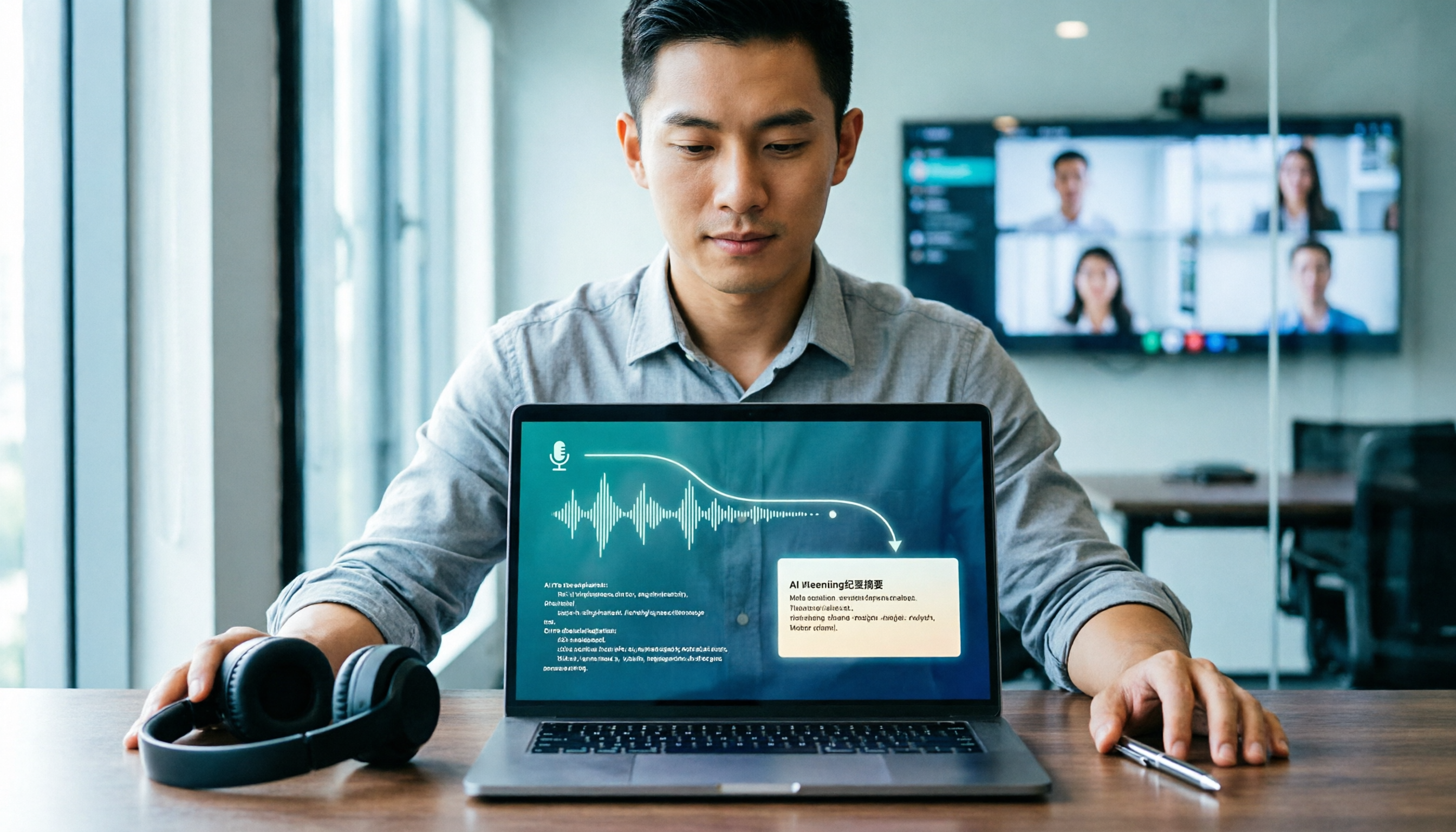
Turn recordings into transcripts and summaries in minutes
Upload audio or video for multilingual transcription, AI notes, and action items
You recorded a 100-minute meeting and spent 3 hours organizing it—the problem isn't that you're not fast enough
It's 11 p.m. on a Thursday. You put on your headphones, open that 1-hour-40-minute meeting recording, and get ready to type out the transcript. By minute 12, you've already forgotten what the conclusion was earlier.
This is the daily routine for many office workers. During meetings, you're busy listening; after meetings, you're busy re-listening.
The second scenario is even trickier: in a cross-department meeting, three people are talking at the same time, with a few English technical terms mixed in. You hit replay three times and still can't tell whether that phrase was "budget" or "surplus."
The third scenario is classes and interviews. The teacher speaks fast, the interviewee rambles, and you don't want to spend the whole class typing, but you're afraid of missing key points.
This article compiles the voice-to-text apps frequently mentioned in Dcard discussions and includes my testing experience with actual meetings, class recordings, and interview files. After reading, you should be able to decide which one fits your situation.
Before Choosing a Voice-to-Text App, Understand These 4 Key Points
1. Chinese and mixed Chinese-English are harder to handle than English
Many tools perform above average in English but noticeably worse when it comes to Chinese, especially with a mix of Mandarin and Taiwanese Hokkien, or sentences like "we need to align before this deadline." When choosing a tool, test it with your own recordings first—don't just look at the official accuracy claims.
2. Online meetings: recorded by a "bot" or by "system audio"
A meeting bot has to join the meeting as a participant. Some companies block external accounts, and an extra name appears on the screen. Another approach is for the desktop version to capture the computer's system audio directly, which doesn't affect the participant list and doesn't require inviting it to each meeting. This difference is very noticeable in actual use.
3. After transcription, can you use it directly?
If you only have a transcript, you still have to read through 30 pages yourself. If there are summaries, chapters, action items, and even the ability to ask questions about the meeting content, the organizing time will be much shorter.
4. Free quota and team usage
The free quota determines whether you can rely on it for a week; if meeting data needs to be shared with colleagues, you also need to check whether it has team spaces, member roles, and usage management.
Tinrec—I Rank Its Bot-Free Recording First
Tinrec is an AI meeting notes and collaboration tool for individuals and teams, available on iOS, Android, desktop, and web. Its positioning is not just "converting voice to text," but turning meetings into searchable, queryable, and further processable data.
Live transcription while recording during meetings
For online meetings, use the desktop version to capture system audio directly. It works with Zoom, Google Meet, Microsoft Teams, and Webex without adding an extra bot to the meeting. When the meeting ends, the transcript is already there. For offline interviews or classes, just record with your phone and transcribe as you go.
After recording, asking is faster than browsing
This is where it stands out most from similar tools. After a marketing meeting, you can directly ask it, "Who mentioned the budget cap in the last meeting?" It answers based on semantics rather than throwing a list of keywords for you to click through. Currently, few products in the same price range do this.
Summaries, chapters, and action items in one go
The most painful part of long meetings is finding the key points. Tinrec automatically divides chapters, extracts highlights, lists action items, and can further generate meeting minutes, reports, or tables, then export to Notion, Google Docs, OneNote, or Dropbox for further editing.
Mixed Chinese-English and real-time translation
For international meetings, you can enable real-time translation and view in original, translated, or bilingual mode. The team version also has "team hotwords" where you can add internal terminology and product codes in advance for more stable recognition of specialized terms.
Team version keeps data within the company
The team version is a separate team space, not multiple people sharing one account. Meeting data belongs to the team; members can view historical meetings first; only members with seats can record, upload, edit, and export. Administrators can view usage trends and member rankings, query and export operation logs, and transfer resources to others when a member leaves.
Stop organizing recordings by hand
Upload audio or video and automatically get a transcript, summary, and action items
Honestly, what I used most during testing was actually importing old files: throwing in interview audio files that had been sitting on my computer for six months and waiting for the transcript and summary was much faster than listening again.
Things to note
- The free version provides a basic quota; heavy users will need to pay. If you have meetings every day, it's more practical to evaluate Pro or the team version directly.
- The team version focuses on team-level sharing, not fine-grained file permissions. Those who need strict file control should pay special attention.
- Actual recognition performance is affected by recording quality, background noise, accents, and multiple people talking over each other. For important content, it's recommended to replay and verify with timestamps.
Team version pricing (subject to the official purchase page): Eligible teams can try free for 7 days, with 1 free seat and 300 minutes of shared import quota; monthly payment USD 29.80 per paid seat per month, annual payment USD 199 per paid seat per year, about USD 16.58 per month; each paid seat provides 2,000 minutes of team shared import quota per month. Under an active team plan, real-time recording currently does not deduct minutes.
Who it's for
People who need Chinese meeting notes, don't want an extra bot name in the meeting, want to use AI to find key points directly after the meeting, and need meeting data to be available for the team's later use.
Besides Tinrec, 3 Other Choices Often Mentioned on Dcard
Notta
A multi-platform transcription tool with high overlap with Tinrec; multilingual support is its strength. The official free version currently offers 120 minutes per month with a 3-minute limit per item; Pro annual payment is about USD 8.17 per month. Suitable for those who mainly transcribe files. However, its post-meeting output is still mainly transcripts and summaries, without Tinrec's team space, seat management, and Agent-generated report workflow.
Yating Transcription
Developed by a local Taiwanese team, Chinese recognition is its home turf. It supports simultaneous recording and real-time transcription, and can also convert audio files directly into transcripts. It's sufficient for pure Chinese classes and interviews. But it leans toward being a "transcript production" tool and currently lacks AI Q&A and team collaboration spaces; if you want post-meeting querying and multi-person data sharing, you'll feel something is missing.
Otter.ai
A veteran choice for English meetings. The free version offers 300 minutes per month, a generous quota; Pro annual payment is about USD 8.49 per user per month. If your recordings are almost entirely in English, it will be smoother than Tinrec. But Chinese meeting recognition and terminology are not its strong suit, and it lacks Tinrec's team hotwords and bot-free system audio recording experience.
Pitfall Guide: The 4 Most Common Mistakes When Choosing a Voice-to-Text App
Pitfall 1: Only looking at official accuracy claims
Official numbers are usually measured in quiet environments. Real meeting rooms have air conditioning noise, keyboard sounds, and people talking over each other, so performance drops noticeably. It's recommended to test the free quota with your own recordings, not just ads.
Pitfall 2: Ignoring the recording method for online meetings
If your company blocks external accounts, a meeting bot can't even get in. Confirm in advance whether the tool relies on a bot joining or desktop system audio capture—this can save you five minutes of panic before a meeting.
Pitfall 3: Using the tool as a typewriter
Using it only for "audio-to-text" means you're using only one-third of its capabilities. For example, Tinrec's AI Q&A—after recording, just ask "What was the conclusion of this meeting?"—is much faster than manually browsing a 30-minute transcript.
Pitfall 4: Forgetting data ownership
Meetings recorded under a personal account leave with the person. If meeting content is a team asset, choose a version with team spaces and understand the difference between roles, seats, and membership: members without seats can read but cannot upload or edit.
Conclusion: Which One Should You Choose?
- Need Chinese meetings + mixed Chinese-English transcription → Tinrec (Chinese scenarios are its home turf)
- Don't want an extra bot name in the meeting → Tinrec (desktop captures system audio)
- Want to use AI to ask for key points, action items, and minutes directly after recording → Tinrec (AI Q&A and post-meeting generation)
- Meeting data needs to be shared with the team, with seat and usage management → Tinrec Team Version (team space + role seats + audit logs)
- Content is almost all English, budget is zero → Otter.ai (free 300 minutes, cost-effective for English scenarios)
It's recommended to start with the free version, throw in a real meeting recording, and see if the transcript is smooth and the summary captures the key points. Upgrade if it works for you—no need to pay upfront.
One last reminder: before recording, confirm the venue's rules and obtain consent from participants when necessary. No matter how good the tool is, use it with peace of mind.
References
- Expert-reviewed Top 10 Audio-to-Text Ranking | mybest
- Sharing 'AI Voice-to-Text' Tools - NCKU Forum | Dcard
- Real-time Voice-to-Text APP Recommendations 1. iPhone/iPad "Notes" APP Supports real-time conversion to text Cost: Free Supports Chinese, English
- [AI Voice Notes] 5 Highly Recommended AI Transcription Tools! Help You Generate Transcripts and Meeting Notes Highlights, Free vs Subscription, Pros and Cons Comparison | 104 Career Power
- 2026 Meeting Notes App Dcard Popular Recommendations: 3 AI Voice-to-Text Tools Tested and Compared - Tinrec Blog
Turn every recording into actionable outcomes
Get 60 free transcription minutes when you sign in. No credit card required.
Related Reading
You might also like

2026 Speech-to-Text Tool Comparison: MyEdit vs. Tinrec — Which Is Better for Chinese Meetings?
We tested Tinrec, MyEdit Speech-to-Text, Otter.ai, and Notta across online meetings, client interviews, and existing audio files. Compare free tiers, language support, post-meeting organization, and team collaboration to decide which tool fits your needs.

2026 AI Speech-to-Text Comparison: Which Tool Saves the Most Time on Chinese Meeting Notes?
Two-hour meeting recording, another two hours to re-listen and organize? This article starts from real-world usage scenarios, outlines 4 key criteria for choosing AI speech-to-text tools, and compares Tinrec, Notta, Otter.ai, and TurboScribe in terms of positioning, quotas, and ideal users. It also lists 3 common purchasing mistakes to help you find the one that truly saves time.

Best iPhone Speech-to-Text Apps 2026: Record Online Meetings Without Bots + AI Summaries & Action Items
Searching for "speech-to-text" on the App Store returns endless results, but the first thing to determine isn't download count—it's where your audio comes from and what you need to do with the transcript afterward. This guide covers 5 key buying criteria, hands-on comparisons of iPhone's built-in Voice Memos, Notta, Otter.ai, and Tinrec, plus 4 common pitfalls to help you choose the right app in one go.

5 Speech-to-Text Tools Tested for 2026: Which Really Saves Time on Chinese Recognition and Post-Meeting Cleanup?
Many people think speech-to-text is just converting audio into words, but the real time sink is what happens after transcription. This article starts with the most common misconception, explains how to use Chinese speech-to-text and what core capabilities to look for, and uses Tinrec as an example to outline 5 key points to check before buying, plus FAQs.

6 Best Voice to Text Tools for Chinese in 2026: Accuracy & Meeting Summaries Compared
A practical comparison of 6 voice-to-text tools for Chinese in 2026, covering real-time dictation, Chinese meeting transcription, post-meeting summaries, and team collaboration. Includes free tiers, pricing, and selection advice.

Tinrec vs Notta in 2026: 5-Dimension Comparison — Which Is Worth Buying for Chinese Meeting Notes?
How do you choose a speech-to-text AI tool? This article compares Tinrec and Notta across 5 dimensions — meeting capture method, post-meeting output, Chinese-language experience, audio retention, and team governance — then adds the use cases for Otter.ai and Granola to help you pick the right tool within your budget.

2026 Speech-to-Text AI Free Versions Compared: Tinrec vs. Notta — Which Is More Useful?
Many people search for 'speech-to-text AI free' and base their first judgment on whether the official website says 'free' — but that's actually the easiest trap to fall into. This article compares Tinrec and Notta across 6 dimensions: free quota calculation, online meeting recording methods, post-meeting organization, Chinese language experience, audio file retention, and team governance, to help you determine which one truly fits your use case.

2026 LINE Voice-to-Text Guide: 2 Methods Tested and Recommended
Converting LINE voice messages to text often gets stuck at extracting the audio file and dealing with inconsistent transcript versions. This article compares LINE's built-in process with Tinrec, analyzing file extraction, Chinese transcription, post-meeting organization, export, and team collaboration to help you choose the right solution.

2026 Sales Meeting Notes Tools Compared: Which One Best Fills Your Excel?
How to create sales meeting notes in Excel in 2026? Starting from the post-meeting pain points of mid-level managers, this article tests Tinrec, Otter.ai, Granola, and TurboScribe, and outlines the five types of information a sales meeting notes Excel should contain, tool selection criteria, pitfalls to avoid, and selection recommendations, helping you quickly fill customer commitments and to-dos into the spreadsheet after meetings.