

Turn recordings into transcripts and summaries in minutes
Upload audio or video for multilingual transcription, AI notes, and action items
5 Speech-to-Text Tools Tested for 2026: Which Really Saves Time on Chinese Recognition and Post-Meeting Cleanup?
Most people looking for a speech-to-text tool for the first time have one thing in mind: "turn audio into words."
So they download an app, hit record, and generate a transcript. Then what? Then they stare at thousands of words with no paragraphs, no punctuation, and no key points—and still have to read through it from the beginning.
This is the misconception I want to clear up first: transcription is just an intermediate step, not the end goal.
What really determines whether you save time is the entire workflow after transcription. This test covers 5 common tools, spanning meeting bots, built-in platform transcription, pure file transcription, and desktop-based recording without a bot like Tinrec. Below, I put Tinrec into a real workflow and also highlight a few pitfalls to watch for when choosing a tool.
What Can Speech-to-Text Do for You?
Scenario 1: No more spending an hour organizing after a meeting
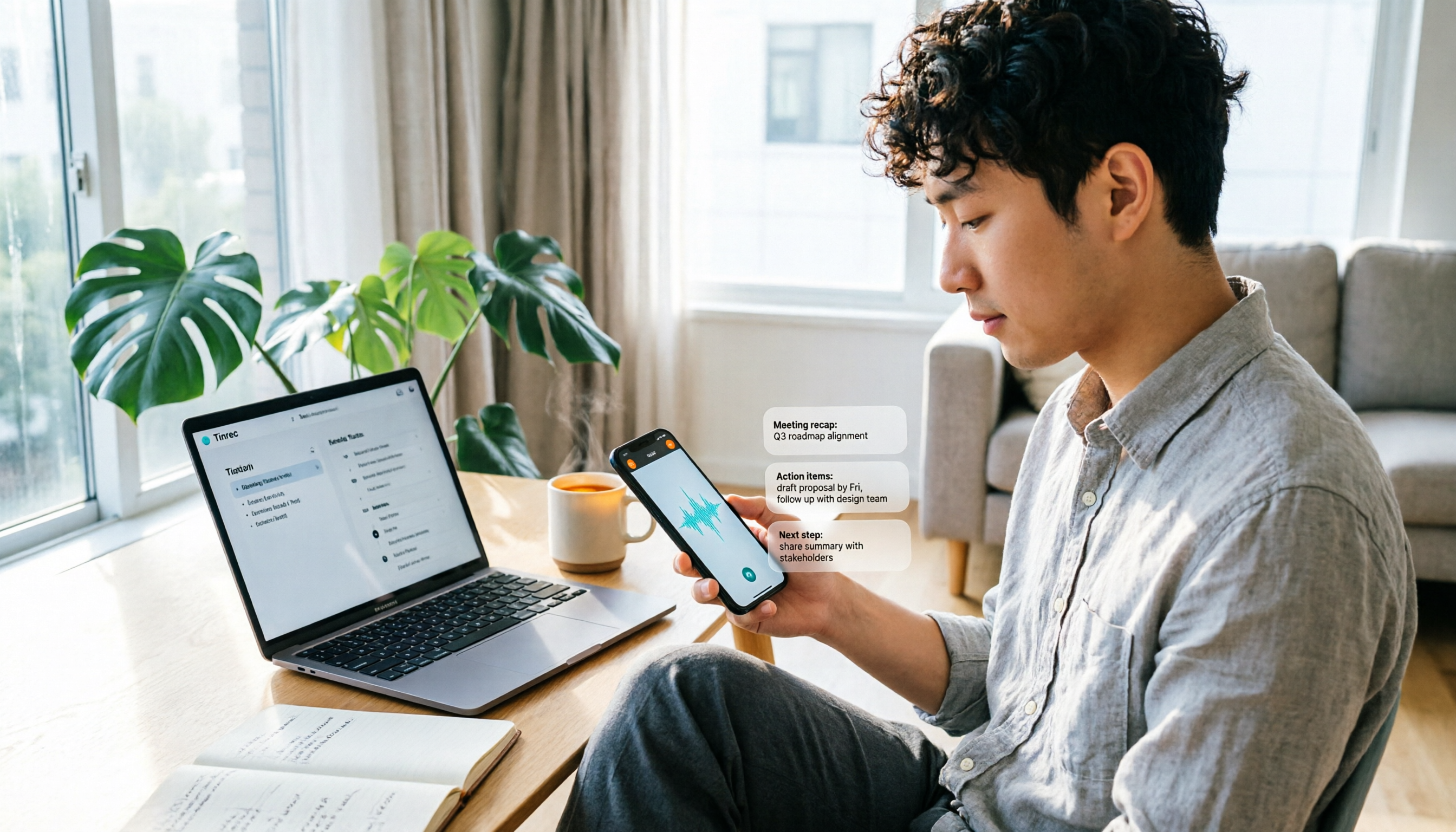
In the past, after a two-hour meeting, meeting notes often took another hour to fill in. With Tinrec, for example, summaries, chapters, and action items are ready as the meeting ends—you can see who is responsible for what and when it's due.
Scenario 2: Turn interview recordings into quotable text material
With recordings like interviews and user research, the biggest hassle is finding "which part was that quote in?" After Tinrec transcribes to text, you can search directly and even ask questions about the content, such as "What did the interviewee say about pricing?"
Scenario 3: Keep up with cross-language meetings
When meeting with international teams, Tinrec supports real-time translation, letting you switch between original text, translation, or bilingual view—no need to wait until after the meeting to find a translator.
Scenario 4: Turn historical recordings into a searchable database
Old recording files used to sit in folders with no one opening them. Tinrec can upload and transcribe existing audio and video, gradually building a searchable database you can query.
What Are the Core Capabilities of Speech-to-Text?
Real-time recording transcription: Transcribe while recording, not after. Whether it's an offline meeting or an on-site interview, you can watch the text settle in sync.
Bot-free online meeting recording: This is a standout feature of Tinrec. The desktop version directly captures computer system audio to handle online meetings on Zoom, Google Meet, Microsoft Teams, Webex, etc., without pulling an extra meeting bot in as a participant.
Note that this does not mean "automatically join all meetings"—you still need to open Tinrec yourself to start recording.
AI summaries, chapters, and action items: It's not about condensing the transcript into a paragraph, but structuring it—meeting topics, discussion highlights, and action items listed separately. Long meetings are split into chapters, so you don't have to read the whole thing when reviewing.
AI Q&A: After transcription, you can ask questions directly about the content. "Who mentioned the budget in this meeting?" "What were the client's concerns?" It answers based on semantics, so you don't have to Ctrl+F for keywords yourself.
Export and further processing: Results can be exported to Notion, Google Docs, OneNote, Dropbox, and other tools for continued use, and can also be post-processed via Agent to generate reports, tables, and documents.
Real-World Use Cases
Department weekly meetings and project meetings
For regular weekly meetings, the biggest fear is "did we do what we said we'd do last time?" Tinrec extracts action items from each meeting and keeps the data in one place, so you can glance at progress before the next meeting. The team version also centralizes all meeting data, so new members can see the historical context.
Courses, lectures, and training
When taking notes by hand during a lecture, you simply can't keep up with the speaker. With Tinrec's real-time transcription, you can later use AI summaries to capture key chapters—review efficiency improves significantly. For foreign-language lectures, real-time translation also comes in handy.
Stop organizing recordings by hand
Upload audio or video and automatically get a transcript, summary, and action items
Customer interviews and requirements communication
The pain point for sales and customer success teams is that "no one remembers what was said." Tinrec keeps requirements, concerns, and commitments in the transcript, so you can directly organize follow-up materials after the meeting without relying on memory.
Organizing audio and video content
If you have a batch of old recordings or videos and want to turn them into text scripts or article material, you can upload the files for processing and then pick sections from the transcript to rewrite.
5 Things to Watch for When Choosing a Speech-to-Text Tool
1. Actual performance with Chinese and mixed Chinese-English
Don't just look at the accuracy numbers the vendor advertises—you don't know under what recording conditions they were tested. I recommend trying a segment with your own meeting recording. Tinrec is designed for Chinese meetings and mixed Chinese-English content, and the team version offers team hotwords so you can add company-specific terminology and product names to reduce misrecognition of technical terms.
2. Can it help you organize after transcription?
This is the pitfall most people fall into: thinking that generating a transcript is the end. When choosing a tool, ask directly: "What does it do for me after transcription?" Tinrec's approach is to deliver summaries, chapters, action items, and Q&A all at once.
3. How is the meeting recorded?
Some tools rely on a meeting bot joining as a participant, while others use built-in platform transcription. Tinrec takes the approach of capturing system audio via the desktop version, which has the advantage of not needing an extra bot in the meeting and not worrying about it missing an invite.
4. Understand quotas and pricing clearly
Tinrec's personal version includes a free version, weekly pass, Pro monthly, and Pro annual—just choose based on your usage frequency: use the free version for occasional recording organization, the weekly pass for short-term intensive meetings, and Pro for regular weekly use. The team version is currently USD 29.80 per paid seat per month, or USD 199 per paid seat per year (equivalent to about USD 16.58 per month), with each paid seat providing 2,000 minutes of team shared import quota per month; real-time recording under an active team plan is currently not deducted by minutes. Actual prices and benefits are subject to the official purchase page.
5. Team collaboration and data ownership
If meeting data is meant for team use, check whether it distinguishes between "roles" and "seats." Tinrec's team version uses roles to determine who can manage the team and audit, and seats to determine who can record, upload, edit, and export; members without seats can still view and play team data. Also, governance features like usage analytics, audit logs, and an audio recycle bin (30-day retention) are worth confirming before purchase.
Frequently Asked Questions
Q: Is paid speech-to-text necessary for good Chinese recognition?
Not necessarily. If you only occasionally transcribe a recording or two, Tinrec's free version lets you experience recording, import, summaries, and transcription first. Once you're sure you'll use it long-term, consider the weekly pass or Pro.
Q: Do I have to add a meeting bot to the meeting?
No. Tinrec's desktop version directly captures computer system audio, so you don't need to invite an extra participant. However, remember that you need to actively start recording—it doesn't automatically join all meetings.
Q: Can it transcribe Chinese meetings with English terminology mixed in?
Tinrec covers Chinese and multilingual meeting scenarios and also supports organizing mixed Chinese-English content. Actual performance is affected by recording quality, accents, multiple people speaking at once, and technical terminology; for important content, it's recommended to cross-check with recording playback.
Q: If a team member leaves, will meeting data disappear?
Team resources belong to the team. When a member exits, is removed, or loses their seat, their team resources need to be handed over to other active members—the data won't be taken away by the individual.
Q: Can the generated transcript be used in other tools?
Yes. Tinrec supports multiple export formats and can export to Notion, Google Docs, OneNote, Dropbox, and other tools for further editing.
Q: Are there legal issues to consider with recording transcription?
Recording and transcription involve local regulations. It's advisable to check relevant rules first and obtain consent from participants when necessary.
Conclusion
Speech-to-text itself isn't difficult; the hard part is integrating it into your actual workflow.
If you just want "audio to text," there are many options on the market; if you want "summaries, action items, and the ability to ask questions later, all accessible to the team after a meeting," then an approach like Tinrec that handles post-meeting organization together will be more hassle-free.
You can start with the free version, try it with your own recording, and you'll see the difference.
References
- Speech-to-Text: AI voice input and transcription | Google Cloud
- Speech to Text — Chinese — Free online voice input | Speecher
- Speech to Text - How to quickly convert online audio files to text - cSubtitle
- Datax Speech-to-text | The AI speech-to-text most chosen by Hong Kong users
- Speech to Text - Free online real-time speech recognition, speak and text appears | DeerTools
Turn every recording into actionable outcomes
Get 60 free transcription minutes when you sign in. No credit card required.
Related Reading
You might also like

Tinrec vs Otter.ai in 2026: 5-Dimension Comparison — Which Speech-to-Text App Is Better for Chinese Meetings?
Starting from meeting-notes pain points, this article compares Tinrec and Otter.ai across 5 dimensions, covering selection criteria, pitfalls to avoid, and use cases to help you decide which speech-to-text app fits Chinese meetings and team collaboration.

Which Speech-to-Text AI Is Best? 2026 Test of 4 Tools: Top Pick for Chinese Meetings
Transcribing Chinese meetings, interviews, and lectures isn't just about whether transcription happens—it's about Chinese recognition, post-meeting organization, and team collaboration. This article compares Tinrec, Otter.ai, Notta, and TurboScribe across 4 buying dimensions to help you decide which suits Chinese meetings and which suits batch transcription of long files, plus 4 common pitfalls to avoid.

2026 Voice-to-Text AI Comparison: Which PTT-Favorite Tool Handles Chinese Best?
How do you choose among the voice-to-text AI tools buzzing on PTT? This article breaks down four key criteria—Chinese recognition, free-tier calculation, post-meeting output, and team collaboration—to compare Tinrec, Otter.ai, Notta, and Yating Transcript. It covers real differences, free limits, and pricing ranges, plus four common pitfalls to help you know what to look for before you even start a trial.
How to Use WhatsApp Voice to Text in 2026: 5-Step Guide
How do you turn on WhatsApp's built-in voice message transcripts? This guide walks you through setup in 5 steps, tests supported languages, privacy handling, and limitations, and compares tools like Tinrec, Notta, and TurboScribe to help you decide when to use the built-in feature and when to switch to a meeting organization tool.

2026 AI Speech-to-Text Showdown: 5 Tools Tested — Which One Actually Saves You Cleanup Time?
Dcard discussions about AI speech-to-text mostly focus on free tiers, Chinese recognition, and post-meeting organization. This article tests 5 tools with the same Chinese meeting recording, without naming each competitor, and focuses on how Tinrec turns recordings into transcripts, summaries, action items, and queryable team data, plus guidance on choosing between the free, Pro, and Team plans.

2026 Speech-to-Text Tool Comparison: MyEdit vs. Tinrec — Which Is Better for Chinese Meetings?
We tested Tinrec, MyEdit Speech-to-Text, Otter.ai, and Notta across online meetings, client interviews, and existing audio files. Compare free tiers, language support, post-meeting organization, and team collaboration to decide which tool fits your needs.

2026 AI Speech-to-Text Comparison: Which Tool Saves the Most Time on Chinese Meeting Notes?
Two-hour meeting recording, another two hours to re-listen and organize? This article starts from real-world usage scenarios, outlines 4 key criteria for choosing AI speech-to-text tools, and compares Tinrec, Notta, Otter.ai, and TurboScribe in terms of positioning, quotas, and ideal users. It also lists 3 common purchasing mistakes to help you find the one that truly saves time.

Best iPhone Speech-to-Text Apps 2026: Record Online Meetings Without Bots + AI Summaries & Action Items
Searching for "speech-to-text" on the App Store returns endless results, but the first thing to determine isn't download count—it's where your audio comes from and what you need to do with the transcript afterward. This guide covers 5 key buying criteria, hands-on comparisons of iPhone's built-in Voice Memos, Notta, Otter.ai, and Tinrec, plus 4 common pitfalls to help you choose the right app in one go.

6 Best Voice to Text Tools for Chinese in 2026: Accuracy & Meeting Summaries Compared
A practical comparison of 6 voice-to-text tools for Chinese in 2026, covering real-time dictation, Chinese meeting transcription, post-meeting summaries, and team collaboration. Includes free tiers, pricing, and selection advice.