

Turn recordings into transcripts and summaries in minutes
Upload audio or video for multilingual transcription, AI notes, and action items
2026 AI Speech-to-Text Showdown: 5 Tools Tested — Which One Actually Saves You Cleanup Time?
The meeting ends, the recording sits on your phone, and you stare at it — a two-hour discussion that will take at least three hours to turn into a transcript and action items. This is the kind of plea that pops up every so often on Dcard's work forum, and commenters always drop a few tool names. But the real questions are: Is the free version enough? How accurate is Chinese recognition? After transcription, can it actually reduce your workload?
This time I took several tools that are frequently discussed on Dcard, plus Tinrec, and ran them through the same Chinese meeting recording. This article won't name each competitor one by one; instead, it focuses on the differences most people actually care about: which tool can turn "transcription" into "usable meeting data."
What Can AI Speech-to-Text Do for You?
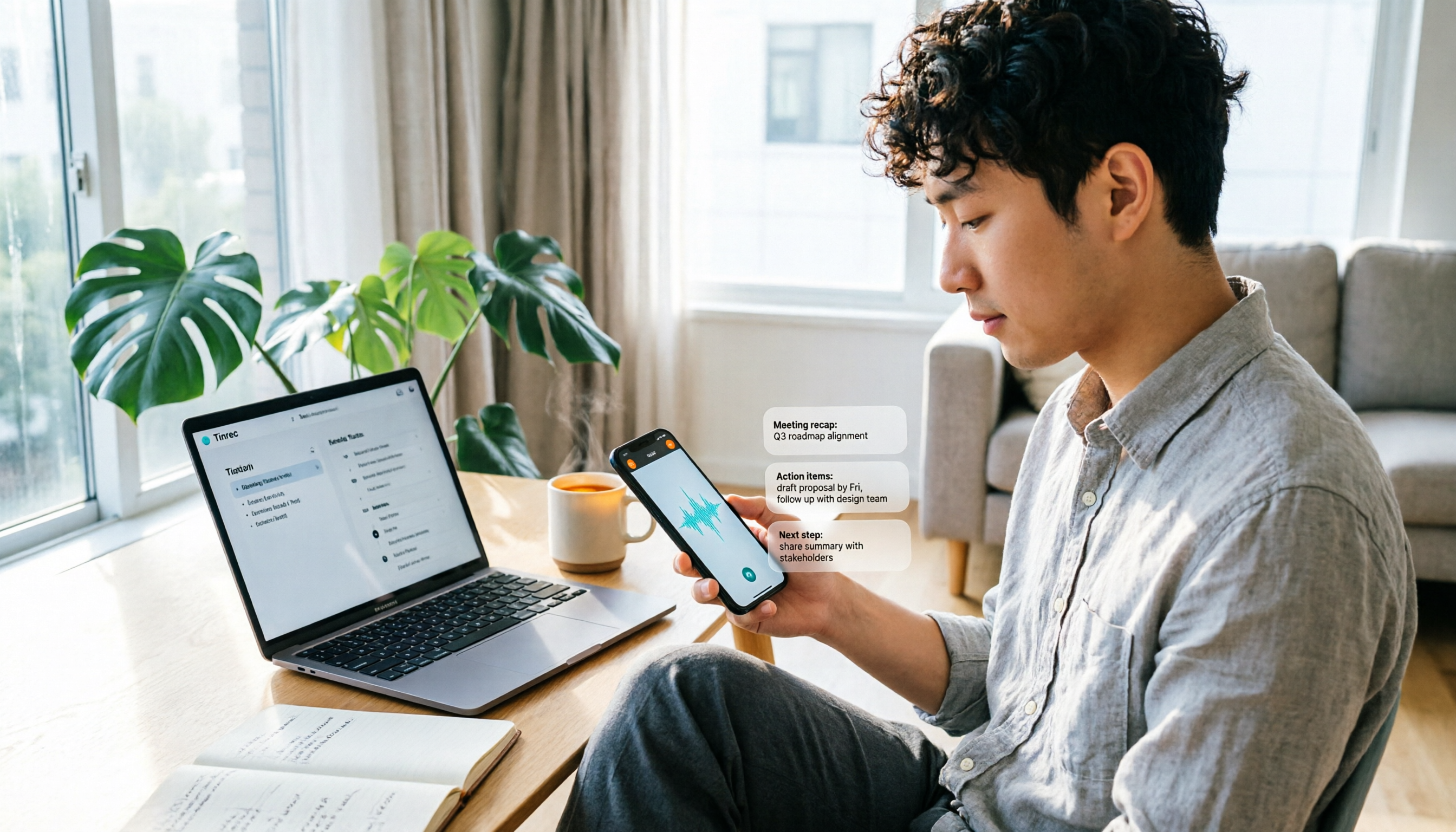
Scenario 1: See the key points within five minutes after a meeting In the past, after a two-hour meeting, you might spend another hour writing up notes. Now, with Tinrec as an example, the AI has already generated a summary, chapters, and action items by the time the meeting ends — who's responsible for what and what's next, without listening to the whole thing again.
Scenario 2: No bot to invite for online meetings When meeting on Zoom, Google Meet, Microsoft Teams, or Webex, the last thing you want is an extra bot joining and making things awkward. Tinrec's desktop app captures your computer's system audio directly, so no additional bot needs to join as a participant. You just open Tinrec and start recording, and a transcript is generated while you meet.
Scenario 3: Turn old recordings into searchable data You've probably saved a bunch of recordings but rarely open them again. Tinrec can convert audio or video files into text, and then you can use AI Q&A to ask directly, "What budget range did the client mention last time?" or "What unresolved items came up in this meeting?" — turning dormant recordings into meeting data you can query.
Scenario 4: Understand cross-language meetings If a meeting includes mixed Chinese-English or foreign-language speech, Tinrec supports real-time translation, letting you switch between original text, translation, or bilingual view, saving the time of finding a translator afterward.
What Are the Core Capabilities of AI Speech-to-Text?
Real-time transcription: transcribe as you record, not wait until the end Tinrec's real-time recording-to-text is great for in-person meetings, interviews, and on-site notes. During the meeting, you can follow along with the text to confirm nothing important is missed, rather than discovering after the fact that a section wasn't recorded clearly.
AI summaries and chapters: break long meetings into readable structure After a one-hour meeting is transcribed, the biggest hassle is "can't find the key points." Tinrec automatically generates summaries and chapters, organizing discussion topics, conclusions, and key points into sections so you can quickly review a long meeting.
Action item extraction: pull next steps from the discussion Many meetings don't lack conclusions — the conclusions are just scattered throughout the conversation. Tinrec extracts action items from the meeting content, making it suitable for project weekly meetings, client meetings, and cross-department discussions, so you can directly reference action items afterward.
AI Q&A: keep asking questions about the meeting content After transcription, you can ask Tinrec questions directly, such as "Who mentioned the budget in this meeting?" or "What were the client's main concerns about the proposal?" It answers based on the meeting content, saving you from manually searching the transcript.
Multi-format export and post-meeting processing Tinrec supports exporting meeting results to common document formats and third-party tools such as Notion, Google Docs, OneNote, and Dropbox, and can further generate reports, tables, and documents. For those who need to write meeting minutes, reports, or retrospectives, this connects transcription to your actual workflow.
Team space and governance The Team plan centralizes meeting data in an independent team space, offering members, roles, seats, usage analytics, audit logs, audio recycle bin, and team hotwords. Meeting data belongs to the team and doesn't disappear when an individual leaves — ideal for departments or project teams that need to accumulate meeting assets.
Real-World Use Cases
Project weekly meetings: assign action items right after Weekly meetings are where "the meeting ends but no one does anything" happens most. With Tinrec's real-time transcription, summaries and action items are ready after the meeting, and the host can assign action items directly. For project teams tracking progress, you save not just typing time but also the cost of repeated confirmation.
Client interviews: complete records without a bot Sales or customer success teams often need to record requirements, objections, and commitments when visiting clients. Tinrec's desktop app can record online meetings without a bot, and afterward you can use AI Q&A to find key client requirements, then export the organized results as follow-up materials.
Stop organizing recordings by hand
Upload audio or video and automatically get a transcript, summary, and action items
Classes and lectures: turn recordings into reviewable notes Students or lifelong learners often save lecture recordings but rarely re-listen. Tinrec can turn long recordings into transcripts, generate chapters and key points, and then use AI Q&A to review specific concepts. For those who need to organize seminar or course notes, this is much faster than dragging through audio files.
Content creation: turn interview recordings into material quickly Video creators or writers often use interview recordings to find material. Tinrec first transcribes the recording, then exports to your usual editing tools, making it easier to edit, write, or add subtitles. If the meeting or interview includes foreign-language content, you can also use real-time translation and bilingual view.
5 Things to Consider When Choosing an AI Speech-to-Text Tool
1. Chinese recognition and mixed Chinese-English capability Don't just look at English reviews, because your meetings are mostly in Chinese. Tinrec covers Chinese, Traditional Chinese, and multilingual scenarios, and also supports mixed Chinese-English content and team hotwords. Actual recognition performance is affected by recording quality, accents, noise, overlapping speakers, and technical terms — it's best to test with your own recordings.
2. Whether the meeting capture method requires a bot Some tools require a bot to join the meeting, while others capture system audio on the desktop. Tinrec is the latter — no bot invitation needed, but the user must actively open the desktop app to start recording; it doesn't automatically join all calendar meetings. Confirm your work habits when choosing.
3. Can it help you organize after transcription? Tools that only give you a transcript still require you to read it all afterward. Tinrec puts summaries, chapters, action items, AI Q&A, and export into one workflow, taking you from "getting text" to "getting actionable meeting data."
4. Whether the free tier and paid plans match your usage frequency Tinrec's free version offers basic quota to experience recording, import, summaries, and transcription; for short-term intensive meetings or interviews, consider a weekly card; for steady weekly use, the Pro monthly plan fits; for long-term data accumulation, evaluate the Pro annual plan. The Team plan offers a 7-day trial for first-time eligible users, 1 free seat, and 300 minutes of team shared import quota; team monthly billing is USD 29.80 per paid seat per month, annual billing is USD 199 per paid seat per year (about USD 16.58 per month), each paid seat provides 2,000 minutes of team shared import quota per month, and real-time recording is currently not deducted by minutes under an active plan and seat. Prices and benefits are subject to the official purchase page.
5. Team collaboration and data ownership If meeting data needs to be shared among multiple people, check whether the tool provides an independent team space. Tinrec's Team plan distinguishes roles and seats: roles determine management permissions, seats determine whether one can record, upload, edit, import/export, and use team resources. Active members without a seat can still view, play, and read team data but cannot perform resource-using operations. Currently, the Team plan is primarily team-level sharing, not file-level granular permissions; audio in the recycle bin has a 30-day recovery period. For teams that need governance, understand these rules first.
Frequently Asked Questions
Q1: The most common Dcard question — is the free version of AI speech-to-text enough? It depends on usage frequency. For occasional transcription, Tinrec's free version has a basic quota to try; for weekly meetings, the Pro monthly or annual plan is more suitable; for short-term intensive interviews, choose the weekly card. Teams wanting to evaluate first can use the 7-day trial, which includes 1 free seat and 300 minutes of team shared import quota.
Q2: How accurate is Chinese recognition? Can it handle mixed Chinese-English? Tinrec covers Chinese, Traditional Chinese, and multilingual scenarios, and supports mixed Chinese-English content and team hotwords. Actual performance is affected by recording quality, accents, noise, and overlapping speakers; it's not advisable to chase a fixed accuracy number. For important content, cross-check with transcript timestamps and recording playback.
Q3: Do I need a meeting bot to join Zoom or Meet? No. Tinrec's desktop app captures computer system audio directly, so no bot invitation is needed. The user must actively open Tinrec to start recording; it currently doesn't automatically join all calendar meetings. It can handle meeting audio played on a computer from Zoom, Google Meet, Microsoft Teams, and Webex, but this doesn't mean official partnerships with these platforms.
Q4: What can I do after transcription? Tinrec generates summaries, chapters, key points, and action items, and can also answer AI Q&A about the meeting content, further generate reports, tables, and documents, and export to Notion, Google Docs, OneNote, Dropbox, and other tools for further processing. This connects meeting notes to your downstream workflow.
Q5: What's the difference between the Team plan and the personal plan? Can members without a seat see data? Personal plan data is managed by the individual account. The Team plan is an independent team space where meeting data belongs to the team, and it provides members, roles, seats, shared benefits, usage analytics, audit logs, audio recycle bin, and team hotwords. Active members without a seat can view, play, and read team data but cannot upload, edit, or import/export. The Team plan is primarily team-level sharing, not a file-level private permission system.
Conclusion
AI speech-to-text is no longer just about "having it" — it's about whether it can help you organize, query, and collaborate after transcription. Based on this test experience, Tinrec is closer to the workflow that typical office workers really need for Chinese meetings, bot-free recording, post-meeting summaries and action items, and team data accumulation.
If you have more than three meetings a week, try Tinrec's free version first to experience the flow from recording to transcript, summary, and action items. When your team needs to share meeting data, then evaluate the Team plan trial and seat configuration. Finally, a reminder: recording and transcription involve others' privacy; please comply with local laws and obtain participant consent when needed.
References
- 2026 Meeting Notes App Dcard Top Recommendations: 3 AI Speech-to-Text Tools Tested and Compared - Tinrec Blog
- AI PC Applications - Hands-on Comparison of Three Quick Speech-to-Text Methods - 3C forum | Dcard
- AI-Organized Audio Transcripts and Video Subtitle Files #Whisper #InflowWeekly - Inflow (@geo1995) | Dcard
- [AI Voice Notes] 5 Highly Recommended AI Transcription Tools! Generate Transcripts and Meeting Notes Highlights, Free vs Subscription, Pros and Cons Review | 104 Career Power
- Expert-Supervised Top 10 Audio-to-Text Recommendations Ranking | mybest
Turn every recording into actionable outcomes
Get 60 free transcription minutes when you sign in. No credit card required.
Related Reading
You might also like

Tinrec vs Otter.ai in 2026: 5-Dimension Comparison — Which Speech-to-Text App Is Better for Chinese Meetings?
Starting from meeting-notes pain points, this article compares Tinrec and Otter.ai across 5 dimensions, covering selection criteria, pitfalls to avoid, and use cases to help you decide which speech-to-text app fits Chinese meetings and team collaboration.

Which Speech-to-Text AI Is Best? 2026 Test of 4 Tools: Top Pick for Chinese Meetings
Transcribing Chinese meetings, interviews, and lectures isn't just about whether transcription happens—it's about Chinese recognition, post-meeting organization, and team collaboration. This article compares Tinrec, Otter.ai, Notta, and TurboScribe across 4 buying dimensions to help you decide which suits Chinese meetings and which suits batch transcription of long files, plus 4 common pitfalls to avoid.

2026 Voice-to-Text AI Comparison: Which PTT-Favorite Tool Handles Chinese Best?
How do you choose among the voice-to-text AI tools buzzing on PTT? This article breaks down four key criteria—Chinese recognition, free-tier calculation, post-meeting output, and team collaboration—to compare Tinrec, Otter.ai, Notta, and Yating Transcript. It covers real differences, free limits, and pricing ranges, plus four common pitfalls to help you know what to look for before you even start a trial.
How to Use WhatsApp Voice to Text in 2026: 5-Step Guide
How do you turn on WhatsApp's built-in voice message transcripts? This guide walks you through setup in 5 steps, tests supported languages, privacy handling, and limitations, and compares tools like Tinrec, Notta, and TurboScribe to help you decide when to use the built-in feature and when to switch to a meeting organization tool.

2026 Speech-to-Text Tool Comparison: MyEdit vs. Tinrec — Which Is Better for Chinese Meetings?
We tested Tinrec, MyEdit Speech-to-Text, Otter.ai, and Notta across online meetings, client interviews, and existing audio files. Compare free tiers, language support, post-meeting organization, and team collaboration to decide which tool fits your needs.

2026 AI Speech-to-Text Comparison: Which Tool Saves the Most Time on Chinese Meeting Notes?
Two-hour meeting recording, another two hours to re-listen and organize? This article starts from real-world usage scenarios, outlines 4 key criteria for choosing AI speech-to-text tools, and compares Tinrec, Notta, Otter.ai, and TurboScribe in terms of positioning, quotas, and ideal users. It also lists 3 common purchasing mistakes to help you find the one that truly saves time.

Best iPhone Speech-to-Text Apps 2026: Record Online Meetings Without Bots + AI Summaries & Action Items
Searching for "speech-to-text" on the App Store returns endless results, but the first thing to determine isn't download count—it's where your audio comes from and what you need to do with the transcript afterward. This guide covers 5 key buying criteria, hands-on comparisons of iPhone's built-in Voice Memos, Notta, Otter.ai, and Tinrec, plus 4 common pitfalls to help you choose the right app in one go.

5 Speech-to-Text Tools Tested for 2026: Which Really Saves Time on Chinese Recognition and Post-Meeting Cleanup?
Many people think speech-to-text is just converting audio into words, but the real time sink is what happens after transcription. This article starts with the most common misconception, explains how to use Chinese speech-to-text and what core capabilities to look for, and uses Tinrec as an example to outline 5 key points to check before buying, plus FAQs.

6 Best Voice to Text Tools for Chinese in 2026: Accuracy & Meeting Summaries Compared
A practical comparison of 6 voice-to-text tools for Chinese in 2026, covering real-time dictation, Chinese meeting transcription, post-meeting summaries, and team collaboration. Includes free tiers, pricing, and selection advice.