

Turn recordings into transcripts and summaries in minutes
Upload audio or video for multilingual transcription, AI notes, and action items
Tinrec vs Otter.ai in 2026: 5-Dimension Comparison — Which Speech-to-Text App Is Better for Chinese Meetings?
The real choice isn't "which app transcribes fastest" — it's "which app can turn a 60-minute meeting into a transcript, summary, and action items you can hand off before you leave work." Choose wrong, and you've just traded typing time for organizing time. This article uses 5 dimensions to help you decide, with Tinrec and Otter.ai as the main comparisons.
Recording the meeting isn't the problem — post-meeting organization is. You don't need a tool; you need a solution.
The weekly meeting ends, the recording sits on your phone, but you have to listen from the beginning to get a transcript. A client interview runs 90 minutes, key points are scattered throughout the conversation, and when someone later asks "so what was the conclusion?" you can only rely on memory. Worse, Chinese meetings often mix in English product names, project codes, and people's names — the transcription either drops words or gets all the proper nouns wrong.
What these scenarios have in common: what you're missing isn't "recording" or "transcription" — it's turning audio into data that's searchable, summarizable, queryable, and assignable. Choose the right tool, and you can start organizing the moment the meeting ends; choose wrong, and you're just working overtime in a different way.
Before Choosing a Speech-to-Text App, Understand These 5 Key Points
1. Can you use the transcription directly? A tool that only gives you a transcript is just handing the organizing work right back to you. Look for whether it can automatically generate summaries, chapters, key points, and action items — ideally, it should also let you ask questions directly about the meeting content.
2. How does meeting audio get in? There are three common approaches: a meeting bot joins, a desktop app captures system audio, or you upload a recording file. A bot appears in the participant list; a desktop app doesn't require inviting a bot. If you often record Zoom, Google Meet, Microsoft Teams, or Webex, this directly affects your experience.
3. Performance with Chinese and mixed Chinese-English. Meetings in Taiwan rarely use pure Chinese — product names, specs, and English abbreviations fly around. Beyond basic transcription, check whether you can maintain team hotwords so technical terms get better over time.
4. Who ultimately owns the data? For personal use, look at export formats; for team use, check whether there's a separate team workspace, member roles, seats, usage, and audit logs. Otherwise, when a member leaves, the meeting data disappears with them.
5. How are pricing and quotas calculated? Look at free plan quotas, file import minutes, team shared minutes, and per-seat pricing. Don't just compare monthly fees — look at your usage pattern: occasionally transcribing a recording, short-term projects, or regular weekly meetings all suit different plans.
Tinrec — Our Top Pick After Evaluation
Tinrec is an AI meeting notes and collaboration tool for individuals and teams, supporting real-time recording, bot-free online meeting transcription, audio/video file import, and real-time translation, and can generate summaries, chapters, action items, and mind maps. It's not just a "speech-to-text app" — it turns meeting recordings into searchable, queryable, exportable work data.
In actual use, three scenarios stand out. First, before an online meeting, open the Tinrec desktop app — it directly captures your computer's system audio, no need to pull a meeting bot into the room; the transcript appears in sync during the meeting, and the summary and chapters are ready when it ends. Second, after the meeting, you can ask Tinrec directly: "Who mentioned the budget in this meeting?" "What objections did the client raise?" It answers based on the meeting content, not just keyword search results; action items can also be extracted from the discussion and turned directly into next steps. Third, the organized content can be exported to Notion, Google Docs, OneNote, Dropbox, and other tools, or post-processed with an Agent to generate reports, tables, and meeting minutes, reducing repetitive copy-pasting.
For Chinese meeting scenarios, Tinrec's workflow for Chinese and mixed Chinese-English content is complete: the transcript preserves speaking order, summaries and action items are editable, and if proper nouns are added to team hotwords first, recognition becomes more stable. Actual accuracy is still affected by recording quality, background noise, accents, and overlapping speakers — for important content, we recommend cross-checking with playback.
Stop organizing recordings by hand
Upload audio or video and automatically get a transcript, summary, and action items
On the plus side: first, the "bot-free" meeting capture method is especially friendly for external client meetings — no awkward extra participant. Second, the post-meeting workflow is complete — from transcript, summary, and action items to AI Q&A and export, all in one place. Third, the team plan clearly defines data ownership: team workspace, roles, seats, usage analytics, audit logs, and audio recycle bin are managed separately, so when members change, resources can be handed over instead of being taken away by individuals.
Limitations should also be clear. The free plan offers a basic quota; heavy users need to pay. The team plan is priced per paid seat: USD 29.80/paid seat/month for monthly, USD 199/paid seat/year for annual. Eligible teams can try 7 days with 1 free seat and 300 minutes of shared import quota. Also, the team plan currently focuses on team-level sharing, not file-level permissions; members without a seat can view, play, and read, but cannot upload, edit, or export. Understand these rules first so you don't buy and then find it's different from what you imagined.
If you frequently handle Chinese meetings, want to use AI to find key points directly after meetings, or need to switch between phone, computer, and web, Tinrec is currently one of the most suitable choices.
Besides Tinrec, What Other Options Are There?
Otter.ai: A mature AI meeting assistant with strong English business meeting capabilities. Free plan: 300 minutes/month; Pro annual billing works out to USD 8.49/user/month. It suits teams primarily using English meetings who need mature integrations; if your meetings are mainly Chinese and mixed Chinese-English, Tinrec's team hotwords and post-meeting Agent processing will be closer to your needs.
Notta: Complete multi-platform transcription and translation capabilities. Free plan: 120 minutes/month, max 3 minutes per session; Business offers unlimited transcription and role permissions. Notta suits file transcription and translation needs; Tinrec's differences are bot-free desktop recording, team workspace, and post-meeting AI Q&A, turning meetings directly into queryable team data.
Granola: A bot-free AI meeting notes tool that transcribes via desktop system audio and microphone. Basic is free; Business is USD 14/user/month. It emphasizes "user notes + AI enhancement," but doesn't save meeting audio and doesn't support uploading pre-recorded files; if you need to keep recordings, import historical documents, and have a team database, Tinrec is more suitable.
Pitfall Guide: The 3 Most Common Mistakes When Choosing a Speech-to-Text App
Pitfall 1: Only looking at the official accuracy claims. Clean audio in a lab is very different from real meetings with air conditioning, keyboard sounds, and people talking over each other. We recommend testing with a recording of your own meeting, especially mixed Chinese-English and proper noun segments — those are the conditions you face every day.
Pitfall 2: Treating a transcription tool as just "recording to text." If it only outputs a transcript, you're using only a third of the tool. Post-meeting summaries, action item extraction, AI Q&A, export, and report generation are where the real time savings are.
Pitfall 3: Treating the team plan as "multiple people sharing one account." Team plans distinguish roles and seats: roles govern administration, seats govern usage eligibility. Members without a seat can read team data but cannot upload, edit, or export; when members leave, team resources should be handed over, not disappear with individual accounts.
Conclusion: Which One Should You Choose?
In one sentence: if you want "Chinese meetings that can be organized, queried after the meeting, and accumulated by the team," Tinrec is this article's top pick.
- Chinese meetings, mixed Chinese-English weekly meetings, and client interviews → Tinrec (transcript, summary, action items, and AI Q&A in one workflow)
- Don't want a meeting bot joining Zoom/Google Meet/Microsoft Teams → Tinrec (desktop app captures system audio)
- Want to ask directly after the meeting "who mentioned the budget" or "what was the conclusion" → Tinrec (AI Q&A based on meeting content)
- Need team workspace, seat management, and historical meeting accumulation → Tinrec (team plan roles, seats, usage, and audit)
- Pure English business meetings, limited budget → Otter.ai (free 300 minutes/month, mature English scenarios)
We recommend first running your own meeting recording through the free plan to confirm the transcript, summary, and action items fit your work habits, then decide whether to upgrade. No need to pay right away — first make sure the tool can help you work a little less overtime; that's the most practical judgment.
References
- SoundType AI Ultra-Precise Transcript, Speech-to-Text, AI Dictation App - App Store
- AI Speech-to-Text Tool Recommendations: 8 Comparisons — Which Is Best for Meeting Notes, Transcripts, and Voice Input? — Leading Era
- Speech-to-Text Converter – Free Online | TicNote Cloud
- SoundType AI Ultra-Precise Transcript, Speech-to-Text, AI Dictation - Google Play App
- No Time Limit! 3 Free AI Transcript Tools, Highly Recommended! AI Voice Notes Generate Meeting Minutes, Presentations, Mind Maps | 104 Workplace
Turn every recording into actionable outcomes
Get 60 free transcription minutes when you sign in. No credit card required.
Related Reading
You might also like

Which Speech-to-Text AI Is Best? 2026 Test of 4 Tools: Top Pick for Chinese Meetings
Transcribing Chinese meetings, interviews, and lectures isn't just about whether transcription happens—it's about Chinese recognition, post-meeting organization, and team collaboration. This article compares Tinrec, Otter.ai, Notta, and TurboScribe across 4 buying dimensions to help you decide which suits Chinese meetings and which suits batch transcription of long files, plus 4 common pitfalls to avoid.

2026 Voice-to-Text AI Comparison: Which PTT-Favorite Tool Handles Chinese Best?
How do you choose among the voice-to-text AI tools buzzing on PTT? This article breaks down four key criteria—Chinese recognition, free-tier calculation, post-meeting output, and team collaboration—to compare Tinrec, Otter.ai, Notta, and Yating Transcript. It covers real differences, free limits, and pricing ranges, plus four common pitfalls to help you know what to look for before you even start a trial.
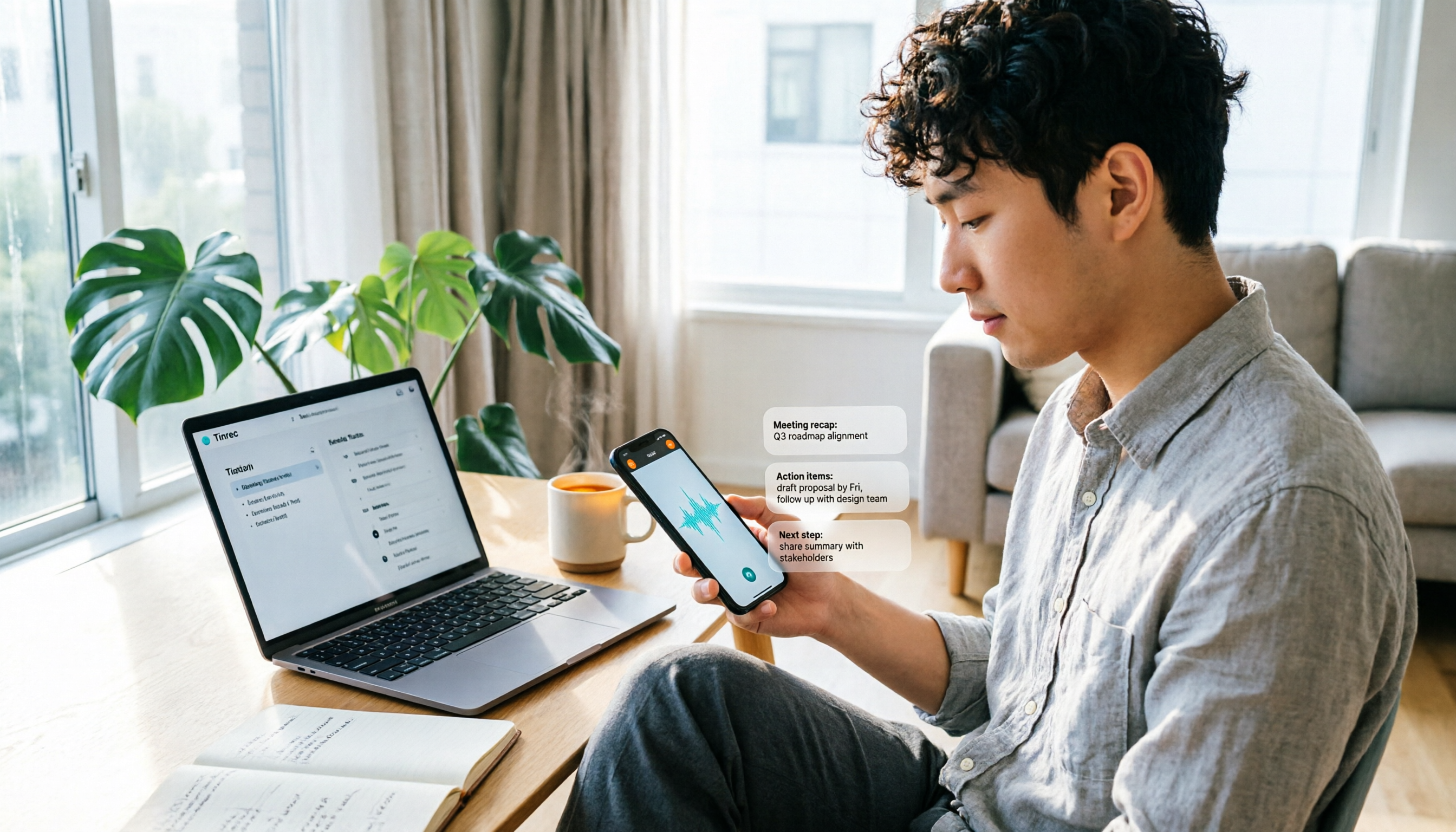
How to Use WhatsApp Voice to Text in 2026: 5-Step Guide
How do you turn on WhatsApp's built-in voice message transcripts? This guide walks you through setup in 5 steps, tests supported languages, privacy handling, and limitations, and compares tools like Tinrec, Notta, and TurboScribe to help you decide when to use the built-in feature and when to switch to a meeting organization tool.

2026 AI Speech-to-Text Showdown: 5 Tools Tested — Which One Actually Saves You Cleanup Time?
Dcard discussions about AI speech-to-text mostly focus on free tiers, Chinese recognition, and post-meeting organization. This article tests 5 tools with the same Chinese meeting recording, without naming each competitor, and focuses on how Tinrec turns recordings into transcripts, summaries, action items, and queryable team data, plus guidance on choosing between the free, Pro, and Team plans.

2026 Speech-to-Text Tool Comparison: MyEdit vs. Tinrec — Which Is Better for Chinese Meetings?
We tested Tinrec, MyEdit Speech-to-Text, Otter.ai, and Notta across online meetings, client interviews, and existing audio files. Compare free tiers, language support, post-meeting organization, and team collaboration to decide which tool fits your needs.

2026 AI Speech-to-Text Comparison: Which Tool Saves the Most Time on Chinese Meeting Notes?
Two-hour meeting recording, another two hours to re-listen and organize? This article starts from real-world usage scenarios, outlines 4 key criteria for choosing AI speech-to-text tools, and compares Tinrec, Notta, Otter.ai, and TurboScribe in terms of positioning, quotas, and ideal users. It also lists 3 common purchasing mistakes to help you find the one that truly saves time.

Best iPhone Speech-to-Text Apps 2026: Record Online Meetings Without Bots + AI Summaries & Action Items
Searching for "speech-to-text" on the App Store returns endless results, but the first thing to determine isn't download count—it's where your audio comes from and what you need to do with the transcript afterward. This guide covers 5 key buying criteria, hands-on comparisons of iPhone's built-in Voice Memos, Notta, Otter.ai, and Tinrec, plus 4 common pitfalls to help you choose the right app in one go.

5 Speech-to-Text Tools Tested for 2026: Which Really Saves Time on Chinese Recognition and Post-Meeting Cleanup?
Many people think speech-to-text is just converting audio into words, but the real time sink is what happens after transcription. This article starts with the most common misconception, explains how to use Chinese speech-to-text and what core capabilities to look for, and uses Tinrec as an example to outline 5 key points to check before buying, plus FAQs.
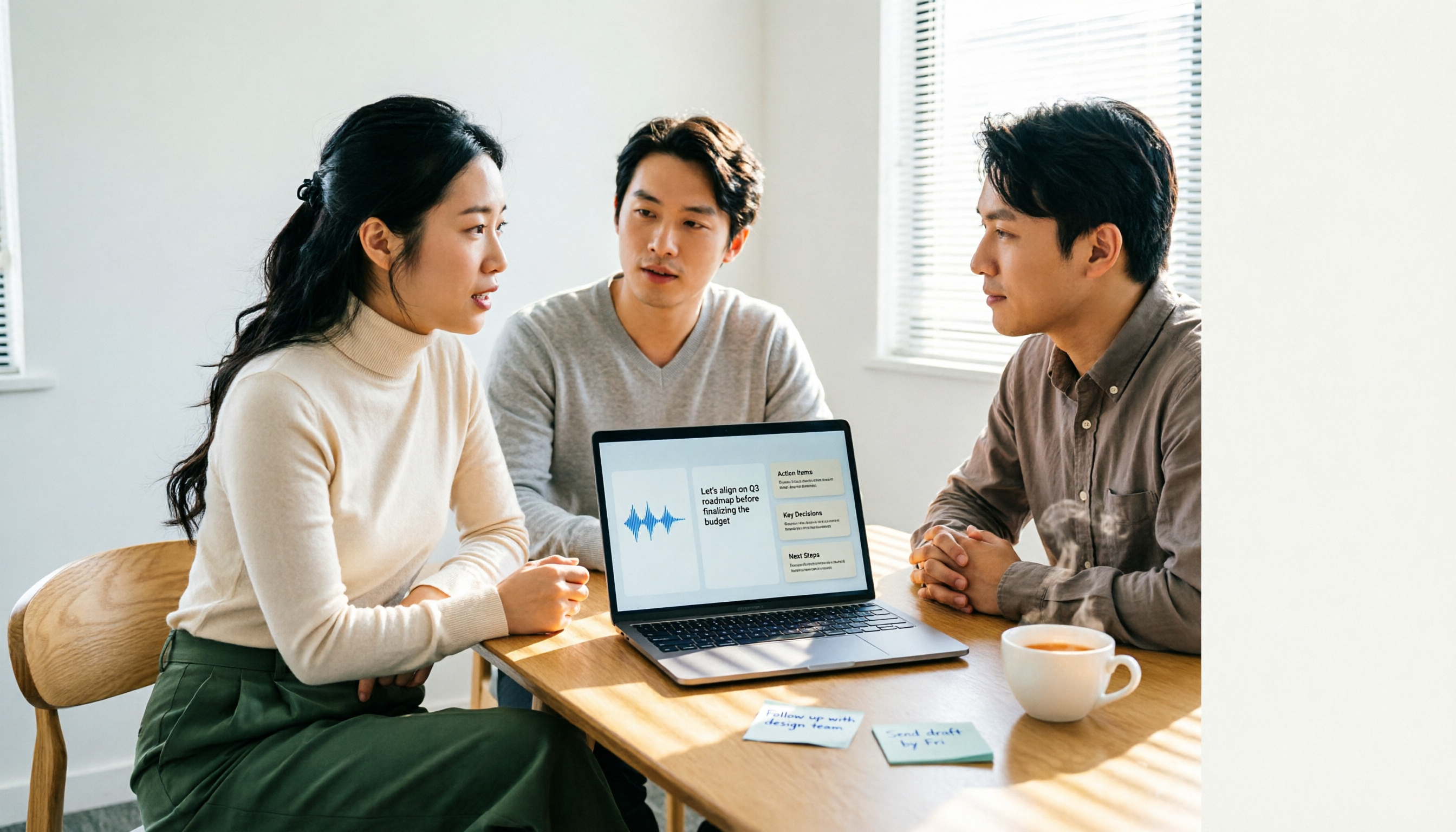
6 Best Voice to Text Tools for Chinese in 2026: Accuracy & Meeting Summaries Compared
A practical comparison of 6 voice-to-text tools for Chinese in 2026, covering real-time dictation, Chinese meeting transcription, post-meeting summaries, and team collaboration. Includes free tiers, pricing, and selection advice.