
Turn recordings into transcripts and summaries in minutes
Upload audio or video for multilingual transcription, AI notes, and action items
How to Use WhatsApp Voice to Text in 2026: 5-Step Guide
Your phone buzzes on the subway, and three WhatsApp voice messages pop up, each nearly a minute long. You're holding the handrail with one hand, a coffee in the other, and your headphones are still in your bag—at times like this, instead of forcing yourself to listen, it's better to let your phone turn the voice into text first.
WhatsApp voice messages are convenient, but when you're in a meeting, commuting, or in a noisy restaurant, it's really hard to listen to them one by one. In November 2026, the official app introduced "voice message transcripts," which converts received voice messages into text displayed below the message. This article will first help you turn on the built-in feature, then explain when it's not enough and how I would supplement it.
Why You Need Voice to Text: Three Real Scenarios
The first scenario is commuting and meetings. At 8:30 AM, a client sends three consecutive voice messages explaining requirements while you're in the elevator with unstable signal and no headphones. By the time the elevator doors open, the meeting has already started, and you can only reply "I'll listen later."
The second scenario is too many and too long voice messages. Family, clients, and vendors all prefer voice messages, accumulating a dozen or so a day. When you want to find "that quote mentioned last week," you have to play them from the beginning. Voice isn't searchable like text, and it's not easy to extract key points.
The third scenario is team collaboration. A colleague forwards a client voice message to you and asks you to "follow up," but the voice stays on their phone. You have to listen again, and after converting to text, it's scattered across different chat rooms. These situations are what voice to text really needs to solve.
Before Using WhatsApp Voice to Text, Understand These 4 Key Points
What languages are supported? WhatsApp's transcription languages are rolled out gradually, currently focusing on common languages, and some languages (such as Cantonese) may not yet be supported. If your phone's system language and the voice language don't match, transcription may also fail. Before enabling, check if your language is on the supported list.
Is your device and system version new enough? iPhone users should update to a newer system version and confirm Siri is enabled; Android users should ensure WhatsApp is the latest version. If the version is too old, you might not even see the "voice message transcripts" option in settings.
How is privacy handled? According to WhatsApp's official explanation, transcripts are generated on your device, and third parties, including WhatsApp, cannot read the voice content. This is an important source of reassurance for those who need to send client voice messages for work.
Can you use it after transcription? This is key. The built-in feature turns voice into a block of text, but it won't help you paragraph, extract to-dos, or organize across conversations. If what you need is to "understand a single message," this is enough; if what you need is to "organize a meeting," then it's one step short.
How to Use WhatsApp Voice to Text: 5-Step Guide
Step 1: Update WhatsApp to the latest version. Open the App Store or Google Play, search for WhatsApp, and check for updates. This step seems basic, but many people get stuck on "can't find the feature in settings" simply because the version is too old.
Step 2: iPhone users, confirm Siri is enabled first. Go to your phone's "Settings" > "Siri & Search" and confirm Siri is enabled. If you haven't enabled it before, the system may download a language pack on your first transcription, which takes some time.
Step 3: Go to WhatsApp's transcription settings. On Android, tap the three dots in the top right > "Settings"; on iPhone, tap "Settings" in the bottom right. Then find "Chats" > "Voice Message Transcripts" and turn on the toggle.
Step 4: Select the transcription language. On the same page, choose the language you want to transcribe. It's recommended to select the language that appears most often in your voice messages. Don't choose the wrong one, or the transcription will be garbled or fail entirely.
Step 5: Long-press the voice message and select "Transcribe." Return to the chat, long-press the voice message, and tap "Transcribe" in the menu. Transcription won't appear immediately; it takes a few seconds to tens of seconds. Once complete, the text will appear below the voice message.
Note that this feature is designed for "voice messages received in chats," not a general audio-to-text tool. It won't automatically transcribe all old voice messages, nor can it export an entire conversation at once. If you need to organize meeting recordings or batches of files, you'll still need other tools.
Tinrec—An Organization Solution When WhatsApp's Built-in Feature Isn't Enough
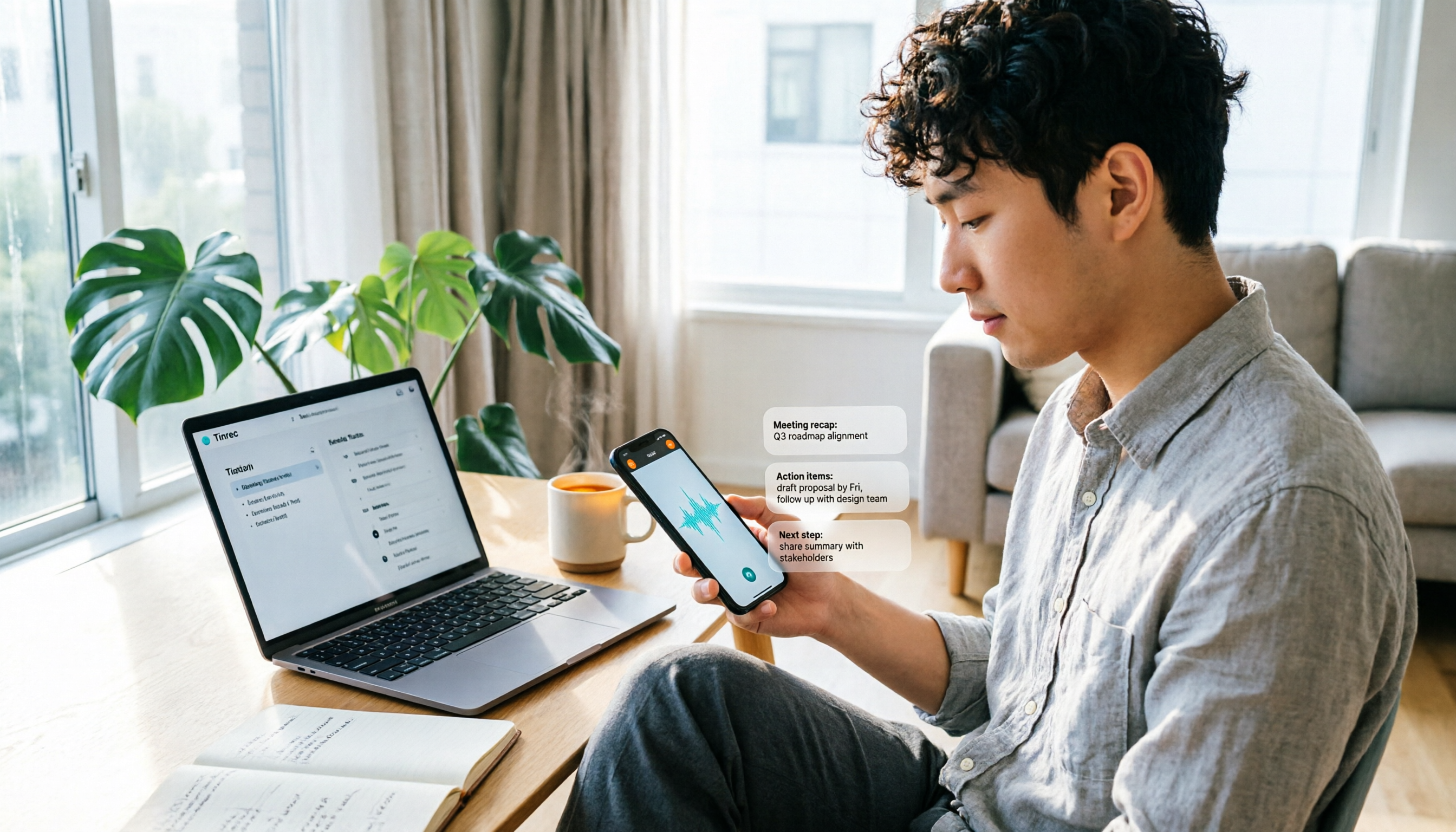
If your problem isn't "listening to a single voice message" but "turning a bunch of voice messages and meeting content into usable data," then WhatsApp's built-in feature only does half the job. Tinrec is an AI meeting notes and collaboration tool for individuals and teams, supporting real-time recording, desktop bot-free recording of online meetings, audio/video file import, and generating transcripts, summaries, chapters, to-dos, and AI Q&A. Its biggest difference from WhatsApp's built-in transcription is that it extends "understanding a single voice message" to "organizing a meeting."
The first practical scenario is online meetings. Tinrec's desktop version directly captures computer system audio to handle Zoom, Google Meet, Microsoft Teams, Webex, and other meetings without inviting an extra meeting bot to join. For participants, no extra recording account appears on the screen, which is especially friendly for client meetings.
Stop organizing recordings by hand
Upload audio or video and automatically get a transcript, summary, and action items
The second scenario is file organization. Voice messages sent by clients via WhatsApp, interview recordings, and historical meeting audio can be exported as audio files and then uploaded to Tinrec for transcription. After transcription, the system automatically generates summaries, chapters, and to-dos. Instead of manually re-listening for thirty minutes, you can first read the summary to grasp key points, then go back to verify the original text.
The third scenario is post-meeting follow-up questions. Tinrec supports AI Q&A around meeting content. You can directly ask "What budget constraints did the client mention?" or "Who is responsible for next week's proposal?" It organizes answers based on semantics, rather than just giving you keyword search results. This is especially noticeable when organizing client voice messages, because you no longer have to play them from the beginning.
The fourth scenario is team knowledge retention. Tinrec's team version provides an independent team space where meeting data belongs to the team and members can share and view it; administrators can manage roles, seats, usage, and audit logs, and when members leave, resources can be handed over to other active members. This is a completely different data governance approach from WhatsApp voice messages staying on personal phones.
In actual experience, transcription quality for clear Chinese meeting recordings is stable, and mixed Chinese-English content can also be organized; however, if the environment is noisy, multiple people speak over each other, or accents are heavy, it's still recommended to cross-check with transcript timestamps and original audio. Tinrec does not promise a fixed accuracy rate, and this should be made clear upfront.
Limitations should also be stated honestly. The free version provides a basic quota, suitable for trying out first; if you have many meetings every week, you'll need to evaluate the weekly card, Pro monthly card, or annual card. The team version is currently USD 29.80 per paid seat per month, or USD 199 per paid seat per year (equivalent to about USD 16.58 per month), with each paid seat providing 2,000 minutes of team shared import quota per month; under an active team plan and seats, real-time recording is currently not deducted by minutes. First-time eligible teams get a 7-day trial, 1 free seat, and 300 minutes of team shared import quota. Prices and benefits are subject to the official purchase page.
In short, if what you need is "meeting data that can be searched, summarized, queried, and handed over," Tinrec will be more complete than the transcription feature of a single chat room.
Besides WhatsApp's Built-in Feature, What Other Voice to Text Apps Are There?
Notta: A multilingual transcription and meeting notes tool. The free version offers 120 minutes per month, with a maximum of 3 minutes per item; the Pro annual plan is about USD 8.17 per month, with 1,800 minutes per month. It's suitable for people who already have audio files and want to quickly convert them to text, but WhatsApp voice messages need to be exported and uploaded first, and unlike Tinrec's desktop version, it cannot directly record online meetings without a bot and retain them in a team space.
TurboScribe: Takes a cost-effective document transcription approach. The free version offers 3 files per day, with a maximum of 30 minutes per file; Unlimited annual plan is USD 120 (about USD 10 per month), with a maximum of 10 hours or 5GB per file, and up to 50 files uploaded at once. If you need to batch process long audio files, it's a great deal; but it doesn't focus on real-time meeting recording, post-meeting Q&A, and team collaboration, which are areas where Tinrec is more complete.
SpeakApp: An online transcription tool that supports WhatsApp audio formats. Drag the exported audio file in, and you get text within seconds. Suitable for temporarily handling one or two voice messages; however, such third-party online tools usually upload audio files to the cloud for processing, so when client conversations are involved, confirm privacy and authorization first. Tinrec puts recording, transcripts, summaries, and to-dos in the same workspace, and later you can also ask questions and export.
Pitfall Guide: The 4 Most Common Mistakes When Using Voice to Text
Pitfall 1: Assuming all voice messages will automatically become text after enabling. The built-in feature requires you to long-press a single voice message and manually select "Transcribe." Old messages won't be automatically transcribed. If you have an entire conversation to organize, pressing one by one is actually time-consuming.
Pitfall 2: Ignoring language and system version. Choosing the wrong transcription language, or having a phone system language that doesn't match the voice language, can cause failure. Rather than discovering garbled text after transcription, confirm the supported list and system version first.
Pitfall 3: Treating the transcript as meeting notes. Text output is not the same as a summary of key points. Who is responsible for what, what the deadlines are, where the client's objections are—these still need to be extracted separately. Instead of manually highlighting, use summary and to-do features to run through it first.
Pitfall 4: Casually throwing client voice messages into unknown tools. Third-party tools may upload audio files to the cloud for transcription. When handling quotes, contracts, or client personal information, first confirm how the tool processes data, and obtain consent when necessary.
Conclusion: When to Use WhatsApp's Built-in Feature vs. Tinrec
If you just occasionally can't listen to a voice message while commuting, WhatsApp's built-in "voice message transcripts" is enough. Turn it on once, and then long-press to transcribe. Privacy handling is also relatively reassuring.
If you need to organize client voice messages, interview recordings, or online meetings into searchable data, Tinrec is more suitable. It can record Zoom, Meet, Teams, and Webex without a bot, supports audio/video import, transcripts, summaries, chapters, to-dos, AI Q&A, and multi-format export, suitable for professionals who have meetings every week.
If you need to share meeting data within a team, Tinrec's team version with its space, roles, seats, usage, and audit capabilities is more controllable than leaving voice messages in personal chat rooms.
If you just need to batch process very long audio files, TurboScribe's file quota is generous; if you mainly record English meetings, Otter.ai's English meeting intelligence is mature. In these two cases, you can consider other tools, but for most other needs involving "Chinese meetings + post-meeting organization + team retention," I would recommend Tinrec first.
It's recommended to start with your own actual recordings and use the free version to confirm whether transcription quality meets your needs before deciding whether to upgrade. There is no absolute best tool, only the one that best fits your current workflow.
References
- "Latest" WhatsApp Voice to Text 2026 Official Method!
- WhatsApp Voice to Text New Feature Is Here! See Android and iPhone Setup Methods
- WhatsApp Voice to Text Free Online Tool | SpeakApp
- Introducing Voice Message Transcripts - WhatsApp Blog
- Complete Guide to WhatsApp Voice to Text: How to Enable and FAQs – AirDroid
Turn every recording into actionable outcomes
Get 60 free transcription minutes when you sign in. No credit card required.
Related Reading
You might also like

Tinrec vs Otter.ai in 2026: 5-Dimension Comparison — Which Speech-to-Text App Is Better for Chinese Meetings?
Starting from meeting-notes pain points, this article compares Tinrec and Otter.ai across 5 dimensions, covering selection criteria, pitfalls to avoid, and use cases to help you decide which speech-to-text app fits Chinese meetings and team collaboration.

Which Speech-to-Text AI Is Best? 2026 Test of 4 Tools: Top Pick for Chinese Meetings
Transcribing Chinese meetings, interviews, and lectures isn't just about whether transcription happens—it's about Chinese recognition, post-meeting organization, and team collaboration. This article compares Tinrec, Otter.ai, Notta, and TurboScribe across 4 buying dimensions to help you decide which suits Chinese meetings and which suits batch transcription of long files, plus 4 common pitfalls to avoid.

2026 Voice-to-Text AI Comparison: Which PTT-Favorite Tool Handles Chinese Best?
How do you choose among the voice-to-text AI tools buzzing on PTT? This article breaks down four key criteria—Chinese recognition, free-tier calculation, post-meeting output, and team collaboration—to compare Tinrec, Otter.ai, Notta, and Yating Transcript. It covers real differences, free limits, and pricing ranges, plus four common pitfalls to help you know what to look for before you even start a trial.

2026 AI Speech-to-Text Showdown: 5 Tools Tested — Which One Actually Saves You Cleanup Time?
Dcard discussions about AI speech-to-text mostly focus on free tiers, Chinese recognition, and post-meeting organization. This article tests 5 tools with the same Chinese meeting recording, without naming each competitor, and focuses on how Tinrec turns recordings into transcripts, summaries, action items, and queryable team data, plus guidance on choosing between the free, Pro, and Team plans.

2026 Speech-to-Text Tool Comparison: MyEdit vs. Tinrec — Which Is Better for Chinese Meetings?
We tested Tinrec, MyEdit Speech-to-Text, Otter.ai, and Notta across online meetings, client interviews, and existing audio files. Compare free tiers, language support, post-meeting organization, and team collaboration to decide which tool fits your needs.

2026 AI Speech-to-Text Comparison: Which Tool Saves the Most Time on Chinese Meeting Notes?
Two-hour meeting recording, another two hours to re-listen and organize? This article starts from real-world usage scenarios, outlines 4 key criteria for choosing AI speech-to-text tools, and compares Tinrec, Notta, Otter.ai, and TurboScribe in terms of positioning, quotas, and ideal users. It also lists 3 common purchasing mistakes to help you find the one that truly saves time.

Best iPhone Speech-to-Text Apps 2026: Record Online Meetings Without Bots + AI Summaries & Action Items
Searching for "speech-to-text" on the App Store returns endless results, but the first thing to determine isn't download count—it's where your audio comes from and what you need to do with the transcript afterward. This guide covers 5 key buying criteria, hands-on comparisons of iPhone's built-in Voice Memos, Notta, Otter.ai, and Tinrec, plus 4 common pitfalls to help you choose the right app in one go.

5 Speech-to-Text Tools Tested for 2026: Which Really Saves Time on Chinese Recognition and Post-Meeting Cleanup?
Many people think speech-to-text is just converting audio into words, but the real time sink is what happens after transcription. This article starts with the most common misconception, explains how to use Chinese speech-to-text and what core capabilities to look for, and uses Tinrec as an example to outline 5 key points to check before buying, plus FAQs.

6 Best Voice to Text Tools for Chinese in 2026: Accuracy & Meeting Summaries Compared
A practical comparison of 6 voice-to-text tools for Chinese in 2026, covering real-time dictation, Chinese meeting transcription, post-meeting summaries, and team collaboration. Includes free tiers, pricing, and selection advice.