

Turn recordings into transcripts and summaries in minutes
Upload audio or video for multilingual transcription, AI notes, and action items
Many people assume that after Google Meet's recent updates, its built-in meeting notes are enough for all their needs. But honestly, if you need Chinese transcripts, post-meeting AI Q&A, or want to turn meeting data into a team asset, Google Meet's built-in features still fall short. I've tested both, starting from Google Meet's latest updates and comparing with Tinrec, to see which solution fits you better.
What's New in Google Meet? A Quick Overview
Google Meet has several notable updates in 2026. First, the Meet API is now generally available, allowing management of meeting space members and co-host roles. Second, meeting notes have evolved: while transcripts accurately capture speech, they still don't include visual context; in the future, visual screenshots will be automatically embedded into Google Docs created by "Take notes for me."
Additionally, the Google Meet homepage now displays meeting rooms and physical meeting locations directly, making it more convenient for those in the office. The Connect Room feature is also officially launched: enter a 5-character room code to connect to nearby meeting room hardware. On the hardware side, Neat and Logitech's Android all-in-one conference devices are now certified.
In short, Google Meet is smoothing out the "before" and "during" meeting experience, but "after" the meeting—organizing and reusing data—still depends on how you use it.
| Item | Google Meet Built-in | Tinrec |
|---|---|---|
| Core Focus | Video meetings and Workspace integration | AI meeting notes and team collaboration |
| Meeting Capture | Built-in transcription, notes | Desktop app captures system audio without a bot; supports Google Meet, Zoom, Teams, Webex |
| Post-Meeting Output | Transcript, Google Docs notes | Transcript, summary, chapters, action items, Q&A, multi-format export |
| Team Management | Based on Google Workspace permissions | Team spaces, roles, seats, usage, audit, recycle bin |
Dimension 1: Meeting Recording Method — Do You Need a Meeting Bot?
Google Meet's built-in recording is tied directly to the meeting, no extra tools needed—convenient for those already using Google Workspace. However, its recording and notes are mainly for Google Meet itself; if you also use Zoom, Teams, or Webex, you'll need separate tools.
Tinrec's desktop app doesn't require a meeting bot to join; it directly captures computer system audio and can handle Google Meet, Zoom, Microsoft Teams, Webex, and other online meetings. No extra participant is added during recording, making it more natural for teams that value meeting order.
→ In this dimension: Tinrec wins for cross-platform and bot-free recording; Google Meet is smoothest within its own ecosystem.
Dimension 2: Chinese and Multilingual Transcription Experience
Google Meet's transcript supports languages based on the meeting platform, with mature support for English meetings. Chinese meetings are also possible, but if you need mixed Chinese-English, multilingual meetings, or bilingual comparison, flexibility is limited.
Tinrec covers Chinese, Traditional Chinese, and multilingual meeting scenarios, supports mixed Chinese-English content organization, and offers real-time translation with original, translated, or bilingual views. It also has a team glossary feature to maintain team-specific terms and improve recognition of professional vocabulary.
→ In this dimension: Tinrec offers more complete support for Chinese and multilingual meetings; Google Meet suits teams primarily using a single language.
Dimension 3: Post-Meeting Organization — What Else Can You Do After the Transcript?
Google Meet's built-in transcript and "Take notes for me" organize content into Google Docs, intuitive for those used to Google Docs. Sources also mention that visual screenshots will be automatically embedded into notes in the future, making meeting records more complete. However, it currently focuses mainly on transcripts and document notes.
Stop organizing recordings by hand
Upload audio or video and automatically get a transcript, summary, and action items
Tinrec not only provides transcripts but also automatically generates summaries, chapters, key points, and action items. It supports AI Q&A around meeting content and can use Agent post-processing to generate reports, tables, and documents. It takes "recording" one step further toward "usage."
→ In this dimension: Tinrec is clearly richer in post-meeting organization and re-processing.
Dimension 4: Export and Workflow Integration
Google Meet's meeting records naturally stay in Google Workspace; to bring them to other tools, you need to manually copy or process them separately.
Tinrec supports multi-format export, allowing results to be used in Notion, Google Docs, OneNote, Dropbox, and other tools. For those with established workflows, data isn't locked into a single ecosystem.
→ In this dimension: Tinrec wins for cross-tool export; Google Meet wins for native Workspace integration.
Dimension 5: Team Collaboration and Data Retention
Google Meet's team collaboration mainly relies on Google Workspace permissions and sharing mechanisms; meeting records follow Google files.
Tinrec's team version provides independent team spaces where meeting data belongs to the team, with member, role, seat management, usage analytics, audit logs, and an audio recycle bin. When members leave or lose seats, team resources can be transferred to other active members, so data doesn't lose ownership due to individual departures.
→ In this dimension: Tinrec is more complete in team data retention and governance.
What Are the Unique Advantages of Each?
Tinrec's unique advantages:
- Bot-free desktop recording, supports Google Meet, Zoom, Teams, Webex, and more.
- Rich post-meeting output, including summaries, chapters, action items, AI Q&A, translation, and Agent post-processing.
- Team spaces, roles, seats, usage, audit, and recycle bin—ideal for teams needing to retain meeting assets.
Google Meet's unique advantages:
- Deep integration with Google Calendar, Gmail, Google Docs, and other Workspace tools, no extra installation.
- Built into the meeting interface, lowest startup cost for teams already using Google Workspace.
Conclusion: Which Should You Choose?
If you almost exclusively use Google Meet and only need basic transcripts and Google Docs notes, Google Meet's built-in features are sufficient.
But if you have the following situations, Tinrec is more suitable:
- Need unified meeting notes across Google Meet, Zoom, Teams, Webex.
- Need Chinese, multilingual, or mixed Chinese-English transcripts and translation.
- Want to use AI Q&A, action item extraction, summary chapters to speed up post-meeting organization.
- Want to turn meeting data into a searchable, collaborative team asset.
In one sentence: Google Meet makes meetings smoother; Tinrec helps turn meeting content into data you can continue working with. We suggest trying Tinrec's free version and testing with your own meeting recordings.
FAQ
Does Google Meet's built-in transcription support Chinese? Google Meet's transcript supports multiple languages; actual Chinese performance varies with meeting quality. If you need mixed Chinese-English, bilingual comparison, or more complete post-meeting organization, consider using Tinrec alongside.
Does Tinrec require a meeting bot to join? No. Tinrec's desktop app directly captures computer system audio, no bot participant added. Users need to actively open Tinrec to start recording; it doesn't automatically join all calendar meetings.
Can Tinrec handle meetings other than Google Meet? Yes. Tinrec supports processing meeting audio from Zoom, Google Meet, Microsoft Teams, Webex, and also supports uploading audio and video files.
Is Tinrec's free version enough? The free version provides basic quota, suitable for occasional recording organization. If you have regular weekly meetings, consider the Pro plan; for team use, there's a team version with space and seat management.
Can transcription accuracy be guaranteed? We don't recommend promising a fixed accuracy rate. Actual results are affected by recording quality, noise, accents, overlapping speech, and technical terms. For important content, verify with transcript timestamps and recording playback.
What should I pay attention to when using meeting note tools? Recording and transcription should comply with local laws and obtain participant consent when needed. For team use, confirm member permissions and data retention rules first.
References
- Google Meet Updates by Google - September 2026 - Releasebot
- Google Meet Updates - devicebase.net
- Google Workspace Updates: View conference room and meeting location details directly on the Google Meet homepage
- From last update google meet - Google Meet Community
- Google Workspace Updates: Connect to Google Meet hardware with room codes now generally available
Turn every recording into actionable outcomes
Get 60 free transcription minutes when you sign in. No credit card required.
Related Reading
You might also like

2026 Google Meet Note-Taking Tools Compared: Tinrec Leads for Chinese Transcription
Google Meet can't be purchased separately; business use requires a Google Workspace subscription. This article breaks down the differences between Google Meet free and paid versions, and compares Tinrec, Otter.ai, and Notta to help you find the best post-meeting solution for Chinese meetings.

Tinrec vs Notta 2026: 5-Dimension Comparison for Chinese Meeting Notes
Searching for Tenrec App brings up unrelated results. The real comparison is between meeting transcription tools. This article uses Tinrec as an example to walk through 5 steps from recording to meeting minutes, and compares Tinrec and Notta across 5 dimensions to help you decide which is better for your Chinese meeting scenarios.

2026 Comparison of 4 Google Meet Meeting Note Solutions: How Tinrec Turns Transcripts into Actionable Data
Google has never separately disclosed Google Meet revenue; 2024 figures are hidden within Workspace subscriptions and cloud business. This article compiles verifiable revenue context and compares the practical differences among four types of meeting note solutions, explaining how Tinrec uses bot-free desktop recording to turn meeting content from Google Meet, Teams, and Zoom into searchable, actionable team data.

Google Meet Transcription vs. Tinrec: Which Meeting Notes Tool Wins in 2026?
Google Meet's plans are tied to Google Workspace, with separate pricing and bundles in India. But built-in transcription only handles a single meeting—post-meeting organization, cross-platform consolidation, and team knowledge retention remain gaps. From a mid-level manager's practical perspective, this article explains how Tinrec fills these gaps with bot-free recording, AI Q&A, action item extraction, and team spaces.
How to Buy Google Meet Recording in 2026: 4 Steps to the Best Deal
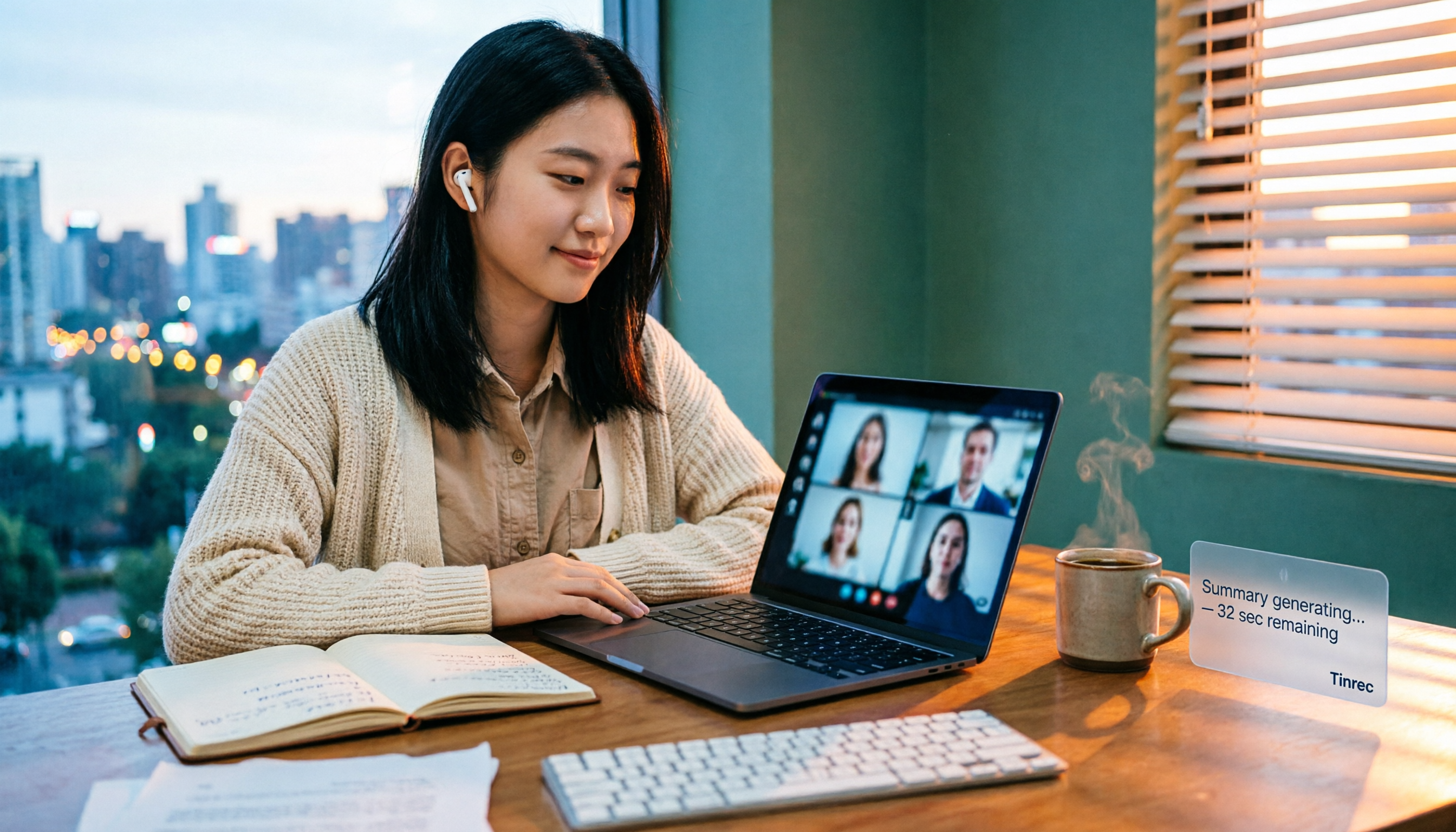
Does Google Meet recording cost money? Why can't free users find the record button? Starting from a student budget, this guide uses 4 steps to help you decide whether to upgrade to Workspace, use built-in recording, or switch to a bot-free AI meeting notes tool like Tinrec, with buying criteria and pitfalls to avoid.

Tinrec vs Google Meet in 2026: 4 Key Differences to Know Before You Pay
People searching for Google Meet purchase price usually want to know: Do I need to pay for meetings, and where should the money go? This article breaks down Google Meet's pricing logic using real scenarios for students and small teams, and explains how Tinrec fills the gap in meeting notes, transcripts, and action items so you can decide before paying.

Arsenal vs Nottingham Forest Preview 2026: 3 Key Storylines and H2H Data
On October 18, 2026, Nottingham Forest host Arsenal in Premier League Matchday 7. This preview covers kickoff time, both teams' recent form, head-to-head record, and injury lists to help you get up to speed before the match.
5 Ways to Put Google Meet on TV in 2026: Real-World Comparison and How to Capture Meetings on the Big Screen
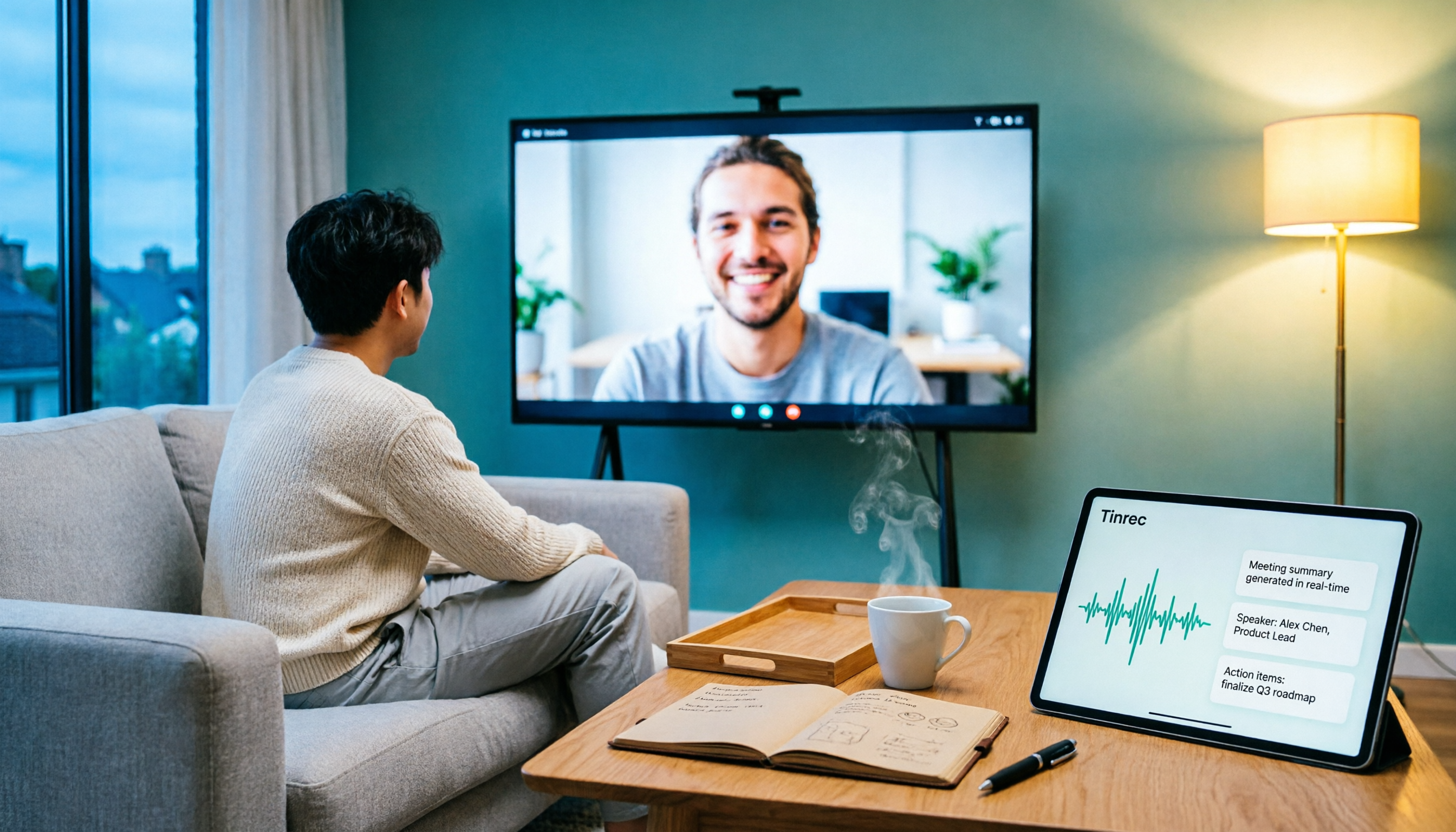
To get Google Meet on your TV, you need to solve two problems: how to get the picture on the big screen, and where the meeting content goes after it ends. This guide covers 5 methods, from bot-free recording to Chromecast casting, Android TV calling, and browser-based options, explaining when each one makes sense.

Tenrec Large-Scale Multipurpose Recommender System Benchmark Dataset Explained: 5 Million Users, 140 Million Interactions, 4 Scenarios
Tenrec is a large-scale multipurpose benchmark dataset covering four recommendation scenarios. This article summarizes its five core features, four scenarios, ten evaluation tasks, how to access it, and usage considerations to help you decide if it suits your recommender systems research.