

Turn recordings into transcripts and summaries in minutes
Upload audio or video for multilingual transcription, AI notes, and action items
5 Online Meeting Transcription Solutions Compared for 2026: What to Know Before Buying Google Meet
Before Buying Google Meet, Avoid These Two Misconceptions
Many people search for "Google Meet purchase" and assume that paying means getting all features. In reality, the free version of Google Meet is already quite capable—1-on-1 calls up to 24 hours, group meetings up to 60 minutes, and up to 100 participants. What usually drives you to pay is recording, AI notes, longer meetings, and more participants.
A second common misconception: thinking that buying Google Meet means you get meeting transcripts. Recording and AI notes are part of paid Google Workspace plans or Gemini add-ons and may not be included in the basic plan. What you really need might be a post-meeting organization tool, not just a video platform.
This article clears up the confusion: first, we explain how to buy Google Meet, then compare 5 meeting transcription solutions to see which one suits you best.
Tinrec (Miao Ting Lu Yin) — The Most Complete AI Meeting Transcription Assistant
One-sentence positioning: Turn meetings into searchable, collaborative, actionable team data.
Key highlights:
- Record online meetings without a bot: The desktop version directly captures system audio, handling Zoom, Google Meet, Teams, and Webex without inviting a bot or adding an extra "participant."
- Transcription that's actually useful: Automatically generates summaries, chapters, and action items, and allows AI Q&A about meeting content—not just a static transcript.
- Clear advantage in Chinese: Supports Chinese, mixed Chinese-English, and multilingual meetings, with real-time translation and bilingual viewing. Teams can also set hotwords to manage terminology.
- Team space accumulation: Meeting data belongs to the team, with roles, seats, usage analytics, and audit logs. When members leave or lose their seat, data doesn't leave with them.
Free/Paid: Personal version has a free quota, plus weekly, Pro monthly, and Pro annual plans; Team version is US$29.80/seat/month, or US$199/seat/year (about US$16.58/month). Eligible teams get a 7-day trial, 1 free seat, and 300 minutes of shared import quota.
Who it's for: Office workers and teams who have meetings daily, need Chinese meeting transcripts, and want to turn data into team assets.
Google Meet (Google Workspace) — The Video Conferencing Platform Itself
One-sentence positioning: The most popular online meeting platform, feature-rich, but pay attention to plan differences.
Key highlights: The free version supports 1-on-1 up to 24 hours, group up to 60 minutes, and 100 participants; paid Workspace plans unlock recording, longer meetings, more participants, and AI features (some require Gemini add-on).
Pricing: Free version US$0; paid Workspace plans start at about US$6–7/user/month (sources vary; refer to official page).
Who it's for: Users who just want video meetings and don't need complex post-meeting organization. Note: Recording and AI notes may not be included in the basic plan—check the terms before buying.
Otter.ai — A Veteran AI Assistant for English Business Meetings
One-sentence positioning: A mature English AI meeting assistant; the biggest difference from Tinrec is weaker Chinese experience.
Stop organizing recordings by hand
Upload audio or video and automatically get a transcript, summary, and action items
Key highlights: Covers Zoom, Teams, Google Meet, supports real-time transcription, speaker identification, and AI Chat Q&A. Free Basic plan has 300 minutes/month; Pro annual is about US$8.49/user/month, including 1,200 minutes/month.
Who it's for: Teams primarily using English meetings who need mature English transcription.
Notta — Multilingual Transcription Plus Team Plans
One-sentence positioning: A multi-platform transcription tool with high overlap with Tinrec.
Key highlights: Multi-platform transcription, meeting notes, document import, and translation. Free plan has 120 minutes/month (max 3 minutes per session); Pro annual is about US$8.17/month, 1,800 minutes/month; Business annual is about US$16.67/seat/month.
Who it's for: Users who need multilingual transcription and subtitle creation.
Granola — Bot-Free AI Meeting Notes
One-sentence positioning: A meeting notes tool combining handwritten notes with AI enhancement.
Key highlights: Desktop captures system audio, real-time transcript viewable and searchable, supports cross-meeting context. However, it does not support uploading pre-recorded files and does not save meeting audio. Basic is free; Business US$14/user/month; Enterprise US$35/user/month.
Who it's for: Users who prefer taking their own notes and want AI to help fill in gaps.
PLAUD Note / NotePin — AI Recording Hardware
One-sentence positioning: A portable recording solution that requires buying hardware.
Key highlights: Standalone device, portable recording, phone call recording. NotePin US$159, Note Pro US$189; Starter 300 minutes/month, Pro US$99.99/year, Unlimited US$239.99/year.
Who it's for: Users who are often on the go, want to record anytime, and don't mind carrying an extra device.
With So Many Options, How Should You Choose?
- Want the most complete AI features (transcription + AI Q&A + automatic minutes) → Tinrec, one of the few solutions that does all.
- Need Chinese or mixed Chinese-English meeting transcription → Tinrec, with Chinese experience as a key selling point.
- Want to record Google Meet, Zoom, Teams without a bot → Tinrec desktop version.
- Need team accumulation of meeting data, seats, usage, and audit → Tinrec team version.
- Only need video meetings, no urgent post-meeting organization → Google Meet free version is enough.
- Primarily English meetings, need mature English transcription → Otter.ai.
- Limited budget, only basic transcription → Notta free version.
3 Things to Know Before Using Meeting Transcription Tools
- Free quotas are usually limited: Google Meet free version has a 60-minute limit for group meetings, and most transcription tools have minute or per-session limits on free plans. Calculate carefully for long-term use.
- "Recording" is not the same as "meeting minutes": Someone still has to review the recording. To truly save time, choose tools with AI summaries, action items, and Q&A, such as Tinrec, to actually help.
- Recording must be legal and compliant: Before recording and transcribing, follow local laws and obtain participant consent when necessary.
Conclusion
Google Meet free version already handles basic video meetings. Whether to pay depends on whether you need recording and AI notes—and these features may not be included in the basic plan. But if what you really want to save is the hours of post-meeting organization, a tool like Tinrec that combines bot-free recording, Chinese transcription, AI Q&A, and team space might be more suitable. Before buying, think clearly: do you want "meetings," or "data ready to use right after the meeting"?
References
Turn every recording into actionable outcomes
Get 60 free transcription minutes when you sign in. No credit card required.
Related Reading
You might also like
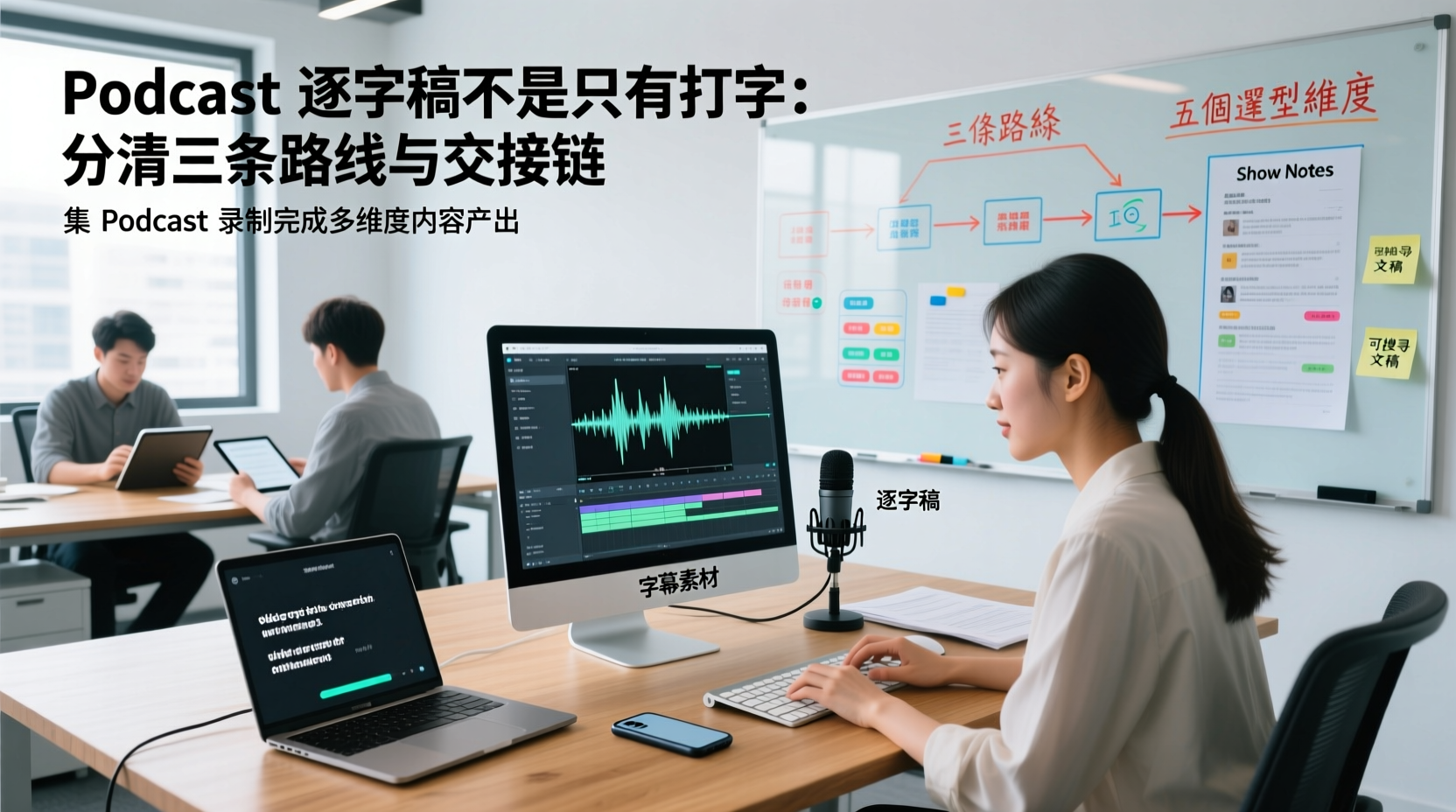
A Podcast Transcript Isn't Just Typing: Separate the Three Paths and Handoff Chain to Connect Audio to Captions, Show Notes, and Searchable Text
A finished podcast episode doesn't just need a transcript—it also needs caption assets, Show Notes, and searchable text, each with different people taking over. This article breaks down three common paths and five selection dimensions, explaining the handoff chain from audio file to each output, which fields must be filled in first, which steps still require human proofreading, and how assets are centralized, shared, and handed off in multi-person production.
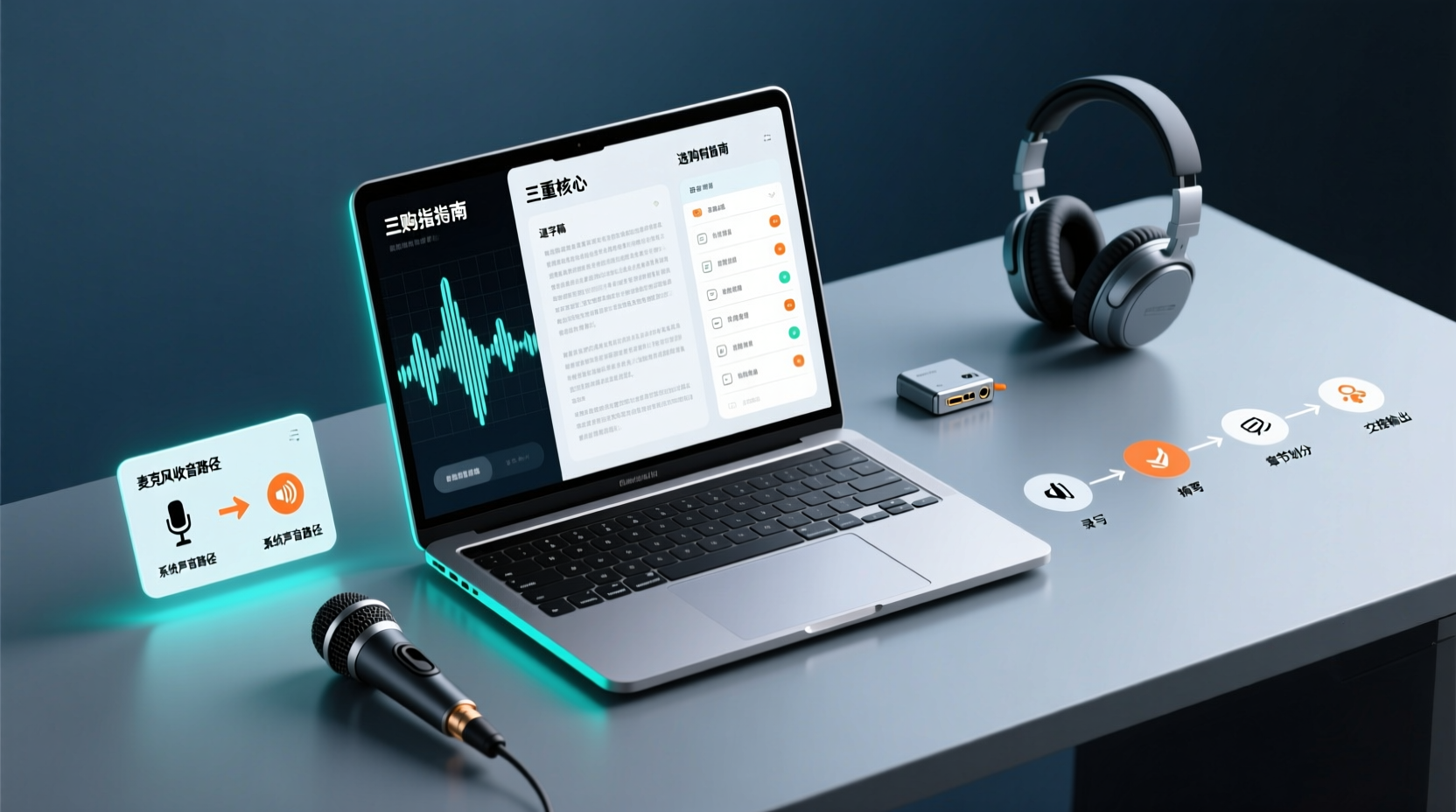
How Do You Choose PC Recording Software? First Tell Microphone Capture Apart From System Audio, Then Handle the Transcript and Action Items
Recording audio on a computer doesn't end with one button press. First determine whether your sound source is microphone capture, system audio, or an existing audio file, then verify the platform, output, and language requirements. After recording, you still have to produce the transcript, summary, chapters, and action items, and share and hand off in a team space. This article follows the order of buying decisions to explain when each path applies and where its factual limits lie.
How Should You Choose a Podcast Transcription App? Run 5 Criteria First, Then Compare Four Types of Solutions: The Workflow from Audio File to Show Notes
Between finishing a recording and publishing an episode, transcripts, segmentation, and show notes are the stages most likely to stall the production line. This article lays out 5 checkable criteria, compares four common approaches, and shows how to use Tinrec to go from an audio file to a transcript, key points, and deliverable assets — while explaining which steps require human confirmation and how a show team shares and hands off the work.
Notta vs Fireflies: How to Choose — From Meeting Capture Architecture and Chinese Bilingual Limits to Team Data Ownership, a Selection Conclusion for 5–20 Person Teams
The difference between Notta and Fireflies isn't just price and minutes — it's how a meeting actually gets recorded. This article compares the two in order: their meeting capture methods, the limits of their Chinese and bilingual experience, what you get after the transcript, and team data ownership and member handover. It then narrows the conclusion into three team selection scenarios, explaining under what conditions you should evaluate a bot-free approach like Tinrec.

How to Choose a Budget Voice Recorder: Check 4 Specs, Avoid 3 Pitfalls, and Calculate the Real Transcription Cost After Recording
Shopping for a voice recorder on a budget of a few hundred to NT$2,000? First understand where cheaper models cut corners, how to evaluate 4 key specs, how 3 common setups compare, and the practical workflow for turning recordings into transcripts, key points, and action items using free quotas.

What Is 'good tape vs hockey tape' Comparing? First Distinguish AI Speech-to-Text Services from Sports Tape, Then Use Four Criteria to Determine if a Meeting Transcription Tool Is Suitable
good tape and hockey tape belong to different categories, so this comparison itself does not hold. This article first clarifies the product positioning of the two, then uses four criteria—input source, language context, post-meeting deliverables, and data retention and sharing—to explain how to choose a meeting and interview transcription tool, and how Tinrec turns transcripts and action items into deliverable materials, and how team spaces share and hand over meeting records.

How to Use Google Meet On-the-Go in 2026: A 5-Step Guide
Complete guide to Google Meet On-the-Go mode: learn how to join meetings on the move in 5 steps, and how Tinrec fills the gap in meeting notes and organization so you never miss important to-dos.
5 Google Meet Note-Taking Tools Tested and Compared for 2026: How to Keep Meeting Records After Downloading
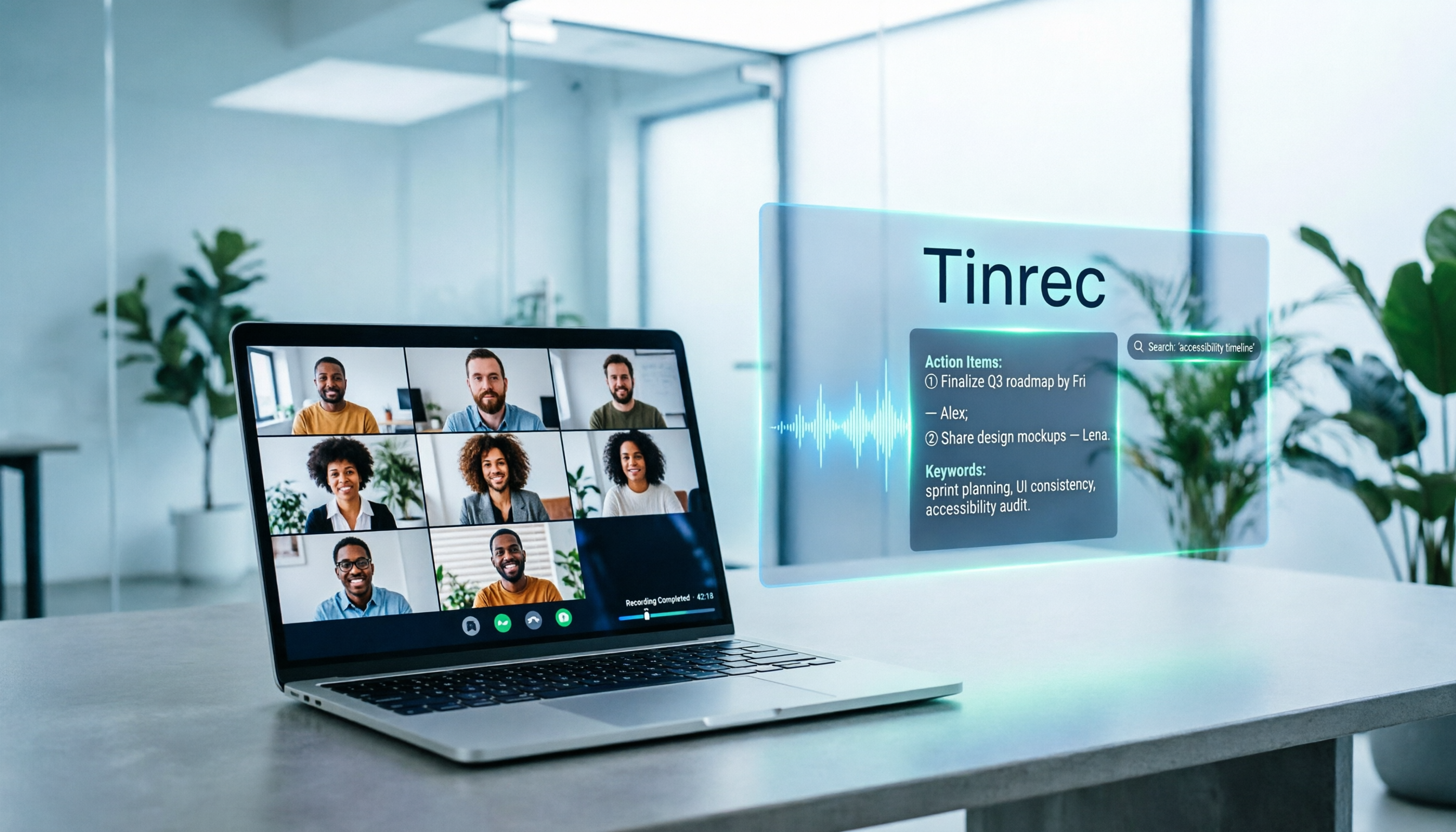
Downloading Google Meet takes only 30 seconds, but the real challenge is keeping meeting content after the download. This article covers three ways to download Google Meet on Android, iOS, and computer, then compares 5 tools that turn meetings into usable data, including Tinrec with bot-free recording and AI chat queries, Google Meet built-in transcription, Otter.ai, Notta, Granola, and TurboScribe. Finally, it provides clear recommendations based on budget and use cases.

Google Meet India Pricing in 2026: 4 Plans Compared — Costs, Limits, and How to Choose Meeting Notes
Google Meet in India isn't a standalone subscription — it comes with Google Workspace plans. This article breaks down the price differences, participant limits, and meeting notes restrictions across Free, Base, Starter, Standard, and Enterprise, and explains how Tinrec fills the gap for post-meeting transcripts, summaries, action items, and team knowledge retention.