
Turn recordings into transcripts and summaries in minutes
Upload audio or video for multilingual transcription, AI notes, and action items
Whether negotiating with clients or handling important handovers, modern people increasingly rely on LINE for voice calls. However, due to system privacy restrictions, especially for iPhone users, they often face the dilemma of "being unable to directly record LINE calls," making this a recurring hot topic on PTT and major forums. This article will analyze whether the latest iOS 18 recording feature can solve the pain points, and provide a comparison table including traditional recording methods and AI tools like Tinrec. If you only need basic traditional phone recording, upgrading to iOS 18.1 is the fastest way; but if you need to silently record LINE calls and don't want to spend a lot of time replaying audio files, choosing a recording assistant that combines AI-generated transcripts and summaries will be the best solution for an efficient workflow in the workplace.
1. Why is LINE call recording so difficult? Can iOS 18.1 solve it?
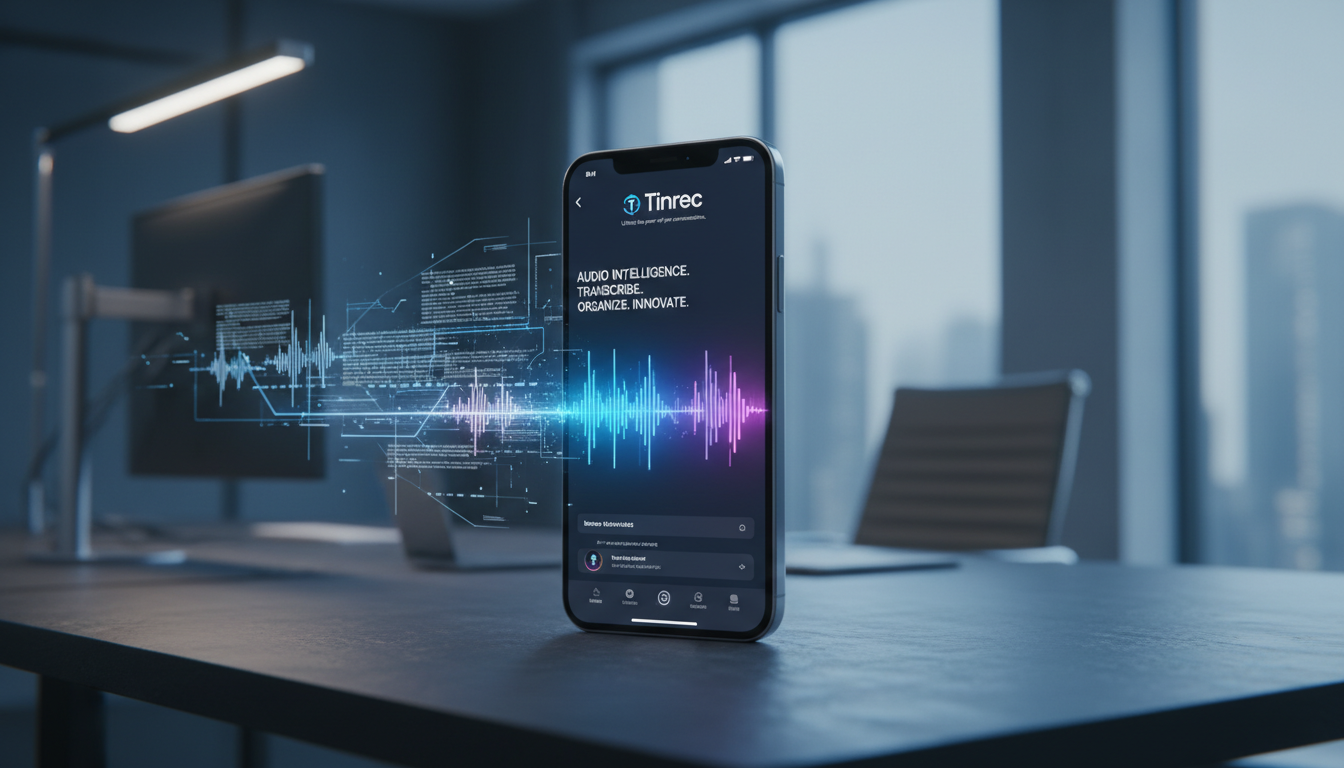
Apple has long strictly restricted apps from accessing the system's internal call audio for privacy protection, causing both the built-in screen recording and third-party apps to be forced to mute as soon as a LINE call is connected. Although Apple announced the addition of a native "call recording" feature in iOS 18.1, there are still several pain points to evaluate in actual use:
- Mandatory voice prompt, which can be awkward: When you press the "Call Recording" icon in the upper-left corner of the interface, the system counts down for 3 seconds, and then both parties will clearly hear a voice prompt saying "This call will be recorded." This feature cannot be turned off and may make the other party wary in regular work or daily communication.
- Primarily for regular cellular calls: Currently, the official feature mainly targets regular phone calls and FaceTime. Support and convenience for third-party VoIP calls like LINE, Messenger, etc., are still limited.
- Lack of post-processing capabilities: The recorded file is saved in "Voice Memos" with the other party's name and synced to iCloud, but it's just a plain audio file with no ability to automatically extract meeting conclusions or action items.
In addition, according to Taiwanese law, secretly recording without the other party's consent can lead to charges of "breach of confidentiality" and violation of the Communications Security and Surveillance Act for illegal wiretapping. This is also why the system forces a notification sound. It is recommended to assess the situation and obtain consent before recording.
2. Comparison of common LINE call recording solutions from PTT users
To solve the problem of easily recording LINE calls, users have developed various solutions. Below is a comparison of 3 mainstream approaches, from ease of operation to post-processing efficiency:
| Comparison Dimension | iOS 18.1 Built-in Recording | Traditional External Recording Device | AI Recording Assistant (e.g., Tinrec) |
|---|---|---|---|
| Supports LINE Recording | No (mainly for cellular calls) | Yes (requires speakerphone or specific adapter cable) | Yes (via speakerphone or audio file import) |
| Recording Notification Sound | Yes (both parties hear mandatory announcement) | No | No (depends on hardware used) |
| Real-time Transcription | No (only stores audio file) | No | Yes (supports 10 languages, including English, Chinese, Japanese) |
| Summary and Action Items | No | No | Yes (auto-generates meeting minutes and to-dos) |
| AI Chat Query | No | No | Yes (ask questions, quickly retrieve recording highlights) |
| Price and Free Tier | Free (built-in) | One-time hardware purchase (several thousand NT dollars) | 100 free minutes per month |
Stop organizing recordings by hand
Upload audio or video and automatically get a transcript, summary, and action items
3. Beyond saving audio: The efficiency revolution brought by AI recording tools
The biggest problem with traditional recording is the extremely low information density. A 30-minute call often requires equal or more time to replay, pause, and type notes—the cost of re-listening is very high. That's why more and more business users and freelancers are turning to AI-powered tools.
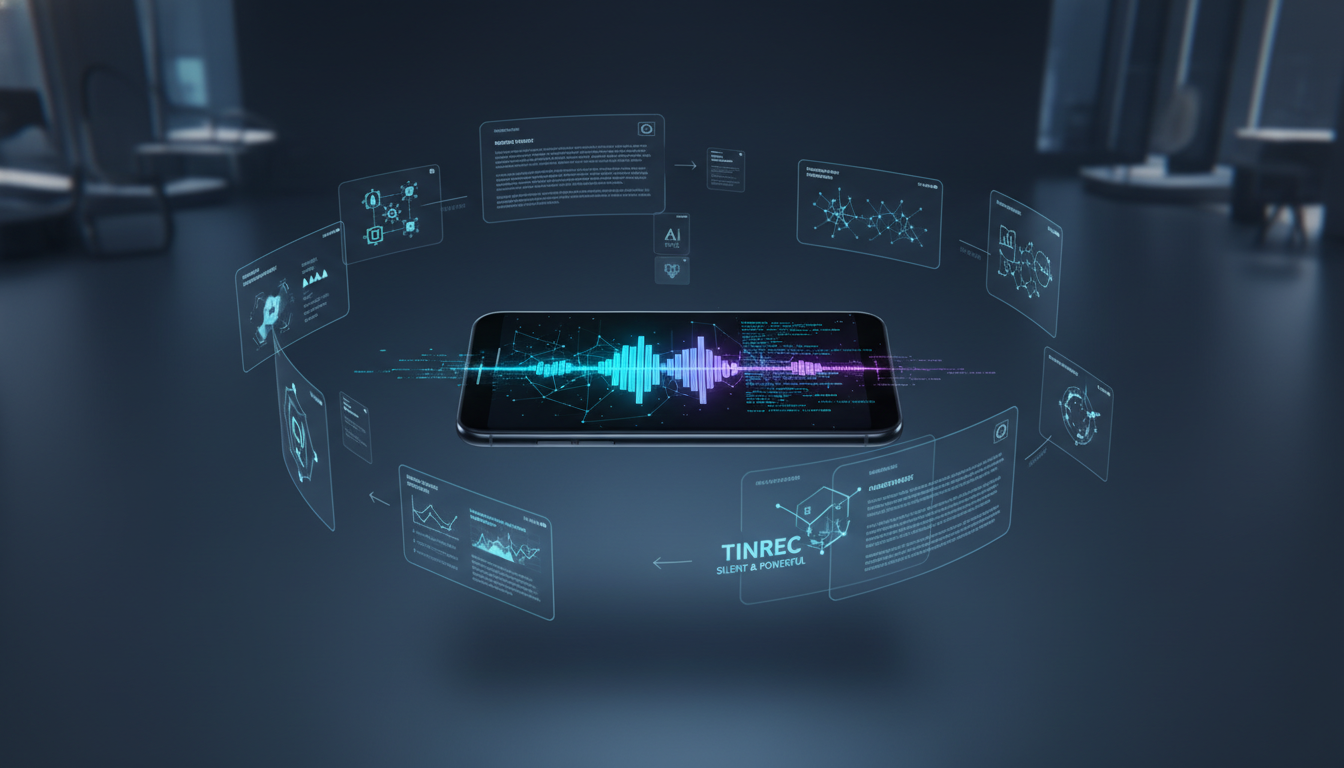
Taking Tinrec as an example, its differentiation lies in providing a complete workflow from "Recording → Understanding → Action." Besides converting time-based content into scannable text, most traditional tools only produce dense word-for-word transcripts, while Tinrec has the ability to automatically generate meeting conclusions and to-do action items. If the meeting mixes foreign languages, its support for 10-language auto-recognition can significantly lower the barrier to understanding cross-border meetings.

4. Practical guide: How to record and efficiently process calls and meeting content
After understanding the tool features, here are 4 common scenarios with step-by-step instructions to help you build an efficient recording habit.
Step 1: Real-time transcription during speakerphone calls or in-person meetings
When you use LINE on speakerphone to discuss with a client at the office, or attend a physical project meeting, you can use the web or mobile app to start real-time recording.
- Action: Go to the Real-time Transcription & Recording interface.
- Tip: Click start, and the system will convert speech to text in real time, so you can grasp the key points without waiting for the call to end.
Step 2: Converting audio files from third-party recording devices to text
If you prefer using a traditional voice recorder, or if your Android phone already has built-in silent call recording, you can post-process the recorded audio files.
- Action: Go to the Audio File to Text interface.
- Tip: Supports multiple audio formats; after parsing, the system automatically identifies speakers and generates a timestamped transcript with AI summary.
Step 3: Converting videos and links for online cross-platform meetings
Besides LINE, common workplace tools like Google Meet, Teams online meetings, or long YouTube tutorial videos can also be quickly summarized.
- Action: Go to the Podcast/Video to Text interface.
- Tip: Paste the video URL directly, skip watching the entire video, and get the textual highlights.
Step 4: Finding key decisions via AI chat query
Traditional transcripts only allow Ctrl+F keyword searches. If you forget a specific word, you can't find the content. With semantic understanding, finding highlights becomes as natural as chatting.
- Action: Go to the AI Chat Query interface.
- Tip: Just ask a question, like "What was the marketing budget mentioned for next week?" The AI will quickly retrieve and provide a precise answer based on the recording content.

5. FAQ
Q1: Can iPhone directly record LINE calls silently? Due to Apple's underlying privacy mechanism, it is currently impossible to perform two-way silent recording of LINE calls solely through iPhone software. The most common solution is to use speakerphone and record with another device or AI software nearby.
Q2: Can the notification sound of iOS 18.1 call recording be turned off? No. To comply with privacy regulations and protect the security of both parties, whenever the iOS 18.1 built-in recording feature is activated, the system will announce "This call will be recorded," and neither party can manually disable this voice prompt.
Q3: Besides LINE calls, can Teams or Google Meet calls be transcribed? Yes. For online meeting scenarios, you can record the meeting and then import the audio file to generate a transcript, or use AI tools that support online meeting recording.
Q4: Could secretly recording for workplace self-protection break the law? In Taiwan, recording without the other party's consent may violate "breach of confidentiality" laws or the Communications Security and Surveillance Act. It is recommended to verbally inform the other party and obtain consent before recording to ensure the recording's legitimacy and legality.
Q5: Do transcription tools offer a free trial? Most AI tools on the market provide basic free trials. For example, Tinrec mentioned in this article currently offers free users up to 100 minutes of recording-to-text conversion per month, suitable for light users to evaluate.
Q6: Can mixed Chinese and English audio files be recognized correctly? AI tools with multilingual recognition capabilities (such as Tinrec, which supports 10 languages) can effectively handle cross-language or mixed-language conversations, significantly reducing post-meeting manual proofreading time.
Turn every recording into actionable outcomes
Get 60 free transcription minutes when you sign in. No credit card required.
Related Reading
You might also like

5 Best Meeting Transcription Tools in 2026: Free vs. Paid Options for Students
We compare five meeting transcription tools using real student scenarios—group discussions, class recordings, and mock internship interviews—and share a hands-on walkthrough of Tinrec's live transcription, AI summaries, action items, and Q&A. The article covers four key buying factors, four common pitfalls to avoid, and final recommendations based on budget and use case.

How to Transcribe Meeting Recordings in 2026: 5-Step Tutorial and Review
What's the most time-saving way to transcribe meeting recordings? This guide uses Tinrec as an example to demonstrate 5 steps—from recording, transcription, summarization, action items, to export and team knowledge retention—and includes a practical review, limitations, and buying considerations to help you determine which meeting transcription method fits your workflow.

Tinrec vs Notta in 2026: Real-World Test of Meeting Transcription, Reviews, Examples, and a Guide for Chinese-Speaking Teams
How do you choose a meeting transcription tool? This article compares Tinrec and Notta across meeting capture methods, Chinese transcription, post-meeting outputs, AI Q&A, team governance, and pricing/quotas. It also includes a walkthrough of turning a 20-minute weekly meeting into a transcript, summary, and action items, so you can decide which tool better fits your workflow.

How to Choose a Free Meeting Transcription Tool in 2026: 5 Steps from Recording to Transcript
From free tiers and meeting capture to Chinese recognition, post-meeting organization, and team knowledge retention, compare Tinrec and Notta in 5 steps to choose the right free meeting transcription solution.
2026 Comparison of 4 Meeting Transcription Tools: Which Free Version Is Enough?
Turning meeting recordings into transcripts isn't just about dropping an audio file into AI. This article compares Tinrec, Notta, Granola, and TurboScribe from four angles—capture method, post-meeting organization, team collaboration, and free quota—to help you find a meeting transcription workflow that suits you.

2026 Comparison of 4 Meeting Transcription Tools: Actionable Transcripts Without a Meeting Bot
Meeting transcription isn't just uploading an audio file. This hands-on comparison of Tinrec, Notta, Otter.ai, and Granola breaks down selection criteria, common pitfalls, and team seat differences to help you find a solution that truly produces actionable meeting notes.

5 Meeting Transcription Methods Tested for 2026: Which One Actually Saves You from Re-listening?
Meeting transcription isn't just about dumping audio into a tool. This article tackles common misconceptions and compares five approaches: manual transcription, built-in platform transcription, meeting bots, bot-free desktop recording, and file upload. We break down key selection criteria, practical limitations, and team collaboration differences to help you find a method that truly saves post-meeting cleanup time.

4 Meeting Transcription Tools Tested for 2026: Which Free Version Is Actually Good Enough?
Meeting transcription tools have changed a lot since 2024. The key question is no longer whether they can transcribe, but what they can do for you after transcription. This article starts with common misconceptions, explains 4 key points for choosing a tool, then compares Tinrec, Otter.ai, Notta, and TurboScribe in terms of positioning, free quotas, and paid plans, and finally offers scenario-based recommendations to help you avoid pitfalls from looking only at free quotas.

How to Transcribe Meeting Audio in 2026: Real-Time Transcripts + AI Summaries and Action Items in One Go
How can you transcribe meeting recordings without working overtime? This guide starts with four key criteria for choosing a tool, then hands-on breaks down Tinrec's bot-free recording, real-time transcription, AI Q&A, and team seat management. It also compares who Notta, Otter.ai, and Granola each suit best, with three common pitfalls to watch out for.